
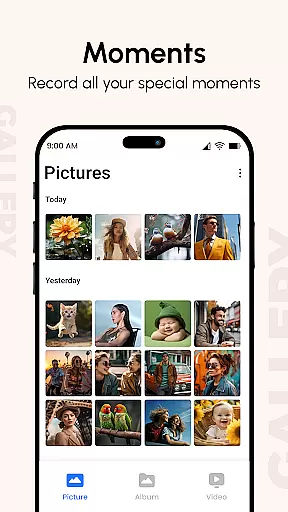
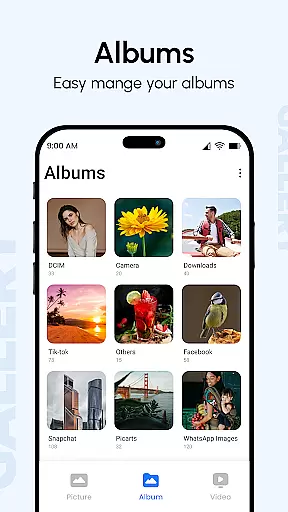
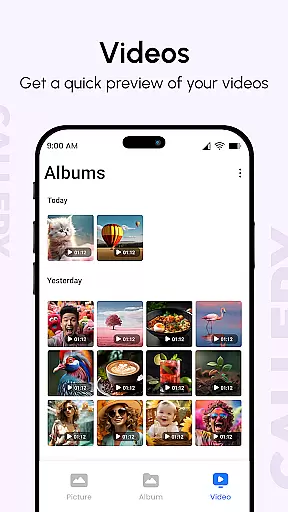
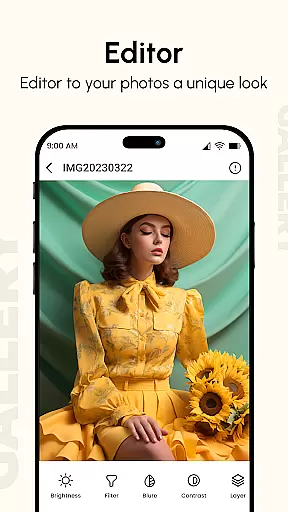
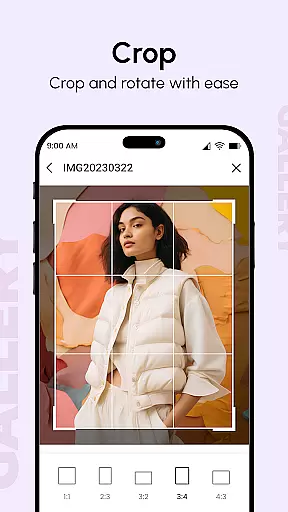
Gallery is a comprehensive productivity app designed to help users manage, enhance, and share their digital memories. This app consolidates photos and videos from all your devices, offering tools to improve image quality and organize them into visually appealing albums. With features like Photo View, users can access detailed information about each photo, including location and camera specifications.
The Gallery app stands out with its unique functionalities such as instant photo access, quick replies, and reminders from the after-call screen. Users can create flexible slideshows, hide private content behind a PIN code, and enjoy advanced metadata-based search capabilities. The app supports various file types, ensuring that whether you're handling images, GIFs, or videos, your media is beautifully sorted and easily accessible.
Ideal for both casual users and photography enthusiasts, Gallery provides a secure and efficient way to handle your digital library. Its user-friendly interface and powerful editing tools make it an essential app for anyone looking to maintain an organized and private collection of their cherished memories.
Gallery offers a rich set of features tailored to enhance your photo management experience. One of its standout capabilities is the Photo Slideshow feature, which allows users to configure every aspect of their presentations effortlessly. You can select specific photos and videos to generate stunning slideshow galleries instantly, complete with customizable transitions.
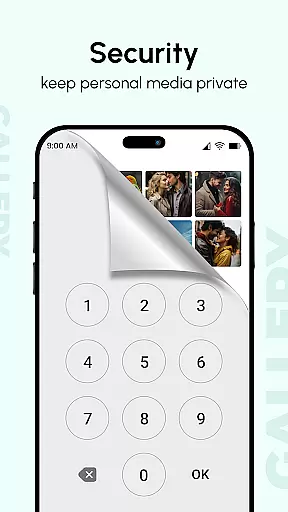
Privacy is a significant focus within the Gallery app. It includes Hide it Pro functionality, enabling users to conceal sensitive photos and videos behind a secret PIN. Additionally, the app provides password protection for locking pictures and videos, ensuring your private content remains secure. Metadata support (EXIF, XMP, IPTC) allows for detailed searches and organization based on technical details captured in your images.
For those seeking efficiency, Gallery delivers quick app launching and smooth navigation optimized for large screens. Multiple finger gestures facilitate intuitive interactions, making photo management seamless. Whether you need to recover lost files through straightforward methods or utilize smart modes for intelligent organization, Gallery equips you with the tools necessary to maintain an impeccable digital archive.
Gallery offers a comprehensive approach to managing your digital memories, ensuring that every photo and video is organized effectively. This app brings together media from all your devices, creating a centralized hub for your images and videos.
The app enhances your photos, making them look better while organizing them into visually appealing albums. With features like metadata viewing (EXIF, XMP, IPTC), you can access detailed information about each photo, such as location and camera settings, providing a richer experience.
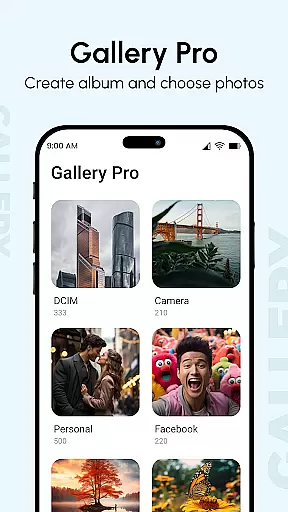
Users benefit from the app's ability to create albums based on tags, dates, and folders, streamlining the way you interact with your collection. The smart organization ensures that your media library is both navigable and enjoyable, saving time when searching for specific memories.
One of Gallery's standout features is its reliable cross-device synchronization, which ensures that your photos and videos are accessible no matter where you are. By syncing media across all your devices, the app provides a seamless experience for users who switch between smartphones, tablets, and computers.
This synchronization process is not only reliable but also fast, allowing instant access to your latest captures. Whether you're at home or on the go, your media library updates in real-time, reflecting changes made on any device.
With this feature, users can easily share their experiences with friends and family without worrying about losing precious moments. The assurance of having your data safely synced across devices adds an extra layer of convenience and peace of mind.
User-friendly interface
Advanced privacy options
Flexible slideshow creation
Comprehensive metadata support
Efficient file recovery process
Limited third-party integrations
Occasional performance lags
Ads in free version
Complex settings for beginners
Inconsistent customer support

Device's storage information in a simple and clear graphical form (infographics)
 4.10
4.10
Pwnagotchi companion app
4.20
ID.me Authenticator is a simple and free Two Factor Authentication solution
3.50
A comprehensive suite of tools designed specifically for Lactation Consultants
4.0
Best Tool for the professionals Electrician, Electrical contractors, etc.
4.90
Okta MFA
4.70
Daily processing of PDF documents.
4.40
Put a lock on your cloud: Take the security of your data into your own hands
3.70
Note taking, handwriting, record audio, PDF annotation, planner & journal
4.20
We're working to become the best machining app on the market! www.cncdirt.com
4.80
Client for Nextcloud Deck
4.60
All document reader, all in one file viewer read PDF, DOCX, XLS, PPT, TXT files.
4.60
Send files, sync SMS, notifications & clipboard across devices via local network
4.40
A Pixel Art watchface inspired by other iconic 90s designs for Wear OS devices!
4.40
Customizable calendar widget for seamless event sync, planning & scheduling.
4.00
Create and edit presentations with Google Slides, part of Google Workspace.
4.00
Simple and reliable communication between inmates, friends and family
3.20
Easiest event planning, volunteer signups & parent teacher conference scheduling
2.20
A simple, portable logger for POTA, SOTA, Field Day, and more
4.3


User Reviews