
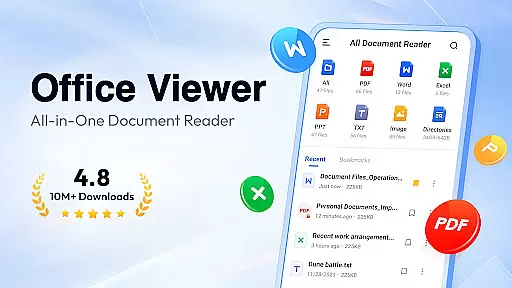
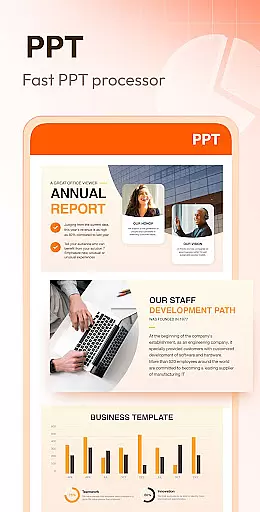
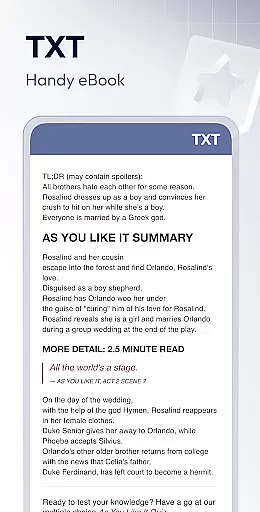
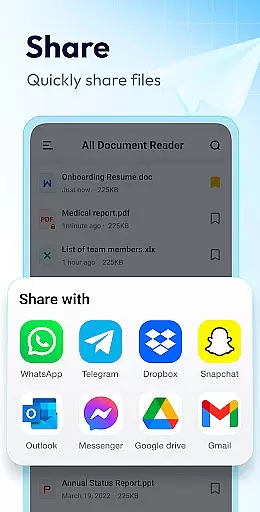
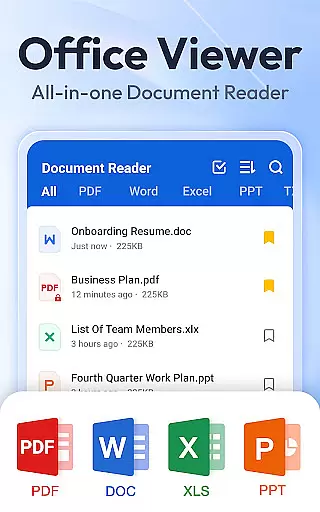
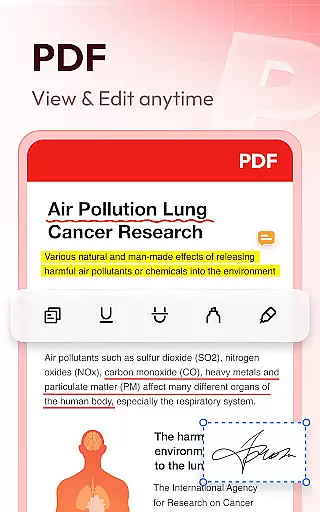
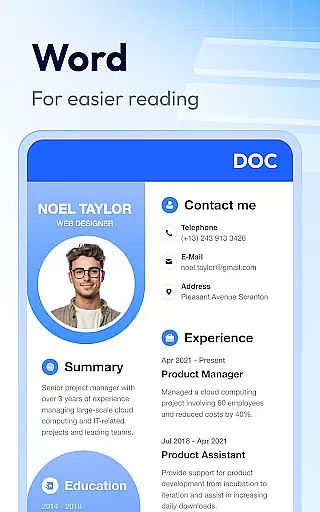
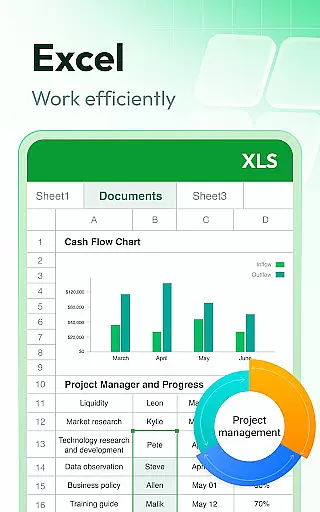
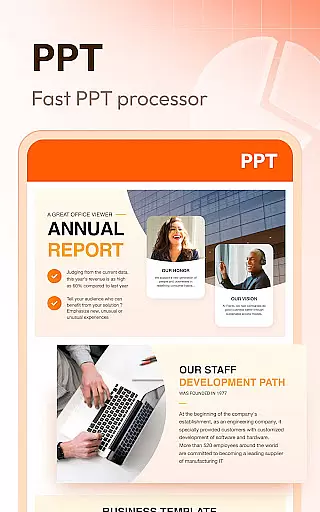
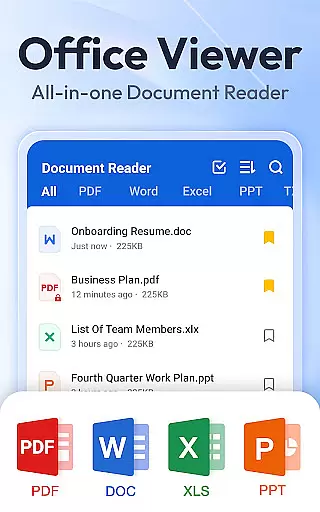
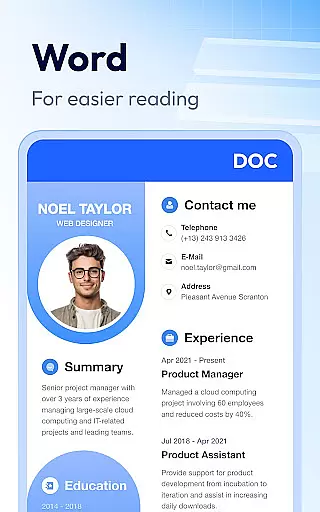
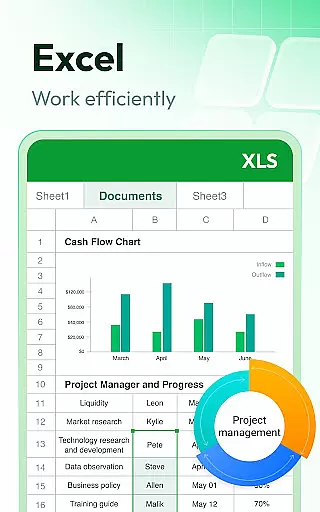
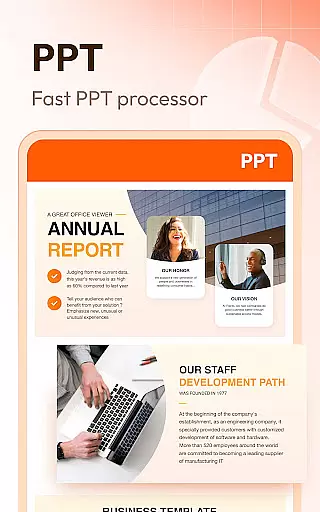
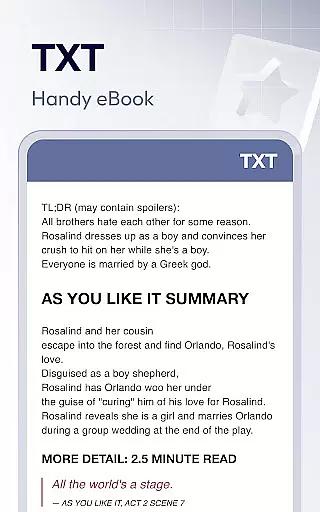
Document Reader & PDF Editor is a versatile productivity tool designed for seamless document management across various formats. This all-in-one solution supports PDF, Word, Excel, PowerPoint, and TXT files, providing users with an intuitive interface for quick access and organization. The app's compatibility with all office formats ensures that professionals can view and manage their documents efficiently.
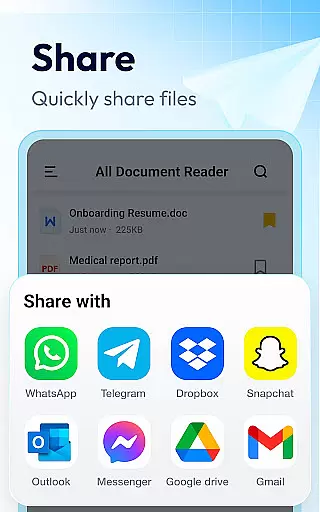
Beyond basic viewing capabilities, Document Reader offers advanced features such as bookmarking, offline access, and customizable file lists. Users can easily search, sort, and manage files by various parameters like file path, size, or last edit date. Whether you need to zoom in on PDF pages, print documents directly, or switch between reading modes, this app delivers a comprehensive document management experience.
Ideal for mobile professionals, the app enables users to handle office tasks on the go without internet connectivity. Its lightweight design and simple navigation make it perfect for business travelers and remote workers who require reliable document access anytime, anywhere.
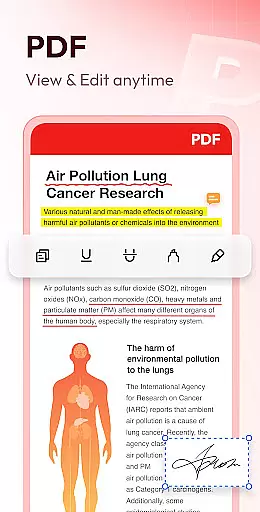
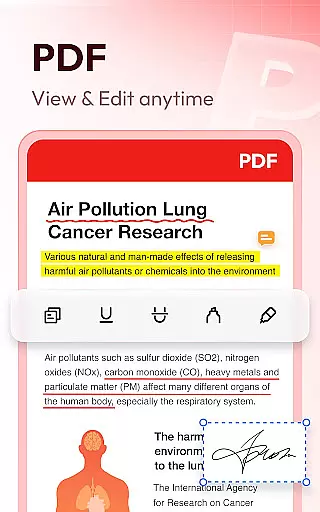
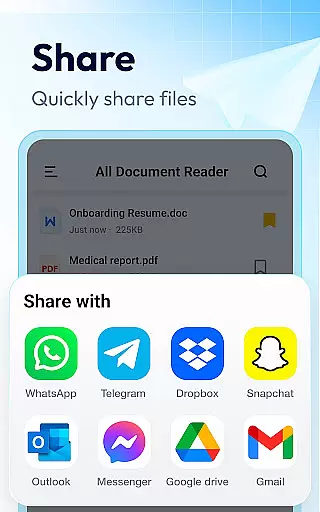
Document Reader & PDF Editor distinguishes itself through its extensive format support and specialized viewing modes. The app handles PDF files with precision, allowing users to zoom in/out, jump to specific pages, and switch between landscape and portrait modes effortlessly. Its advanced printing and sharing capabilities ensure that PDF management remains efficient and user-friendly.
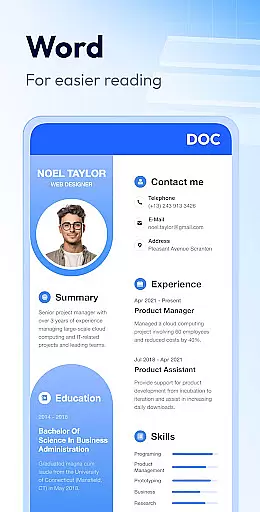
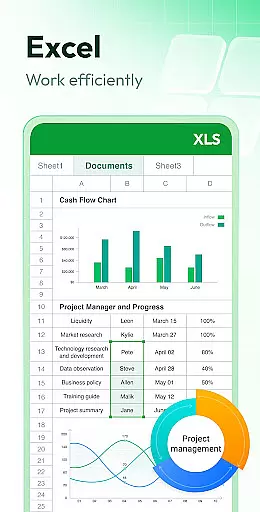
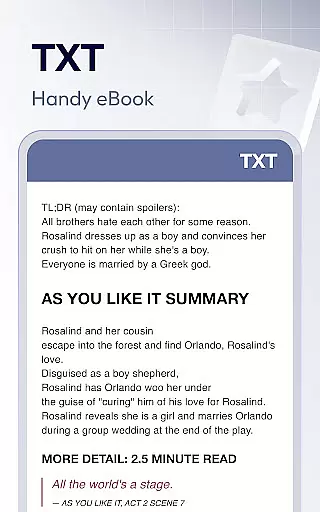
For Word documents, the app provides a robust viewing experience with quick search functionality and multiple sorting options. Excel and Text files benefit from straightforward data access, while PowerPoint presentations are displayed with HD quality and stable performance. The app's ability to maintain document formatting across all supported types ensures professional-grade viewing every time.
Additional features include image to PDF conversion, night mode for comfortable reading, and text search within documents. These capabilities, combined with planned enhancements for RAR, ZIP, and MOBI support, position Document Reader as a comprehensive solution for modern document management needs.
Document Reader & PDF Editor excels in core task management by offering an all-in-one solution for handling various document formats. This app supports a wide array of file types including PDF, DOC, XLS, PPT, and TXT, allowing users to manage their documents efficiently within a single platform.
The application's interface is designed for simplicity and clarity, providing users with well-organized file lists that facilitate quick searches and easy navigation. With features such as bookmarking, users can swiftly access frequently used documents without the need to sift through folders repeatedly.
Moreover, Document Reader ensures that productivity is not hampered by connectivity issues, as it allows offline reading and management of files. This means you have the freedom to work on your documents anytime, anywhere, without being tethered to an internet connection.
By streamlining document-related tasks into one intuitive application, Document Reader & PDF Editor empowers users to maintain control over their workflow, thus enhancing overall productivity.
Cross-device synchronization is a pivotal feature for those who use multiple devices throughout their day. Document Reader & PDF Editor addresses this need by ensuring reliable synchronization across different platforms, which means users can seamlessly transition from one device to another without losing track of their work.
While the current version of the app focuses on standalone functionality, its developers are attentive to user needs and have future updates planned. These will likely enhance cross-device operability, making certain that whether you're switching from your phone to a tablet or desktop, your documents remain up-to-date and accessible.
In anticipation of these developments, the app already lays a solid foundation with its comprehensive support for various document formats. Users can expect that upcoming enhancements will further bolster the appu2019s ability to keep their files synchronized in real-time.
With an eye towards continuous improvement, Document Reader & PDF Editor aims to provide a dependable service where users won't miss a beat when moving between devices, thereby maintaining consistent productivity regardless of location or device preference.
User-friendly interface
Offline functionality
Multi-format support
Quick search feature
HD display quality
Limited editing tools
No cloud integration
Premium features locked
Occasional bugs
Ads in free version

When you Focus, so will your Bean in this cozy focus timer
 4.30
4.30
Mind Map and brainstorm, note taking and idea collection
4.80
Device's storage information in a simple and clear graphical form (infographics)
4.10
ID.me Authenticator is a simple and free Two Factor Authentication solution
3.50
Create and edit presentations with Google Slides, part of Google Workspace.
4.00
Access, manage and transfer files on Android, PC, Mac, NAS and cloud storages.
4.30
Experience and share your SolidWorks designs on your Android® phone and tablet.
2.50
AI Chatbot and AI writing assistant powered by ChatGPT.
4.60
QuickEdit is a fast, stable and full featured text and code editor.
4.20
Use powerful, industry-leading AI tools to generate visual charts from any data
4.80
QuickBooks Workforce lets teams view pay info and track time in one place.
4.70
The long-awaited modern gallery app for your Nextcloud server
4.70
The Pro Version of Android's tiniest Notepad app. Just 0.3MB but feature-packed!
4.60
PDF scanner & converter for files, photos, lottery, QR codes. One swipe away!
4.50
CalenGoo is a very flexible and feature-rich calendar app
4.40
Easily read and manage all your PDF files
4.10
Todo reminder
4.10
Secure, open-source, SPICE and SSH Remote Desktop for QEMU KVM virtual machines
4.00
Simple and reliable communication between inmates, friends and family
3.20


User Reviews