
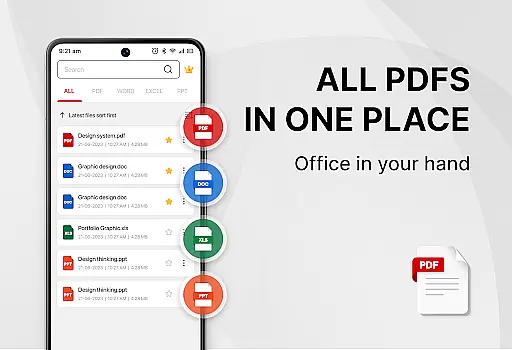
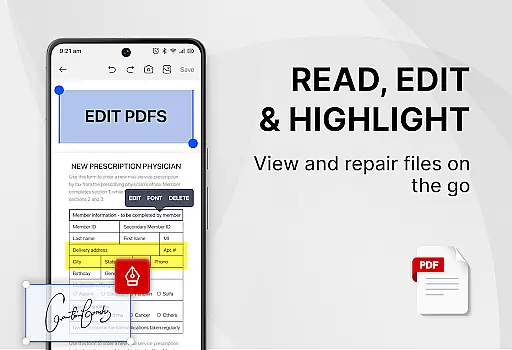
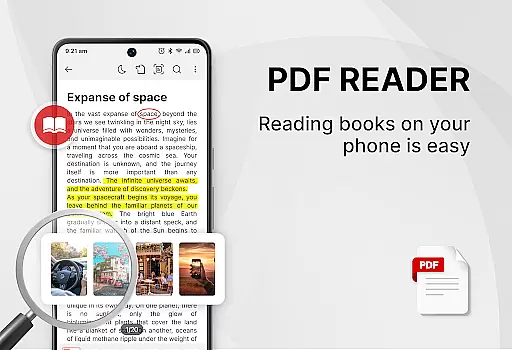
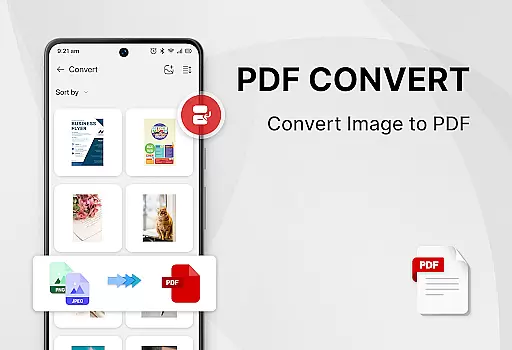
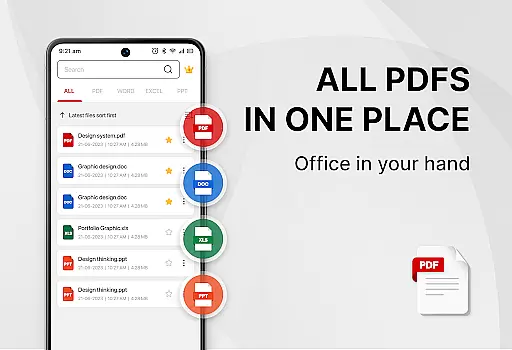
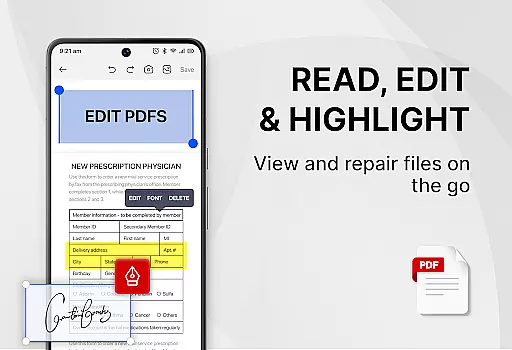
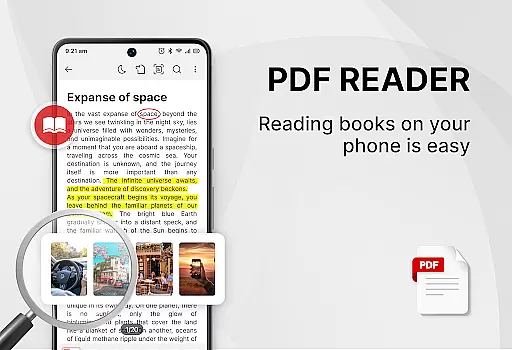
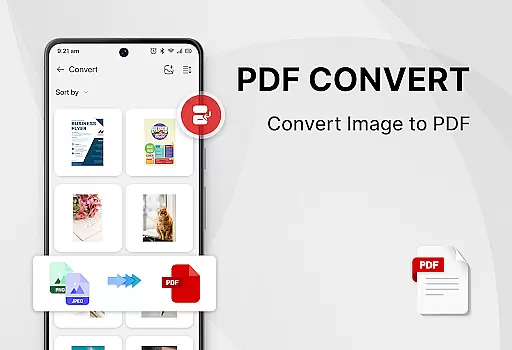
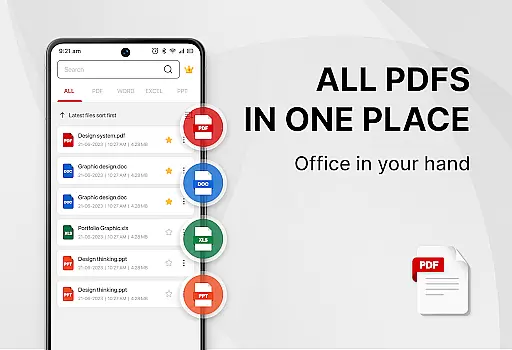
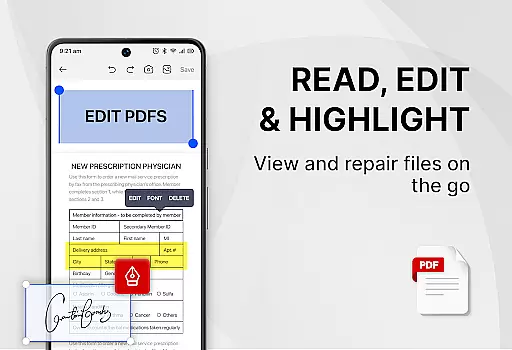
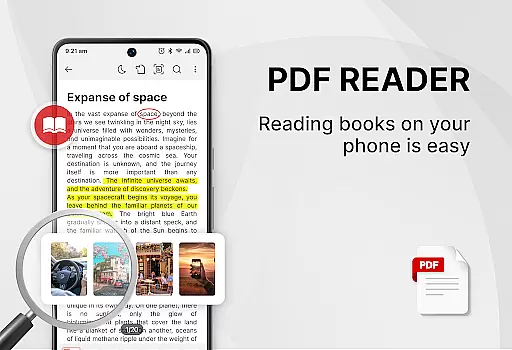
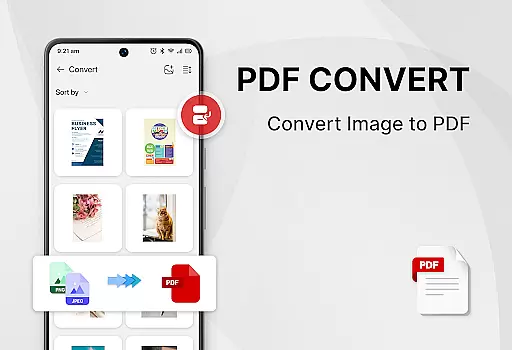
PDF Reader - Smart PDF Viewer is a comprehensive productivity app designed for managing and reading various document formats on Android devices. This free application allows users to effortlessly handle PDF files, offering features such as e-signature addition, PDF to image conversion, merging and splitting of PDFs, and sharing capabilities.
In addition to its primary function as a PDF reader, the app also serves as an ebook viewer and PDF editor, providing users with an all-in-one solution for document management. Its intuitive interface supports quick file searches, easy navigation through recently opened documents, and one-click switching between light and dark modes, enhancing both work and study efficiency.
The app boasts a wide array of features that cater to diverse user needs. It supports reading multiple document formats including PDFs, Word, Excel, and PPT files. Users can benefit from powerful tools like adding e-signatures, converting images or scanned papers into PDFs, and transforming Word documents into PDF format.
Advanced functionalities include the ability to search and copy text within PDFs, merge and split PDF files, and set passwords for document protection. These features ensure that users can manage their documents securely and efficiently, making PDF Reader - Smart PDF Viewer an indispensable tool for personal and professional use.
Task management is a cornerstone of productivity applications, and the PDF Reader - Smart PDF Viewer excels in this area by offering users comprehensive tools to handle their documents efficiently. This app allows for the organization, reading, and editing of various document formats including PDFs, Word files, Excel sheets, and PPTs.
The application's functionality extends beyond mere viewing; it incorporates features such as smart search capabilities that make locating specific files effortless. Additionally, its ability to manage recently opened documents in an accessible list format ensures that users can quickly return to their last viewed content without hassle.
Users benefit from having an all-in-one solution that not only views but also edits and converts documents. With options to add e-signatures, convert images or scans into PDFs, merge and split PDFs, and even set passwords for document protection, individuals are equipped with everything needed to streamline their workflow.
This level of integration provides significant value by consolidating multiple functions into a single app, thus eliminating the need for separate tools and making it an indispensable asset for both personal and professional use.
Cross-device synchronization is vital for users who operate on multiple platforms and need consistent access to their documents. The PDF Reader - Smart PDF Viewer addresses this necessity by ensuring reliable data consistency across different devices, which is crucial for maintaining productivity regardless of location or device used.
While the app description does not explicitly detail cloud-based syncing features, it implies connectivity through its request for MANAGE_EXTERNAL_STORAGE permission. This suggests that the app manages local storage effectively, allowing users to maintain an organized repository of their documents that can be accessed from any compatible device with appropriate permissions.
By providing free access to all its features, including powerful PDF tools like adding e-signatures, converting files between formats, and securing documents with passwords, the app ensures that these capabilities are available consistently across devices where the user has installed it.
For professionals and students alike, having dependable cross-device functionality means enhanced flexibility and peace of mind knowing that important files are always within reachu2014securely stored yet readily accessible whenever required.
User-friendly interface
Comprehensive format support
Free powerful tools
Efficient document management
Enhanced security options
Requires storage permission
Limited offline help
No cloud sync
Occasional ads
Basic UI design

Secure, fast, open-source, VNC and SSH Remote Desktop for Windows, Linux and Mac
 4.70
4.70
Experience real multitasking on your Android!
4.00
Unlock AutoNotification
4.00
Make your handwriting beautiful, even more than pen on paper.
3.60
AT&T Internet customers can use this app to personalize their Wi-Fi network.
4.40
Seamlessly read, manage, and organize all your PDF files solution in one place
4.40
Set up, print, and get support—in one place
4.20
Put a lock on your cloud: Take the security of your data into your own hands
3.70
QuickEdit is a fast, stable and full featured text and code editor.
4.20
A simple Whisper AI keyboard for reliable speech transcription and rewording
4.60
Lightweight PDF, Word, Excel reader.
4.60
Tally and goal counter for Wear OS & mobile
4.50
Share files & memories safely. Keep your photos and videos secure.
4.40
Access, manage and transfer files on Android, PC, Mac, NAS and cloud storages.
4.30
Total remote control for your Android device, PC and cloud services (IFTTT)!
4.20
Device's storage information in a simple and clear graphical form (infographics)
4.10
The ultimate file manager for rooted devices. The original and still the best.
4.00
Easiest event planning, volunteer signups & parent teacher conference scheduling
2.20
A comprehensive suite of tools designed specifically for Lactation Consultants
4.4


User Reviews