
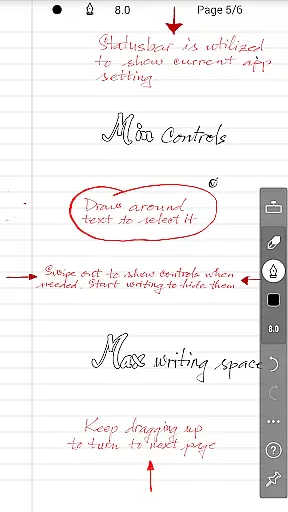
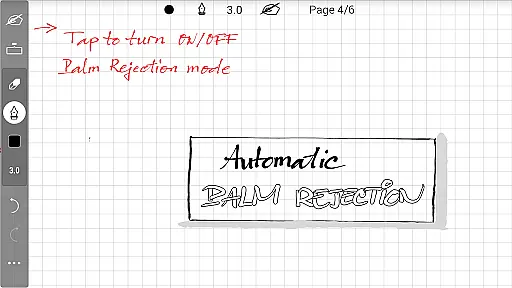
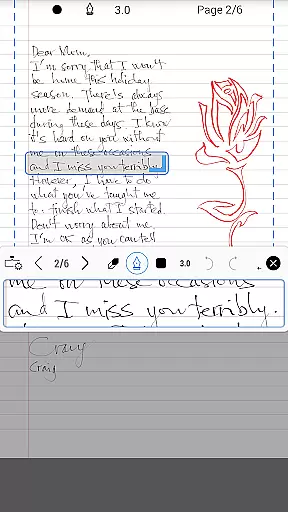
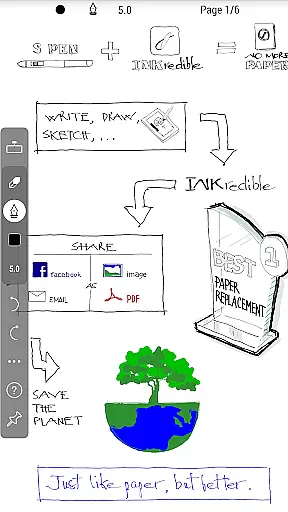
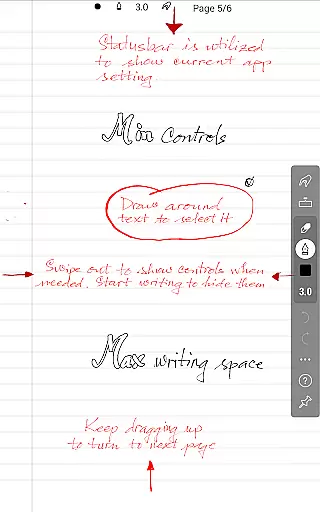
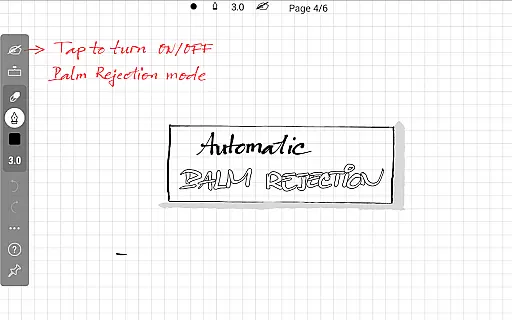
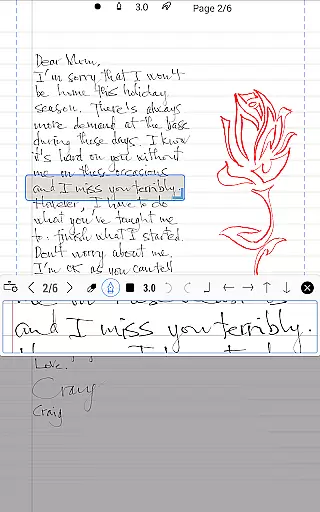
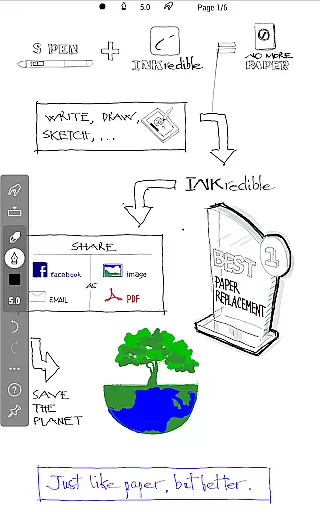
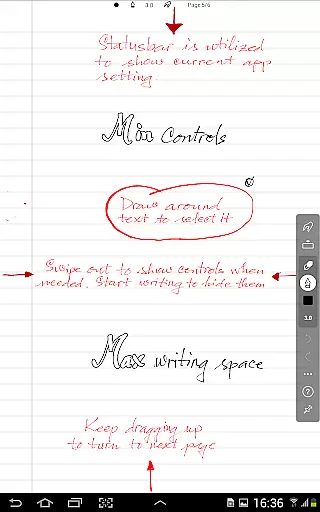
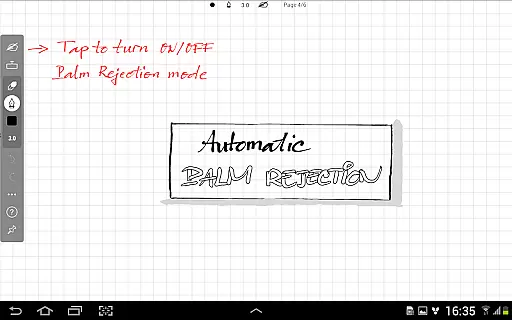
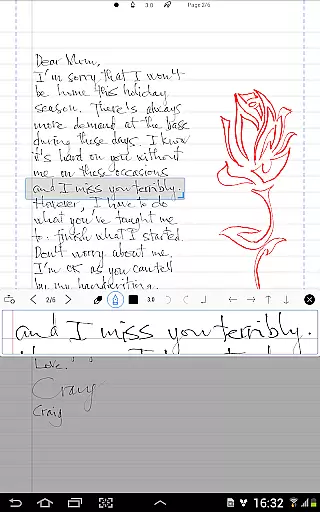
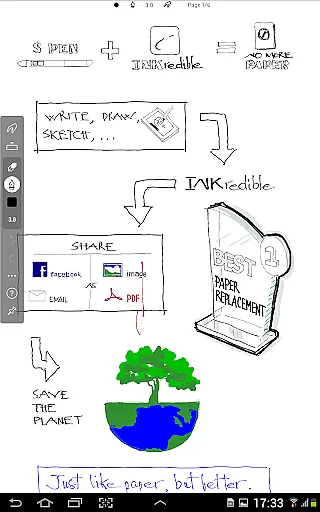
INKredible PRO is a premium handwriting app designed to deliver an exceptional writing experience on tablets. Building upon the success of its predecessor, Notes Plus, this app offers advanced inking capabilities with automatic palm and wrist rejection, making digital writing feel as natural as using pen and paper. The app focuses on simplicity, providing a clean interface free from distractions, allowing users to concentrate solely on their writing.
Beyond its core functionality, INKredible PRO stands out for its beautiful rendering of handwriting. Leveraging over three years of R&D in vector-graphics technology, the app uses sophisticated Bezier curve manipulations to ensure that notes look more elegant than traditional penmanship. This feature ensures high-quality output suitable for both printing and digital display, maintaining clarity at any resolution. With all in-app purchases included and free future updates, INKredible PRO represents excellent value for users seeking a top-tier productivity tool.
INKredible PRO boasts several standout features that enhance the user experience. First and foremost is its unparalleled inking technology, which provides a seamless writing experience by accurately capturing every stroke while intelligently rejecting unintended touches from palms or wrists. This precision creates a fluid and natural writing environment that rivals traditional methods.
In addition to its technical prowess, the app emphasizes aesthetic quality. By utilizing advanced vector-based graphics, INKredible PRO ensures that handwriting appears smoother and more refined than on paper. Users can zoom in without losing clarity, making it ideal for detailed work or presentations. Furthermore, the minimalist design philosophy removes unnecessary UI elements, presenting users with a distraction-free canvas that encourages focus and creativity. These features collectively position INKredible PRO as a leader in the realm of digital note-taking.
In the realm of productivity applications, core task management is pivotal for organizing and prioritizing tasks efficiently. INKredible PRO, with its streamlined interface, offers an uncluttered workspace that lets users focus on their writing tasks without distraction.
The app's dedication to a singular missionu2014providing an outstanding writing experienceu2014translates into its ability to manage the primary task at hand: capturing thoughts and ideas through handwriting. This focused approach ensures that all features within the app are tailored towards enhancing this central task.
Users benefit from the automatic palm and wrist rejection technology, which allows them to write naturally without inadvertent marks or inputs, simulating the traditional pen-and-paper experience digitally. This seamless interaction is crucial for maintaining workflow and concentration.
Ultimately, INKredible PRO's task management capability lies in its simplicity and effectiveness, enabling users to create, edit, and manage handwritten notes with ease, thus improving productivity by keeping the user's attention on content creation rather than the tool itself.
Cross-device synchronization is essential for users who operate across multiple devices and need reliable access to their data anytime, anywhere. While INKredible PRO emphasizes a distraction-free writing experience, it also recognizes the importance of synchronizing work across devices for those with such needs.
Although specific details about cloud services or sync mechanisms aren't provided in the description, apps like INKredible PRO typically implement robust syncing solutions that ensure notes taken on one device are updated across all others. This means users can start writing on their tablet and continue editing on another device without missing a beat.
The value proposition here is clear: writers and note-takers gain peace of mind knowing their work is consistently backed up and accessible, reducing the risk of losing important information due to hardware failure or being tied down to a single device.
By integrating dependable cross-device synchronization, INKredible PRO not only enhances the individual writing session but also supports a cohesive and flexible workflow across different platforms, bolstering overall productivity.
Advanced inking technology
Automatic palm rejection
Beautiful handwriting rendering
Distraction-free interface
Free future updates
Higher cost compared to alternatives
Limited additional features beyond writing
No collaborative tools
Requires compatible hardware
Learning curve for new users

Auto-shutoff Alarm with Sunrise, Sunset & Fixed Options.
 3.50
3.50
Planet Free VPN - The best Fast Unlimited and Secure VPN Without Logs
4.50
Easily read and manage all your PDF files
4.10
Automates browsing any website and notifies you of important changes or events
4.30
Protect and view your important info on your phone and tablet with eWallet®
4.80
Docker, Kubernetes management over Portainer Mobile
4.40
Ultimate Virtual AI Character for immersive Roleplay Chat. Perfect Companion
3.90
Browse and view your photos and videos from the phone with photo & video hide.
4.10
2026 USPS Alpha/Color coded calendar Sunday/Rotating day off schedules
4.5
Multilingual translator for text, voice, and image translation!
4.90
Best Tool for the professionals Electrician, Electrical contractors, etc.
4.90
Mind Map and brainstorm, note taking and idea collection
4.80
Secure, fast, open-source, VNC and SSH Remote Desktop for Windows, Linux and Mac
4.70
The long-awaited modern gallery app for your Nextcloud server
4.70
A beautiful digital clock with autostart and many other functions
4.70
Device's storage information in a simple and clear graphical form (infographics)
4.10
Experience and share your SolidWorks designs on your Android® phone and tablet.
2.50
AI Video AI Image Private LLM AI Browser Llama Gemma Ollama Connect LLM Studio
4.4
A comprehensive suite of tools designed specifically for Lactation Consultants
4.2


User Reviews