
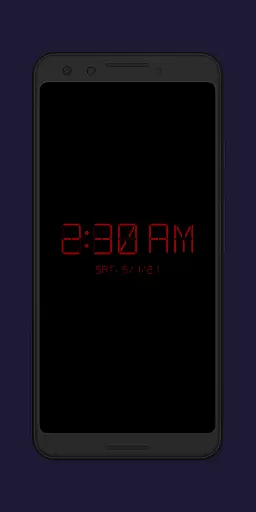
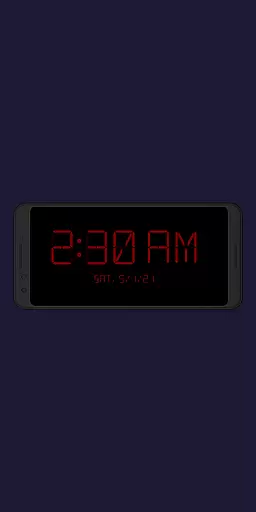
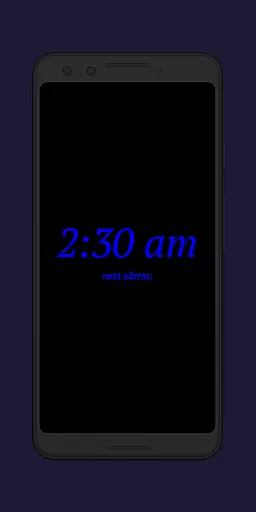
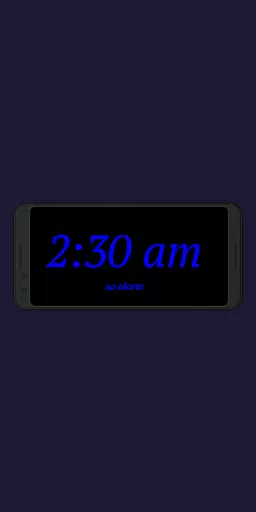
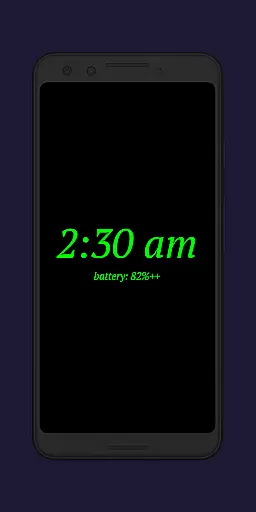
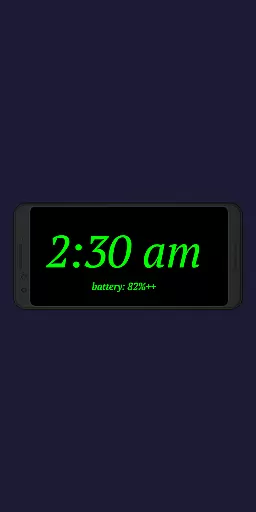
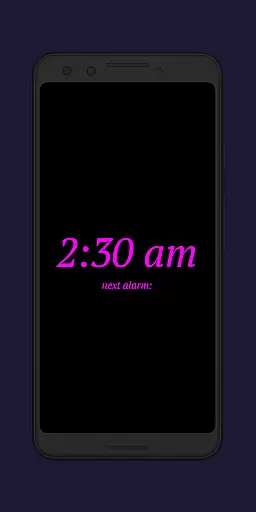
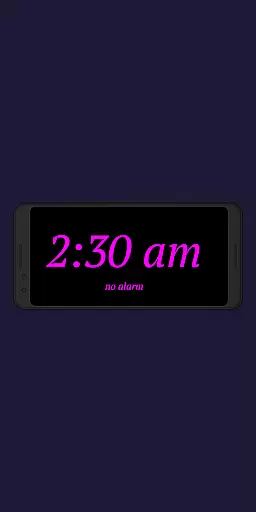
Night Clock + is a versatile digital clock application designed to serve as both a bedside night clock and a daylight mode display. The app transforms any unused Android device into an elegant timepiece that functions seamlessly throughout the day and night.
One of its standout features is the built-in flashlight functionality, which provides convenience when navigating in the dark. Users can customize various aspects of the clock display, including font type, color, brightness, and size. Additionally, the app offers advanced functionalities such as automatic night clock activation based on power connection or preset times, making it highly adaptable to different user preferences.
This supporter version includes all premium features without limitations, offering a comprehensive solution for those seeking a reliable and customizable digital clock experience.
The Night Clock + app boasts an impressive array of features that cater to diverse user needs. With four unique font types to choose from, users can personalize their clock display to match their aesthetic preferences. The completely adjustable font color and brightness levels allow for optimal visibility in any lighting condition.
Advanced customization options include adjustable display sizes for clock elements and the ability to show the next alarm time set in the Android system. The integrated flashlight feature, accessible directly from the night clock screen, proves invaluable during nighttime use.
Automation capabilities are another key strength of this app. Users can configure automatic night clock activation upon connecting a power cord or at specific times. The daylight mode intelligently adjusts brightness based on time of day, while the integrated screensaver functionality adds visual interest by slowly moving the clock across the screen.
In the realm of productivity, effective task management is crucial for organizing one's day efficiently. Night Clock + integrates core task management features that go beyond simple time display. The app allows users to view their next alarm time set in the Android system directly on the night clock screen, ensuring they are always aware of their upcoming commitments.
The automatic night clock start feature demonstrates the app's sophisticated task automation capabilities. Users can configure the clock to launch automatically when a power cord is connected or at a preset time, streamlining their daily routine without manual intervention. This level of automation ensures that the most important information is available exactly when needed.
Furthermore, the app provides detailed usage statistics, allowing users to see the total night clock display time in the app settings. This feature enables better understanding of personal habits and supports more effective time management strategies.
The combination of these task management features makes Night Clock + an invaluable tool for anyone seeking to optimize their daily schedule while maintaining complete control over their device's nighttime functionality.
While Night Clock + primarily functions as a dedicated night clock application, its innovative cross-device synchronization features ensure reliable performance across different usage scenarios. The app's ability to maintain consistent settings through its automatic start function - whether triggered by power connection or scheduled timing - demonstrates its capability to synchronize essential parameters regardless of how the device is being used.
The integrated screensaver functionality adds another layer of synchronization reliability. By allowing the clock to move very slowly across the screen with adjustable speed, the app prevents potential burn-in issues on device displays while maintaining constant visibility of crucial time information. This feature ensures that the clock remains visible and accurate across various devices and usage patterns.
Moreover, the app's permission structure supports seamless operation across different device states. The required permissions for drawing above other apps and accessing the camera/flashlight functionality enable consistent performance whether the device is actively used or serving as a dedicated night clock display.
These synchronization features, combined with the app's comprehensive settings and unlimited feature access in its supporter version, provide users with a reliable and versatile tool that maintains consistent performance across various devices and usage contexts.
User-friendly interface
Highly customizable
Reliable performance
Comprehensive features
Excellent value
Paid version only
Complex settings
Battery consumption
Limited design
No widget support

 4.20
4.20
Ads Free App! Editor, Hide File, Copy, Move, Delete and Rename.. all facility av
1.70
Professional calendar app for Google Calendar, MS Outlook & Exchange
4.20
Direct Chat without saving contacts & Dual WA Account on Single Device
4.70
Tally and goal counter for Wear OS & mobile
4.50
A simple Whisper AI keyboard for reliable speech transcription and rewording
4.60
Access your phone's notifications, calls, apps, photos & texts on your PC
3.90
Scan paperwork into PDF/JPG, generate your own e-signature and send fax or email
4.70
2026 USPS Alpha/Color coded calendar Sunday/Rotating day off schedules
4.5
Native client for Forgejo and Gitea
5.00
Functional QR scanner and barcode reader that requires little storage space.
4.60
All document reader, all in one file viewer read PDF, DOCX, XLS, PPT, TXT files.
4.60
Docker, Kubernetes management over Portainer Mobile
4.40
This small app MUST BE INSTALLED after purchase, else license won't work
4.40
Todo reminder
4.10
Intelligent AI Assistant
4.10
Mega cloud explorer plugin for Solid Explorer
3.80
Code on-the-go with VScode for Android. Edit,debug and collaborate from mobile!!
3.10
Experience and share your SolidWorks designs on your Android® phone and tablet.
2.50


User Reviews