
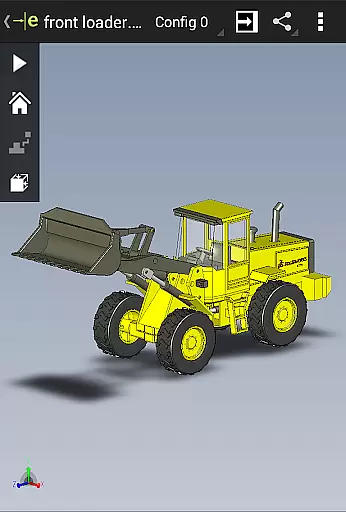
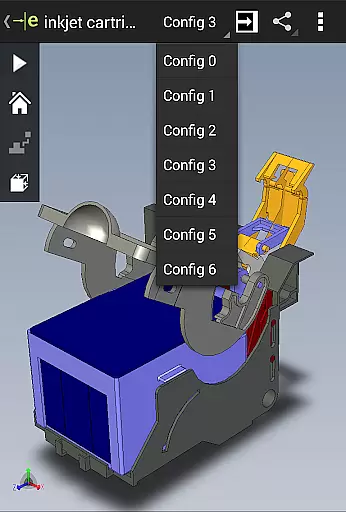
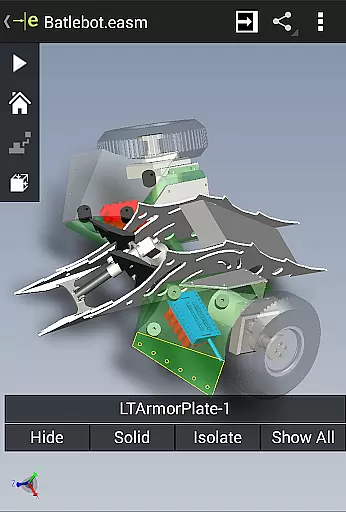
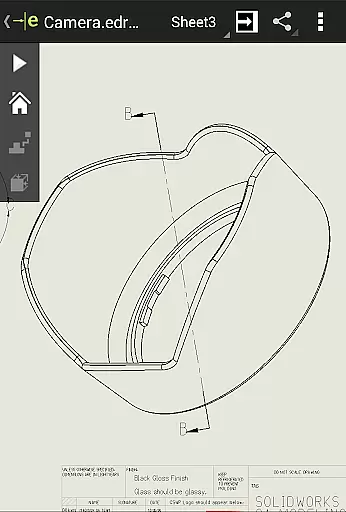
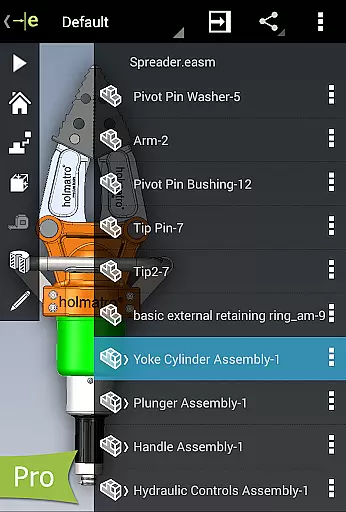
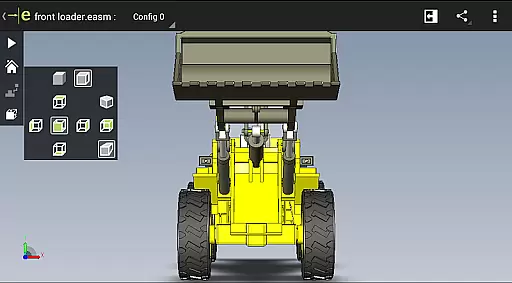
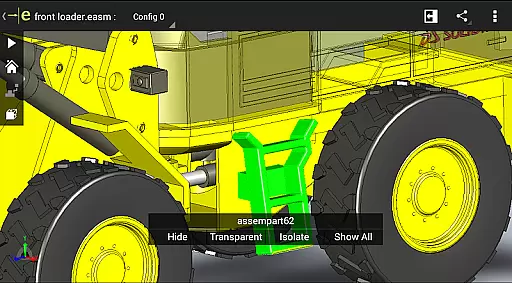
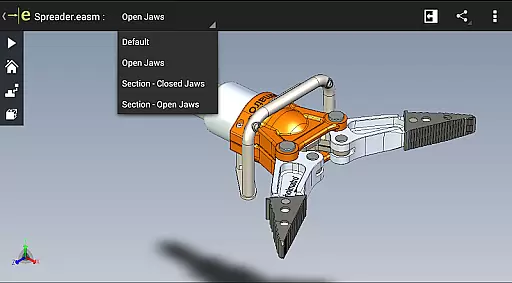
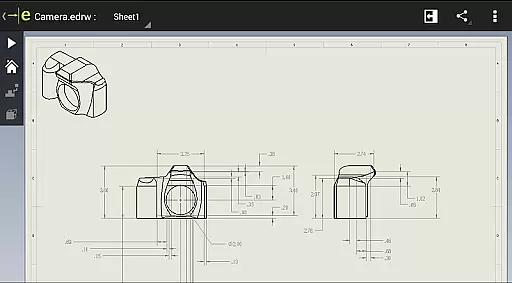
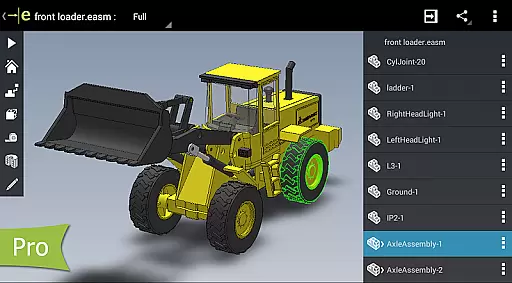
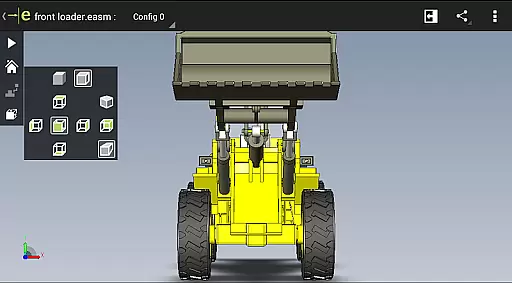
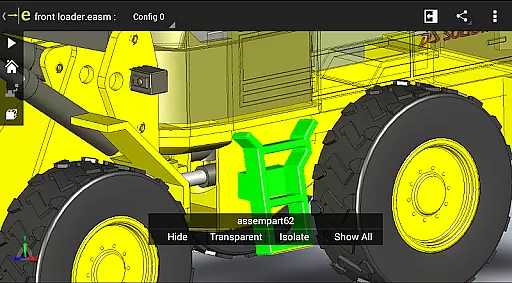
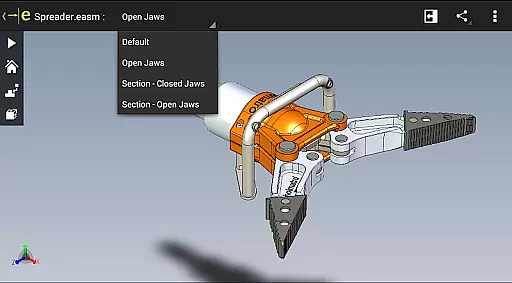
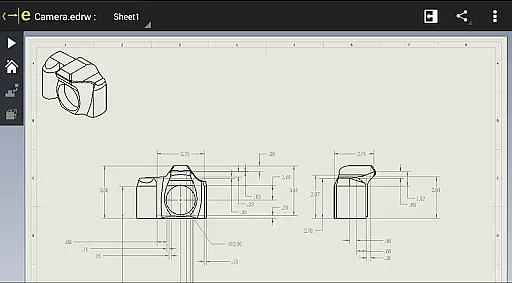
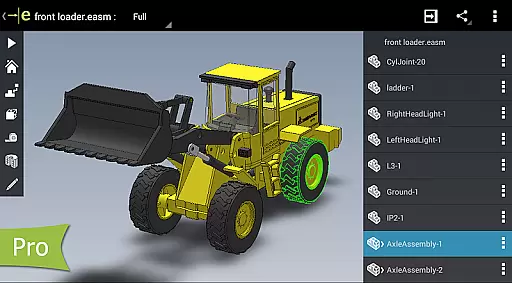
eDrawings is a powerful CAD viewer designed for Android devices, enabling users to view native eDrawings files as well as SolidWorks parts, assemblies, and drawings. This app revolutionizes the way product design information is shared by allowing users to easily load and send CAD files via email, making collaboration seamless even for non-CAD users.
With multi-touch gestures, users can pan, zoom, and rotate 2D and 3D models effortlessly. The app also supports exploded views and drawing sheets from SolidWorks, providing an intuitive experience for interpreting complex designs. Its ability to open various file formats from multiple sources makes it an essential tool for professionals in engineering and manufacturing.
Whether you're working on-site or remotely, eDrawings ensures that all stakeholders can access and understand critical design data, enhancing productivity and communication across teams.
eDrawings offers a comprehensive set of features tailored for CAD viewing and collaboration. The app's user-friendly interface allows users to open both 2D and 3D CAD files, including EASM, EPRT, SLDASM, SLDPRT, IGES, IGS, JT, STEP, STP, IFC, EDRW, SLDDRW, DWG, and DXF formats. This versatility enables users to work with files from various sources such as email attachments, cloud storage services, web and FTP sites, and network folders.
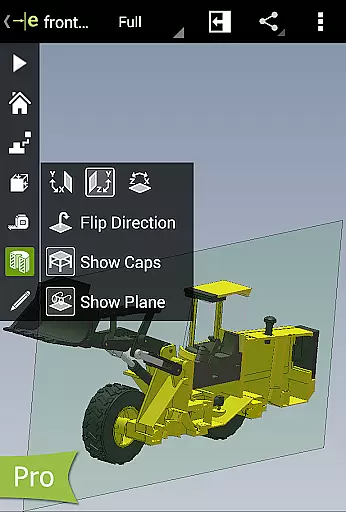
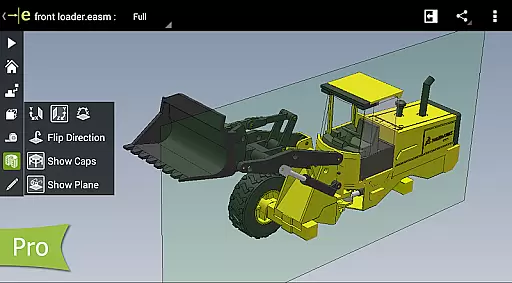
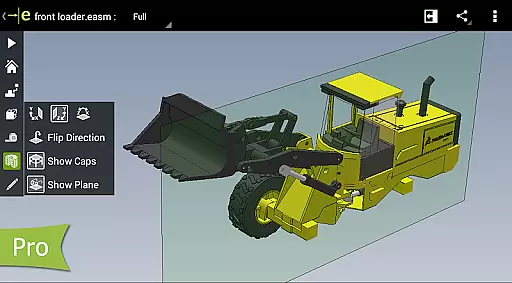
One standout feature is the ability to measure designs using advanced tools like distance, angles, lengths, and point-to-point measurements, available through an in-app purchase upgrade to eDrawings Pro. Users can also create dynamic cross-sections of models in XY, YZ, or ZX directions, facilitating detailed analysis. Additionally, the app supports markup functionalities, allowing users to add text notes and freehand notations directly onto designs.
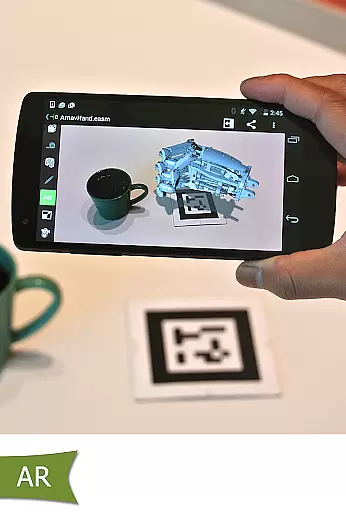
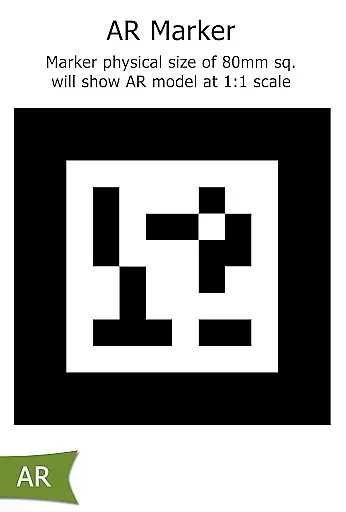
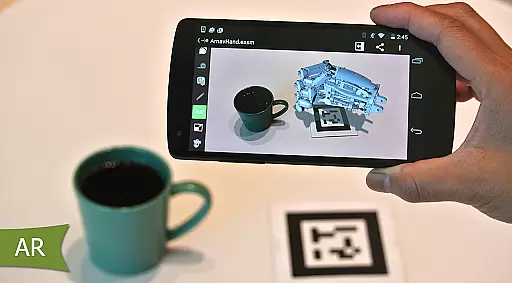
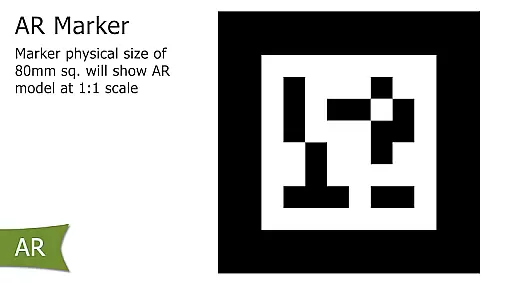
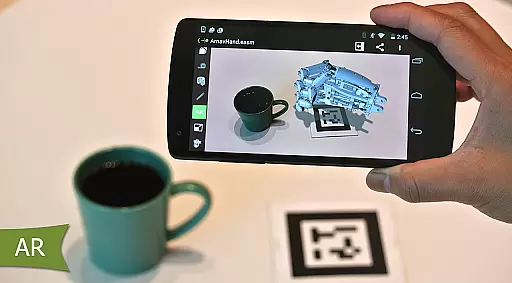
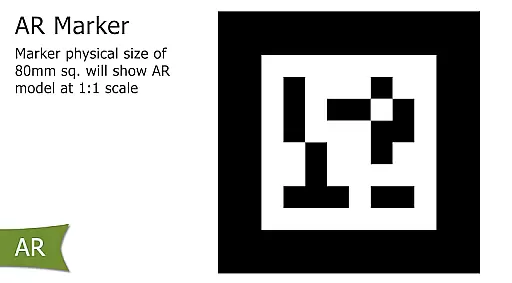
The inclusion of augmented reality enhances visualization capabilities, while sample files provide new users with immediate resources to explore the app's potential. These robust features make eDrawings a vital tool for anyone involved in product development.
For a productivity app like eDrawings, core task management revolves around its ability to efficiently handle CAD files and related design data. This feature ensures that users can seamlessly open, view, and manage both 2D and 3D CAD files from various sources.
The app supports an extensive range of file formats including EASM, EPRT, SLDASM, SLDPRT, IGES, IGS, JT, STEP, STP, IFC for 3D models, and EDRW, SLDDRW, DWG, DXF for 2D drawings. This versatility allows users to collaborate effectively with all stakeholders in product development, regardless of their CAD software expertise.
With intuitive multi-touch gestures, users can easily pan, zoom, and rotate models, making navigation through complex designs straightforward. The inclusion of drawing sheets and exploded views further enhances the user's ability to interpret and understand intricate assemblies and components.
By streamlining these essential tasks, eDrawings empowers users to focus on design interpretation and collaboration, significantly boosting productivity in any design or manufacturing workflow.
Cross-device synchronization is crucial for maintaining workflow continuity across different devices, ensuring that users have access to their latest work no matter where they are. For eDrawings, this means providing reliable access to CAD files and design data on both Android phones and tablets.
The app facilitates synchronization by supporting cloud storage services such as Dropboxu2122, SkyDriveu00ae, Google Drive, Hightailu00ae, and others. This enables users to load and save files directly from cloud storage, ensuring that the most up-to-date versions are always available.
eDrawings also allows files to be sent via email, promoting effective communication and collaboration among team members. Whether working on a phone or tablet, users can share their designs and receive feedback without worrying about version control issues.
This reliable synchronization across devices not only enhances flexibility but also ensures that all collaborators are on the same page, leading to more efficient project execution and decision-making.
Intuitive interface
Wide file compatibility
Multi-touch navigation
Augmented reality support
Collaboration friendly
Paid pro features
Limited AR functionality
Occasional bugs
High system requirements
No offline help

QuickBooks Workforce lets teams view pay info and track time in one place.
 4.70
4.70
A lightweight JSON & XML files creator, editor and viewer (Premium Version)
4.40
Make apps & sites with natural language prompts
4.10
Calendar 2023 widget for Android. Appointment scheduler, planner, and reminder
4.60
This small app MUST BE INSTALLED after purchase, else license won't work
4.40
Understand anything with a personalized AI research assistant
4.80
Simple notepad & memo. Take notes, to-do list, shopping list with reminders.
4.80
Seamlessly read, manage, and organize all your PDF files solution in one place
4.40
2026 USPS Alpha/Color coded calendar Sunday/Rotating day off schedules
4.2
Multilingual translator for text, voice, and image translation!
4.90
Android Wallet Password Manager
4.80
To do list widget with a notebook organizer, checklist, simple shopping list
4.60
A customizable calendar for your Wear OS watch
4.20
Font maker keyboard with your own handwriting
4.10
Unlock AutoNotification
4.00
ID.me Authenticator is a simple and free Two Factor Authentication solution
3.50
Code on-the-go with VScode for Android. Edit,debug and collaborate from mobile!!
3.10
A simple, portable logger for POTA, SOTA, Field Day, and more
4.2
IP Camera Viewer - Android TV : RTSP Surveillance camera viewer for Android TV
4.3


User Reviews