
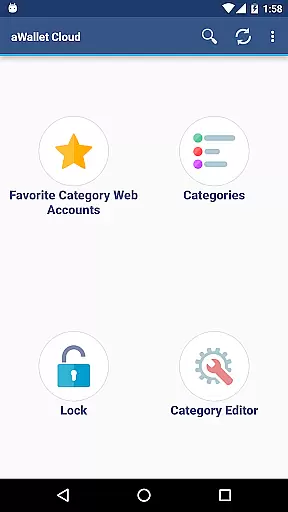
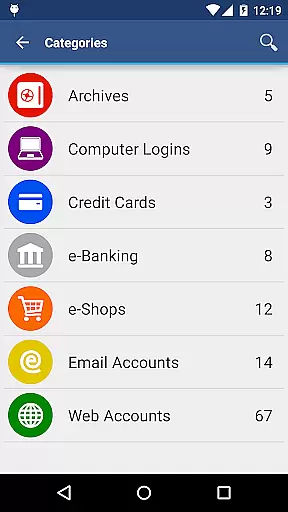
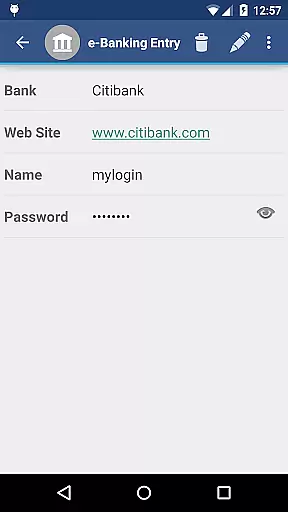
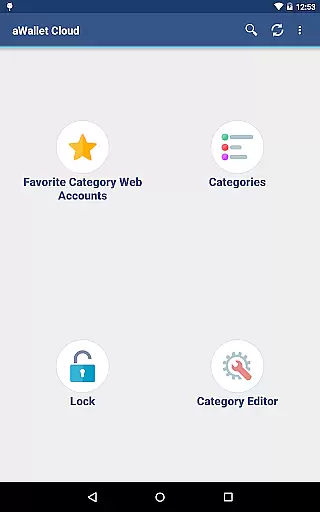
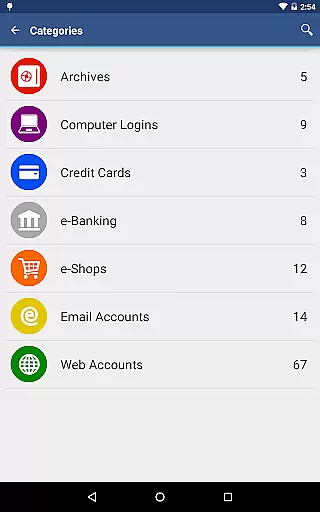
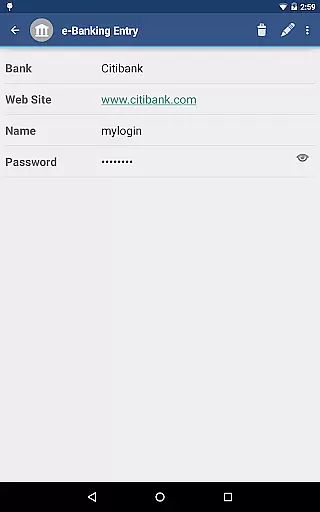
aWallet Cloud Password Manager is a robust productivity tool designed to securely store sensitive information such as passwords, credit card details, and e-banking credentials. The app ensures top-level security by encrypting all stored data using advanced algorithms like AES or Blowfish with key sizes up to 256 bits.
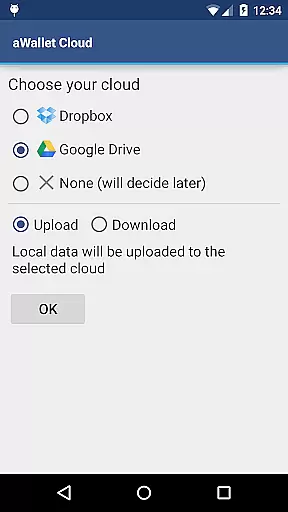
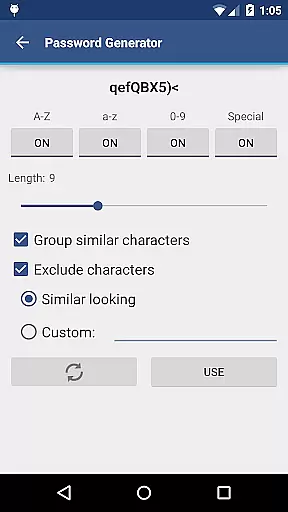
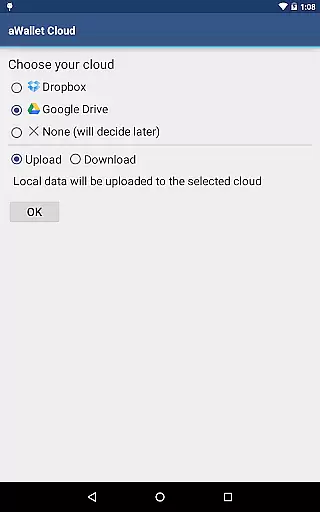
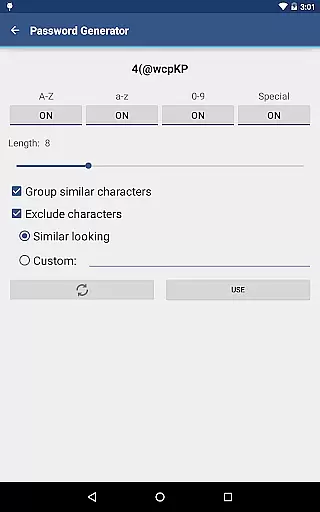
One of the standout features is its synchronization capability with cloud services like Dropbox or Google Drive, allowing users to access their encrypted data across multiple devices. Additionally, it offers convenient functionalities including auto-lock, password generation, and secure backup options, making it an essential tool for managing digital credentials efficiently.
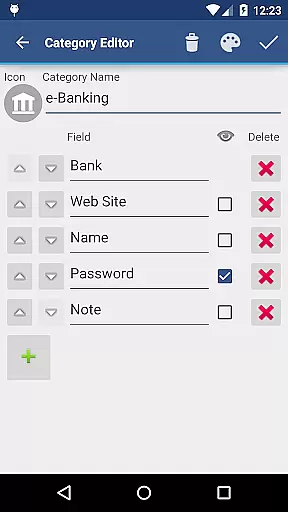
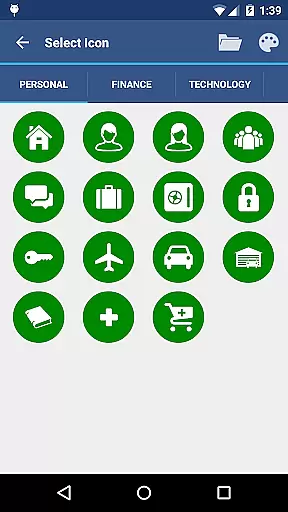
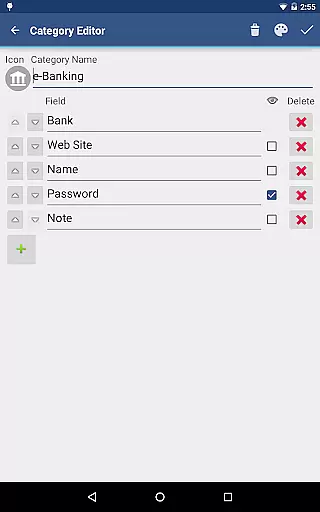
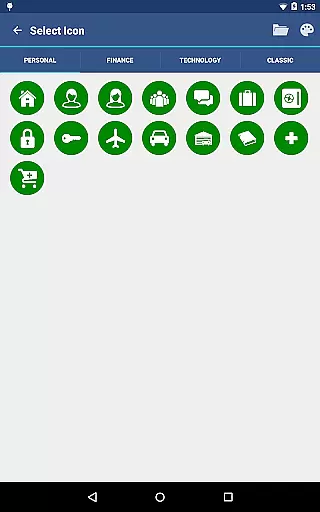
The app boasts a comprehensive set of features tailored for secure data management. It includes a built-in editor for customizing data categories with unique icons, enhancing organization and ease of access. Users can perform field-specific searches and export unencrypted data in CSV format to USB devices.
Security is at the forefront with features like brute force attack prevention through repetitive hashing and the use of a randomly generated 'salt' combined with the master password. For added convenience, pro features include biometric unlocking methods such as fingerprint and facial recognition on compatible devices.
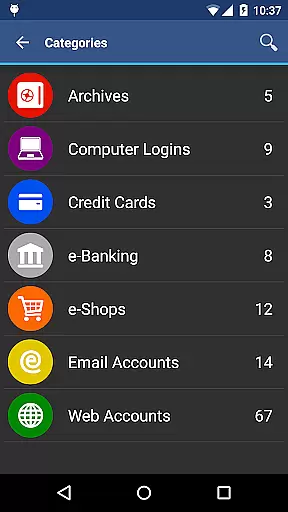
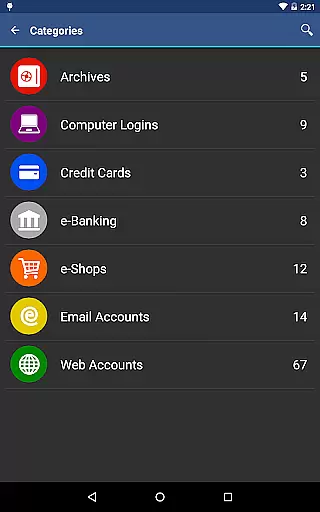
aWallet Cloud Password Manager excels in core task management by providing a comprehensive suite of features for securely handling sensitive information. The app allows users to store various types of data, including passwords, credit card details, and e-banking credentials, all within a structured and organized environment.
With its built-in Editor, users can customize categories and icons, tailoring the experience to their personal needs. This level of customization ensures that all critical information is systematically arranged, making it easily accessible when needed.
The synchronization feature with cloud services like Dropbox or Google Drive adds another layer of convenience, allowing secure access to your data from multiple devices. This seamless integration facilitates efficient task management across different platforms, ensuring that users have up-to-date information at their fingertips.
Moreover, the app's ability to backup and restore encrypted files to an Android USB device enhances data security and portability. Users can confidently manage their digital lives, knowing that their information is protected and available whenever required.
Cross-device synchronization is a pivotal feature of aWallet Cloud Password Manager, ensuring reliable access to critical data across all user devices. By leveraging trusted cloud services such as Dropbox and Google Drive, the app provides a robust mechanism for maintaining up-to-date records regardless of the device in use.
This synchronization process is not only about convenience but also about security. All data is encrypted before being uploaded to the cloud, preserving privacy while enabling accessibility. As a result, users can seamlessly switch between devices without compromising the safety of their sensitive information.
In addition to standard synchronization, aWallet supports exporting unencrypted data in CSV format to a USB device, offering flexibility in managing backups. This dual approach to data management caters to users who prioritize both security and ease of data transfer.
The reliability of this synchronization is further enhanced by the app's support for auto-destruction after several unsuccessful unlock attempts, safeguarding against unauthorized access. Such comprehensive measures ensure that users' valuable data remains secure yet readily available across all their devices.
Highly secure encryption
Cloud synchronization
Biometric login options
Customizable categories
No advertisements
Complex setup process
Limited free features
Requires cloud account
No iOS compatibility
Premium version costly

Client for Nextcloud Deck
 4.60
4.60
Unlock AutoNotification
4.00
8 custom complications. Custom Time Fonts. Beautiful color schemes. A++ Design.
5.00
We're working to become the best machining app on the market! www.cncdirt.com
4.80
Absolutely the best CNC machinist speed and feed calculator around. fswizard.com
4.60
Customizable calendar widget for seamless event sync, planning & scheduling.
4.00
Pwnagotchi companion app
4.20
Best Tool for the professionals Electrician, Electrical contractors, etc.
4.90
To do list widget with a notebook organizer, checklist, simple shopping list
4.60
Use powerful, industry-leading AI tools to generate visual charts from any data
4.80
Protect and view your important info on your phone and tablet with eWallet®
4.80
Simple notepad & memo. Take notes, to-do list, shopping list with reminders.
4.80
Direct Chat without saving contacts & Dual WA Account on Single Device
4.70
Planet Free VPN - The best Fast Unlimited and Secure VPN Without Logs
4.50
A lightweight JSON & XML files creator, editor and viewer (Premium Version)
4.40
This small app MUST BE INSTALLED after purchase, else license won't work
4.40
Access, manage and transfer files on Android, PC, Mac, NAS and cloud storages.
4.30
Device's storage information in a simple and clear graphical form (infographics)
4.10
Access your phone's notifications, calls, apps, photos & texts on your PC
3.90


User Reviews