
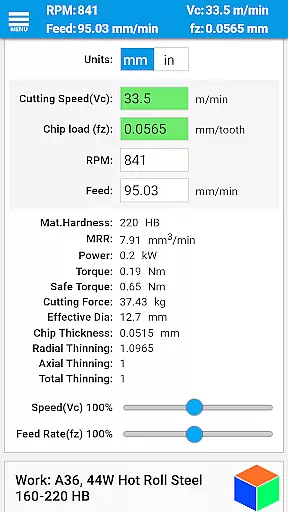
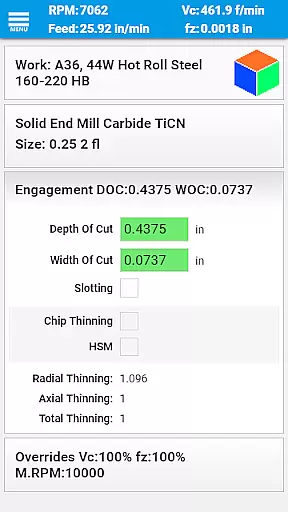
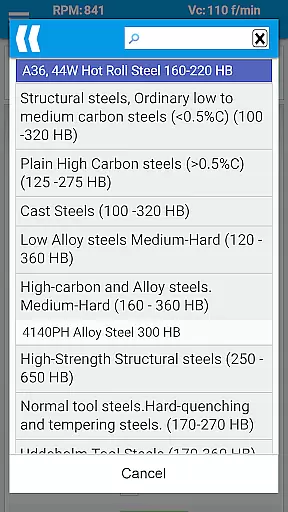
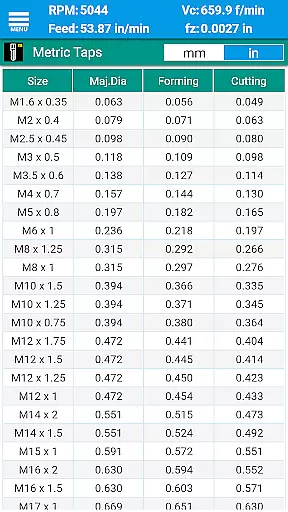
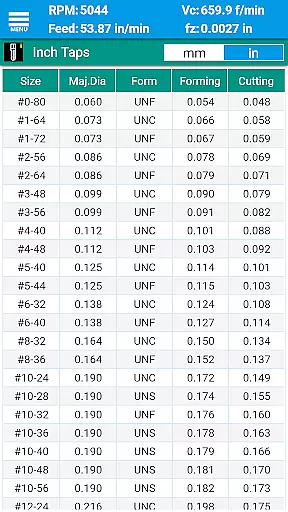
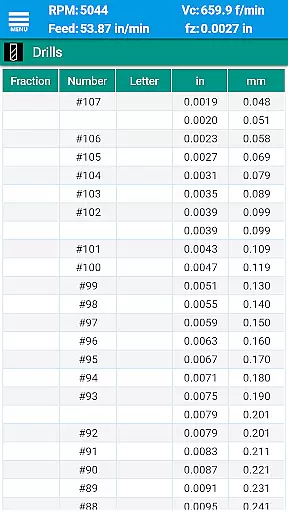
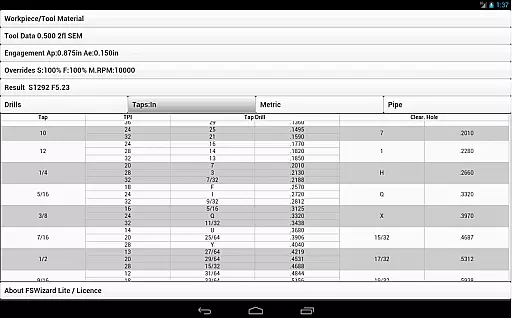
FSWizard Pro Machinist Calc is a premier CNC milling and turning speed and feed calculator designed for machinists by a machinist. This productivity tool simplifies the process of calculating speeds and feeds by allowing users to select their work and tool material without needing to know specific numbers. It automatically applies recommended cutting speeds and chip loads for various tools, including indexed and solid endmills, drills, and taps.
The app is invaluable for improving machining productivity and optimizing cutter life. It supports calculations for High-Speed Machining (HSM) and Chip Thinning, helping users find optimal machining depths and widths. Suitable for both professional machinists and hobbyists, FSWizard works seamlessly with metric and imperial units, making it versatile for global use.
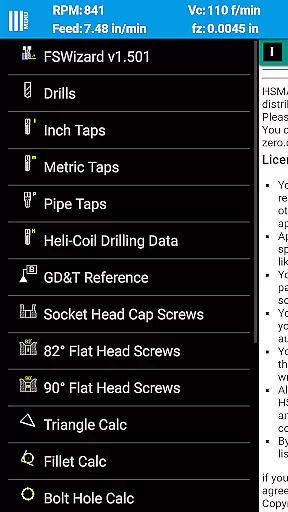
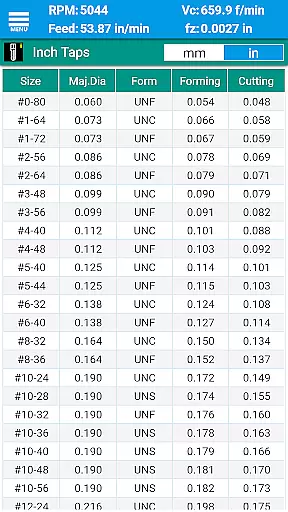
FSWizard Pro offers an extensive range of features tailored for CNC machining tasks. The app includes milling speeds and feeds calculation, ball nose endmill speeds and feeds, and drilling and tapping speeds and feeds. Additionally, it provides tap drill charts for both imperial and metric taps, BSP and NPT pipe threads, and information on HeliCoil threaded inserts.
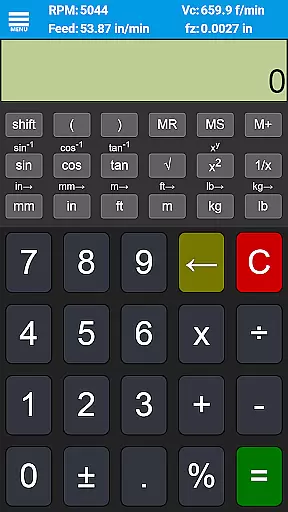
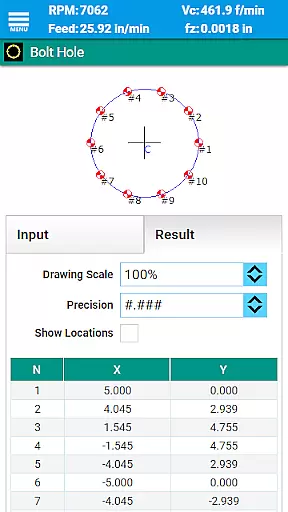
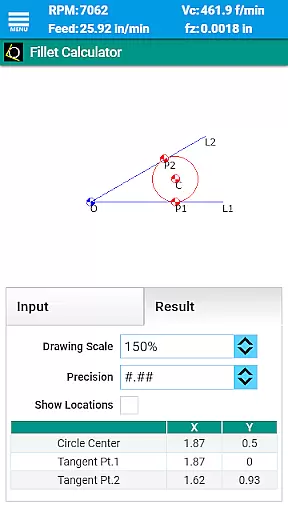
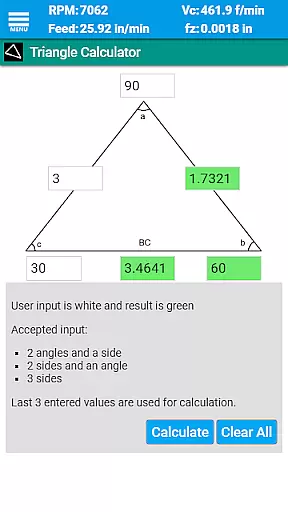
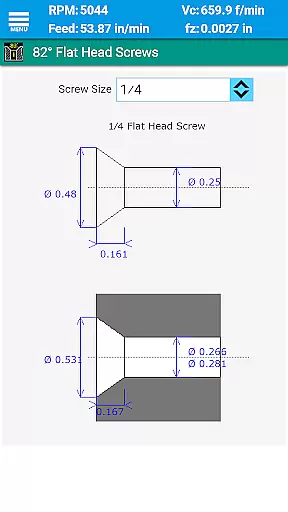
Beyond machining calculations, FSWizard incorporates several calculators such as oblique triangle, fillet, bolt circle, countersink, true position, and scientific calculators with trigonometric functions. These tools are complemented by comprehensive reference materials like drill charts, GD&T definitions, and screw references in both imperial and metric systems.
With support for various tool types including solid endmills, indexed endmills, facemills, jobber drills, reamers, and turning tools, FSWizard Pro is equipped to handle diverse machining operations. Its detailed material database covers a wide array of metals and non-metals, ensuring accurate calculations across different machining scenarios.
FSWizard Pro Machinist Calc excels in core task management by offering a comprehensive suite of calculators tailored for CNC milling and turning operations.
The application provides machinists with the ability to calculate speeds and feeds effortlessly, simply by selecting the workpiece and tool material. This eliminates the need to memorize or manually look up specific numbers, streamlining the machining process significantly.
With features like High-Speed Machining (HSM) support, chip thinning calculations, and optimal depth and width of cut parameters, FSWizard ensures that users can manage their machining tasks with precision and efficiency.
This level of task management not only improves productivity but also optimizes cutter life, making it an indispensable tool for both novice and experienced CNC machinists.
While FSWizard Pro Machinist Calc is a standalone powerhouse, its reliability extends to cross-device usage scenarios, ensuring consistent performance across different platforms.
Whether you're switching between your mobile device on the shop floor and your desktop in the office, FSWizard maintains uniformity in calculations and data access. This means no matter where you are, the app delivers the same accurate results every time.
Although direct synchronization features may not be present, the consistency in user experience and output accuracy guarantees that all your devices act as one cohesive system.
This seamless transition between devices ensures that machinists can rely on FSWizard's precise calculations without worrying about discrepancies or data loss.
User-friendly interface
Comprehensive tool database
Highly accurate calculations
Wide range of machining materials
Supports both metric and imperial units
Premium version required for full features
Steep learning curve for beginners
Limited offline functionality
No video tutorials included
Occasional updates needed for new materials

Secure, fast, open-source, VNC and SSH Remote Desktop for Windows, Linux and Mac
 4.70
4.70
Experience real multitasking on your Android!
4.00
Android Wallet Password Manager
4.80
Make your handwriting beautiful, even more than pen on paper.
3.60
Best Tool for the professionals Electrician, Electrical contractors, etc.
4.90
A simple Whisper AI keyboard for reliable speech transcription and rewording
4.60
A Pixel Art watchface inspired by other iconic 90s designs for Wear OS devices!
4.40
Experience and share your SolidWorks designs on your Android® phone and tablet.
2.50
Use powerful, industry-leading AI tools to generate visual charts from any data
4.80
Simple notepad & memo. Take notes, to-do list, shopping list with reminders.
4.80
The long-awaited modern gallery app for your Nextcloud server
4.70
Calendar 2023 widget for Android. Appointment scheduler, planner, and reminder
4.60
Docker, Kubernetes management over Portainer Mobile
4.40
Enjoy classic gameplay with customizable features and retro-style graphics.
4.30
Easily read and manage all your PDF files
4.10
Make apps & sites with natural language prompts
4.10
The ultimate file manager for rooted devices. The original and still the best.
4.00
IP Camera Viewer - Android TV : RTSP Surveillance camera viewer for Android TV
4.2
A comprehensive suite of tools designed specifically for Lactation Consultants
4.5


User Reviews