
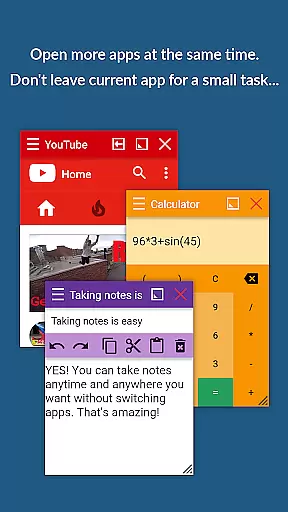
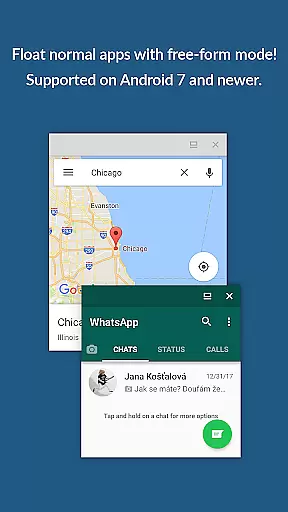
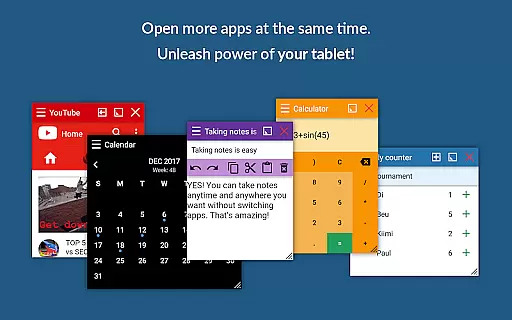
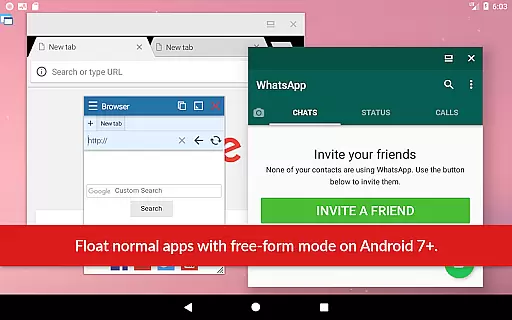
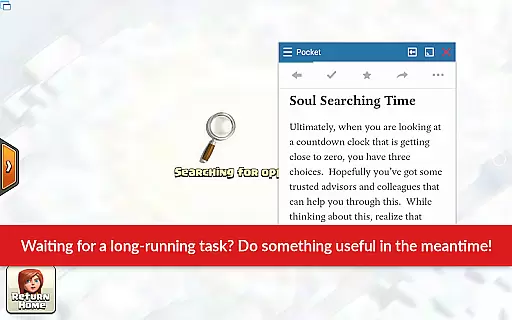
Floating Apps revolutionizes multitasking on Android devices by enabling users to run multiple apps simultaneously in floating windows. This productivity tool allows seamless integration of functions without the need to switch contexts, such as watching videos while working or taking notes during a call.
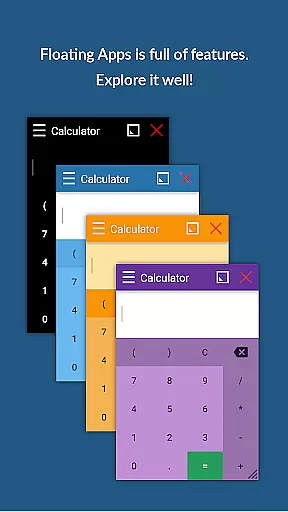
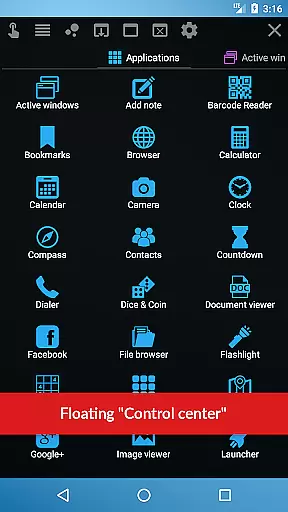
With over 41 built-in floating apps ranging from browsers and media players to document viewers and social media platforms, it caters to diverse user needs. Its customization options and extensive language support make it accessible worldwide, enhancing workflow efficiency and user convenience.
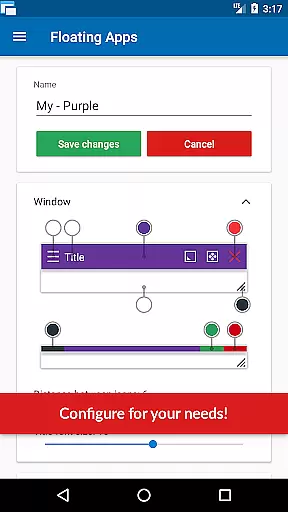
The app boasts an array of advanced features designed to maximize productivity. Users can create custom floating apps from home screen widgets and URLs, providing unparalleled flexibility. The movable and resizable quick launch icon ensures one-tap access to frequently used apps.
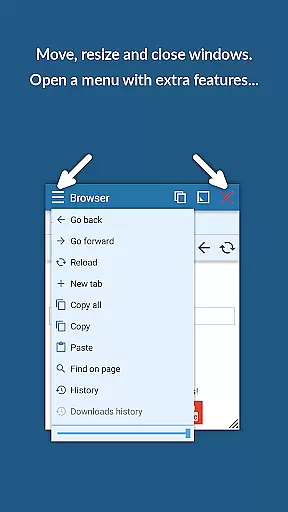
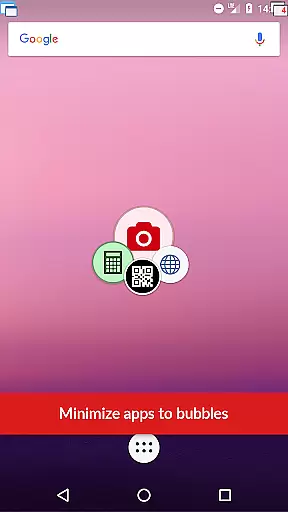
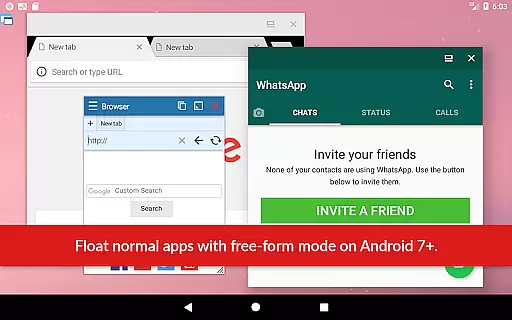
Additional functionalities include window management through dragging and resizing, maximizing or minimizing windows, and controlling transparency. These features collectively offer a Samsung-like multi-window experience but optimized for all Android devices, significantly improving multitasking capabilities.
Floating Apps revolutionizes the way users handle multiple tasks on their Android devices by offering a robust platform for core task management. This app allows you to open and manage more apps simultaneously in floating windows, providing an efficient multitasking environment.
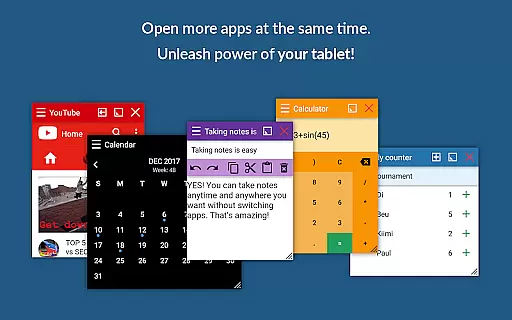
The app includes over 41 built-in floating mini-apps ranging from browsers, document viewers, calendars, note-taking apps, to multimedia players. Each mini-app operates independently within its own window, which can be moved, resized, minimized, or maximized according to your preference.
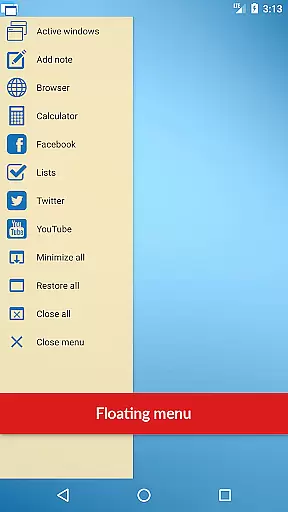
With features like Floating Menu and Quick Launch, accessing these floating apps is seamless and does not require you to leave the current task you are working on. This ensures that your workflow remains uninterrupted while you efficiently manage different tasks across various applications.
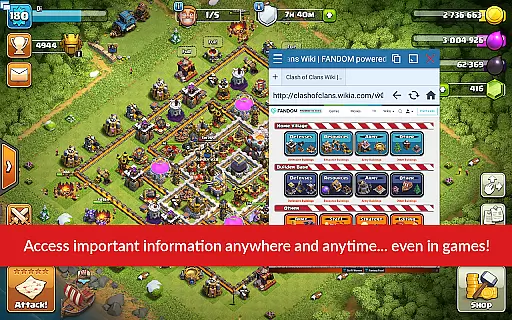
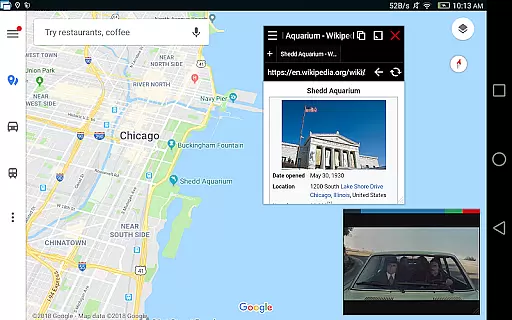
Ultimately, this level of task management empowers users to enhance productivity by allowing them to perform complex operations such as viewing email attachments without leaving the email app or watching videos while engaging in other activities.
Cross-device synchronization is essential for users who operate on multiple devices and need reliable access to their data and applications at all times. Floating Apps addresses this need by ensuring that your floating apps and their data are synchronized reliably across different devices.
While using Floating Apps, you can create personalized floating apps from home screen widgets and URLs, which then become accessible on any of your linked devices. This means whether you're switching between a phone, tablet, or another Android device, your customized setup remains consistent and up-to-date.
The synchronization process is designed to be seamless and automatic, reducing the risk of data loss or inconsistencies. By leveraging advanced cloud technologies, Floating Apps guarantees that changes made on one device will reflect accurately on others, maintaining continuity in your work processes.
This reliable synchronization feature ensures that no matter where you are or which device you use, your productivity tools and personal configurations are always within reach, thus enhancing both convenience and efficiency.
User-friendly interface
Extensive app collection
Customizable floating windows
Multilingual support
Powerful multitasking abilities
May consume significant memory
Interface could overwhelm new users
Premium features require payment
Limited iOS compatibility
Occasional performance lags

 4.20
4.20
Seamlessly integrate data and reports to build your presentation to impress
4.80
Ads Free App! Editor, Hide File, Copy, Move, Delete and Rename.. all facility av
1.70
Professional calendar app for Google Calendar, MS Outlook & Exchange
4.20
The Pro Version of Android's tiniest Notepad app. Just 0.3MB but feature-packed!
4.60
Simple and reliable communication between inmates, friends and family
3.20
Great calculator for Android named one of USA TODAY's "25 Essential Apps".
4.90
Intelligent AI Assistant
4.10
Use powerful, industry-leading AI tools to generate visual charts from any data
4.80
Understand anything with a personalized AI research assistant
4.80
Secure, fast, open-source, VNC and SSH Remote Desktop for Windows, Linux and Mac
4.70
App Lock with fingerprint, password: Lock apps & hide photos with lock screens
4.60
Functional QR scanner and barcode reader that requires little storage space.
4.60
All document reader, all in one file viewer read PDF, DOCX, XLS, PPT, TXT files.
4.60
Calendar 2023 widget for Android. Appointment scheduler, planner, and reminder
4.60
CalenGoo is a very flexible and feature-rich calendar app
4.40
Enjoy classic gameplay with customizable features and retro-style graphics.
4.30
Device's storage information in a simple and clear graphical form (infographics)
4.10
Todo reminder
4.10


User Reviews