

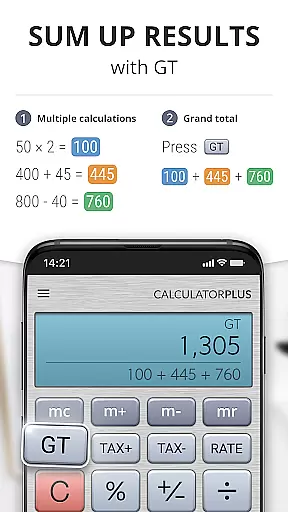
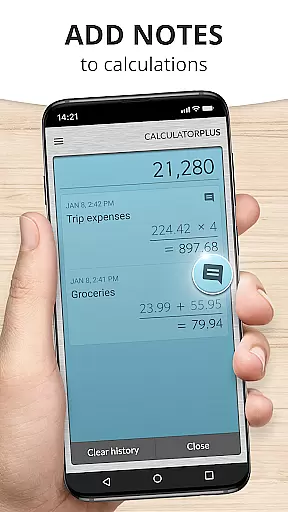
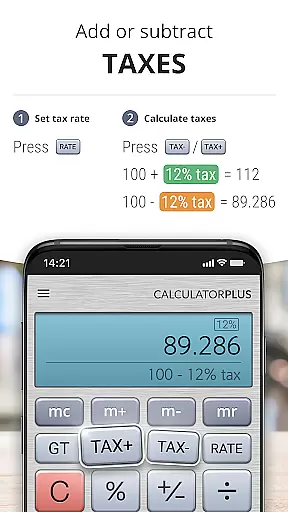
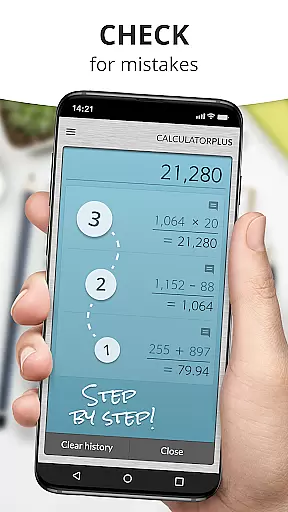
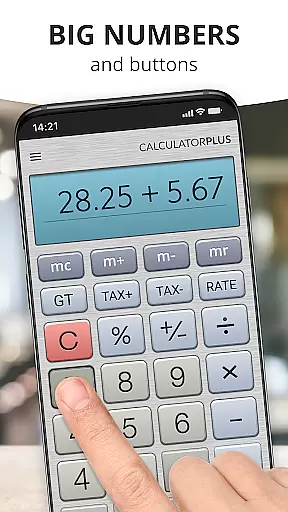
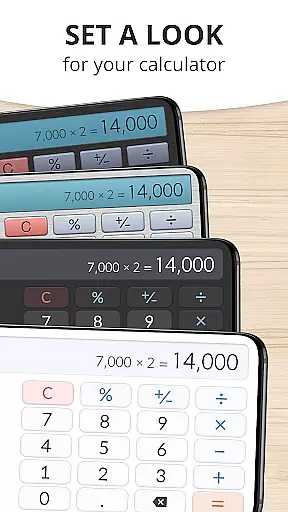
Calculator Plus is a feature-rich productivity app designed to replace your traditional handheld calculator. This Android application offers an intuitive and visually appealing interface that makes everyday calculations effortless. With its elegant typography, smart memory functions, and advanced math capabilities, it's perfect for various tasks from balancing checkbooks to helping with tax calculations.
The app stands out with its ability to save and review past calculations, making it invaluable for shopping, homework, and financial management. Its user-friendly design utilizes your device's display effectively, showing clear, comma-separated numbers and providing real-time visibility into your calculation process. Whether you're working on simple arithmetic or complex mathematical problems, Calculator Plus provides a seamless and efficient experience.
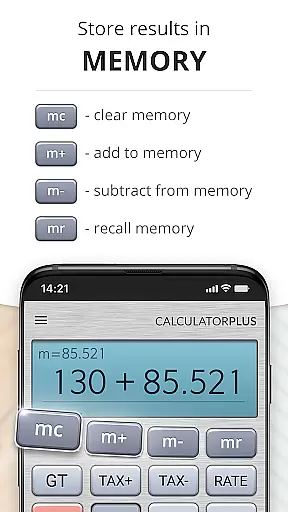
Calculator Plus distinguishes itself through innovative features that enhance productivity. The app's memory function allows users to maintain running totals while being able to review previous calculations. Its intelligent backspace feature enables quick corrections without restarting, saving valuable time during complex computations.
The calculator's percentage function provides clear explanations of operations, eliminating confusion when working with percentages. Advanced mathematical functions are readily accessible by swiping aside memory keys. The app's thoughtful design includes elegant typography with proper number formatting and maintains a visible calculation history, ensuring users never lose track of their work. These features combine to create a powerful yet user-friendly calculation tool.
Calculator Plus excels in core task management by offering a seamless calculation experience. The app allows users to save and review past calculations effortlessly, making it an ideal tool for various tasks such as shopping, homework, or balancing checkbooks.
With its memory function, users can maintain a running total that is visible at all times. This feature ensures that users have a clear overview of their ongoing calculations without losing track of any figures, enhancing productivity and accuracy.
The app's intuitive design includes a backspace key for correcting mistakes easily, eliminating the need to restart calculations from scratch. This functionality saves time and reduces errors, allowing users to focus on their primary tasks without unnecessary interruptions.
One of Calculator Plus's standout features is its reliable cross-device synchronization. Users can quit the app and return later to find all their previous calculations intact, ensuring continuity and convenience across different devices.
This synchronization capability means that whether you are using your phone or tablet, your data remains consistent and accessible. Such reliability is crucial for users who switch between devices frequently and require uninterrupted access to their calculations.
Moreover, the app's ability to store calculations ensures that users never have to retype the same figures again, thus maintaining efficiency and precision. This feature is particularly beneficial for complex tasks that span multiple sessions or locations.
User-friendly interface
Advanced math functions
Calculation memory recall
Clear percentage display
Intuitive backspace feature
Limited scientific functions
No graphing capability
Premium feature costs
Occasional ads display
Large app size

Mega cloud explorer plugin for Solid Explorer
 3.80
3.80
Professional calendar app for Google Calendar, MS Outlook & Exchange
4.20
Planet Free VPN - The best Fast Unlimited and Secure VPN Without Logs
4.50
8 custom complications. Custom Time Fonts. Beautiful color schemes. A++ Design.
5.00
Translate text/voice/photos in 150+ languages. Offline & fast translator app.
4.50
Subscribe to Webcal & .ics calendars and keep them up-to-date!
4.50
Docker, Kubernetes management over Portainer Mobile
4.40
AT&T Internet customers can use this app to personalize their Wi-Fi network.
4.40
Seamlessly read, manage, and organize all your PDF files solution in one place
4.40
Use powerful, industry-leading AI tools to generate visual charts from any data
4.80
aCalendar+ makes your day, week and month
4.70
Scan paperwork into PDF/JPG, generate your own e-signature and send fax or email
4.70
Absolutely the best CNC machinist speed and feed calculator around. fswizard.com
4.60
PDF scanner & converter for files, photos, lottery, QR codes. One swipe away!
4.50
Share files & memories safely. Keep your photos and videos secure.
4.40
Unlock AutoNotification
4.00
Remotely view listen control and record cameras.
3.70
Find and delete junk files & block unwanted notifications & manage files
3.70
IP Camera Viewer - Android TV : RTSP Surveillance camera viewer for Android TV
4.0


User Reviews