
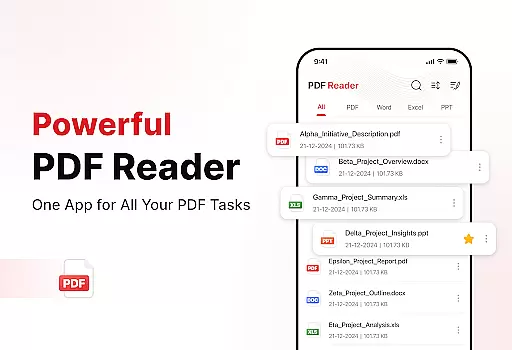
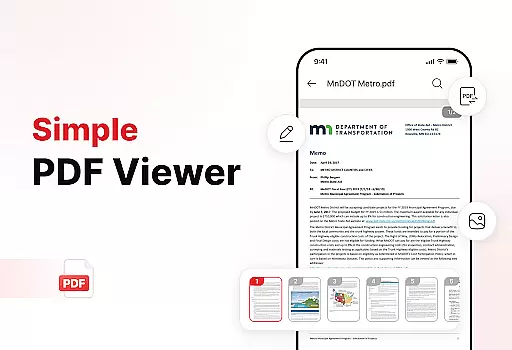
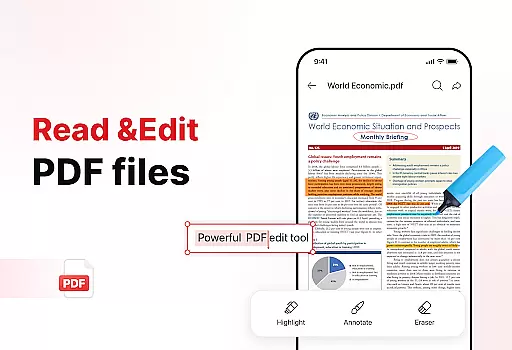
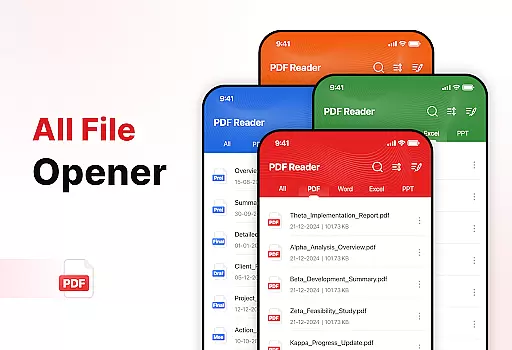
PDF Reader - Edit & View is a comprehensive document management solution designed to simplify how you handle, organize, and convert files. This productivity app offers versatile PDF reading capabilities, allowing users to open and read PDFs of any size without lag while providing easy navigation and zoom features for detailed viewing. The app supports multiple file formats including XLS, DOCX, and PPT, making it an essential tool for students, professionals, and anyone who frequently works with documents.
The application stands out with its powerful document converter that transforms scanned text, images, and diagrams into high-quality PDFs. Its enhanced productivity tools help users manage and organize their storage efficiently through advanced sorting options, bookmarking, and effortless sharing features. Whether you need to sign PDFs or quickly locate specific files, this app streamlines document handling, saving time and boosting productivity.
PDF Reader - Edit & View boasts an array of robust features tailored for efficient document management. One of its standout capabilities is the versatile PDF reader, which allows seamless opening and reading of PDFs regardless of file size. Users can easily navigate through documents, zoom in for details, and highlight critical information. The support for multiple file formats such as XLS, DOCX, and PPT ensures full versatility for various document types.
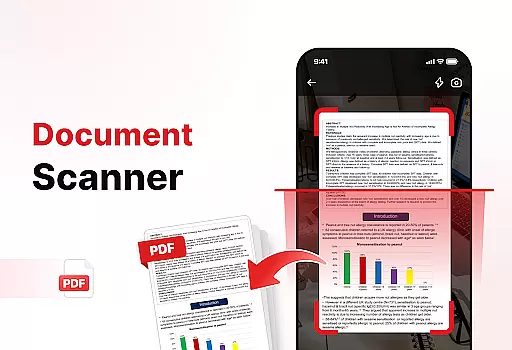
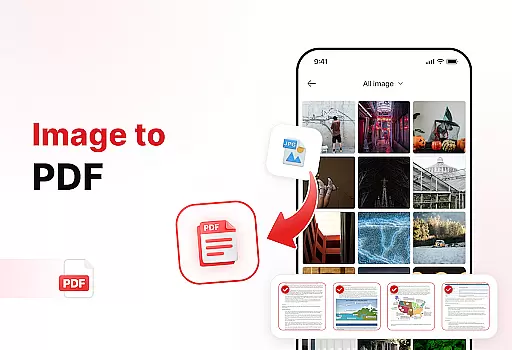
In addition to its reading capabilities, the app includes a powerful document converter. This feature enables users to scan physical documents and convert them into high-quality PDFs. It also allows conversion of images, screenshots, and graphics into professional PDFs within just a few taps. Enhanced productivity tools further augment the user experience by offering functionalities like file sorting, bookmarking, and effortless sharing options. These features collectively ensure that managing and organizing documents becomes an intuitive and efficient process.
Efficient task management is essential for productivity applications, and PDF Reader - Edit & View excels in this area. The app provides a comprehensive suite of tools that allow users to manage, organize, and handle their documents with ease.
With features like file sorting, users can keep their files organized by name, date, or size, ensuring quick access to necessary documents. The ability to add bookmarks further enhances the document navigation experience, allowing users to mark important pages or sections for future reference.
The app also includes enhanced productivity tools such as the Manage & Organize feature, which helps maintain a clutter-free storage space by enabling users to delete unnecessary files and manage their documents efficiently. This functionality ensures that users can focus on their core tasks without being bogged down by disorganization.
By streamlining document management processes, PDF Reader - Edit & View empowers users to boost their productivity and save valuable time, making it an indispensable tool for students, professionals, and anyone who frequently deals with documents.
In today's interconnected world, reliable cross-device synchronization is crucial for maintaining workflow continuity. PDF Reader - Edit & View addresses this need by offering seamless integration across multiple devices, ensuring that users can access their documents anytime, anywhere.
The app supports real-time updates, which means any changes made to a document on one device are instantly reflected on all other linked devices. This feature is particularly beneficial for users who switch between their mobile phones, tablets, and computers throughout the day.
Furthermore, the effortless sharing capability allows users to send PDFs and files to colleagues, friends, or family with just a few taps. Whether collaborating on a project or simply sending a signed agreement, the app makes sharing documents straightforward and efficient.
By prioritizing cross-device synchronization and reliable connectivity, PDF Reader - Edit & View ensures that users remain productive and connected, regardless of the device they are using. This reliability fosters a seamless user experience and enhances overall efficiency.
User-friendly interface
Multi-format support
Powerful conversion tools
Efficient file management
Easy document sharing
Limited free features
Occasional performance lags
Subscription costs
Complex UI for beginners
Ads in free version

Experience real multitasking on your Android!
 4.00
4.00
Create study competitions, track your hours, and stay consistent with friends
4.4
Mega cloud explorer plugin for Solid Explorer
3.80
A lightweight JSON & XML files creator, editor and viewer (Premium Version)
4.40
Absolutely the best CNC machinist speed and feed calculator around. fswizard.com
4.60
CalenGoo is a very flexible and feature-rich calendar app
4.40
The AI assistant that thinks with you - write, code, and solve complex tasks
4.60
Enjoy classic gameplay with customizable features and retro-style graphics.
4.30
Scientific calculator for Android - looks and operates like the real thing!
4.90
Best Tool for the professionals Electrician, Electrical contractors, etc.
4.90
Mind Map and brainstorm, note taking and idea collection
4.80
Simple notepad & memo. Take notes, to-do list, shopping list with reminders.
4.80
Stay on top of your to-dos with Google Tasks, part of Google Workspace.
4.60
Functional QR scanner and barcode reader that requires little storage space.
4.60
Send files, sync SMS, notifications & clipboard across devices via local network
4.40
Share files & memories safely. Keep your photos and videos secure.
4.40
Device's storage information in a simple and clear graphical form (infographics)
4.10
Take control of your clipboard with Clipper!
3.90
Experience and share your SolidWorks designs on your Android® phone and tablet.
2.50


User Reviews