
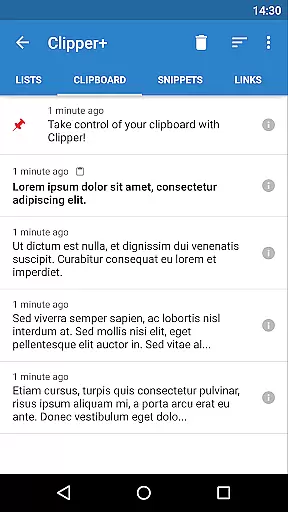
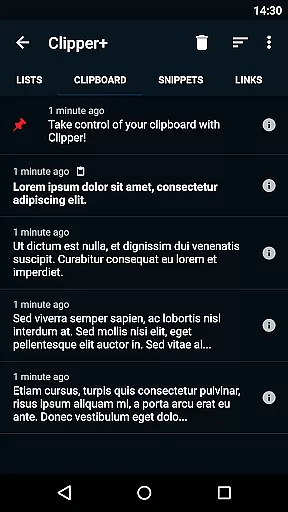
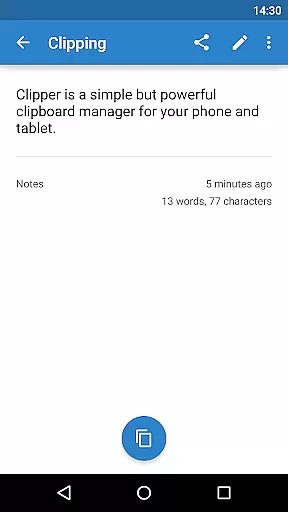
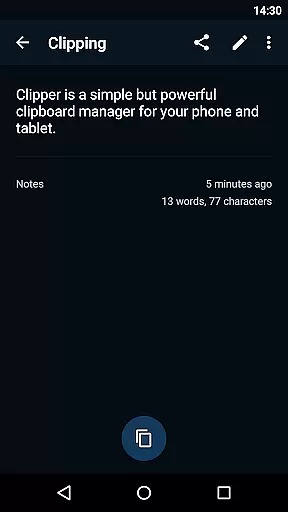
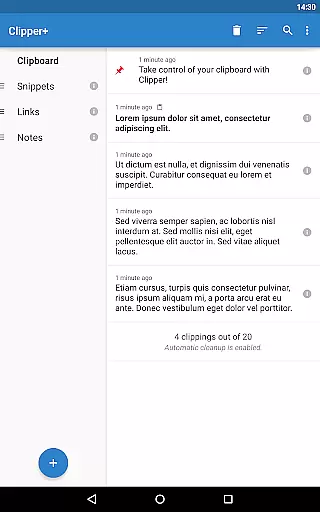
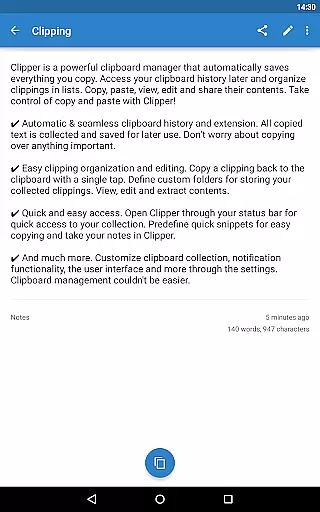
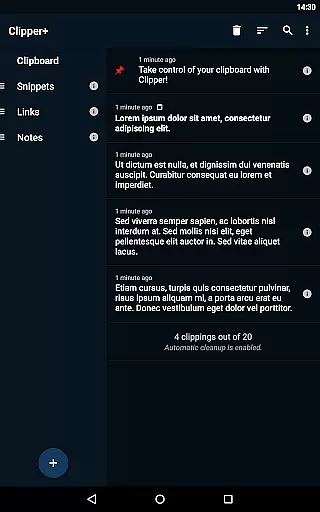
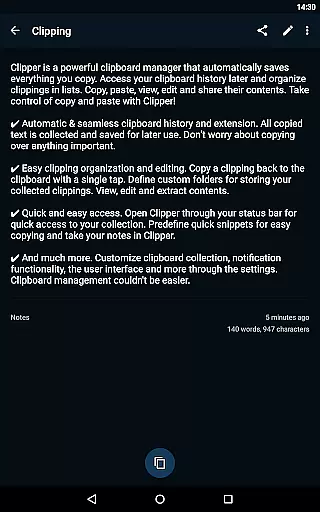
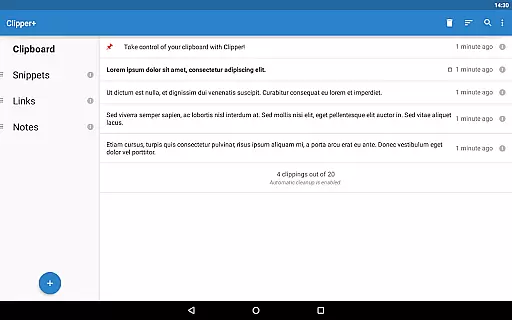
Clipper+: Clipboard Manager is a robust productivity tool designed to enhance your device's clipboard functionality. This app automatically saves everything you copy, allowing you to access, organize, and manage your clippings with ease. With features like unlimited clipping storage, dynamic values for custom snippets, and powerful search capabilities, Clipper+ ensures you never lose important copied content. The app also offers seamless integration with your device’s status bar for quick access, making it an essential tool for anyone who frequently handles text or needs organized clipboard management.
Beyond its core functionalities, Clipper+ provides users the ability to edit, share, and store repetitive pieces of text efficiently. Whether you're managing large volumes of information or need predefined snippets for regular use, Clipper+ delivers a comprehensive solution that streamlines your workflow and boosts productivity.
Clipper+ stands out with its extensive feature set tailored for efficient clipboard management. One of its key features is the unlimited storage of clippings, which allows users to keep more than just the latest entries, ensuring no data is lost. Additionally, the app supports dynamic values, enabling users to insert current date and time into their custom snippets, thus adding flexibility to text management.
Another significant feature is the powerful search functionality, which helps users quickly locate specific clippings among potentially hundreds of saved items. The app also includes various settings and options, such as manual collection of clippings, offering users greater control over how and when data is captured. Furthermore, Clipper+ is completely ad-free, providing an uninterrupted user experience while supporting ongoing development through user purchases.
Clipper+: Clipboard Manager excels in core task management by offering users an efficient way to handle their clipboard history. This app automatically saves everything you copy, allowing for seamless organization and access to your collected clippings.
With features like unlimited collected clippings and easy clipping organization, Clipper+ ensures that no important information is lost. Users can copy, paste, view, edit, and share the contents of their clippings with just a few taps, streamlining their workflow significantly.
The true value of Clipper+ lies in its ability to store repetitive pieces of text which can be copied whenever needed. This functionality not only saves time but also reduces the hassle of retyping frequently used texts, making it an indispensable tool for productivity enthusiasts.
Cross-device synchronization is a critical feature for users who operate across multiple devices, and Clipper+: Clipboard Manager delivers reliable performance in this aspect. Although primarily designed as a clipboard manager, it extends its utility by ensuring that your data remains consistent and accessible, regardless of the device in use.
While Clipper+ installs as a separate application when upgrading from the free version, it provides a seamless migration process for your data. This means that users can expect their clipboard history and custom snippets to be accurately reflected across all their devices after installation.
Moreover, Clipper+ supports import and export backup functionality to internal storage or SD card, enhancing data security and availability. By prioritizing these aspects, Clipper+ assures users of a dependable cross-device experience, thus maintaining productivity without interruptions.
User-friendly interface
Unlimited clipping storage
Dynamic snippet customization
Powerful search function
Completely ad-free experience
Paid application
Separate installation needed
Limited to text handling
No cloud sync option
Requires manual data migration

The Pro Version of Android's tiniest Notepad app. Just 0.3MB but feature-packed!
 4.60
4.60
A lightweight JSON & XML files creator, editor and viewer (Premium Version)
4.40
Absolutely the best CNC machinist speed and feed calculator around. fswizard.com
4.60
Font maker keyboard with your own handwriting
4.10
The AI assistant that thinks with you - write, code, and solve complex tasks
4.60
Calendar 2023 widget for Android. Appointment scheduler, planner, and reminder
4.60
Tally and goal counter for Wear OS & mobile
4.50
Experience and share your SolidWorks designs on your Android® phone and tablet.
2.50
2026 USPS Alpha/Color coded calendar Sunday/Rotating day off schedules
4.5
Use powerful, industry-leading AI tools to generate visual charts from any data
4.80
Stay on top of your to-dos with Google Tasks, part of Google Workspace.
4.60
Docker, Kubernetes management over Portainer Mobile
4.40
When you Focus, so will your Bean in this cozy focus timer
4.30
Total remote control for your Android device, PC and cloud services (IFTTT)!
4.20
Cloud storage, automatic phone backup, and more.
4.10
Secure, open-source, SPICE and SSH Remote Desktop for QEMU KVM virtual machines
4.00
All in one sketching tool. Technical and General drawing. Online Maps support.
3.70
Code on-the-go with VScode for Android. Edit,debug and collaborate from mobile!!
3.10
The upgraded version of Name Wheel with AI and the power to add your own wheels.
4.4


User Reviews