
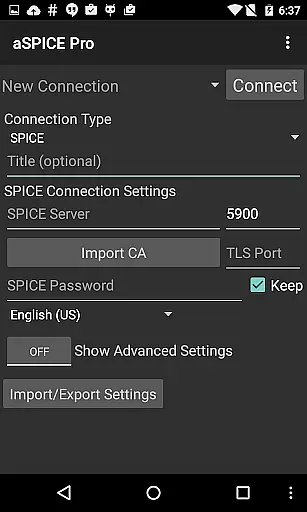
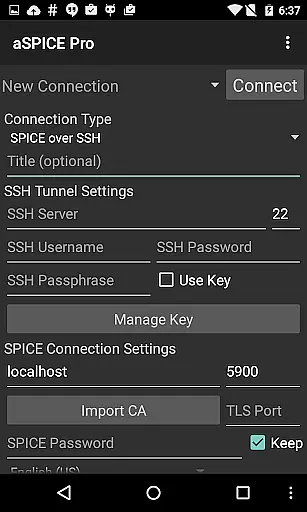
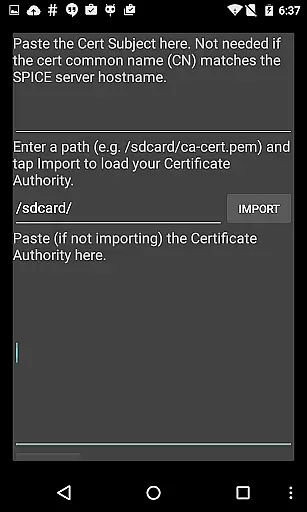
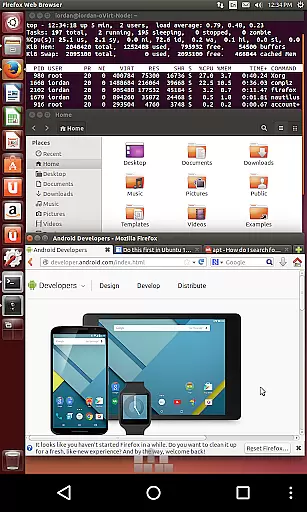
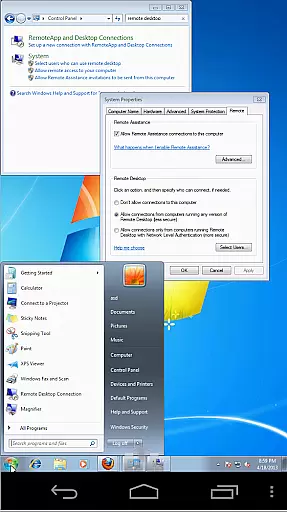
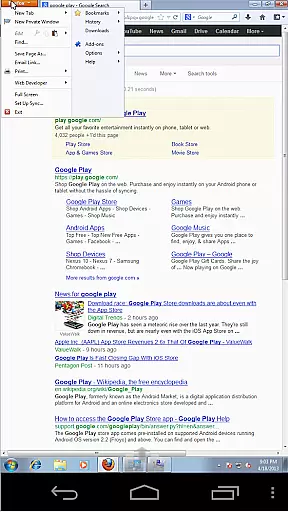
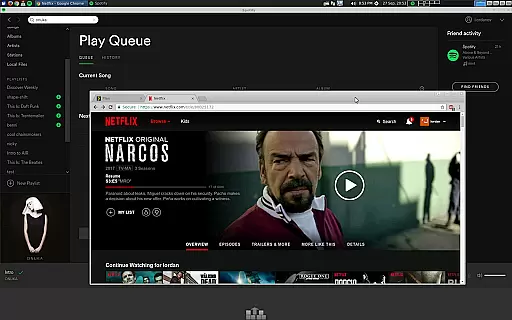
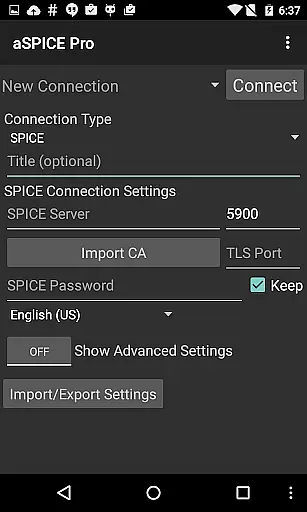
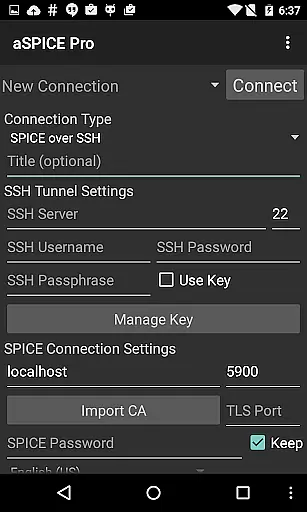
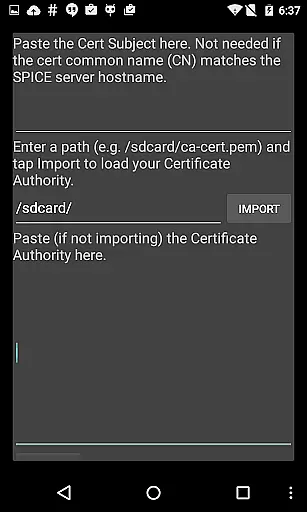
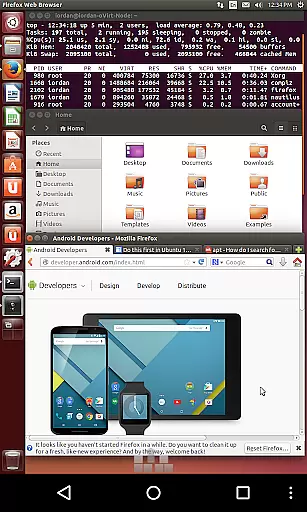
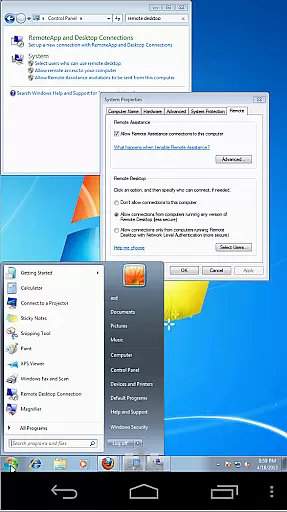
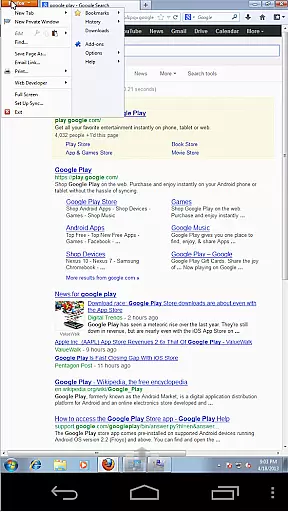
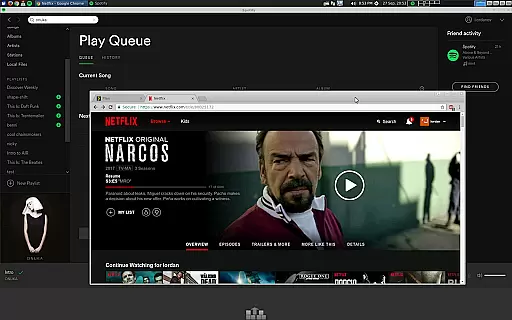
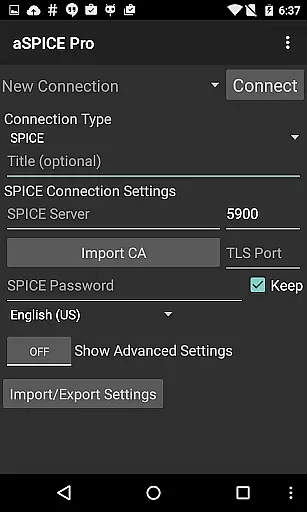
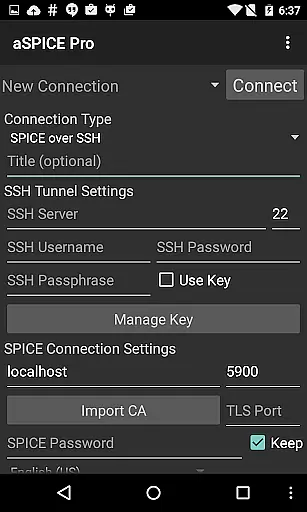
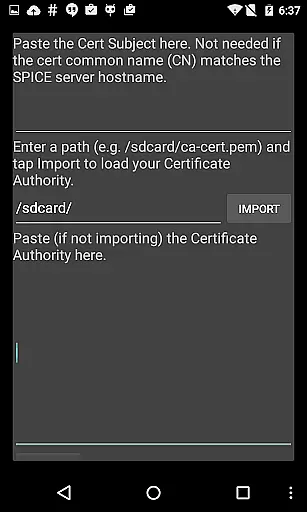
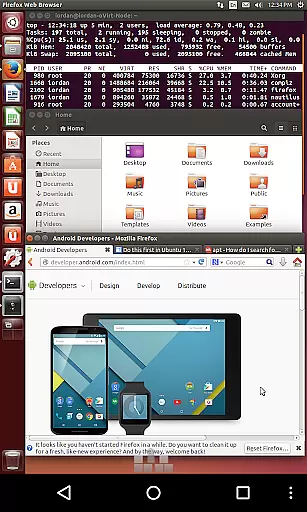
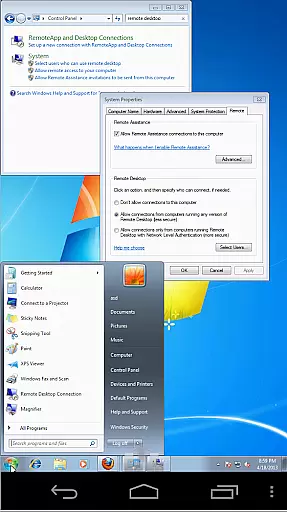
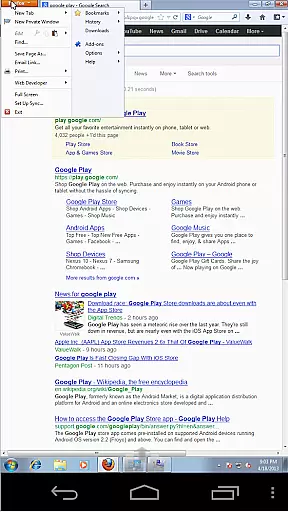
aSPICE Pro Secure SPICE Client is a powerful productivity tool designed for secure remote desktop access. This application enables users to control any SPICE-enabled virtual machine regardless of the guest operating system, making it an essential utility for IT professionals and tech enthusiasts alike.
The app stands out with its robust security features including SSH tunneling, master password support, and multi-factor authentication. With added functionalities like USB redirection, audio support, and multi-touch controls, aSPICE ensures a seamless and interactive remote desktop experience on Android devices.
Whether you're managing servers or working remotely, aSPICE provides a reliable solution for accessing virtual environments securely from anywhere, ensuring both convenience and peace of mind.
aSPICE Pro offers an extensive range of features tailored for efficient remote desktop management. The app supports dynamic resolution changes, allowing users to reconfigure their desktops while maintaining an active connection, thus providing flexibility in controlling virtual machines from BIOS to OS level.
One of the standout features is the multi-language support and full mouse functionality on Android 4.0+, which enhances usability across different regions and device types. Additionally, the app optimizes UI for various screen sizes, ensuring a smooth experience on both tablets and smartphones.
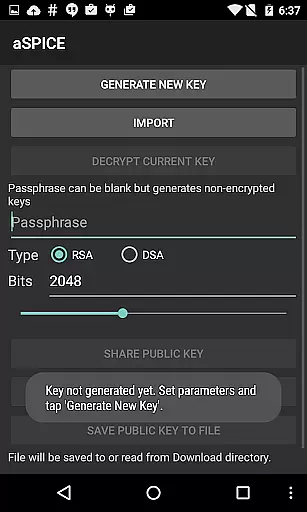
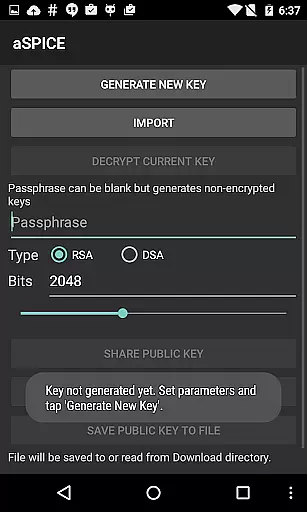
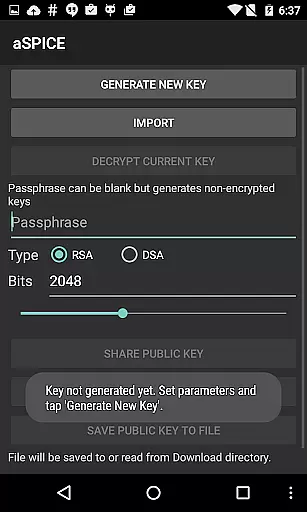
Advanced functionalities include SSH public/private key support, automatic session saving, and multiple scaling modes. These features collectively ensure that users can customize their remote access experience according to their specific needs while maintaining top-notch security standards.
aSPICE Pro Secure SPICE Client excels in core task management by offering users comprehensive control over SPICE-enabled virtual machines. This functionality is crucial for productivity apps as it ensures seamless interaction with virtual environments.
The application provides multiple input modes, including Direct, Simulated Touchpad, and Single-handed modes, allowing users to efficiently manage tasks within their virtual machines. These input methods are designed to accommodate different usage scenarios and preferences, enhancing overall task execution.
Users benefit from features like multi-touch control, which enables intuitive mouse operations through taps and gestures. The app also supports dynamic resolution changes, empowering users to reconfigure their desktop environments on-the-fly while maintaining complete visibility and control.
Furthermore, aSPICE incorporates advanced session management capabilities, including automatic connection saving and various scaling modes. These features ensure that users can quickly resume their work and maintain optimal productivity across different devices and screen sizes.
Cross-device synchronization is a vital feature for productivity applications, and aSPICE Pro Secure SPICE Client delivers exceptional reliability in this aspect. The ability to maintain consistent connections across different devices enhances user productivity and flexibility.
The application supports SSH tunneling, providing secure connections even when switching between devices. This feature ensures that users can access their virtual machines from any location without compromising security or performance.
aSPICE offers optimized user interface elements for both smartphones and tablets, guaranteeing smooth transitions between different form factors. The Samsung multi-window support and DEX compatibility further enhance the cross-device experience, allowing users to multitask effectively.
With its robust session-saving mechanism and support for various input methods, including hardware keyboards and bluetooth devices, aSPICE ensures that users can seamlessly switch between devices without losing their workflow or experiencing significant interruptions.
Secure SSH connections
Multi-touch controls
Dynamic resolution
USB redirection
Automatic session saving
Complex setup process
Limited clipboard integration
No iOS version available
Occasional connectivity issues
Steep learning curve

IP Camera Viewer - Android TV : RTSP Surveillance camera viewer for Android TV
 4.4
4.4
Customizable calendar widget for seamless event sync, planning & scheduling.
4.00
Stay on top of your to-dos with Google Tasks, part of Google Workspace.
4.60
Code on-the-go with VScode for Android. Edit,debug and collaborate from mobile!!
3.10
Great calculator for Android named one of USA TODAY's "25 Essential Apps".
4.90
A simple Whisper AI keyboard for reliable speech transcription and rewording
4.60
Access your phone's notifications, calls, apps, photos & texts on your PC
3.90
Daily processing of PDF documents.
4.40
Set up, print, and get support—in one place
4.20
Native client for Forgejo and Gitea
5.00
Client for Nextcloud Deck
4.60
The Pro Version of Android's tiniest Notepad app. Just 0.3MB but feature-packed!
4.60
To do list widget with a notebook organizer, checklist, simple shopping list
4.60
Subscribe to Webcal & .ics calendars and keep them up-to-date!
4.50
Tally and goal counter for Wear OS & mobile
4.50
Docker, Kubernetes management over Portainer Mobile
4.40
A customizable calendar for your Wear OS watch
4.20
Unlock AutoNotification
4.00
Smart PDF reader & editor to view, organize and manage PDF documents easily.
3.70


User Reviews