
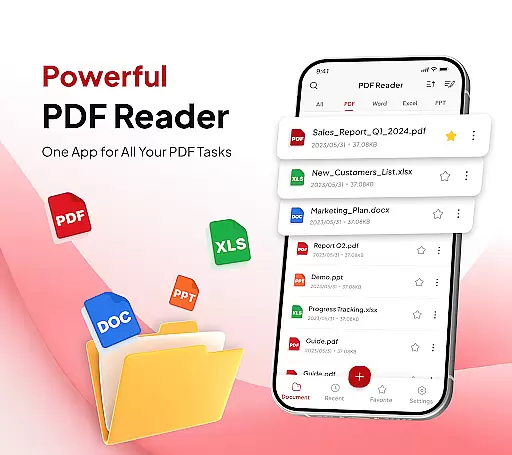
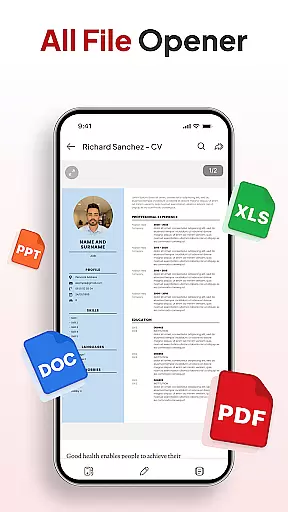
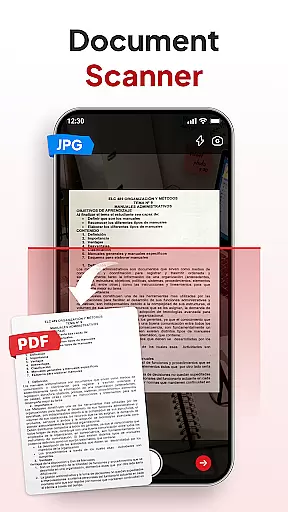
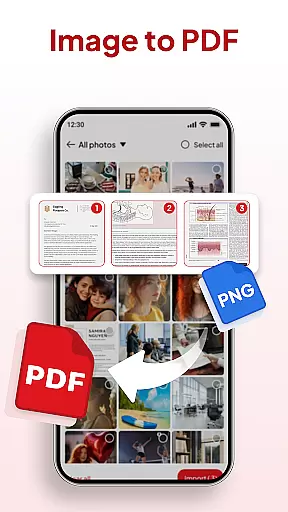
PDF Reader - Document Editor is a comprehensive productivity tool designed to streamline document management for students, professionals, and everyday users. This app allows you to read, edit, organize, and convert PDF files with ease, offering support for multiple file formats including XLS, DOCX, and PPT.
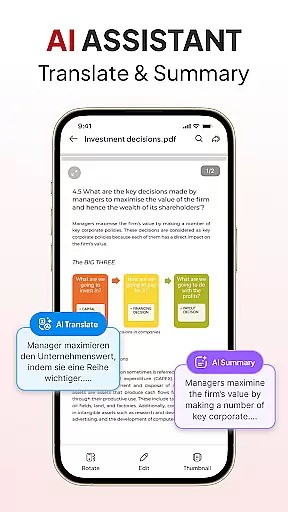
The application stands out with its smart features like the built-in document scanner, image-to-PDF conversion, and AI-powered tools for summarizing or translating documents. Its intuitive interface ensures smooth navigation while enabling advanced functionalities such as adding signatures, sorting/searching capabilities, and instant sharing options.
Whether you're managing academic papers, business reports, or personal files, PDF Reader - Document Editor provides an efficient solution that enhances your workflow across various scenarios.
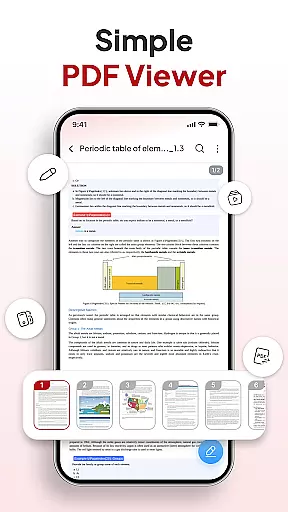
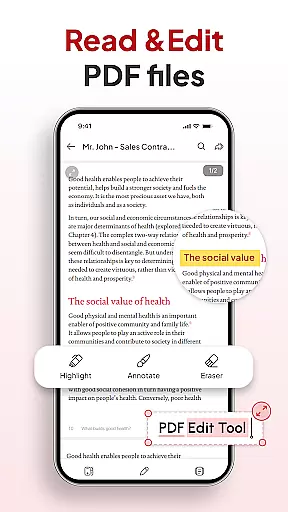
One of the key strengths of PDF Reader - Document Editor lies in its all-in-one toolkit approach. The app offers smooth PDF reading with zoom functionality and text highlighting, ensuring a seamless experience even with large files. It also supports multiple file types beyond PDFs, making it versatile for different user needs.
Smart PDF conversion tools include a document scanner for creating clear digital copies from physical documents and an image-to-PDF feature that transforms photos into professional-quality PDFs. Users can take advantage of advanced productivity features such as file organization through folders and favorites, quick search by name/date/size, signature management, and one-tap sharing via popular apps.
Additionally, the integrated AI assistant adds another layer of utility by providing automatic document summaries and translations, helping users work smarter not harder.
Task management is a cornerstone of productivity, and PDF Reader - Document Editor excels in providing users with the tools necessary to handle their document-related tasks efficiently. This app allows for seamless organization of PDFs and other file types, ensuring that every document is accessible when needed.
The application's functionality extends to features such as file sorting and searching, which are crucial for locating specific documents quickly. Users can sort files by name, date, or size, streamlining their workflow and saving valuable time.
Moreover, the ability to add signatures and instantly share PDFs via various apps enhances collaborative work environments. These capabilities ensure that documents can be edited, signed, and distributed without unnecessary delays.
By integrating an AI assistant, the app further augments productivity by offering smart tools like document summarization and translation. This means users can focus on the content of their work rather than getting bogged down by language barriers or information overload.
Cross-device synchronization is vital for users who operate across multiple platforms, and PDF Reader - Document Editor ensures reliable and real-time updates. This feature guarantees that any changes made to a document on one device are immediately reflected on all others, maintaining consistency and coherence in your work.
With cloud integration, users can access their documents from anywhere, at any time, without worrying about version control issues. Whether you're switching from a phone to a tablet or a computer, your files remain up-to-date and synchronized.
This level of synchronization also supports team collaboration, allowing multiple users to view and edit documents simultaneously. Such functionality is indispensable in today's fast-paced work environments where timely communication and document sharing are key.
Ultimately, the dependable cross-device sync offered by this app empowers users to work flexibly and efficiently, enhancing both individual and team productivity without missing a beat.
User-friendly interface
Multi-format support
Advanced scanning tools
Efficient file management
Integrated AI capabilities
Limited free features
Occasional bugs reported
Subscription costs may apply
Ads in free version
Learning curve for new users

 4.20
4.20
Todo reminder
4.10
Make apps & sites with natural language prompts
4.10
Multilingual translator for text, voice, and image translation!
4.90
A Pixel Art watchface inspired by other iconic 90s designs for Wear OS devices!
4.40
Scientific calculator for Android - looks and operates like the real thing!
4.90
Access your phone's notifications, calls, apps, photos & texts on your PC
3.90
Simple notepad & memo. Take notes, to-do list, shopping list with reminders.
4.80
Browse and view your photos and videos from the phone with photo & video hide.
4.10
Protect and view your important info on your phone and tablet with eWallet®
4.80
Understand anything with a personalized AI research assistant
4.80
Secure, fast, open-source, VNC and SSH Remote Desktop for Windows, Linux and Mac
4.70
Lightweight PDF, Word, Excel reader.
4.60
Subscribe to Webcal & .ics calendars and keep them up-to-date!
4.50
This small app MUST BE INSTALLED after purchase, else license won't work
4.40
Easily read and manage all your PDF files
4.10
The ultimate file manager for rooted devices. The original and still the best.
4.00
Auto-shutoff Alarm with Sunrise, Sunset & Fixed Options.
3.50
Experience and share your SolidWorks designs on your Android® phone and tablet.
2.50


User Reviews