
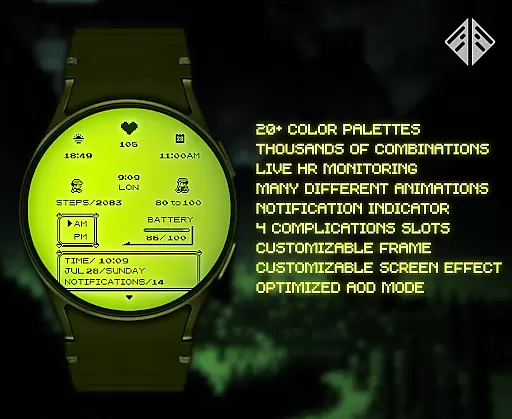
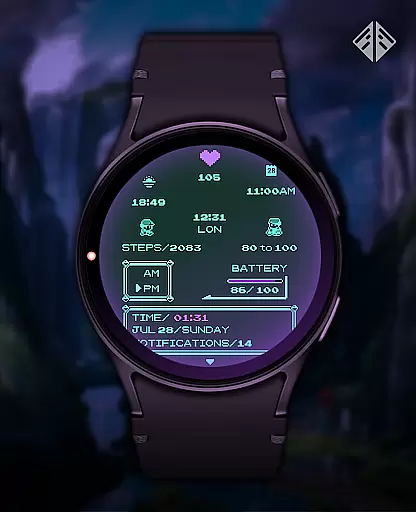
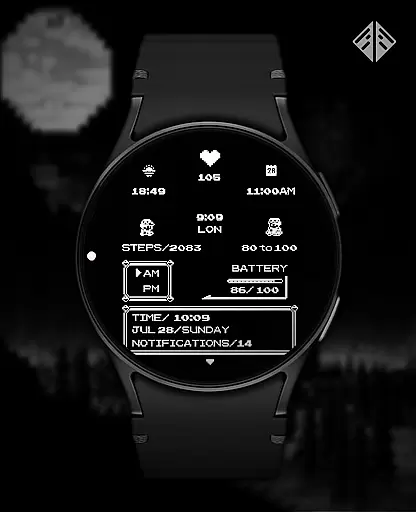
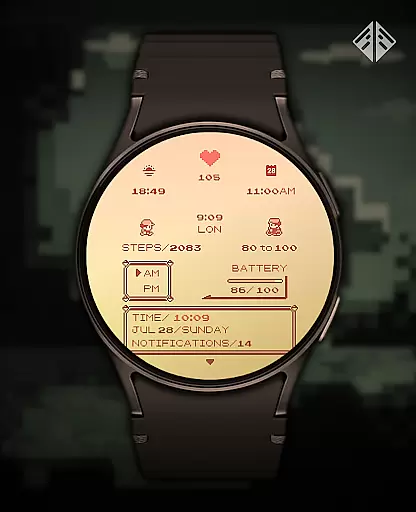
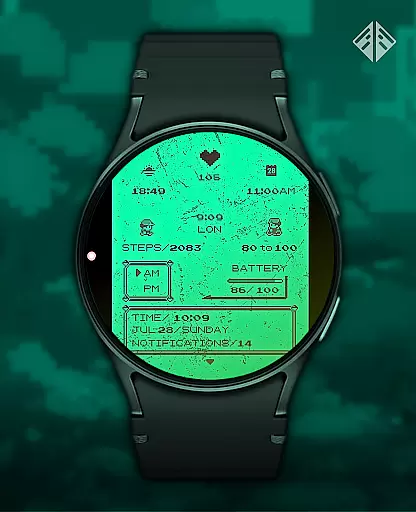
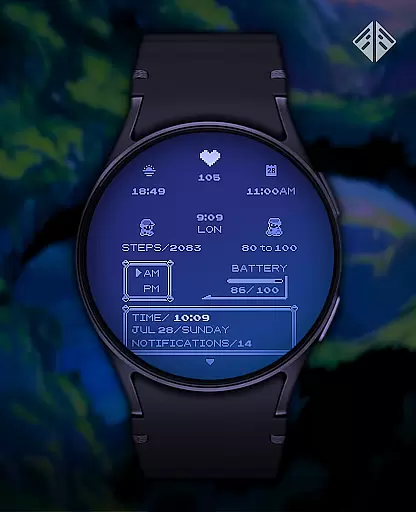
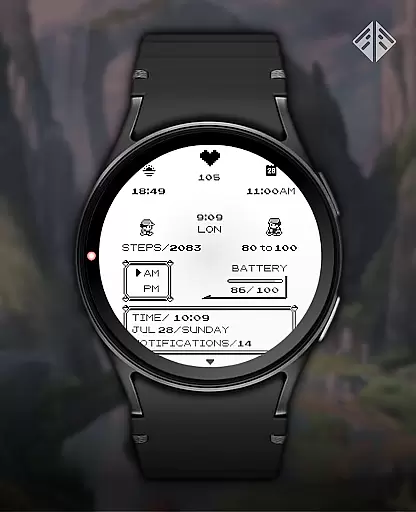
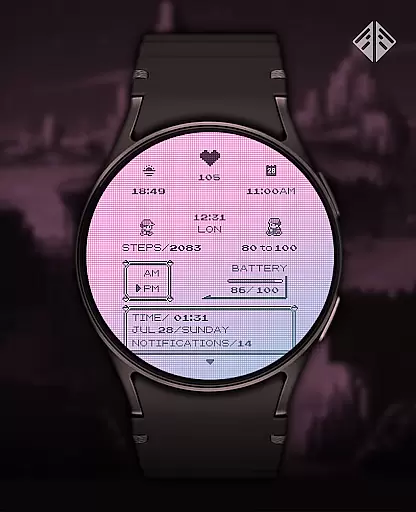
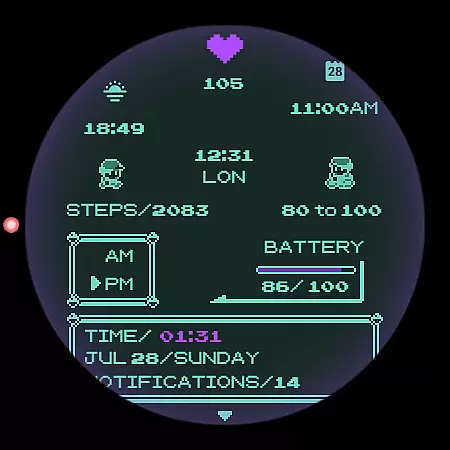
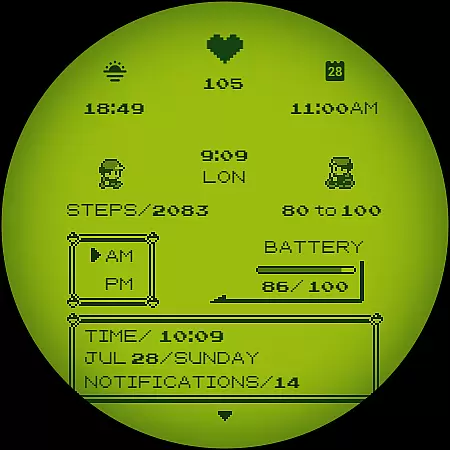
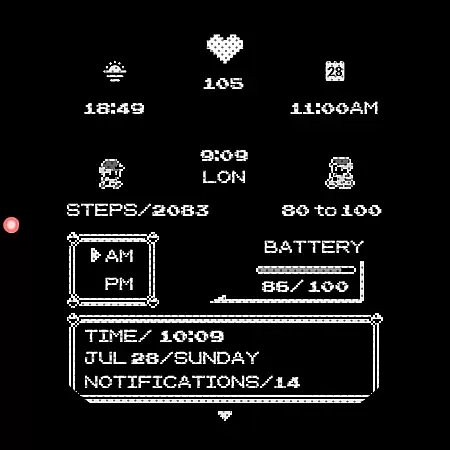
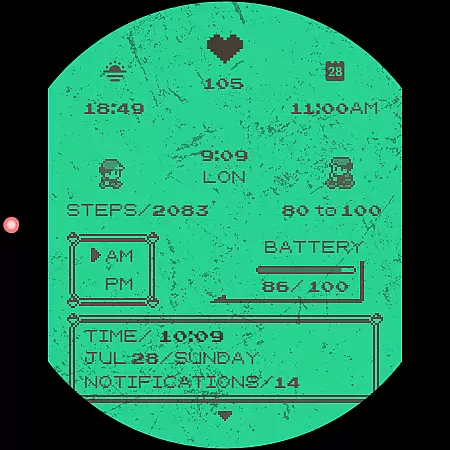
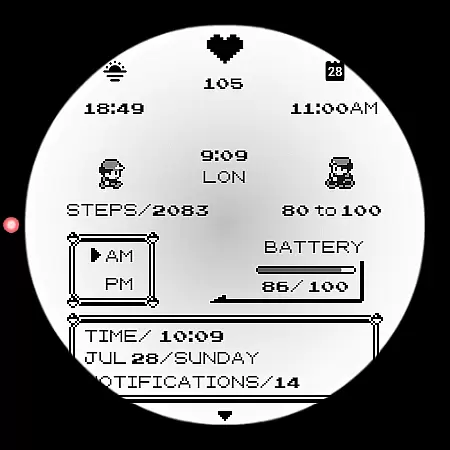
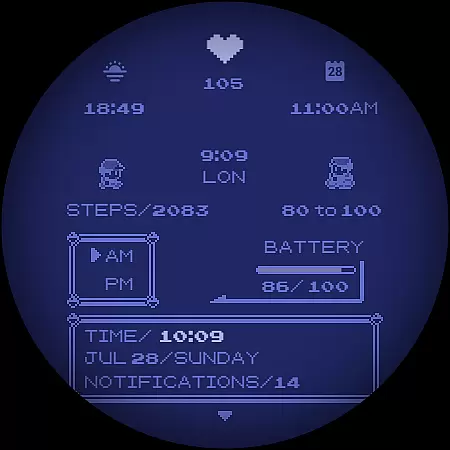
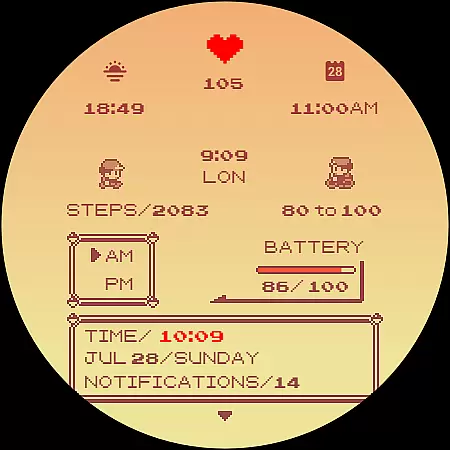
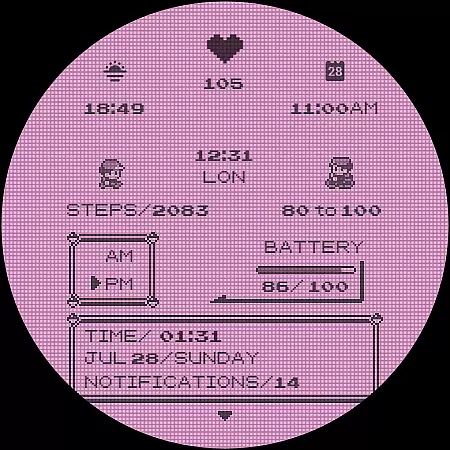
Poke Pixel Retro Watch Face is a pixel art themed Wear OS watchface that combines retro aesthetics with modern functionality. Designed for smartwatch users who appreciate nostalgic design, this standalone app offers over 1000 customization combinations including 30 color schemes and various display formats.
The watchface displays essential information at a glance while maintaining a clean, pixel-perfect style inspired by classic gaming consoles. Its unique selling point is the seamless blend of retro visuals with practical utility, making it suitable for both casual users and productivity-focused individuals.
This Wear OS watchface stands out with its extensive customization options. Users can choose from 30 distinct color schemes and modify numerous interface elements such as frames and battery indicators. The time format automatically adjusts between 12/24 hours based on user preference.
What makes Poke Pixel exceptional is its attention to detail - every pixel is meticulously crafted to create an authentic retro look while maintaining perfect alignment. The companion app simplifies installation and configuration, allowing users to easily manage their watchface settings across different devices.
Poke Pixel Retro Watch Face offers a unique approach to task management through its highly customizable interface. The watch face provides over 1000 possible combinations of customizations, allowing users to tailor their experience to match their productivity style.
With support for both 12 and 24-hour formats, automatic date formatting, and a variety of color schemes, this app ensures that time management is both flexible and visually intuitive. Users can easily track their day with a simple glance at their wrist.
The pixel-perfect design inspired by retro gaming consoles not only brings nostalgia but also clarity. Important information is displayed in a clean and straightforward manner, ensuring that users are not overwhelmed by unnecessary details while managing their tasks.
Cross-device synchronization is a breeze with Poke Pixel Retro Watch Face. By installing the companion app on your smartphone, you can seamlessly connect your Wear OS smartwatch and access the watch face's features without hassle.
The app addresses common issues like account mismatches that could lead to double charges or installation problems. It guides users through a step-by-step installation process, ensuring that the correct accounts are used for a smooth experience across devices.
Should any issues arise, the app provides comprehensive Q&A support and encourages users to reach out via email for further assistance. This dedication to customer service highlights the app's commitment to reliable cross-device functionality.
Highly customizable
Retro aesthetic
Easy installation
Regular updates
Responsive support
Paid app
Wear OS only
No iOS support
Complex UI
Battery usage

Planet Free VPN - The best Fast Unlimited and Secure VPN Without Logs
 4.50
4.50
Automates browsing any website and notifies you of important changes or events
4.30
The Pro Version of Android's tiniest Notepad app. Just 0.3MB but feature-packed!
4.60
Secure, fast, open-source, Remote Desktop Client for Windows and Linux with SSH
4.60
Customizable calendar widget for seamless event sync, planning & scheduling.
4.00
Pwnagotchi companion app
4.20
aCalendar+ makes your day, week and month
4.70
The AI assistant that thinks with you - write, code, and solve complex tasks
4.60
Share files & memories safely. Keep your photos and videos secure.
4.40
Scientific calculator for Android - looks and operates like the real thing!
4.90
The long-awaited modern gallery app for your Nextcloud server
4.70
Quickly and easily keep track of your work shifts
4.70
Client for Nextcloud Deck
4.60
Absolutely the best CNC machinist speed and feed calculator around. fswizard.com
4.60
Lightweight PDF, Word, Excel reader.
4.60
Professional calendar app for Google Calendar, MS Outlook & Exchange
4.20
Mega cloud explorer plugin for Solid Explorer
3.80
Smart PDF reader & editor to view, organize and manage PDF documents easily.
3.70
Code on-the-go with VScode for Android. Edit,debug and collaborate from mobile!!
3.10


User Reviews