
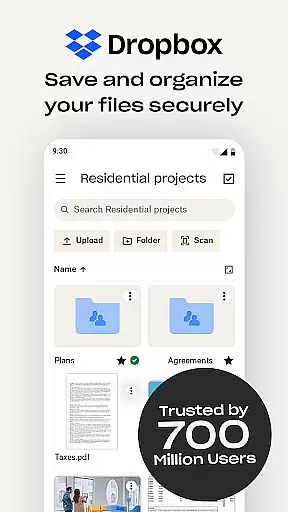
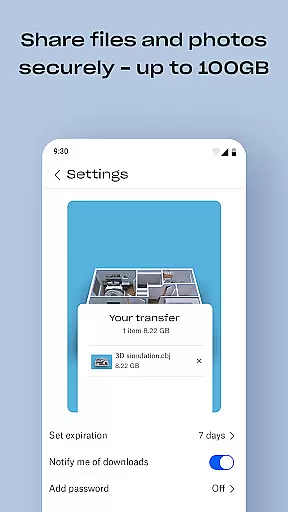
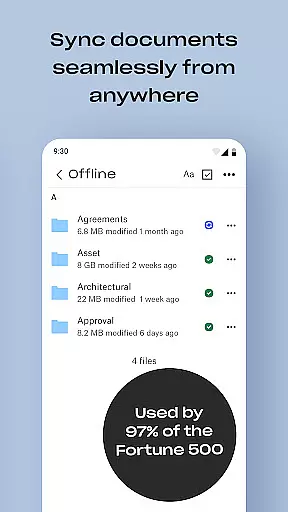
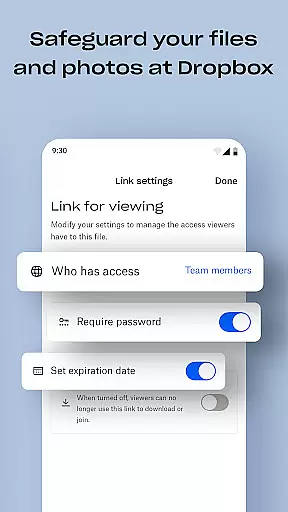
Dropbox is a leading cloud storage solution that allows users to securely backup, access, and manage their essential files from any location. With over 700 million registered users globally, it provides reliable and private file management for individuals and teams alike. The service supports automatic photo uploads, offline file access, and easy sharing of large files through simple links.
In addition to basic storage capabilities, Dropbox offers advanced features such as document scanning, version history, and file recovery. Its seamless synchronization across devices ensures users can organize and transfer files effortlessly. Dropbox Plus subscribers gain access to enhanced security options like Passwords, Vault, and Rewind functionalities, making it an ideal choice for both personal and professional use.
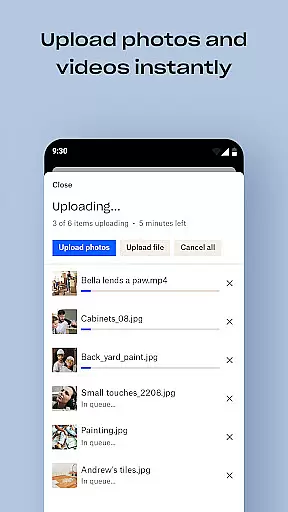
Dropbox stands out with its comprehensive feature set tailored for productivity. One of its core strengths is the ability to automatically upload photos from your camera roll to cloud storage, enabling effortless photo sharing. Users can preview over 175 file types without needing special software, ensuring compatibility and convenience regardless of file format.
Another notable feature is the capability to send large files by simply sharing a link, even with non-Dropbox users. Advanced tools include document scanning, transforming images into high-quality PDFs, and robust sync options for PC or Mac. Dropbox's version history and file recovery functionalities provide peace of mind, allowing users to restore deleted files or previous versions easily.
Dropbox excels in core task management by offering a comprehensive suite of tools designed to streamline file handling and organization. The app allows users to automatically upload photos, access files offline, and preview various file types without the need for special software.
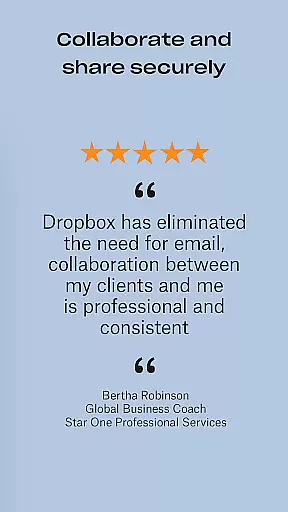
With Dropbox, sharing large files becomes effortless as users can simply send a link, even to those without a Dropbox account. This functionality ensures that collaboration is not hindered by file size limitations or recipient access restrictions.
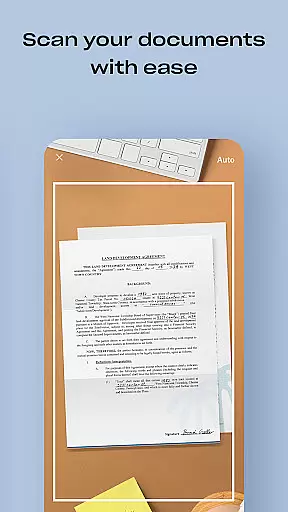
The app also features document scanning capabilities, transforming mobile devices into powerful tools for digitizing physical documents. These scans can be converted into high-quality PDFs, making them easy to view and share anywhere, thus enhancing productivity on the go.
Cross-device synchronization is a cornerstone of Dropbox's reliability, ensuring that users have seamless access to their files across all devices. Whether on a PC, Mac, or mobile device, Dropbox syncs folders and maintains version history, allowing users to recover older versions or restore deleted files.
This synchronization extends to the app's photo transfer capabilities, enabling users to back up their camera roll to cloud storage effortlessly. Such features ensure that precious memories are preserved and accessible from any location, providing peace of mind and convenience.
Furthermore, Dropbox's robust infrastructure supports over 700 million registered users and 600,000 teams, underscoring its commitment to security and privacy. Users can trust that their data remains private and secure, regardless of where they are or what device they use, making Dropbox a reliable choice for managing digital content across multiple platforms.
User-friendly interface
Secure file sharing
Automatic photo backup
Cross-device synchronization
Advanced security features
Limited free storage
Paid subscription required
Occasional sync delays
No built-in editing tools
High cost for extra space

Seamlessly integrate data and reports to build your presentation to impress
 4.80
4.80
All in one sketching tool. Technical and General drawing. Online Maps support.
3.70
Direct Chat without saving contacts & Dual WA Account on Single Device
4.70
Easiest event planning, volunteer signups & parent teacher conference scheduling
2.20
Stay on top of your to-dos with Google Tasks, part of Google Workspace.
4.60
Translate text/voice/photos in 150+ languages. Offline & fast translator app.
4.50
Create and edit presentations with Google Slides, part of Google Workspace.
4.00
Understand anything with a personalized AI research assistant
4.80
Browse and view your photos and videos from the phone with photo & video hide.
4.10
Native client for Forgejo and Gitea
5.00
QuickBooks Workforce lets teams view pay info and track time in one place.
4.70
Scan paperwork into PDF/JPG, generate your own e-signature and send fax or email
4.70
App Lock with fingerprint, password: Lock apps & hide photos with lock screens
4.60
Access, manage and transfer files on Android, PC, Mac, NAS and cloud storages.
4.30
Pwnagotchi companion app
4.20
Easily read and manage all your PDF files
4.10
Intelligent AI Assistant
4.10
Wake up & get tasks done! Add alarms & reminders on the Clock Launcher.
4.00
Simple and reliable communication between inmates, friends and family
3.20


User Reviews