
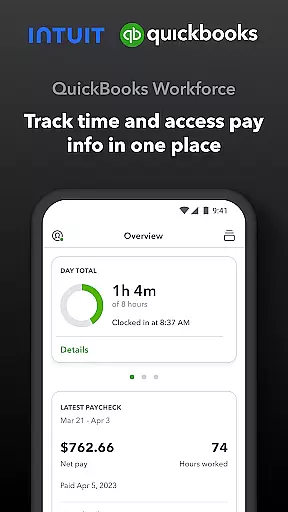
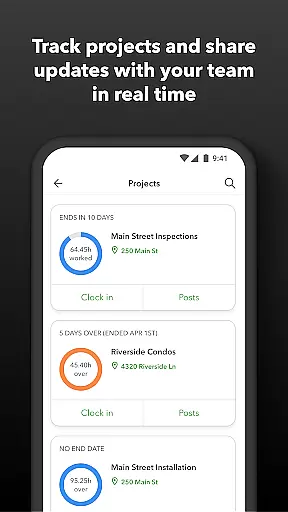
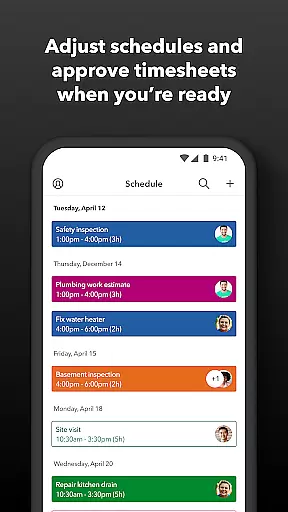
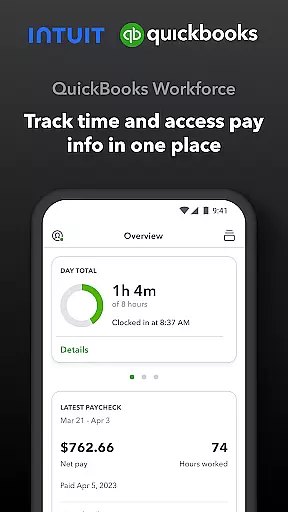
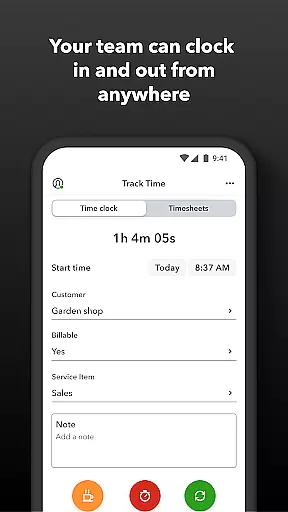
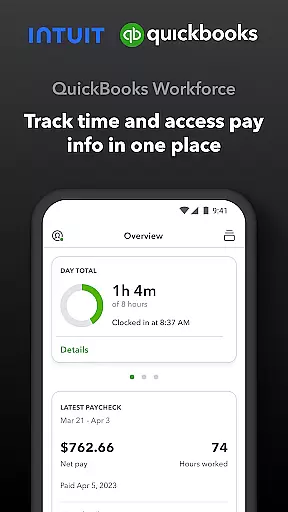
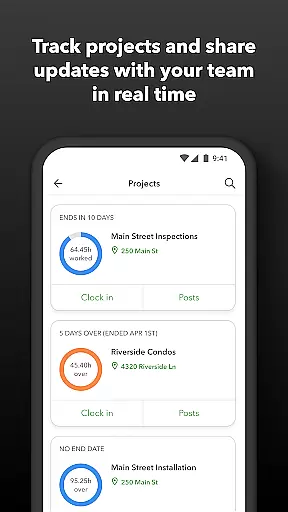
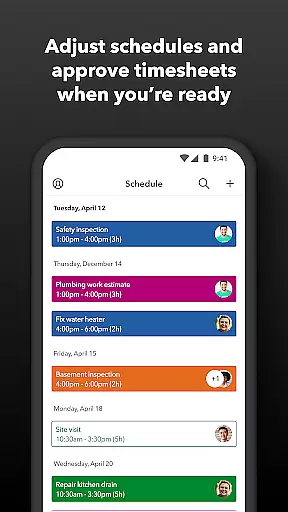
QuickBooks Workforce is a comprehensive productivity app designed to streamline payroll and time tracking for businesses using QuickBooks Payroll and QuickBooks Time. The app allows teams to access pay information and track time seamlessly from one platform, ensuring efficiency and accuracy in workforce management.
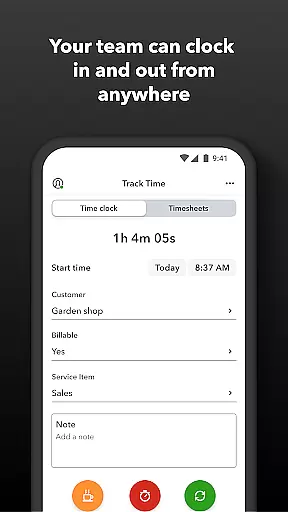
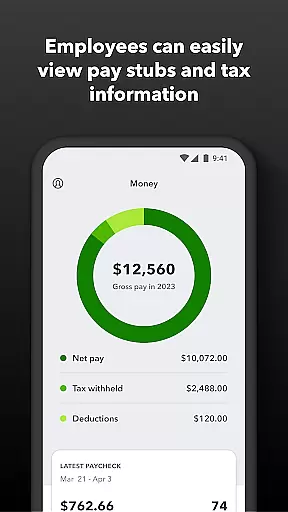
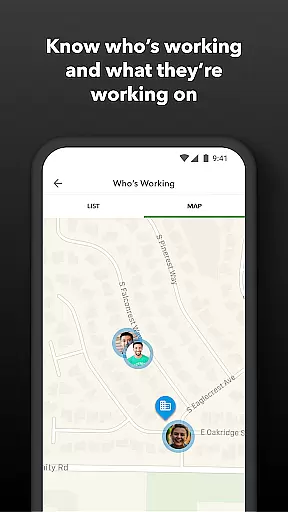
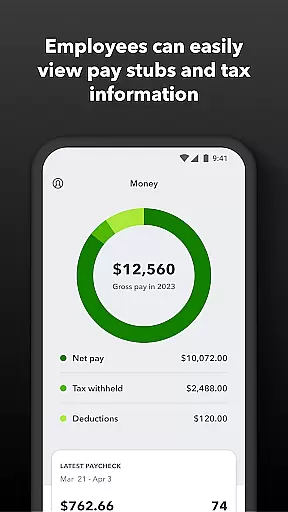
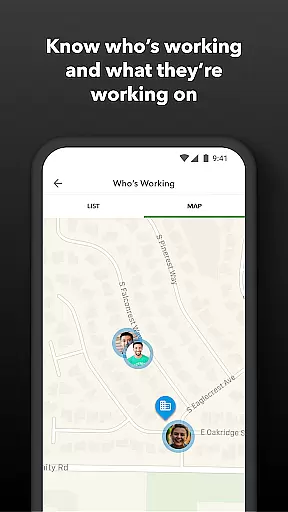
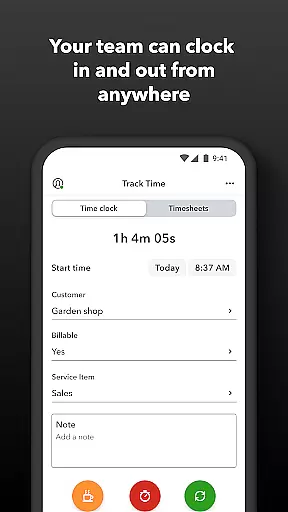
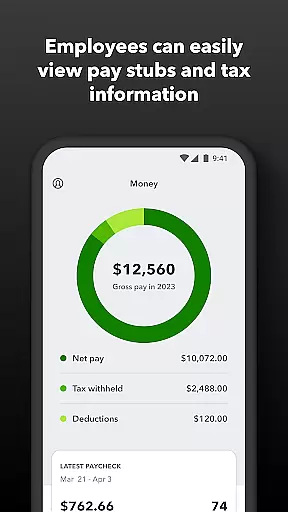
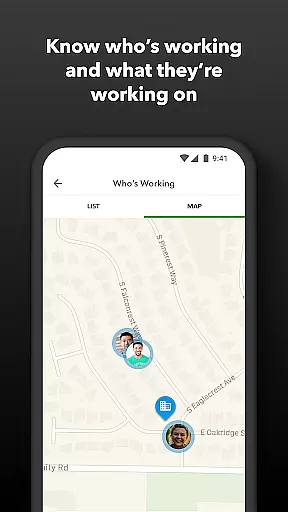
Key features include the ability to view pay stubs, W-2s, and other pay-related information anytime and anywhere. Users can clock in and out even without Wi-Fi, submit and track paid time off, edit timesheets, and manage job schedules. Employers benefit from real-time tracking of who is working and where, approval of timesheets, scheduling by job or shift, and detailed reporting options.
This app is particularly useful for businesses looking to reduce manual data entry, save on payroll costs, and integrate with existing accounting software. Its GPS-based time tracking and geofencing capabilities make it an innovative solution for modern workforce management.
QuickBooks Workforce offers a rich set of features tailored to enhance productivity and streamline operations. One standout feature is its robust time tracking capability, which includes GPS location-based tracking and the ability to clock in and out without an internet connection. This ensures accurate time logs and reduces disputes over hours worked.
The app also provides extensive payroll functionalities, allowing users to access pay stubs, W-2s, and other essential documents directly from their mobile devices. Employers can approve, edit, or delete timesheets, set up geofences to remind employees to clock in or out, and receive alerts if employees don't clock in as scheduled. Additionally, the app supports integration with various payroll, accounting, and invoicing software, enhancing its versatility.
Another significant advantage is the availability of real-time reports in multiple formats such as PDF, CSV, and HTML. These reports help businesses monitor productivity, manage budgets, and adjust resources efficiently. With its open API, developers can further customize and extend the app's functionality to meet specific business needs.
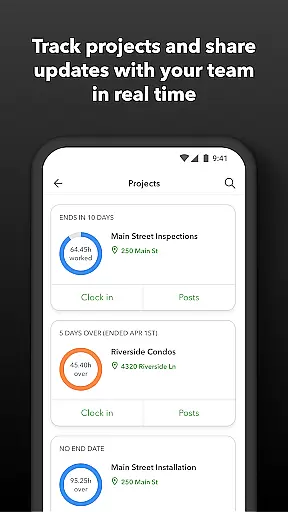
Task management is a cornerstone of productivity applications, and QuickBooks Workforce excels in this area by offering comprehensive tools for both employees and employers. The app allows team members to clock in and out, edit timesheets, and manage job schedules seamlessly. These features ensure that time tracking is accurate and efficient, eliminating the need for manual entry and reducing errors.
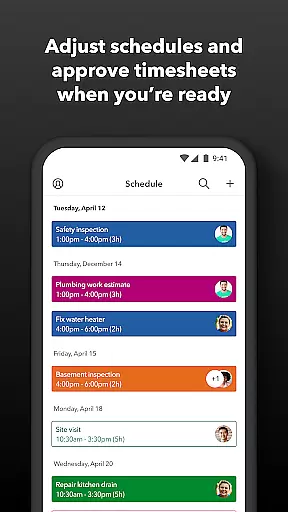
For employers and administrators, QuickBooks Workforce provides advanced capabilities such as approving, editing, or deleting timesheets, scheduling by job or shift, and creating or modifying schedules. This functionality supports better workforce management by giving managers real-time insights into who is working and where, which is crucial for optimizing team productivity and resource allocation.
The app also includes alerts triggered by specific actions, such as when employees don't clock in as scheduled or approach overtime. This ensures timely interventions and helps maintain operational efficiency. Additionally, features like tracking vacation, sick, or holiday accruals allow for precise management of employee benefits, further enhancing the overall task management experience.
Cross-device synchronization is vital for ensuring that all team members have access to the most up-to-date information regardless of the device they use. QuickBooks Workforce offers reliable synchronization across multiple platforms, allowing teams to view pay info, track time, and manage schedules from anywhere, at any time. This seamless integration ensures that data is consistent and accessible, whether employees are using smartphones, tablets, or desktop computers.
The app's ability to function without Wi-Fi or service is another significant advantage, enabling employees to clock in and out even in areas with poor connectivity. Once a connection is re-established, all data is automatically synced, ensuring that records are always current and accurate. This feature is particularly beneficial for businesses with remote or mobile workforces, providing flexibility and reliability in various working conditions.
Furthermore, QuickBooks Workforce integrates effortlessly with other software systems, including QuickBooks Online and QuickBooks Desktop Payroll, as well as third-party payroll, accounting, and invoicing solutions. This compatibility enhances data accuracy and eliminates redundant entries, saving time and reducing costs. Employers can generate real-time reports in multiple formats, ensuring that critical business decisions are based on the latest, most reliable information available.
User-friendly interface
Comprehensive time tracking
Seamless payroll integration
Real-time reporting
GPS-based geofencing
Premium features require subscription
Limited free version
Occasional sync issues
Steep learning curve
High cost for small businesses

A Revolutionary All-in-One Artificial Intelligence Tools
 3.80
3.80
A customizable calendar for your Wear OS watch
4.20
Experience Reading - Night Mode for Documents
4.40
Seamlessly integrate data and reports to build your presentation to impress
4.80
Smart PDF reader & editor to view, organize and manage PDF documents easily.
3.70
Pwnagotchi companion app
4.20
Functional QR scanner and barcode reader that requires little storage space.
4.60
Experience and share your SolidWorks designs on your Android® phone and tablet.
2.50
Use powerful, industry-leading AI tools to generate visual charts from any data
4.80
Native client for Forgejo and Gitea
5.00
Scientific calculator for Android - looks and operates like the real thing!
4.90
Simple notepad & memo. Take notes, to-do list, shopping list with reminders.
4.80
App lock - lock apps with fingerprint, password, pin or pattern, protect privacy
4.70
Quickly and easily keep track of your work shifts
4.70
Professional calendar app for Google Calendar, MS Outlook & Exchange
4.20
Make apps & sites with natural language prompts
4.10
Cloud storage, automatic phone backup, and more.
4.10
Unlock AutoNotification
4.00
A simple, portable logger for POTA, SOTA, Field Day, and more
4.4


User Reviews