
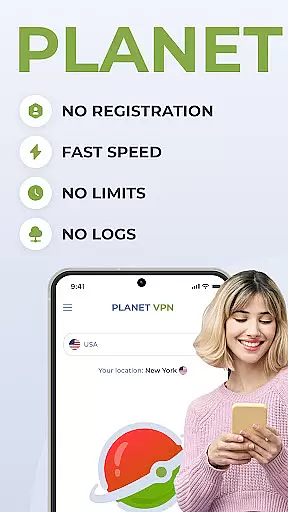
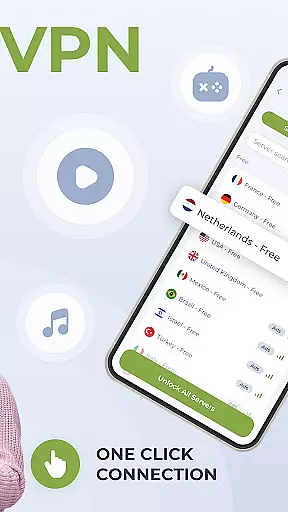
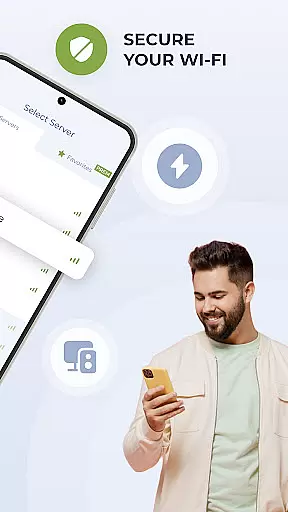
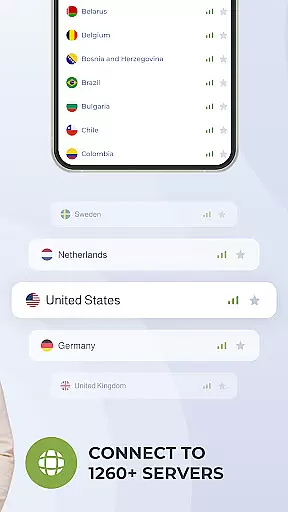
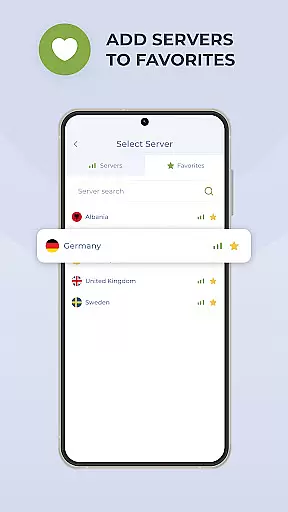
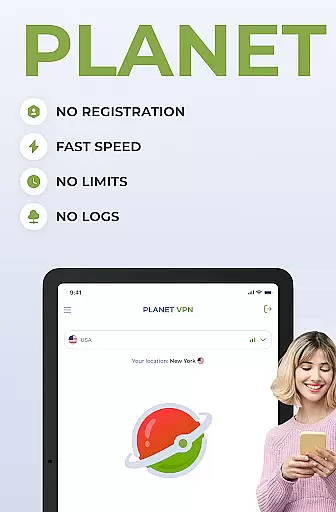
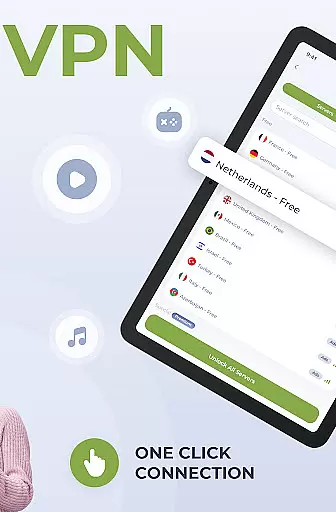
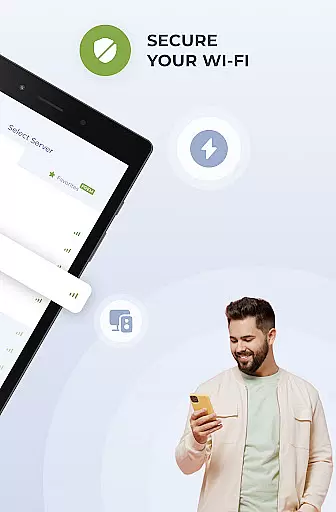
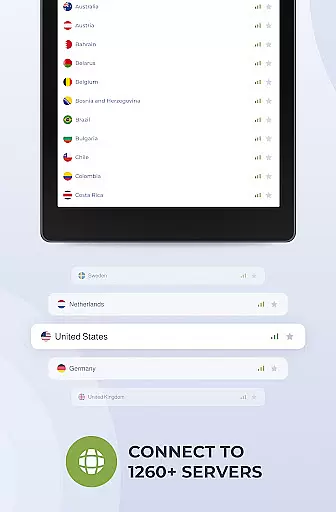
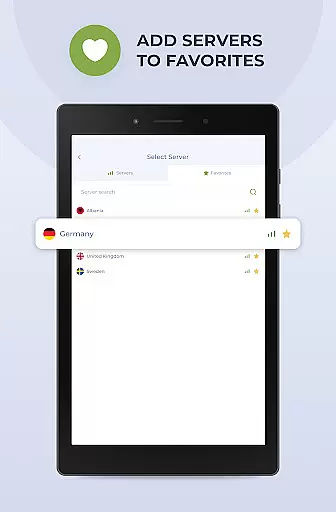
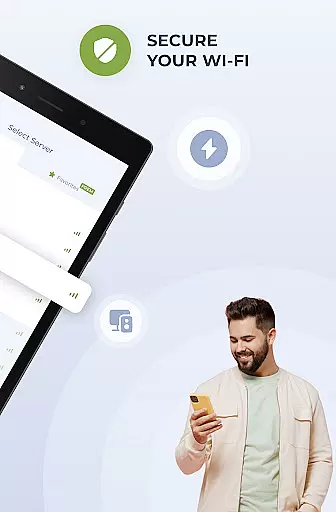
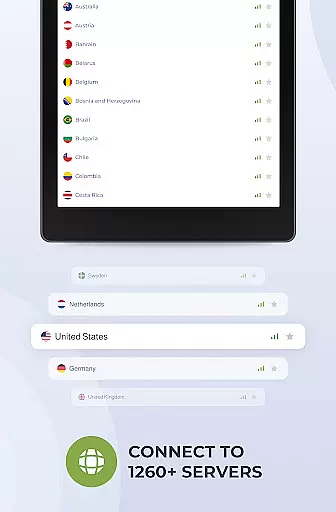
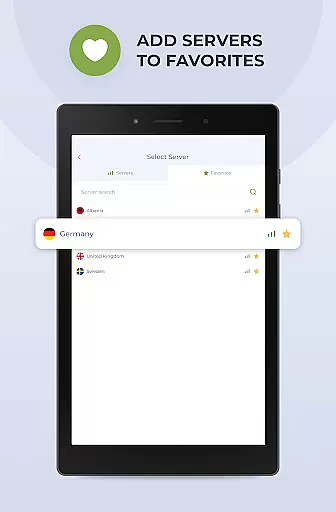
Planet Free VPN Super Proxy is a powerful productivity tool designed to provide users with complete online privacy and security. This Android-compatible app offers instant access to unlimited free servers across 11 global locations without requiring registration or personal data. Key features include a strict no-logs policy, multiple protocol options, high-speed encrypted connections, and an automatic kill switch for secure disconnection.
The app ensures user privacy by safeguarding sensitive information such as credit card details, login credentials, and passwords. It also allows users to securely connect to local services while abroad, block intrusive ads, and browse websites anonymously. With its Premium version, users can access over 1250 servers in 65+ countries and use one account on up to 10 devices simultaneously.
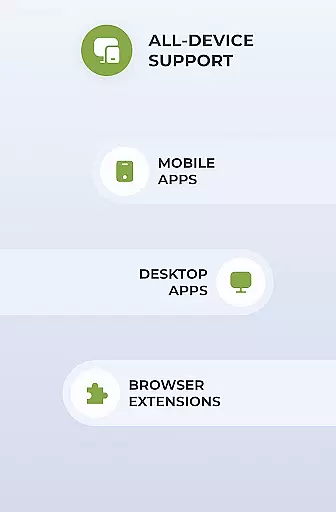
Planet Free VPN is optimized for seamless performance on Android devices and works across all types of devices and operating systems. The app's 24/7 support system provides assistance via live chat or email, ensuring users have help whenever needed. Whether you're looking to protect personal data, maintain online anonymity, or virtually relocate globally, Planet Free VPN delivers a comprehensive solution for enhanced digital security.
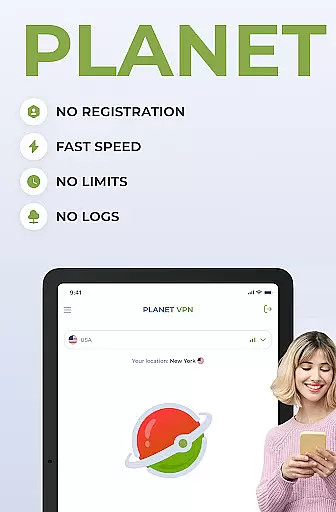
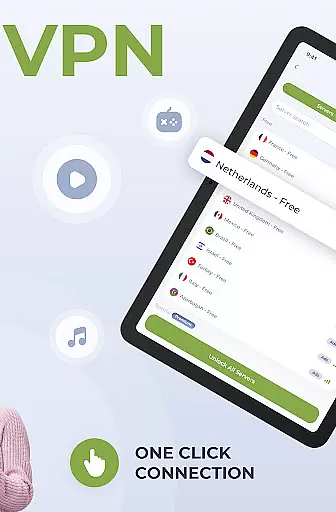
Planet Free VPN Super Proxy stands out with its robust feature set tailored for optimal productivity and security. The app offers instant access without registration, making it exceptionally user-friendly. Its network includes unlimited free servers across 11 locations worldwide, providing unrestricted access in terms of time, bandwidth, or speed. This ensures that users can browse, stream, and work without interruptions.
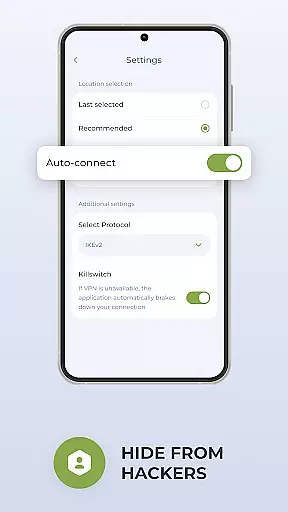
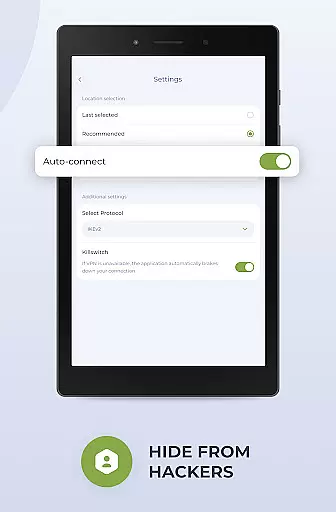
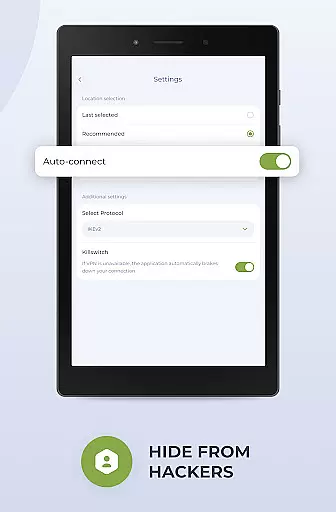
A key highlight is the app's commitment to user privacy through its strict no-logs policy. All data transmitted via the app is encrypted using strong protocols, protecting users from hackers, ISPs, and government surveillance. The flexible protocol options allow users to choose the best settings for their needs, while the kill switch function automatically disconnects the internet if the server connection is lost, maintaining security at all times.
Designed specifically for Android, the app offers smooth and seamless performance. It also includes wide compatibility with all device types and operating systems, ensuring accessibility for everyone. Additionally, the Premium version enhances functionality with features like an ad blocker and app filter, allowing selective routing through the VPN. With 24/7 customer support available via live chat or email, Planet Free VPN ensures users receive timely assistance whenever required.
Planet Free VPN Super Proxy offers a robust approach to managing online tasks with privacy and efficiency at its core. The app's instant access feature eliminates the need for registration, allowing users to focus on their primary objectives without unnecessary delays.
The inclusion of unlimited free servers across 11 locations worldwide ensures that users can perform tasks without restrictions on time, bandwidth, or speed. This global server access is crucial for maintaining productivity, especially when working on projects that require significant data processing or fast connectivity.
Moreover, the flexible protocol options and high-speed connection with strong encryption enable users to handle sensitive tasks securely. Whether it involves protecting personal data or ensuring a stable connection during important virtual meetings, Planet Free VPN equips users with the necessary tools.
With 24/7 support available, any issues related to task management can be swiftly addressed, ensuring minimal disruption to the user's workflow. This comprehensive support system underscores the app's commitment to facilitating a productive online environment.
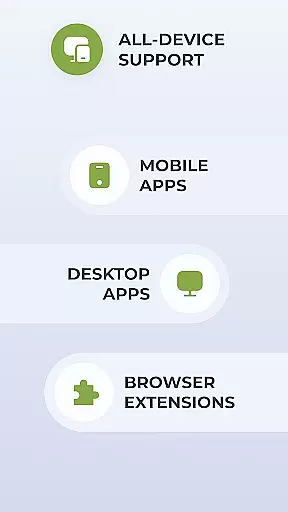
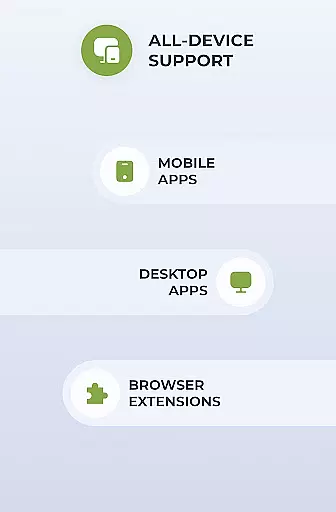
Cross-device synchronization is a pivotal feature for those relying on Planet Free VPN Super Proxy for their diverse device ecosystem. The app's wide compatibility with all types of devices and operating systems ensures that users can maintain consistent privacy settings and protection levels across their smartphones, tablets, and computers.
For individuals who switch between devices throughout their day, the ability to synchronize settings such as preferred server locations and protocol choices means uninterrupted security. Planet Free VPN's optimized performance for Android guarantees that transitions between devices do not compromise the quality of the VPN service.
The killswitch function further enhances synchronization reliability by automatically disconnecting the internet if the server connection is lost, preventing accidental exposure of the useru2019s real IP address. This feature is particularly beneficial when using multiple devices in different locations.
Additionally, with a Premium subscription, users can connect up to 10 different devices under one account, streamlining the management of cross-device security. This makes Planet Free VPN an ideal solution for professionals and families seeking reliable protection across various platforms.
Instant access
No registration
Unlimited servers
Strong encryption
24/7 support
Premium costs
Limited free servers
Ads in free version
Occasional slowdowns
Complex settings

Auto-shutoff Alarm with Sunrise, Sunset & Fixed Options.
 3.50
3.50
Make your handwriting beautiful, even more than pen on paper.
3.60
IP Camera Viewer - Android TV : RTSP Surveillance camera viewer for Android TV
4.0
The AI assistant that thinks with you - write, code, and solve complex tasks
4.60
Create and edit presentations with Google Slides, part of Google Workspace.
4.00
Calendar 2023 widget for Android. Appointment scheduler, planner, and reminder
4.60
A simple Whisper AI keyboard for reliable speech transcription and rewording
4.60
Okta MFA
4.70
2026 USPS Alpha/Color coded calendar Sunday/Rotating day off schedules
4.4
Best Tool for the professionals Electrician, Electrical contractors, etc.
4.90
Android Wallet Password Manager
4.80
Absolutely the best CNC machinist speed and feed calculator around. fswizard.com
4.60
All document reader, all in one file viewer read PDF, DOCX, XLS, PPT, TXT files.
4.60
PDF scanner & converter for files, photos, lottery, QR codes. One swipe away!
4.50
This small app MUST BE INSTALLED after purchase, else license won't work
4.40
Secure your apps with lock screens, use custom themes and different features.
4.40
Enjoy classic gameplay with customizable features and retro-style graphics.
4.30
Intelligent AI Assistant
4.10
⏰ Finally a timer app which can run multiple timers simultaneously on your watch
3.90


User Reviews