

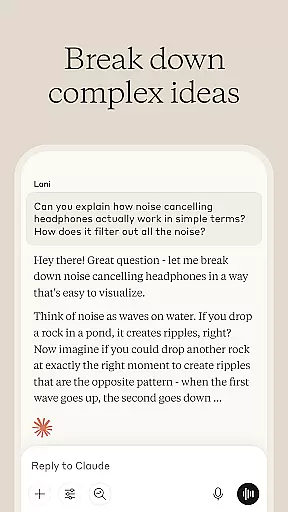
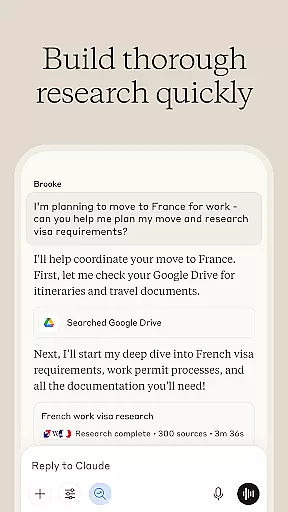
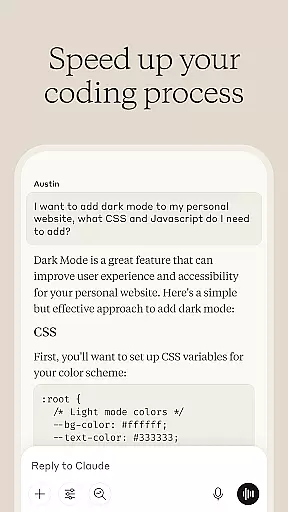
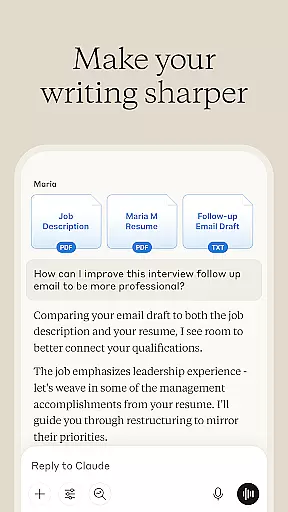

Claude by Anthropic is a cutting-edge AI productivity tool designed to enhance your problem-solving capabilities. This versatile application serves as both an AI writing assistant and a collaborative thinking partner, helping users tackle complex challenges across various domains. With specialized features for writing refinement, research assistance, coding support, and visual analysis, Claude adapts to multiple professional needs.
The application particularly excels in four key areas: content creation, data research, programming assistance, and visual interpretation. Users can refine their writing through iterative collaboration, explore research angles with accurate citations, debug code with detailed explanations, and analyze visual content including charts and technical diagrams. These comprehensive capabilities make Claude an invaluable asset for professionals working in diverse fields such as software development, academic research, and creative industries.
Claude distinguishes itself through its sophisticated feature set tailored for productivity enhancement. The application's AI writing assistant goes beyond basic grammar correction, offering collaborative refinement of content structure, tone, and clarity. It supports the development of various document types from social media posts to complex reports, ensuring professional-quality output through iterative improvement.
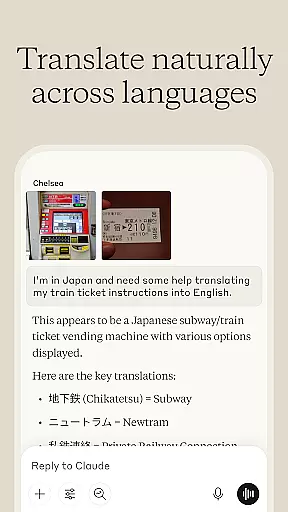
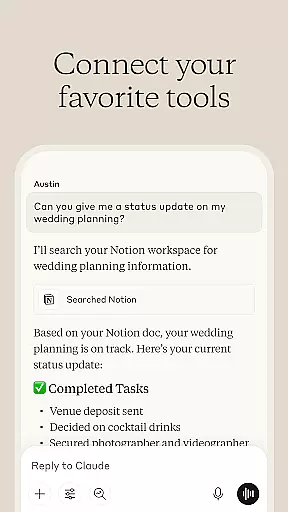
The research functionality provides powerful data exploration tools, enabling users to search across multiple platforms including Google Drive and Gmail while maintaining accurate citation tracking. For developers, Claude offers advanced coding assistance that covers multiple programming languages, providing detailed explanations of debugging steps and code concepts. Additionally, the visual analysis feature allows users to upload and interpret various file types, extracting text, translating languages, and generating SVG code for graphics.
What sets Claude apart is its ability to handle complex tasks through natural language processing and voice dictation, making it accessible for users with different working preferences. The application's integration of Anthropic's advanced AI models ensures reliable performance across all features, delivering consistent value to users tackling sophisticated professional challenges.
Effective task management is essential for productivity applications, serving as the backbone for organizing and executing work efficiently. Claude by Anthropic excels in this area by offering a comprehensive suite of tools designed to manage tasks from inception to completion.
The app provides AI-driven assistance in developing and refining content, working through meeting notes to extract key insights, and building reports iteratively. This ensures that every task, regardless of its complexity, can be systematically broken down into manageable steps, enhancing clarity and focus.
Moreover, Claude supports users in planning projects, structuring ideas, and even developing flowcharts collaboratively. This collaborative approach not only streamlines task management but also fosters a more engaging and interactive experience, allowing users to push past their comfort zones and achieve new levels of productivity.
In today's interconnected world, reliable cross-device synchronization is crucial for maintaining workflow continuity and ensuring data integrity across multiple platforms. Claude by Anthropic addresses this need by providing seamless integration and synchronization capabilities.
Users can start a task on one device and continue on another without missing a beat. Whether it's coding, writing, or researching, Claude ensures that all progress is accurately saved and updated in real-time, thus eliminating the risk of data loss and inconsistencies.
This robust synchronization feature empowers users to tackle projects beyond their current expertise, explore unfamiliar domains, and work through complex challenges with confidence, knowing that their work is securely synchronized and accessible wherever they go.
Advanced AI capabilities
Multi-domain functionality
Collaborative refinement tools
Voice dictation support
Visual content analysis
Premium features locked
Steep learning curve
Limited free usage
Occasional inaccuracies
Resource intensive

 4.20
4.20
When you Focus, so will your Bean in this cozy focus timer
4.30
Direct Chat without saving contacts & Dual WA Account on Single Device
4.70
Make apps & sites with natural language prompts
4.10
Multilingual translator for text, voice, and image translation!
4.90
All document reader, all in one file viewer read PDF, DOCX, XLS, PPT, TXT files.
4.60
Docker, Kubernetes management over Portainer Mobile
4.40
Share files & memories safely. Keep your photos and videos secure.
4.40
2026 USPS Alpha/Color coded calendar Sunday/Rotating day off schedules
4.4
We're working to become the best machining app on the market! www.cncdirt.com
4.80
The Pro Version of Android's tiniest Notepad app. Just 0.3MB but feature-packed!
4.60
CalenGoo is a very flexible and feature-rich calendar app
4.40
Total remote control for your Android device, PC and cloud services (IFTTT)!
4.20
All in One PDF Reader: Manage, Read and Edit your Documents
4.20
Unlock AutoNotification
4.00
Wake up & get tasks done! Add alarms & reminders on the Clock Launcher.
4.00
Customizable calendar widget for seamless event sync, planning & scheduling.
4.00
Secure, open-source, SPICE and SSH Remote Desktop for QEMU KVM virtual machines
4.00
Easiest event planning, volunteer signups & parent teacher conference scheduling
2.20


User Reviews