
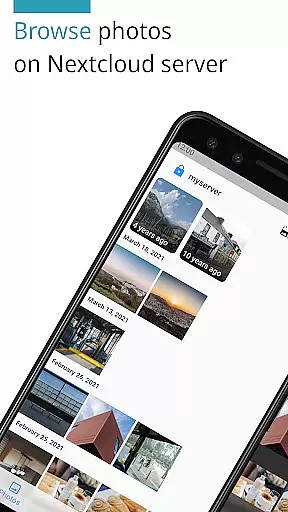
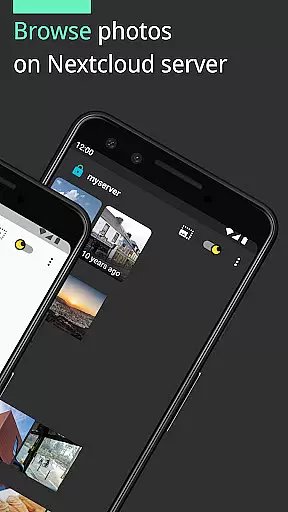
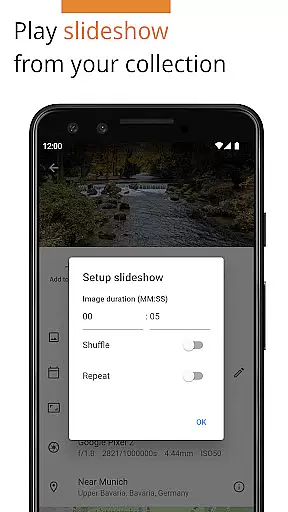
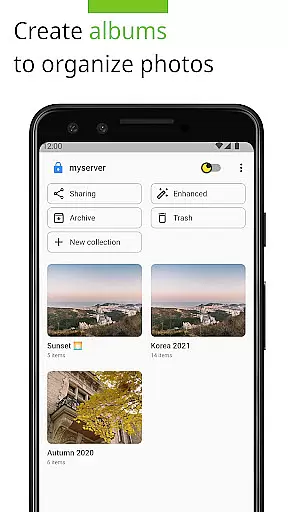
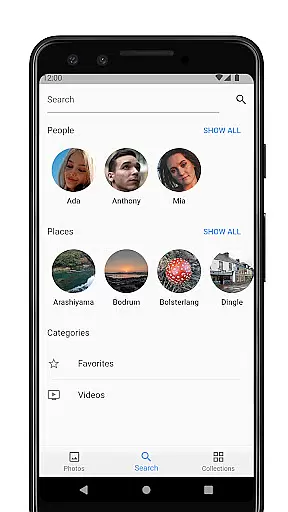

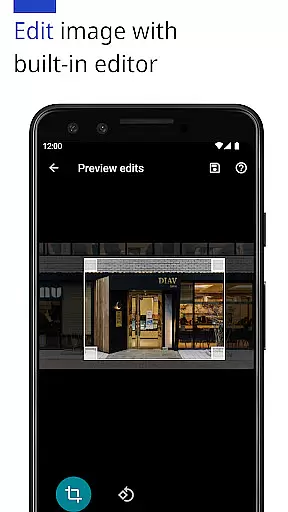
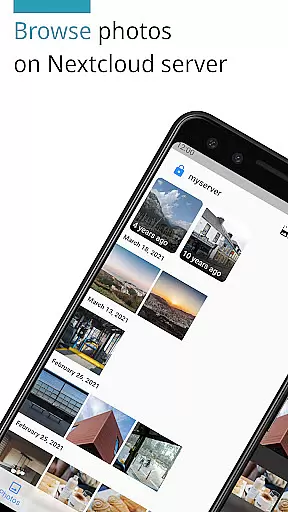
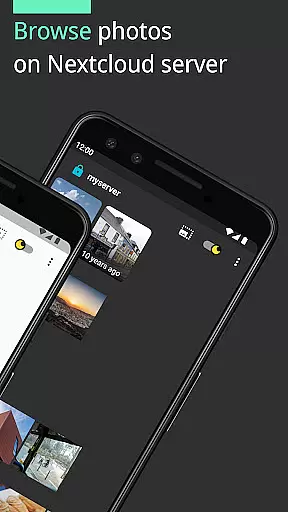
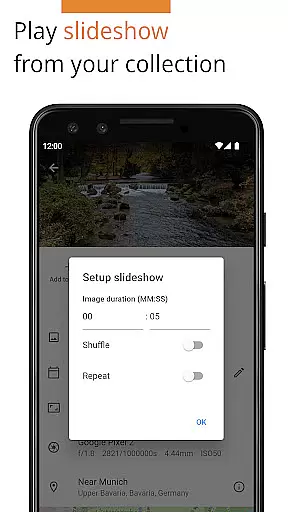
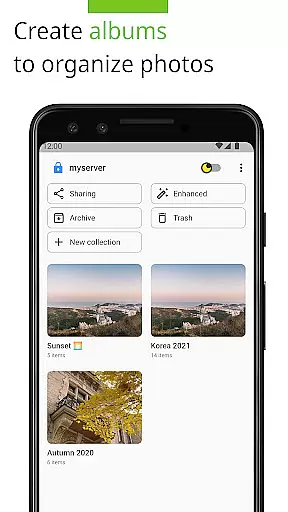
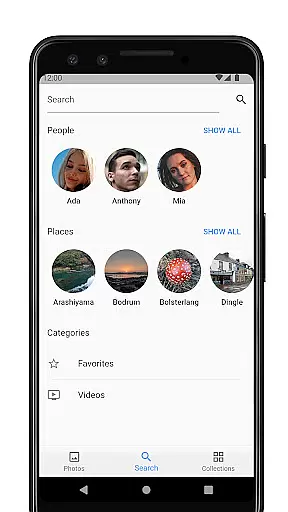
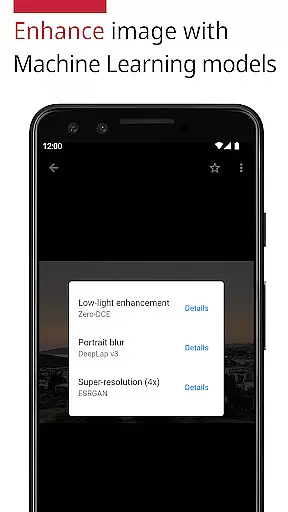
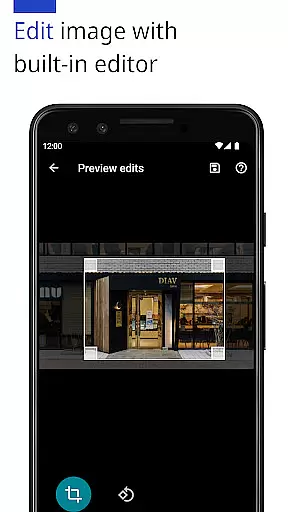
Photos for Nextcloud is a powerful productivity app designed to enhance photo management within the Nextcloud ecosystem. This app offers advanced features such as JPEG XL support, client-side EXIF extraction, and machine learning-based photo enhancement. Users can edit photos with the built-in editor and create flexible albums while enjoying seamless integration with multiple Nextcloud servers.
The app supports various formats including JPEG, PNG, WebP, HEIC, GIF, JPEG XL, MP4, and WebM, making it versatile for different types of media. Additionally, it supports Nextcloud's Face Recognition app, providing users with an enriched experience in organizing and managing their digital assets efficiently.
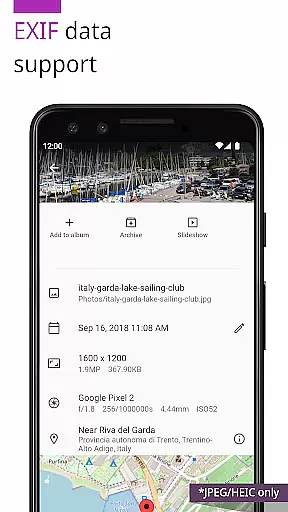
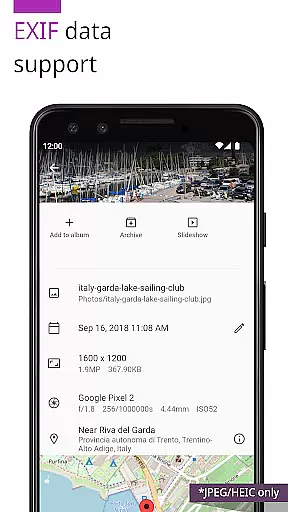
One of the standout features of Photos for Nextcloud is its ability to extract EXIF data on the client side, which is particularly useful for unsupported server formats. The app also provides reverse geocoding and allows users to enhance their photos using machine learning models, ensuring high-quality results every time.
With the built-in photo editor, users can make necessary adjustments directly within the app. Furthermore, the capability to sign in to multiple servers and create shared albums experimentally with other users on the same server adds a layer of collaboration and flexibility not commonly found in similar apps.
Being open source, Photos for Nextcloud encourages community contributions and transparency, fostering continuous improvement and innovation. Its compatibility with numerous Nextcloud apps extends its functionality, making it a comprehensive tool for productivity-oriented users.
Task management is a cornerstone of productivity applications, and Photos for Nextcloud excels in this area by offering users the ability to efficiently organize their digital assets. The app supports a variety of formats including JPEG, PNG, WebP, HEIC, GIF, JPEG XL for images, and MP4, WebM for videos, ensuring that all user content can be managed seamlessly.
The application provides more flexible albums and client-side EXIF extraction, which allows users to sort and categorize their photos with precision. This feature is particularly useful for professionals who require detailed metadata for their work, enhancing the overall task management experience.
Additionally, the app's support for reverse geocoding enables users to tag their photos based on location data, further refining the organization process. With these capabilities, users can easily retrieve and manage their photos based on geographical information, making it an invaluable tool for travelers and photographers alike.
Cross-device synchronization is vital for users who access their files from multiple devices. Photos for Nextcloud ensures reliable synchronization across devices, allowing users to sign in to multiple servers and access their photos from anywhere. This flexibility is crucial for maintaining productivity and ensuring that important files are always at hand.
The app's robust synchronization features are complemented by its open-source nature, which allows for continuous improvement and adaptation. Users can trust that their data will remain consistent and up-to-date, regardless of the device they use to access it. This reliability fosters confidence in using the app as a primary photo management solution.
Moreover, the experimental feature of creating shared albums with users on the same server adds another layer of collaboration and accessibility. While still in development, this feature promises to enhance teamwork and project sharing, making Photos for Nextcloud not just a personal productivity tool but also a collaborative platform.
Advanced photo editing
Multiple server support
Machine learning enhancements
Open source community
Versatile format support
Experimental shared albums
Limited codec support
No offline mode
Paid version only
Complex setup

Secure, fast, open-source, VNC and SSH Remote Desktop for Windows, Linux and Mac
 4.70
4.70
A customizable calendar for your Wear OS watch
4.20
Ads Free App! Editor, Hide File, Copy, Move, Delete and Rename.. all facility av
1.70
Android Wallet Password Manager
4.80
Mind Map and brainstorm, note taking and idea collection
4.80
Font maker keyboard with your own handwriting
4.10
Create and edit presentations with Google Slides, part of Google Workspace.
4.00
Secure, open-source, SPICE and SSH Remote Desktop for QEMU KVM virtual machines
4.00
Best Tool for the professionals Electrician, Electrical contractors, etc.
4.90
Great calculator for Android named one of USA TODAY's "25 Essential Apps".
4.90
Seamlessly integrate data and reports to build your presentation to impress
4.80
A beautiful digital clock with autostart and many other functions
4.70
Quickly and easily keep track of your work shifts
4.70
Stay on top of your to-dos with Google Tasks, part of Google Workspace.
4.60
A lightweight JSON & XML files creator, editor and viewer (Premium Version)
4.40
Enjoy classic gameplay with customizable features and retro-style graphics.
4.30
Unlock AutoNotification
4.00
Find and delete junk files & block unwanted notifications & manage files
3.70
Easiest event planning, volunteer signups & parent teacher conference scheduling
2.20


User Reviews