
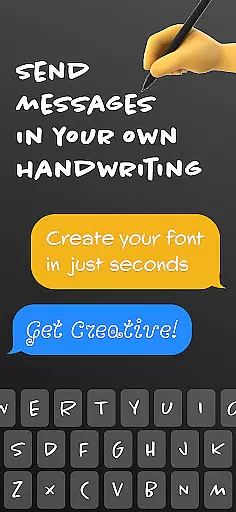
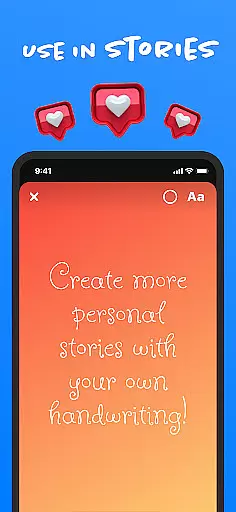
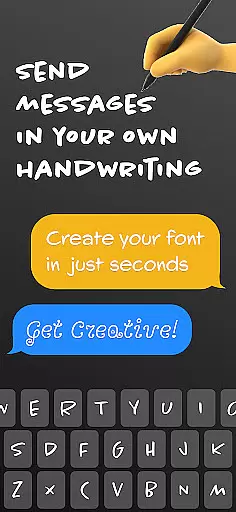
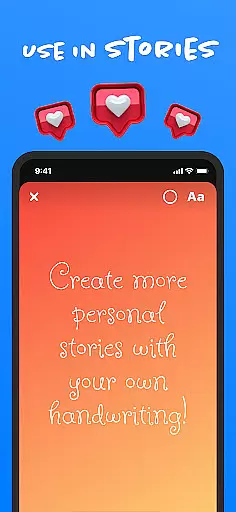
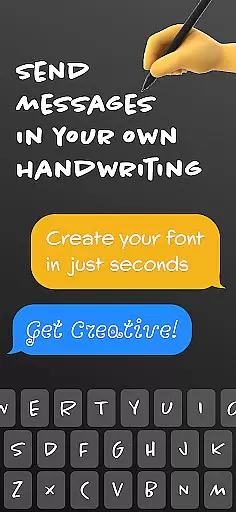
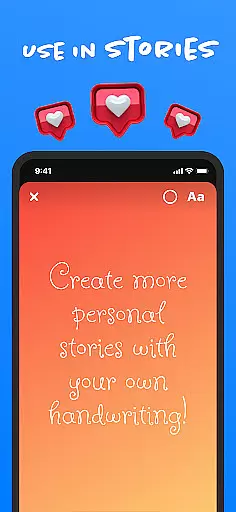
Fontmaker is a productivity app that allows users to create custom cursive and handwritten fonts for their messaging needs. With this app, you can design unique fonts using your own handwriting, giving your text a personal touch. The app's core function is its font creator feature, which enables users to generate personalized fonts and use them across various social media platforms like Messenger, Instagram, Snapchat, TikTok, and Facebook.
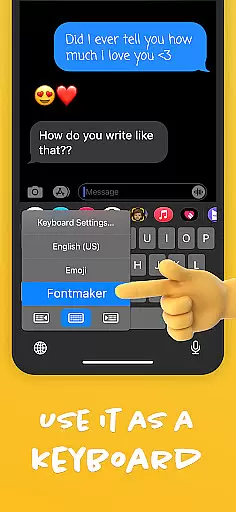
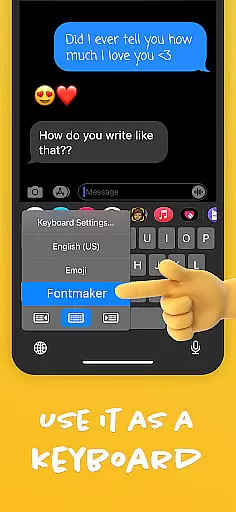
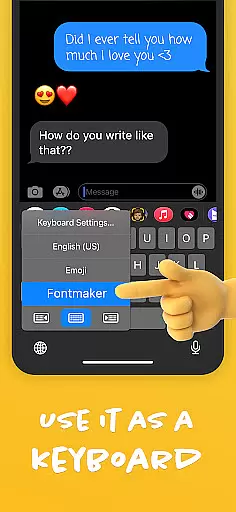
In addition to the font creator, Fontmaker also offers a font keyboard feature. This allows users to integrate their custom fonts directly into their device's keyboard, making it easy to apply these fonts in any text-based application. Whether you're looking to enhance your online presence or express your creativity through distinctive typography, Fontmaker provides the tools to make your messages stand out.
This app is particularly useful for individuals who wish to add a personal touch to their digital communication. By using Fontmaker, users can ensure their texts reflect their individual style, making their content truly unique. Whether for personal or professional use, Fontmaker helps users elevate their keyboard game and revolutionize their text customization.
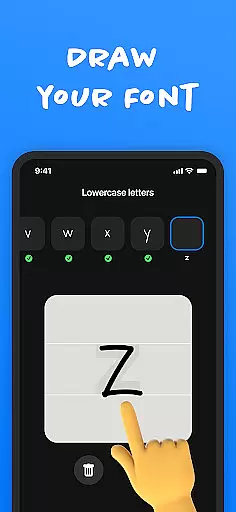
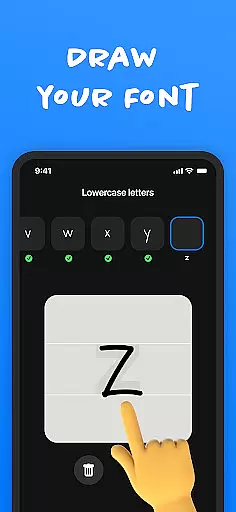
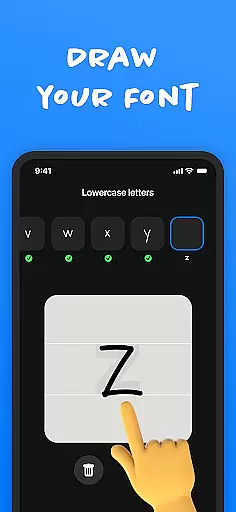
Fontmaker stands out with its comprehensive set of features designed to enhance text customization. One of the key features is the font creator, which allows users to create custom handwriting fonts. This feature is particularly innovative as it uses your own handwriting to generate fonts, providing an authentic and personal touch to your messages.
Another significant feature is the font keyboard. Once you've created your custom fonts, the font keyboard makes it easy to use these fonts across different applications. You can seamlessly integrate your personalized fonts into your device's keyboard, allowing you to type with your unique font in any text field. This functionality not only enhances your messaging experience but also ensures consistency in your digital communication.
Fontmaker also emphasizes creativity and individuality. By enabling users to express themselves through custom fonts, the app adds flair to messages and posts on social media platforms. Whether you want to impress friends on Instagram or Snapchat, or simply make your daily communications more engaging, Fontmaker provides the tools to do so. Overall, the app's features collectively offer a powerful solution for anyone looking to personalize their text and stand out in the digital world.
Fontmaker revolutionizes the way users manage their text customization tasks by offering a seamless font creation experience. The app's core function centers around creating personalized fonts, allowing users to convert their unique handwriting into digital formats that can be used across various platforms.
The font creator feature is designed with precision, enabling users to generate custom cursive and handwritten fonts with ease. This process involves capturing the individual nuances of your handwriting, ensuring that each font produced is an authentic representation of your personal style. By integrating this with a dedicated font keyboard, Fontmaker ensures that these custom fonts are readily accessible for everyday use.
Users benefit from enhanced productivity as they can now maintain consistency in their communication across social media and messaging apps. Whether it's crafting posts on Instagram or sending messages on Messenger, the ability to use a personalized font saves time and effort while adding a distinctive touch to every interaction.
This innovative approach to task management through font customization not only streamlines workflow but also empowers users to express themselves more genuinely. With Fontmaker, managing your textual identity becomes an intuitive and efficient process, setting a new standard in personalized digital communication.
In today's interconnected world, maintaining consistency across multiple devices is crucial for any productivity tool. Fontmaker excels in this aspect by providing reliable cross-device synchronization for its custom font library and keyboard settings. This ensures that users can access their personalized fonts regardless of which device they're using.
The application employs advanced cloud-based technology to keep all user-generated fonts perfectly synchronized. When you create a new font on one device, it automatically becomes available on all other devices where Fontmaker is installed. This real-time update system guarantees that your messaging remains consistent whether you're typing on a smartphone or tablet.
Moreover, the synchronization process is designed to be both fast and secure. Fontmaker uses industry-standard encryption protocols to protect your data during transfer, ensuring that your unique fonts remain private and tamper-proof. This level of security gives users peace of mind when sharing their personal handwriting digitally.
The reliability of Fontmaker's cross-device functionality extends beyond mere convenience; it represents a significant advancement in how we manage our digital identities across platforms. Users can now seamlessly switch between devices without losing access to their carefully crafted fonts, making their communication consistently personal and professional.
User-friendly interface
Highly customizable fonts
Wide social media integration
Unique font creation
Enhances personal expression
Limited free features
Requires manual input
Premium subscription needed
Occasional bugs
Learning curve for new users

A customizable calendar for your Wear OS watch
 4.20
4.20
QuickBooks Workforce lets teams view pay info and track time in one place.
4.70
All in one sketching tool. Technical and General drawing. Online Maps support.
3.70
The upgraded version of Name Wheel with AI and the power to add your own wheels.
4.0
Device's storage information in a simple and clear graphical form (infographics)
4.10
Docker, Kubernetes management over Portainer Mobile
4.40
AI Chatbot and AI writing assistant powered by ChatGPT.
4.60
AT&T Internet customers can use this app to personalize their Wi-Fi network.
4.40
Note taking, handwriting, record audio, PDF annotation, planner & journal
4.20
8 custom complications. Custom Time Fonts. Beautiful color schemes. A++ Design.
5.00
Simple notepad & memo. Take notes, to-do list, shopping list with reminders.
4.80
The AI assistant that thinks with you - write, code, and solve complex tasks
4.60
All document reader, all in one file viewer read PDF, DOCX, XLS, PPT, TXT files.
4.60
Subscribe to Webcal & .ics calendars and keep them up-to-date!
4.50
A lightweight JSON & XML files creator, editor and viewer (Premium Version)
4.40 4.20
4.20
Activate Two Factor Authentication (2FA or Multi OTP), Password manager and more
4.10
Access your phone's notifications, calls, apps, photos & texts on your PC
3.90
Ultimate Virtual AI Character for immersive Roleplay Chat. Perfect Companion
3.90


User Reviews