
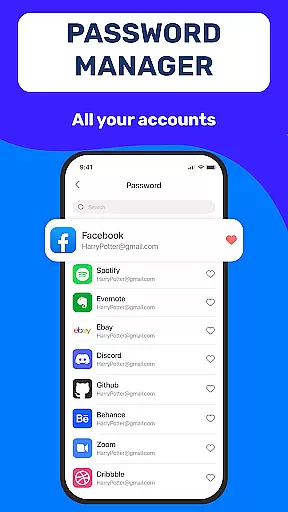
Authenticator App 2FA - Password Manager is a comprehensive productivity tool designed to enhance both security and convenience in managing digital accounts. This multifunctional application combines two-factor authentication (2FA) with advanced password management capabilities, making it an essential utility for modern users.
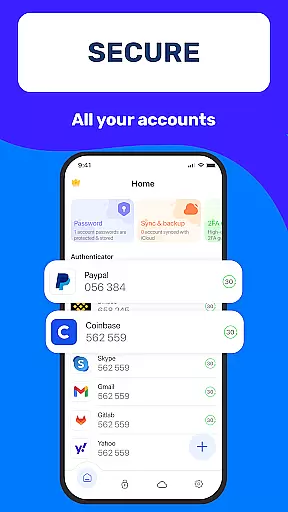
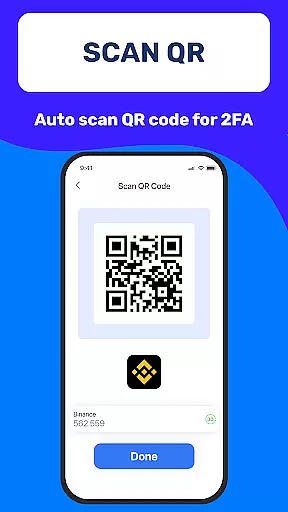
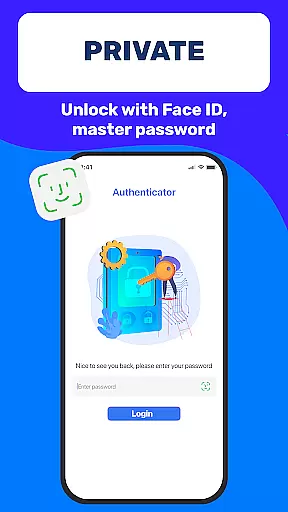
The app's core functionality revolves around its robust security features including QR code scanning for 2FA, secure password storage with autofill capabilities, and multiple authentication methods such as Master Password and biometric Touch ID. These features work together to create a seamless and protected account access experience across various platforms and devices.
Particularly useful for professionals and frequent online users, Authenticator App 2FA - Password Manager offers practical solutions for maintaining productivity while ensuring top-level security. Its cloud-based data storage and cross-device synchronization capabilities make it an invaluable tool for those who need to manage their digital presence efficiently from multiple locations or devices.
Authenticator App 2FA - Password Manager distinguishes itself through a comprehensive suite of innovative features. The application's standout capability is its integrated approach to security management, combining multiple authentication methods with sophisticated password handling.
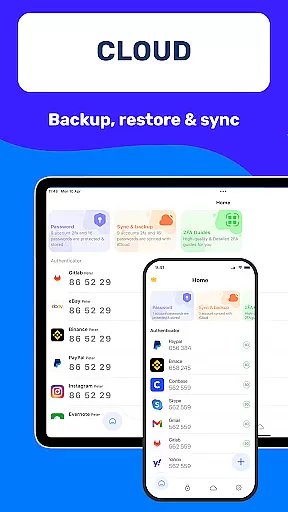
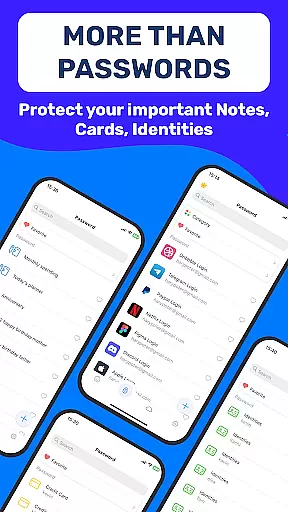
A key differentiator is the app's implementation of advanced backup and synchronization protocols. Users can seamlessly transfer their credentials and settings across devices using the Backup & Sync feature, while the Import/Export Data functionality provides unprecedented flexibility in data management. The inclusion of both Dark Mode and Credit Card Note features demonstrates the app's attention to user comfort and diverse security needs.
The application's value is further enhanced by its support for multiple authentication sources and its integration with cloud storage solutions. These features collectively ensure that users can maintain their productivity without compromising on security, making Authenticator App 2FA - Password Manager a versatile tool for modern digital workflows.
Task management is a cornerstone of productivity applications, and Authenticator App 2FA - Password Manager excels in this area by offering a comprehensive suite of features designed to streamline your digital life. At its core, the app provides robust account management through functionalities like Scan QR 2FA, which simplifies the login process while enhancing security.
The application goes beyond mere password storage; it incorporates advanced Backup & Sync capabilities that ensure users can maintain continuity across devices without data loss. This feature is crucial for anyone who frequently upgrades their hardware or uses multiple devices interchangeately.
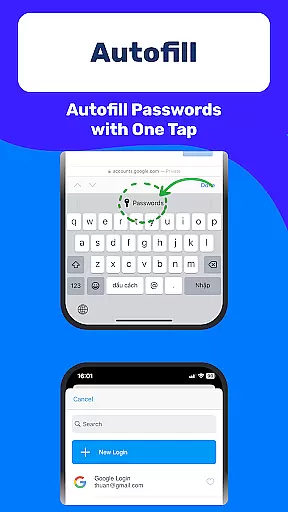
Furthermore, the inclusion of Autofill not only saves time but also minimizes human error during the login process. By automating repetitive tasks such as entering credentials, users can focus on more important activities. The combination of these features results in an efficient workflow that enhances both personal and professional productivity.
Cross-device synchronization is vital for modern productivity tools, and Authenticator App 2FA - Password Manager sets a high standard with its reliable data syncing capabilities. Whether you're switching between smartphones, tablets, or desktops, the app ensures that all your critical information remains accessible and up-to-date across platforms.
The Backup & Sync feature plays a pivotal role here, allowing seamless transitions when changing devices or reinstalling the application. This reliability is further bolstered by cloud-based Data Storage, which acts as a safety net against device loss or damage. Users can rest assured knowing their sensitive information is securely stored offsite.
Moreover, the Import and Export Data functionality adds another layer of flexibility, enabling effortless migration between different authenticator apps. This comprehensive approach to synchronization not only enhances convenience but also reinforces the overall security posture of the application, making it an indispensable tool for managing digital identities in today's interconnected world.
Enhanced Security
Easy Account Management
Seamless Device Sync
Comprehensive Backup Options
User-Friendly Interface
Premium Feature Costs
Occasional Sync Delays
Limited Free Storage
Device Compatibility Issues
Learning Curve for Setup

A Revolutionary All-in-One Artificial Intelligence Tools
 3.80
3.80
All in one sketching tool. Technical and General drawing. Online Maps support.
3.70
A simple, portable logger for POTA, SOTA, Field Day, and more
4.4
The AI assistant that thinks with you - write, code, and solve complex tasks
4.60
Calendar 2023 widget for Android. Appointment scheduler, planner, and reminder
4.60
Code on-the-go with VScode for Android. Edit,debug and collaborate from mobile!!
3.10
Access your phone's notifications, calls, apps, photos & texts on your PC
3.90
Put a lock on your cloud: Take the security of your data into your own hands
3.70
2026 USPS Alpha/Color coded calendar Sunday/Rotating day off schedules
4.3
QuickBooks Workforce lets teams view pay info and track time in one place.
4.70
Direct Chat without saving contacts & Dual WA Account on Single Device
4.70
App lock - lock apps with fingerprint, password, pin or pattern, protect privacy
4.70
Quickly and easily keep track of your work shifts
4.70
Okta MFA
4.70
Client for Nextcloud Deck
4.60
Subscribe to Webcal & .ics calendars and keep them up-to-date!
4.50
All in One PDF Reader: Manage, Read and Edit your Documents
4.20
Device's storage information in a simple and clear graphical form (infographics)
4.10
Experience real multitasking on your Android!
4.00


User Reviews