
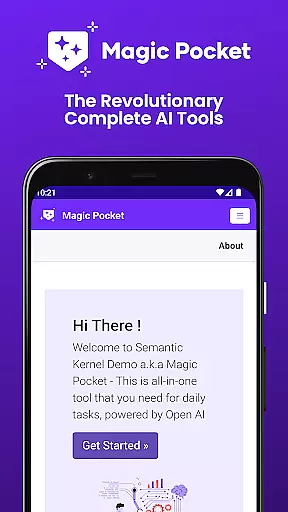
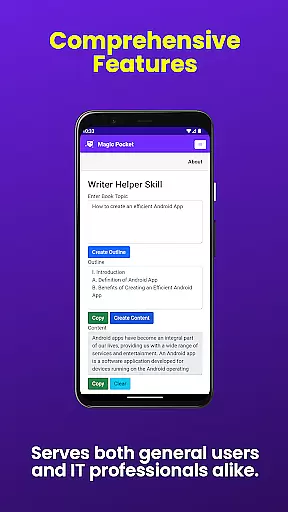
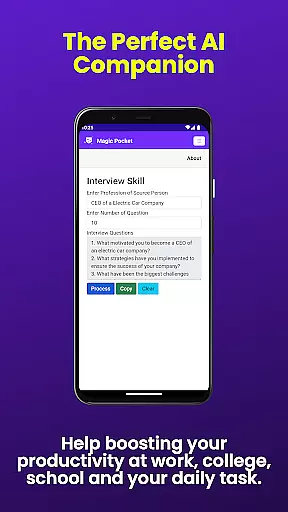
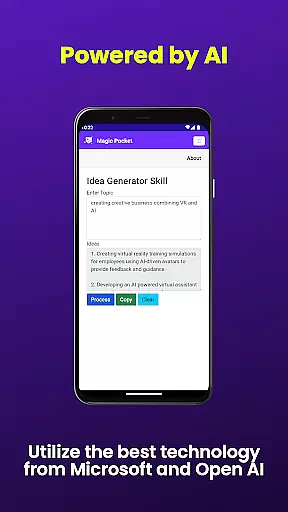
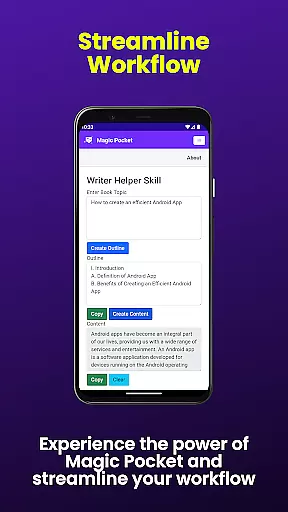
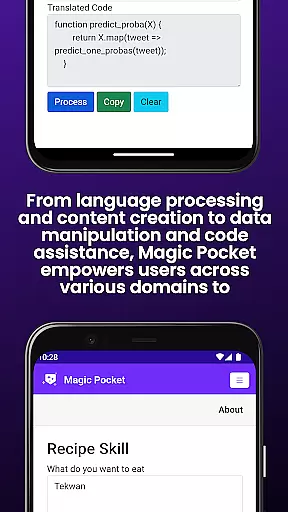
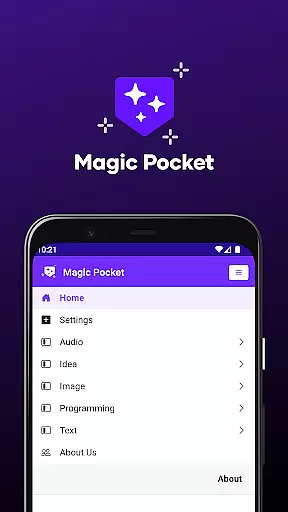
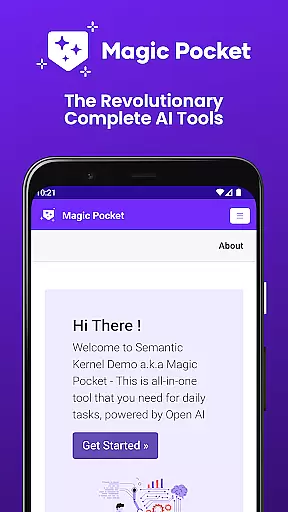
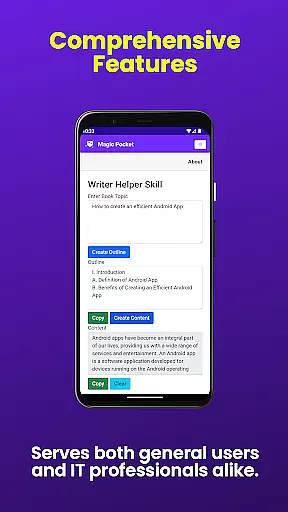
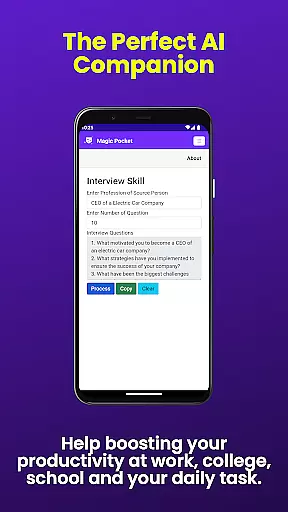
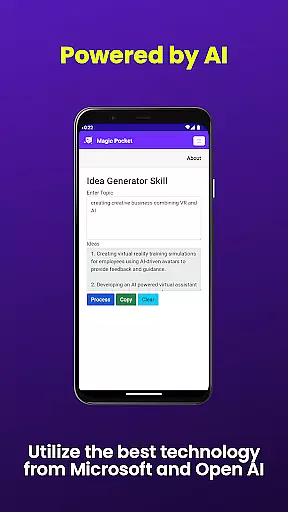
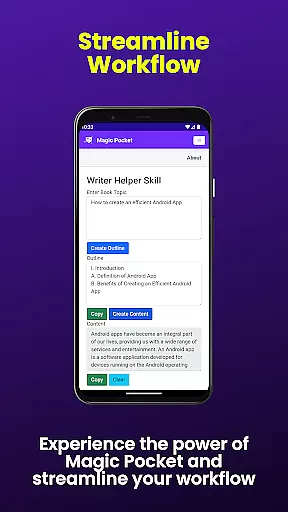
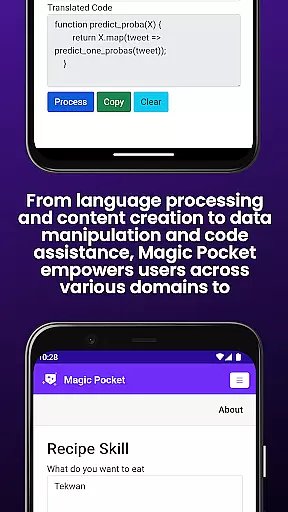
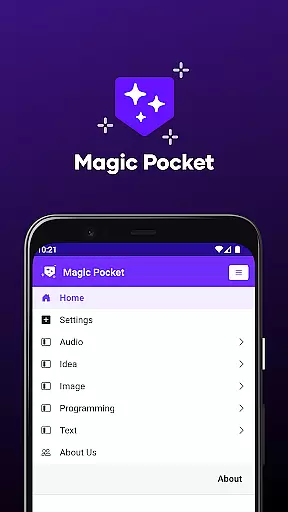
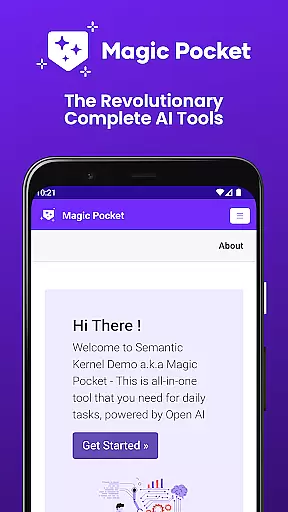
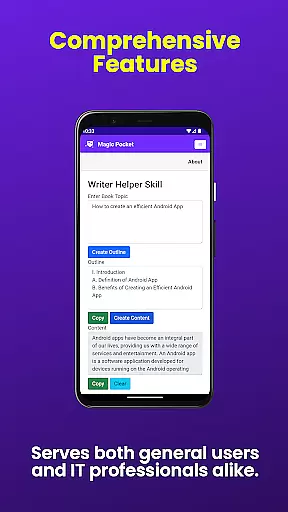
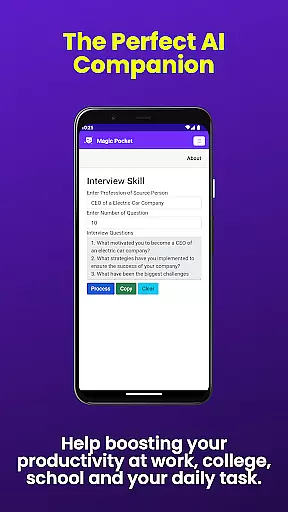
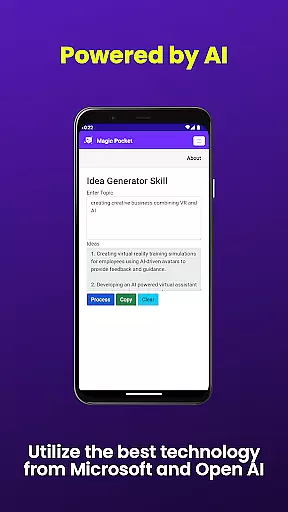
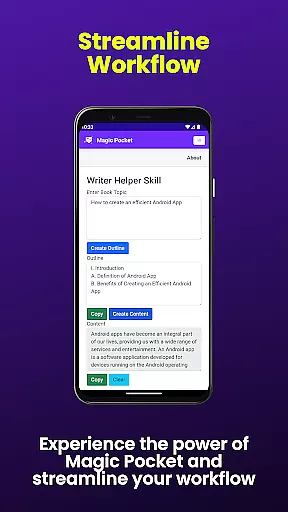
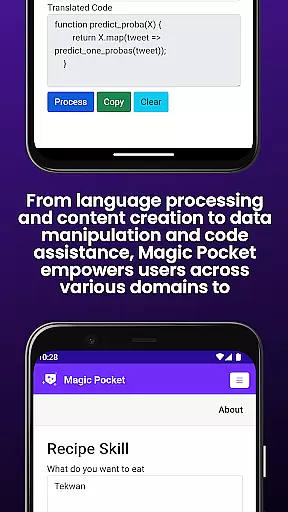
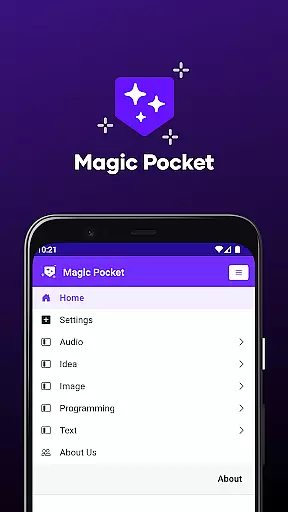
Magic Pocket is a productivity powerhouse, offering users an extensive suite of 100 cutting-edge features designed to enhance creativity and efficiency. Available on Android and Windows platforms, this app provides innovative tools for media management, creative projects, and text transformation.
At its core, Magic Pocket enables seamless video conversations, smooth speech-to-speech translation, and effortless content conversion between HTML and Markdown formats. The application stands out with its AI-driven capabilities, including image animation through voice commands, high-quality video generation using the Luma model, and realistic handwriting simulation.
The app's versatility makes it suitable for professionals across various industries. Whether you need to create stunning headshot images, generate detailed graphics with Sana Model, or transform images into expressive emojis, Magic Pocket delivers exceptional value by combining multiple advanced tools in one comprehensive package.
Magic Pocket distinguishes itself through its diverse range of innovative features. The app's video processing capabilities include background replacement, foreground extraction, and automatic captioning, making video editing more accessible than ever before.
For image manipulation, Magic Pocket offers remarkable tools such as resolution enhancement through image inversion, 2D animation creation from static images, and 3D asset generation using Trellis technology. The inclusion of multiple image generators - including Photon, Recraft, and Sana models - provides users with unparalleled flexibility in visual content creation.
What sets Magic Pocket apart is its integration of artificial intelligence across different functions. From transforming images into emojis to generating vector graphics and converting text to realistic handwriting, each feature demonstrates the app's commitment to pushing technological boundaries while maintaining user-friendly interfaces.
Task management is a cornerstone of productivity applications, and Magic Pocket excels in this area by offering an extensive suite of tools designed to streamline your workflow. With features like Talk with Video and Add Video Caption, users can seamlessly integrate multimedia tasks into their daily routines.
Magic Pocket's innovative approach allows for the extraction of valuable data from images through Extract Image Data, while also providing creative options such as Animate Image With Voice and Image to Emoji. These functions not only enhance productivity but also inject a level of creativity and personalization into everyday tasks.
The app further supports efficient content transformation with capabilities such as Html to Markdown and Handwriting Generator, which cater to various professional needs. By including powerful media manipulation tools like Video Foreground Extractor and Change Video Background, Magic Pocket ensures that users have everything they need to manage complex projects effectively.
Cross-device synchronization is vital for maintaining continuity across different platforms, and Magic Pocket delivers reliable performance in this aspect. The app provides consistent access to its 100 features whether you're using an Android device or working on Windows, ensuring that your work remains uninterrupted regardless of where you are.
With cloud-based technology, updates made on one platform are instantly reflected on another, allowing for real-time collaboration and task management. This means that when you use functionalities such as Luma Video Generator or Photon Image Generator, any progress is saved automatically and can be picked up from any supported device without missing a beat.
Magic Pocketu2019s dedication to seamless integration extends to specialized tools like Trellis 3D Asset conversion and Vector Image Generator, guaranteeing that all your creative assets are synchronized and up-to-date. This reliability empowers users to focus on their creative processes without worrying about technical inconsistencies between devices.
Extensive feature set
Cross-platform support
AI-powered tools
Comprehensive media editing
Innovative image processing
Steep learning curve
High system requirements
Complex interface
Limited mobile functionality
Premium pricing

Secure, fast, open-source, VNC and SSH Remote Desktop for Windows, Linux and Mac
 4.70
4.70
A customizable calendar for your Wear OS watch
4.20
Native client for Forgejo and Gitea
5.00
Remotely view listen control and record cameras.
3.70
Font maker keyboard with your own handwriting
4.10
Translate text/voice/photos in 150+ languages. Offline & fast translator app.
4.50
Subscribe to Webcal & .ics calendars and keep them up-to-date!
4.50
Secure your apps with lock screens, use custom themes and different features.
4.40
Set up, print, and get support—in one place
4.20
Scientific calculator for Android - looks and operates like the real thing!
4.90
Quickly and easily keep track of your work shifts
4.70
aCalendar+ makes your day, week and month
4.70
All document reader, all in one file viewer read PDF, DOCX, XLS, PPT, TXT files.
4.60
A Pixel Art watchface inspired by other iconic 90s designs for Wear OS devices!
4.40
Professional calendar app for Google Calendar, MS Outlook & Exchange
4.20
Code on-the-go with VScode for Android. Edit,debug and collaborate from mobile!!
3.10
AI Video AI Image Private LLM AI Browser Llama Gemma Ollama Connect LLM Studio
4.4
Create study competitions, track your hours, and stay consistent with friends
4.2
The upgraded version of Name Wheel with AI and the power to add your own wheels.
4.0


User Reviews