
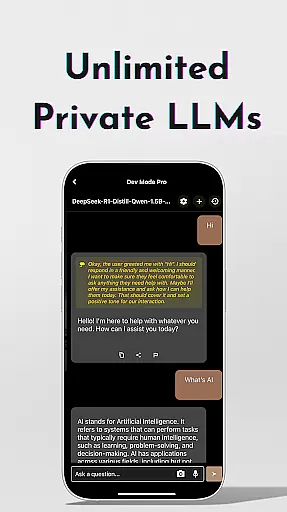
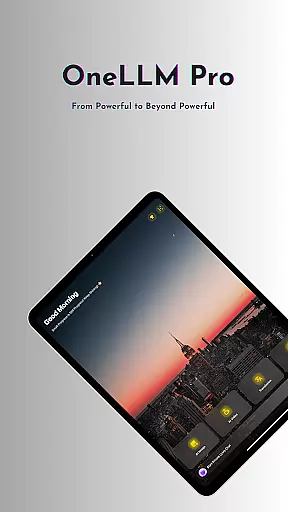
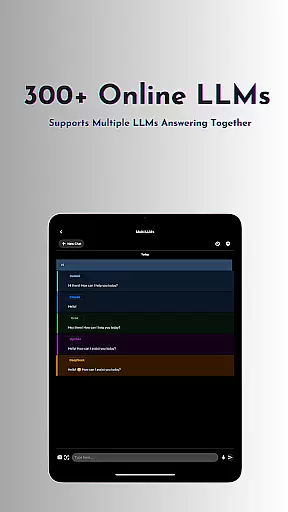
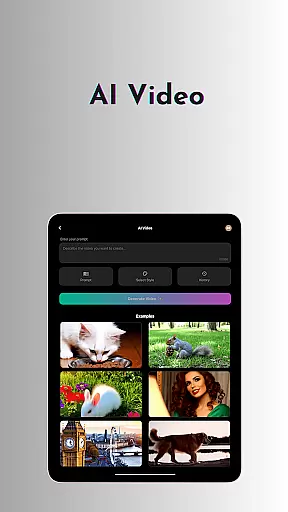
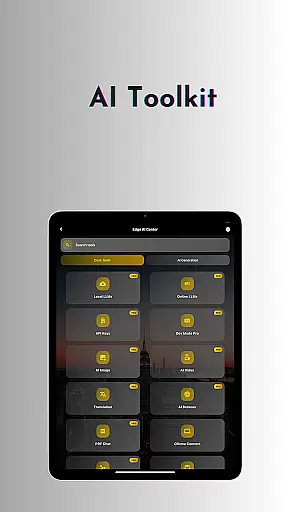
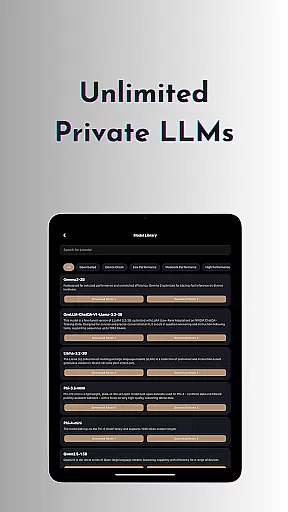
OneLLM Pro is a cutting-edge productivity app that seamlessly integrates local and cloud AI capabilities, offering users an extensive suite of tools for enhanced efficiency. Whether offline or online, the app provides access to thousands of fully offline Large Language Models (LLMs) and over 300 top-tier cloud-based LLMs, including industry leaders like ChatGPT 4o, Claude, and Llama. Its core strength lies in delivering lightning-fast, secure interactions while ensuring maximum privacy through local processing.
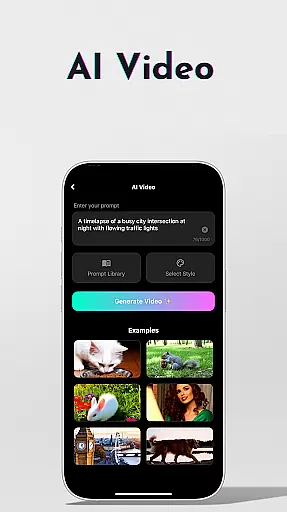
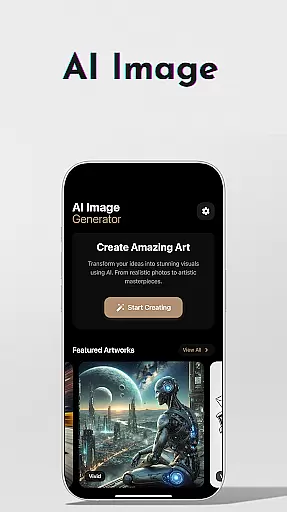
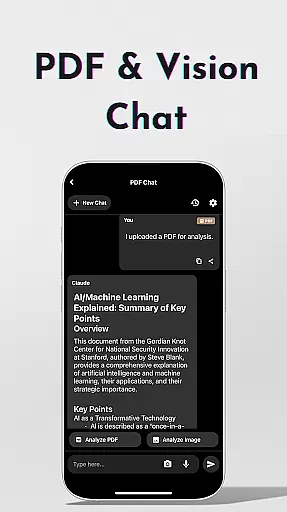
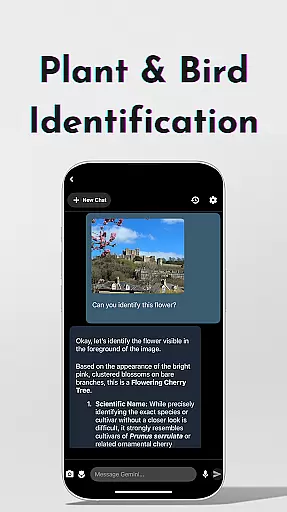
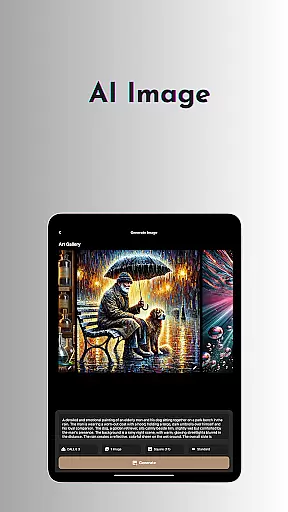
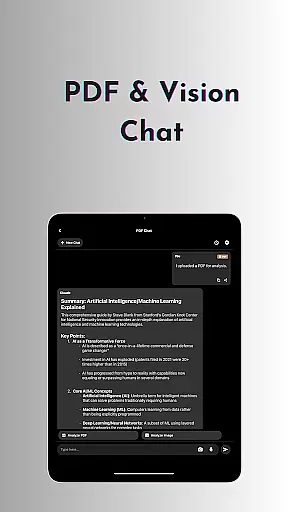
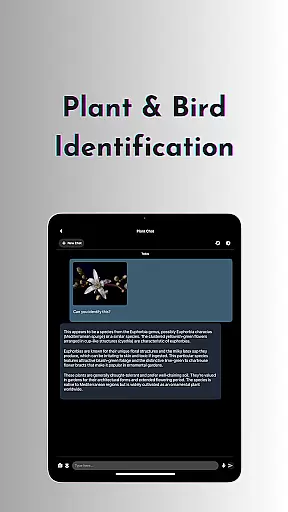
Beyond its robust language models, OneLLM Pro features an expanded toolkit covering a wide range of use cases. Users can generate AI-powered videos, create stunning visuals with Stable Diffusion or DALL·E 3, scan documents offline using OCR, and even identify plants and birds with advanced AI technology. The app also includes specialized tools such as private speech-to-text transcription, an AI browser for summarizing complex articles, and a Study Assistant that supports text input, photo capture, or image uploads. These features make it ideal for professionals, students, and creatives seeking a versatile AI companion.
Designed for all devices, from entry-level to flagship, OneLLM Pro optimizes performance across hardware specifications. With smart LLM matching, Hugging Face integration, and ad-free navigation, this app empowers users to unlock the full potential of AI while maintaining complete control over their data privacy. Experience unparalleled versatility and power at your fingertips.
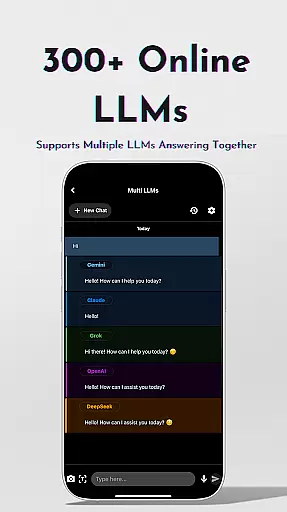
OneLLM Pro stands out with its comprehensive feature set designed to cater to diverse productivity needs. At its core, the app offers unlimited private and local LLMs, enabling users to customize unique AI characters tailored to specific tasks without requiring an internet connection. For more demanding workflows, it provides access to over 300 leading cloud-based LLMs, allowing seamless switching between models with a single tap. This dual capability ensures both speed and flexibility, making it suitable for various scenarios.
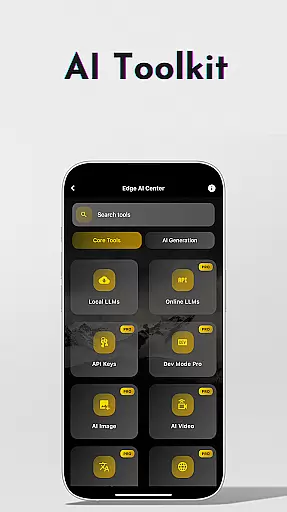
The app's AI toolkits further enhance its functionality. Users can transform ideas into cinematic masterpieces with AI video generation or collaborate with imaging experts to craft visuals using Stable Diffusion and DALL·E 3. Offline OCR document scanning simplifies digitization, while Ollama Connect bridges mobile devices with PCs or servers running large LLMs. Additional highlights include private speech-to-text transcription, an AI browser for digesting long articles, and a Study Assistant that supports multiple input methods. Each tool is meticulously crafted to save time and improve workflow efficiency.
Advanced users benefit from LLM Dev Mode, which allows fine-tuning virtually every parameter and saving custom configurations. Smart LLM matching intelligently recommends models optimized for device specs, ensuring peak performance without compromising storage or battery life. Privacy remains paramount, with local processing and no external data sharing. Combined with Hugging Face integration and an ad-free experience, OneLLM Pro delivers a polished, professional-grade solution for modern productivity challenges.
At the heart of OneLLM Pro lies its robust core task management system, designed to streamline productivity across various use cases. This feature allows users to seamlessly organize and prioritize tasks using advanced AI capabilities.
The application integrates both local and cloud-based processing to ensure maximum efficiency. Users can create, categorize, and assign tasks with intelligent suggestions powered by over 300 large language models, including top performers like ChatGPT 4o and Claude.
OneLLM Pro's task management extends beyond basic organization. The system provides contextual recommendations, deadline predictions, and resource allocation suggestions based on historical data and user behavior patterns.
This comprehensive approach to task management enables professionals to maintain optimal workflow while leveraging cutting-edge AI tools for enhanced productivity and decision-making.
OneLLM Pro excels in cross-device synchronization, ensuring users can access their productivity tools and data from any device without interruption. This reliability is crucial for maintaining consistent workflow across multiple platforms.
The application employs advanced synchronization protocols that guarantee real-time updates across devices. Whether switching from mobile to desktop or tablet, users experience seamless transitions with all their data, settings, and preferences perfectly preserved.
Security during synchronization is paramount, and OneLLM Pro utilizes military-grade encryption for data transfer. This ensures that while information remains readily accessible to authorized users, it remains protected from unauthorized access.
Furthermore, the system's intelligent conflict resolution mechanism automatically handles discrepancies in data versions, providing users with peace of mind and uninterrupted productivity regardless of their device ecosystem.
Extensive AI toolkit
Offline functionality
Cloud model access
Data privacy focus
Cross-device optimization
Complex setup required
Premium subscription cost
High system requirements
Limited free features
Steep learning curve

Secure, fast, open-source, VNC and SSH Remote Desktop for Windows, Linux and Mac
 4.70
4.70
Client for Nextcloud Deck
4.60
Auto-shutoff Alarm with Sunrise, Sunset & Fixed Options.
3.50
Smart PDF reader & editor to view, organize and manage PDF documents easily.
3.70
A simple, portable logger for POTA, SOTA, Field Day, and more
4.5
⏰ Finally a timer app which can run multiple timers simultaneously on your watch
3.90
Activate Two Factor Authentication (2FA or Multi OTP), Password manager and more
4.10
Access, manage and transfer files on Android, PC, Mac, NAS and cloud storages.
4.30
Note taking, handwriting, record audio, PDF annotation, planner & journal
4.20
Multilingual translator for text, voice, and image translation!
4.90
Seamlessly integrate data and reports to build your presentation to impress
4.80
Functional QR scanner and barcode reader that requires little storage space.
4.60
Professional calendar app for Google Calendar, MS Outlook & Exchange
4.20
Todo reminder
4.10
Experience real multitasking on your Android!
4.00
Unlock AutoNotification
4.00
All in one sketching tool. Technical and General drawing. Online Maps support.
3.70
Simple and reliable communication between inmates, friends and family
3.20
Ads Free App! Editor, Hide File, Copy, Move, Delete and Rename.. all facility av
1.70


User Reviews