
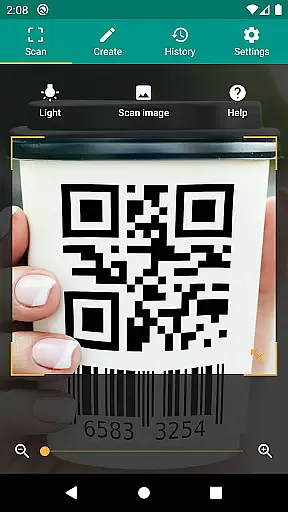
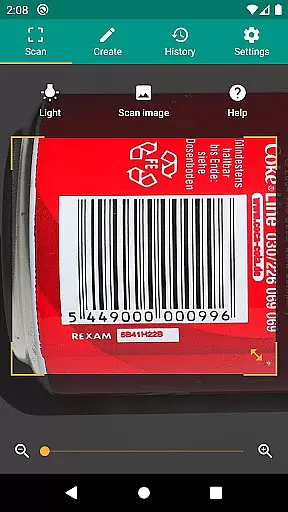
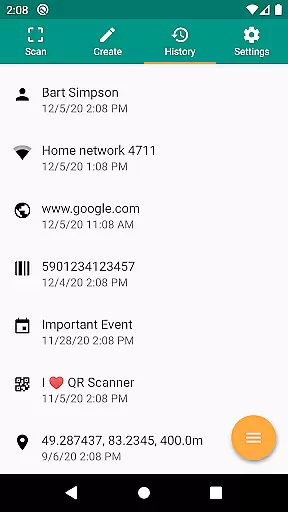
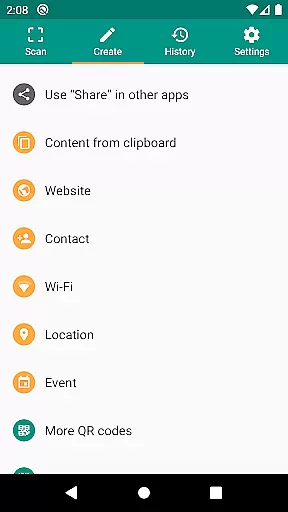
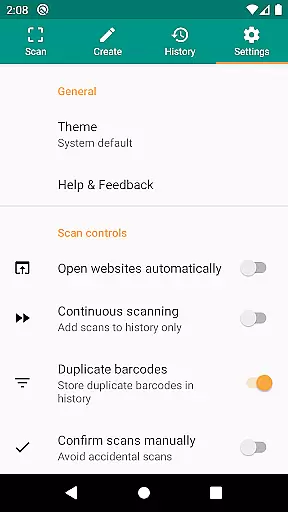
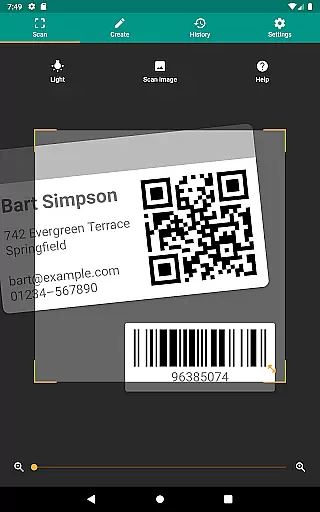
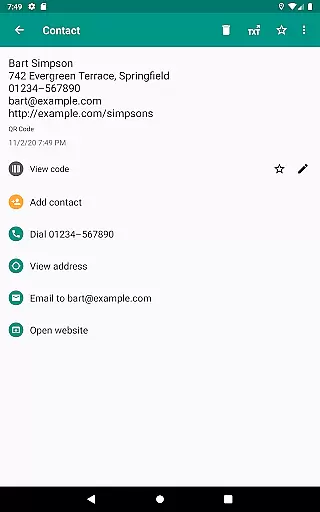
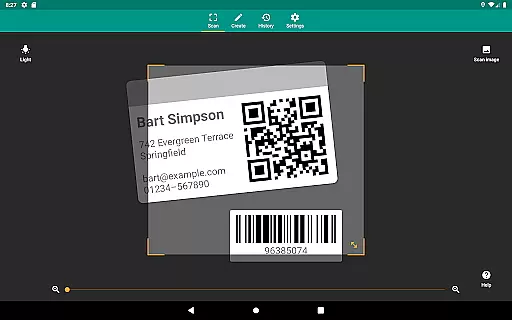
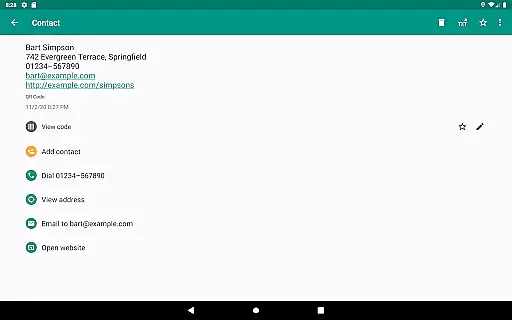
QR & Barcode Scanner is a versatile productivity tool designed to streamline your daily tasks through advanced scanning technology. This application allows users to scan all common barcode formats, including QR, Data Matrix, Aztec, UPC, EAN, and Code 39, providing instant access to relevant information from popular online services like Amazon, eBay, and Google.
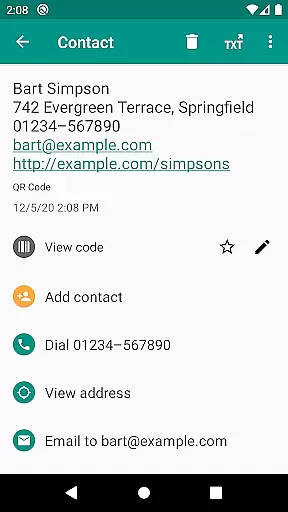
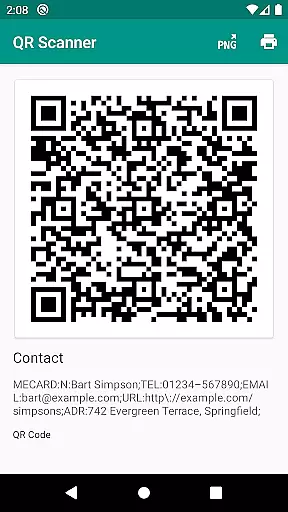
Beyond basic scanning, the app offers practical features such as opening URLs, connecting to WiFi hotspots, adding calendar events, and reading VCards. With built-in security measures powered by Google Safe Browsing, it ensures safe navigation while maintaining optimal performance. The app also includes a QR code generator, allowing users to share data like website links seamlessly between devices.
Whether you're managing inventory for a small business or simply organizing personal information, QR & Barcode Scanner provides essential tools to enhance productivity. Its CSV export functionality and annotation options make it an ideal solution for professionals who need reliable data management on the go.
QR & Barcode Scanner stands out with its comprehensive feature set tailored for productivity-focused users. One of its key strengths is the ability to scan both barcodes and two-dimensional codes, supporting formats such as EAN, UPC, Code 39, PDF417, and Aztec Code. This versatility makes it suitable for various use cases, from retail operations to personal task management.
The app integrates innovative functionalities like Chrome Custom Tabs with Google Safe Browsing, ensuring secure interactions when opening URLs. Additionally, features such as flashlight activation and pinch-to-zoom enable accurate scanning even in challenging environments. Users can also create custom search options by adding preferred websites, enhancing the utility of each scan with specific information tailored to their needs.
For those requiring detailed record-keeping, the app offers unlimited history management with CSV export capabilities. This allows users to import data into Excel or save it directly to cloud storage services like Google Drive. Combined with annotation tools, these features provide robust solutions for inventory management and quality assurance processes.
QR & Barcode Scanner excels in core task management by offering a comprehensive suite of tools for scanning and generating codes. This app supports all common barcode formats, including QR, Data Matrix, Aztec, UPC, EAN, and Code 39, ensuring that users can manage a wide variety of tasks with ease.
The application goes beyond simple scanning by providing relevant actions based on the scanned content. Users can open URLs, connect to WiFi hotspots, add calendar events, read VCards, and find product and price information. These features make task management not only efficient but also interactive and dynamic.
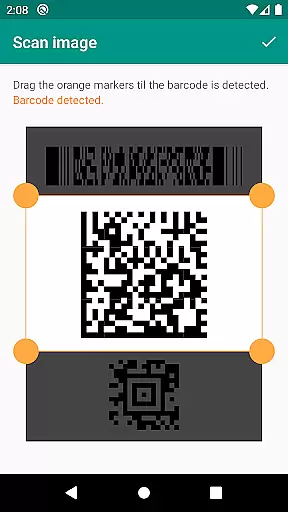
Security and performance are prioritized, protecting users from malicious links through Google Safe Browsing technology. The minimal permissions required ensure user privacy while still delivering powerful functionality. With added utilities like flashlight, zoom, and the ability to scan from images, this app provides a robust platform for managing daily tasks effectively.
Cross-device synchronization is a critical feature for users who operate multiple devices. QR & Barcode Scanner ensures reliable synchronization across devices by allowing seamless sharing of data such as website links using the built-in QR code generator. This means you can display a QR code on one device and scan it with another, maintaining consistency and reliability in your workflow.
In addition to basic synchronization, the app offers advanced features like CSV export and annotations. Users can manage unlimited history and export it as a CSV file, which can then be imported into Excel or saved to any cloud storage service like Google Drive. This level of synchronization ensures that all your devices have access to the most up-to-date information.
Custom search options further enhance synchronization reliability by enabling specific information retrieval from custom websites. Whether you're managing product inventory or implementing quality assurance in a small business, QR & Barcode Scanner's cross-device capabilities provide a dependable solution for keeping all your devices in sync.
User-friendly interface
Comprehensive format support
Secure scanning technology
Customizable search options
CSV export functionality
Limited design customization
No offline database
Occasional slow scans
Ads in free version
Advanced features require learning

AI Video AI Image Private LLM AI Browser Llama Gemma Ollama Connect LLM Studio
 4.1
4.1
App Lock with fingerprint, password: Lock apps & hide photos with lock screens
4.60
Make apps & sites with natural language prompts
4.10
This small app MUST BE INSTALLED after purchase, else license won't work
4.40
Ultimate Virtual AI Character for immersive Roleplay Chat. Perfect Companion
3.90
Intelligent AI Assistant
4.10
Use powerful, industry-leading AI tools to generate visual charts from any data
4.80
Simple notepad & memo. Take notes, to-do list, shopping list with reminders.
4.80
Put a lock on your cloud: Take the security of your data into your own hands
3.70
8 custom complications. Custom Time Fonts. Beautiful color schemes. A++ Design.
5.00
Scientific calculator for Android - looks and operates like the real thing!
4.90
Seamlessly integrate data and reports to build your presentation to impress
4.80
Understand anything with a personalized AI research assistant
4.80
Secure, fast, open-source, Remote Desktop Client for Windows and Linux with SSH
4.60
Planet Free VPN - The best Fast Unlimited and Secure VPN Without Logs
4.50
Experience Reading - Night Mode for Documents
4.40
CalenGoo is a very flexible and feature-rich calendar app
4.40
A Revolutionary All-in-One Artificial Intelligence Tools
3.80
Code on-the-go with VScode for Android. Edit,debug and collaborate from mobile!!
3.10


User Reviews