
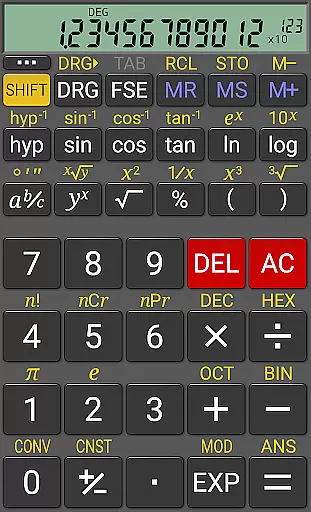
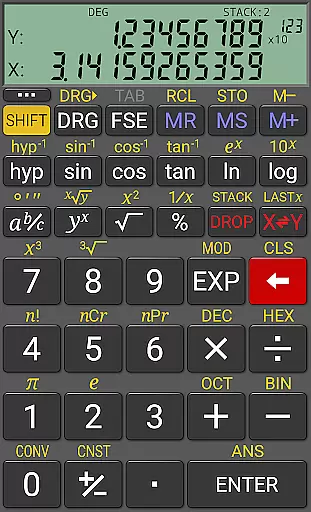
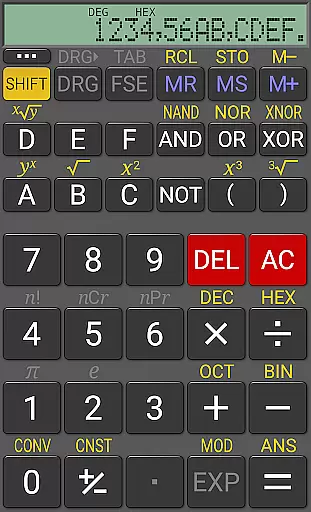
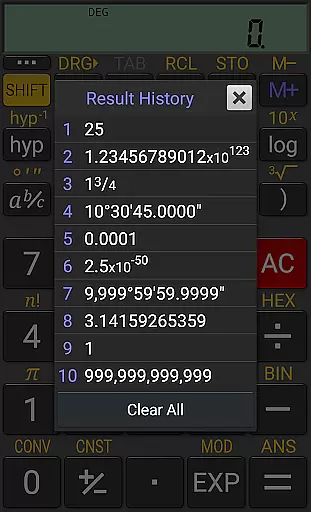
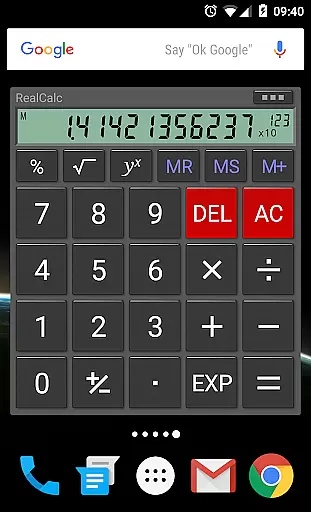
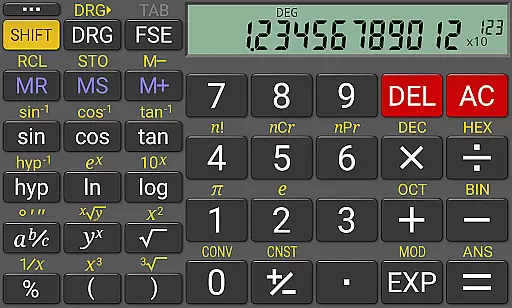
RealCalc Plus is the advanced version of RealCalc, a leading scientific calculator on Android. It mirrors the functionality of a real hand-held calculator with added features such as fraction calculations, degrees/minutes/seconds operations, and history tracking. The app also offers customizable unit conversions, constants, and supports binary, octal, and hexadecimal computations. With an optional RPN mode and multiple display styles, it caters to both simplicity and customization needs.
This application is ideal for students, engineers, and professionals who require precise calculations in their work or study. Its comprehensive help section ensures ease of use while its extended internal precision provides accuracy up to 32 digits. RealCalc Plus enhances productivity by offering users the ability to perform complex calculations efficiently on their mobile devices.
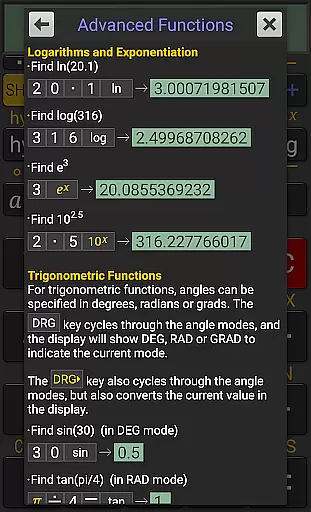
RealCalc Plus stands out with its versatile calculation modes including traditional algebraic or RPN operation, catering to different user preferences. Fraction calculations, degrees/minutes/seconds conversions, and trigonometric functions in degrees, radians, or grads are seamlessly integrated into its feature set. The app's 12-digit display and extended internal precision ensure that calculations are both visible and accurate.
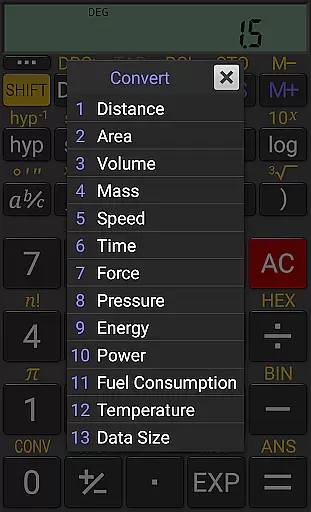
Additional functionalities include result history tracking, ten memory slots, and user-customizable unit conversions and constants. Binary, octal, and hexadecimal support can be enabled in settings, making it suitable for programming tasks. With multi-window support, external keyboard compatibility, and landscape mode, RealCalc Plus delivers a flexible and efficient user experience tailored to enhance productivity across various tasks.
RealCalc Plus exemplifies core task management by integrating essential calculator functions with advanced productivity features. The app provides users with scientific calculations, customizable unit conversions, and constants, which are crucial for efficiently managing mathematical tasks.
The calculator supports multiple modes such as algebraic or RPN operation, offering flexibility in how users perform their computations. With the ability to save results history and access 10 memories, RealCalc Plus ensures that repetitive calculations can be streamlined, thus improving task efficiency.
Moreover, the inclusion of a user-customizable interface means that individuals can tailor the calculator to their specific needs, whether it's adjusting display styles or toggling between different calculation modes. This personalization empowers users to optimize their workflow according to their unique requirements.
By providing these comprehensive features, RealCalc Plus not only simplifies complex calculations but also enhances the overall productivity of its users, making it an indispensable tool for anyone who requires precision and adaptability in their daily computational tasks.
Cross-device synchronization is vital for users who employ multiple devices in their daily routines. RealCalc Plus addresses this need by ensuring reliable data consistency across different platforms, allowing users to continue their work seamlessly from one device to another.
While RealCalc Plus does not advertise explicit cloud-syncing features, its multi-window support with drag & drop functionality enables users to transfer information easily within the same device ecosystem. This feature is particularly useful when multitasking or collaborating on various projects simultaneously.
In addition to internal device synchronization, RealCalc Plus offers an external keyboard support option, enhancing its compatibility with other hardware accessories. This allows for a more traditional input method that many professionals prefer, further solidifying the appu2019s role as a versatile productivity tool.
Although direct cross-device syncing might not be its primary function, RealCalc Plus delivers reliability through thoughtful design elements that cater to a productive and uninterrupted user experience, regardless of the working environment or chosen platform.
User-friendly interface
Highly customizable
Accurate calculations
Versatile computation modes
Comprehensive help included
Paid version only
No graphing capabilities
Limited visual appeal
Advanced features may overwhelm beginners
Occasional bugs reported

AI Video AI Image Private LLM AI Browser Llama Gemma Ollama Connect LLM Studio
 4.2
4.2
Experience Reading - Night Mode for Documents
4.40
Android Wallet Password Manager
4.80
Remotely view listen control and record cameras.
3.70
Calendar 2023 widget for Android. Appointment scheduler, planner, and reminder
4.60
Docker, Kubernetes management over Portainer Mobile
4.40
A comprehensive suite of tools designed specifically for Lactation Consultants
4.3
Lightweight PDF, Word, Excel reader.
4.60
2026 USPS Alpha/Color coded calendar Sunday/Rotating day off schedules
4.1
All document reader, all in one file viewer read PDF, DOCX, XLS, PPT, TXT files.
4.60
Share files & memories safely. Keep your photos and videos secure.
4.40
Enjoy classic gameplay with customizable features and retro-style graphics.
4.30
Total remote control for your Android device, PC and cloud services (IFTTT)!
4.20
All in One PDF Reader: Manage, Read and Edit your Documents
4.20
Todo reminder
4.10
Cloud storage, automatic phone backup, and more.
4.10
Unlock AutoNotification
4.00
⏰ Finally a timer app which can run multiple timers simultaneously on your watch
3.90
Access your phone's notifications, calls, apps, photos & texts on your PC
3.90


User Reviews