
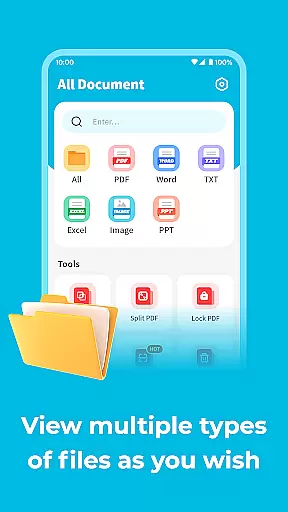
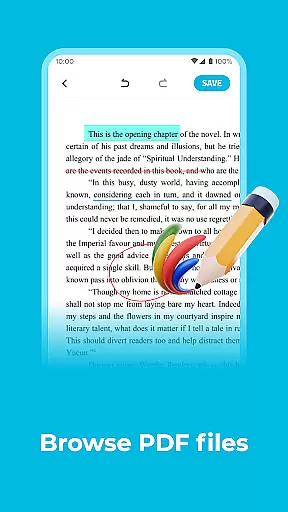
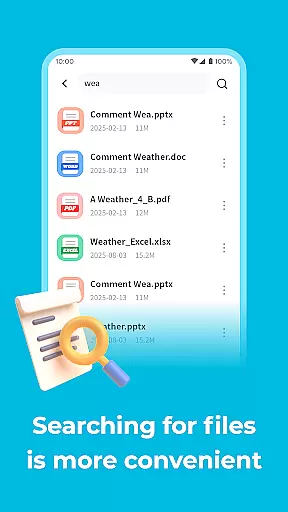
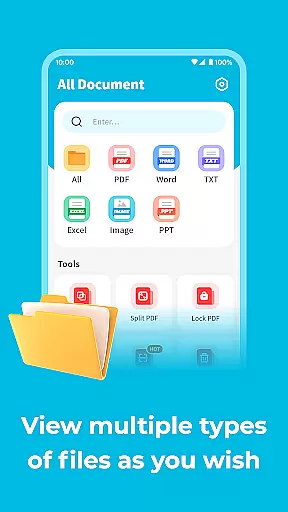
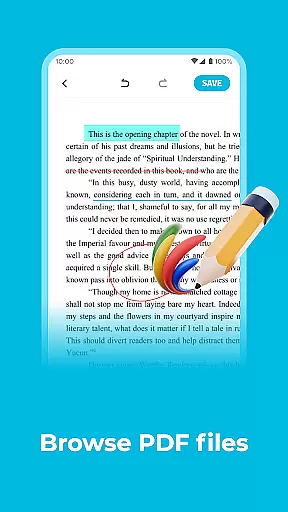
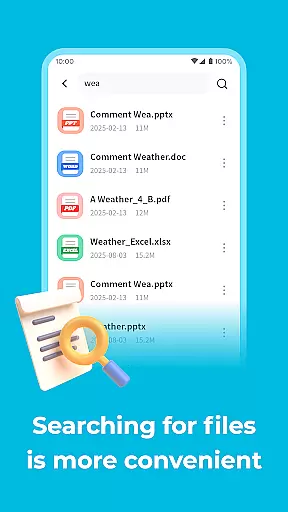
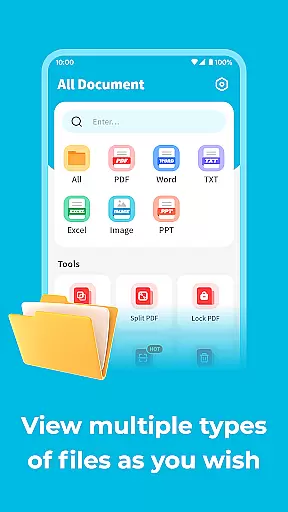
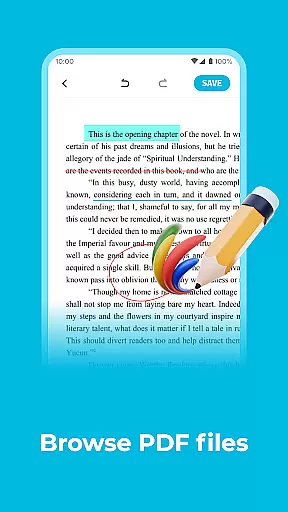
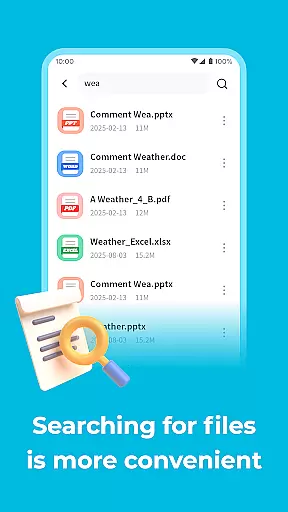
All Document Explor is a versatile productivity app designed to help users manage and view documents in multiple formats on their mobile devices. With support for PDF, Word, and PPT files, this app allows you to rename, delete, or share documents with ease. Its standout feature is the ability to protect PDFs with a digital password, ensuring your sensitive information remains secure.
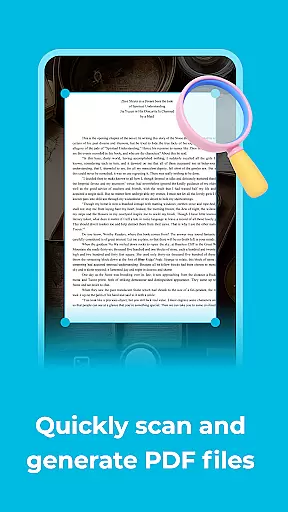
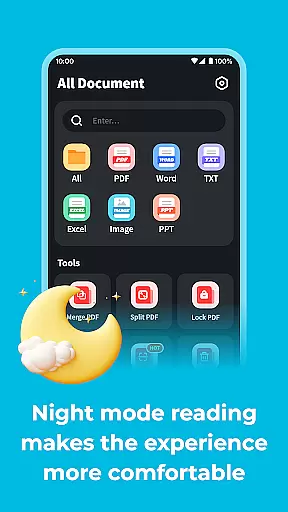
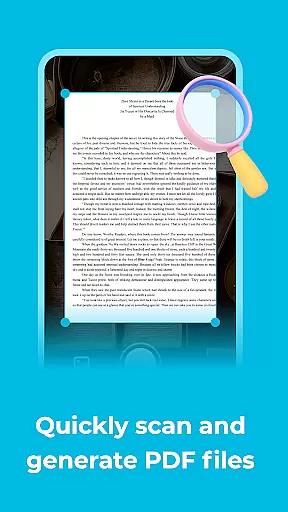
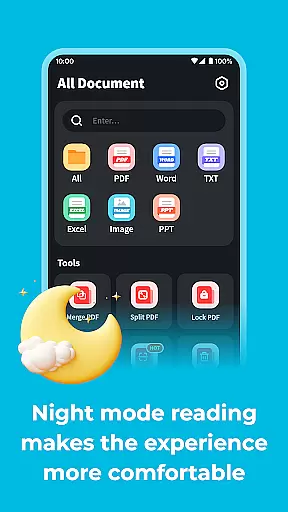
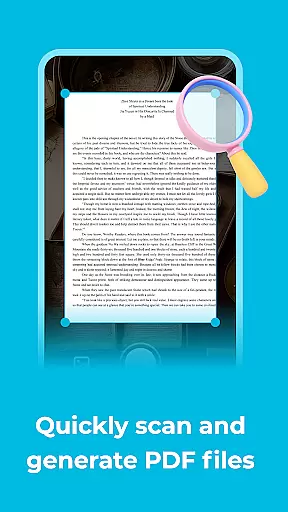
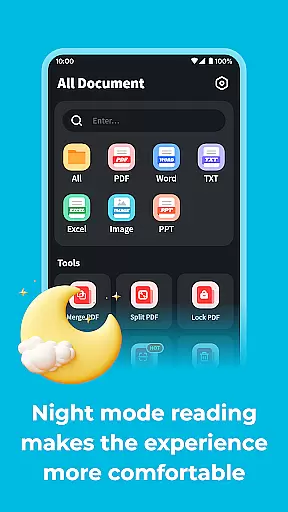
Whether you're working during the day or night, the app's night mode provides a comfortable reading experience by reducing eye strain. Additionally, the built-in scanner lets you capture images and convert them into PDF files, making document digitization simple and efficient. All Document Explor brings together essential tools to enhance your mobile productivity without compromising on usability or security.
All Document Explor offers an impressive range of features tailored for mobile productivity. One of its key strengths is the support for various document formats including PDF, Word, and PPT. This enables users to perform essential file operations such as renaming, deleting, and sharing documents effortlessly. The app also includes a unique security feature that allows users to set a digital password on PDF files, preventing unauthorized access and ensuring confidentiality.
For users who work in low-light conditions, the app provides a night mode option that adjusts the screen brightness and contrast to reduce eye fatigue. Another notable feature is the integrated document scanner, which lets you capture photos and instantly convert them into PDF format. These functionalities make All Document Explor a comprehensive tool for anyone looking to streamline their document management tasks while maintaining high levels of security and convenience.
Effective task management is essential for productivity applications, serving as the backbone for organizing and executing work efficiently. All Document Explor excels in this area by offering a comprehensive suite of tools designed to handle documents across multiple formats, including PDF, Word, and PPT.
The app allows users to perform various operations such as renaming, deleting, or sharing documents with friends, streamlining workflow and enhancing collaboration. Additionally, it provides a unique feature to protect PDF documents by setting a digital password, ensuring that sensitive information remains secure from unauthorized access.
By integrating these robust document management capabilities, All Document Explor empowers users to maintain control over their files, thus improving overall productivity. This functionality not only saves time but also reduces the complexity often associated with managing diverse file types on mobile devices.
In today's interconnected world, reliable cross-device synchronization is crucial for maintaining consistency and accessibility of documents across different platforms. All Document Explor addresses this need by ensuring that your files are always up-to-date and accessible, regardless of the device you're using.
The application supports real-time updates, which means any changes made to a document on one device will be instantly reflected on all other linked devices. This seamless synchronization process enables users to switch between their mobile phone, tablet, and computer without missing a beat, providing a continuous and uninterrupted workflow.
Moreover, the ability to scan PDFs and convert images into PDF files adds another layer of convenience, allowing users to capture and store important information quickly. With these features, All Document Explor ensures that your documents are not only synchronized but also easily manageable, enhancing both personal and professional productivity.
User-friendly interface
Multi-format support
PDF password protection
Night mode for eye comfort
Built-in document scanner
Limited advanced editing
No cloud sync feature
Occasional bugs reported
Ads in free version
Heavy on storage

8 custom complications. Custom Time Fonts. Beautiful color schemes. A++ Design.
 5.00
5.00
The upgraded version of Name Wheel with AI and the power to add your own wheels.
4.0
Customizable calendar widget for seamless event sync, planning & scheduling.
4.00
PDF scanner & converter for files, photos, lottery, QR codes. One swipe away!
4.50
Tally and goal counter for Wear OS & mobile
4.50
Access, manage and transfer files on Android, PC, Mac, NAS and cloud storages.
4.30
This small app MUST BE INSTALLED after purchase, else license won't work
4.40
Lightweight PDF, Word, Excel reader.
4.60
Browse and view your photos and videos from the phone with photo & video hide.
4.10
Protect and view your important info on your phone and tablet with eWallet®
4.80
Direct Chat without saving contacts & Dual WA Account on Single Device
4.70
Client for Nextcloud Deck
4.60
App Lock with fingerprint, password: Lock apps & hide photos with lock screens
4.60
Functional QR scanner and barcode reader that requires little storage space.
4.60
CalenGoo is a very flexible and feature-rich calendar app
4.40
Docker, Kubernetes management over Portainer Mobile
4.40
Wake up & get tasks done! Add alarms & reminders on the Clock Launcher.
4.00
Mega cloud explorer plugin for Solid Explorer
3.80
Make your handwriting beautiful, even more than pen on paper.
3.60


User Reviews