
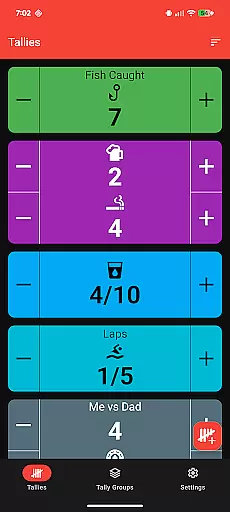
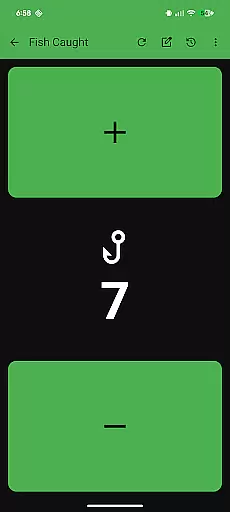
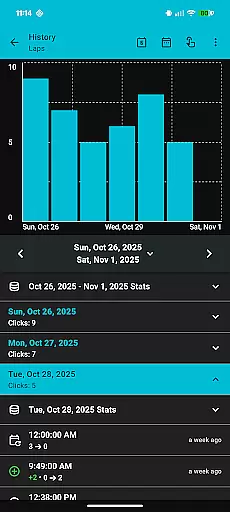
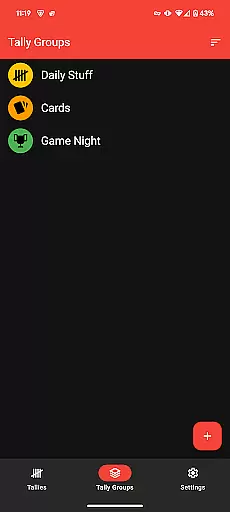
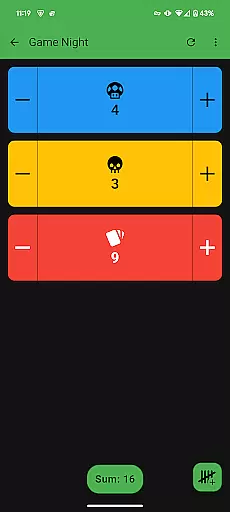
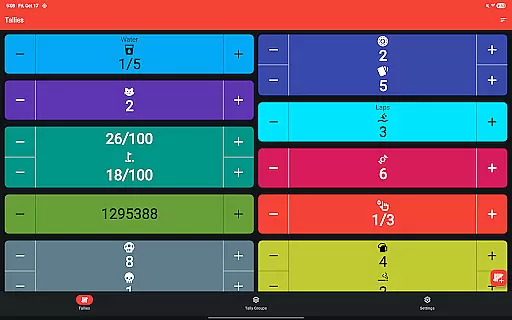
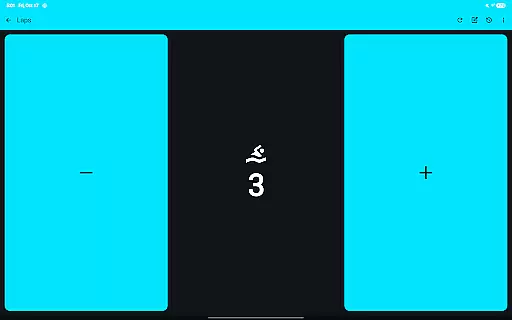
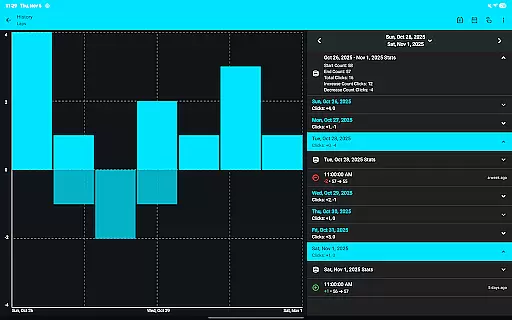
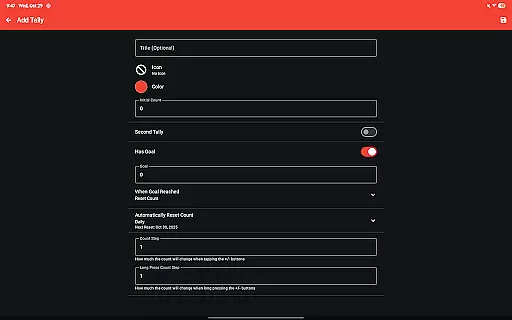
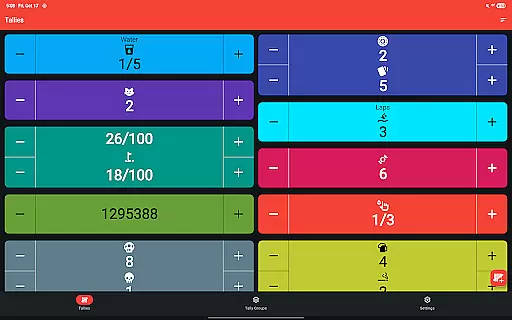
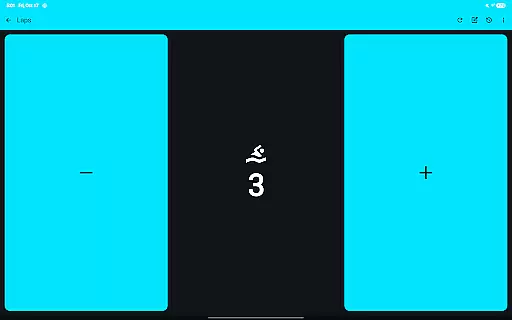
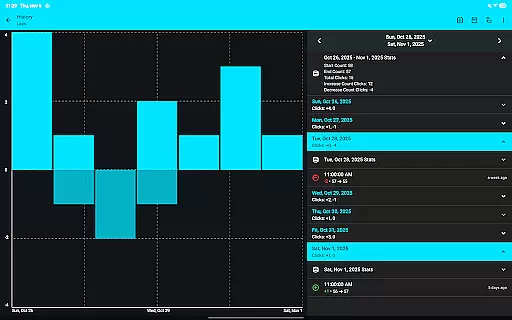
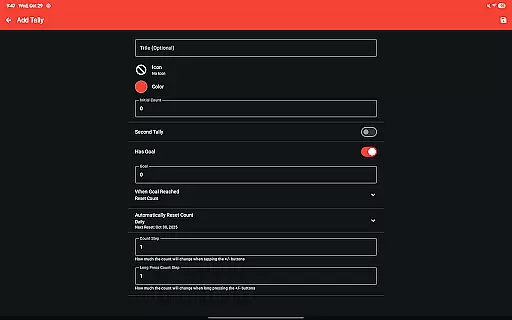
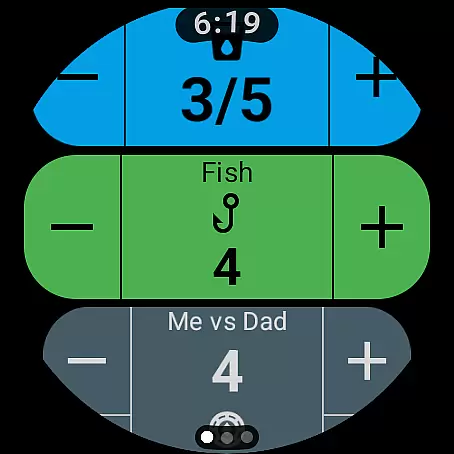
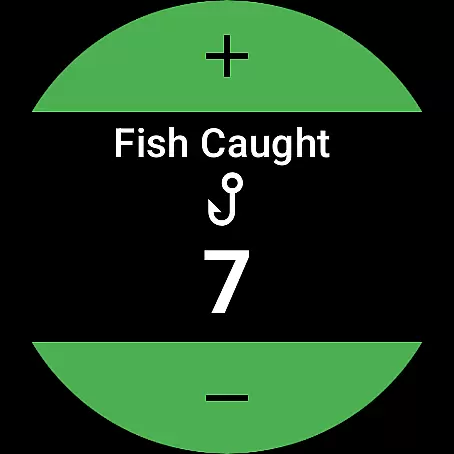
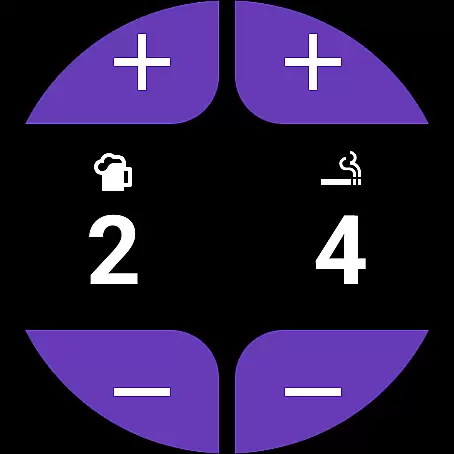
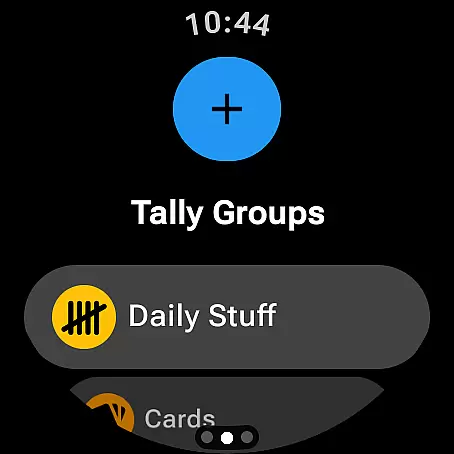
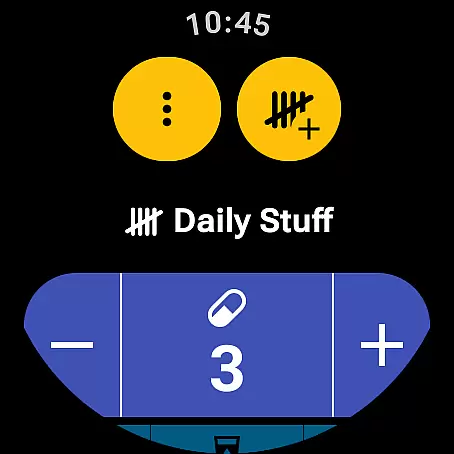
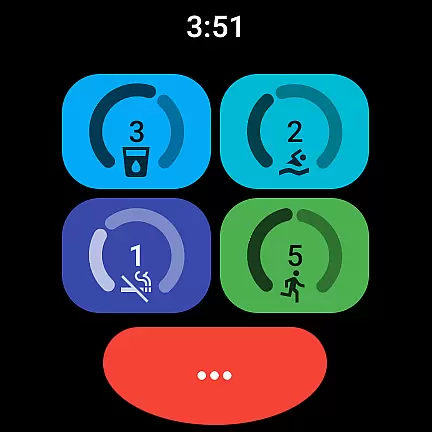
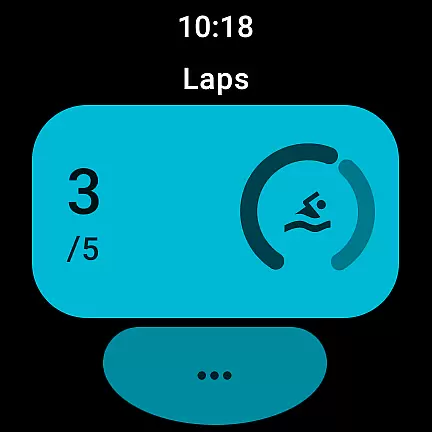
Tallies is a versatile productivity tool designed for both Wear OS and mobile devices, offering users an efficient way to track counts and achieve goals. The app provides double and single tally counters with ongoing counts, goal tallies that can be locked or reset upon completion, and automatic reset options on daily, weekly, monthly, or yearly intervals. Users can organize their tallies into groups, view detailed histories with graphs and stats, and sync data seamlessly between phone and watch.
With its comprehensive feature set, Tallies caters to various tracking needs. It includes export capabilities for tally history as CSV files, multiple theme colors, over 200 customizable icons, vibration and sound feedback, full-screen mode, and auto-save functionality. Whether you're monitoring personal goals or professional targets, Tallies ensures your progress is always accessible and up-to-date across all your devices.
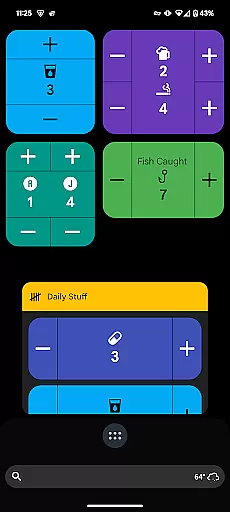
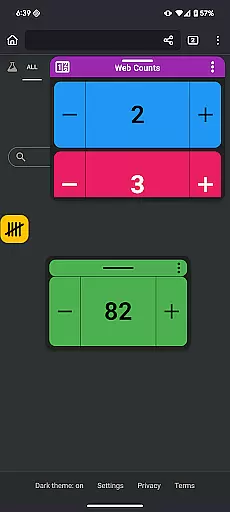
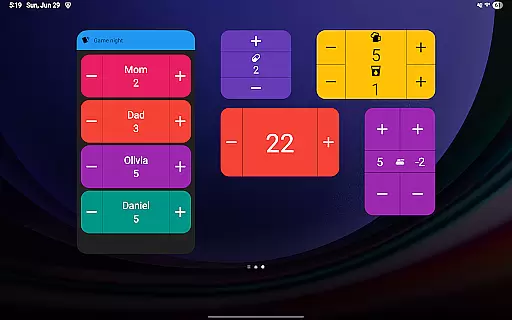
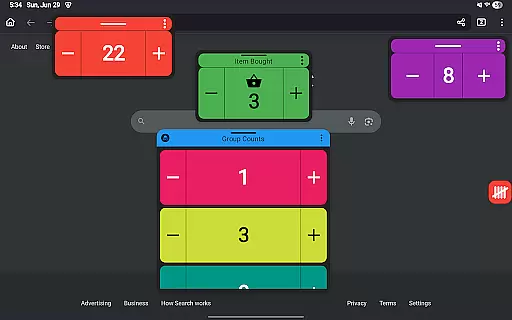
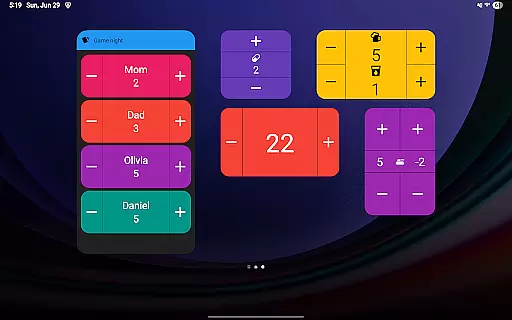
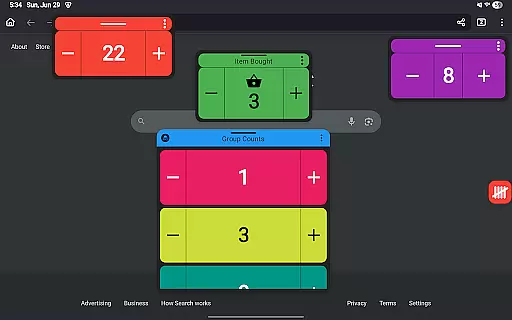
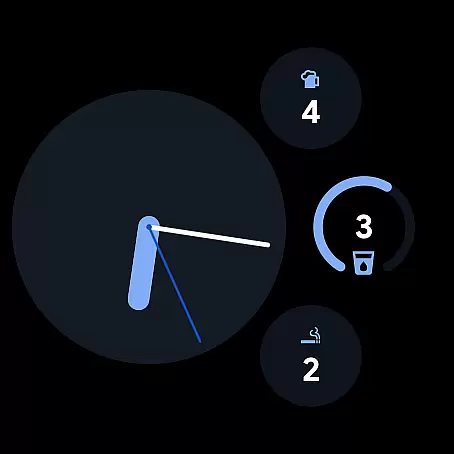
Tallies stands out with its extensive range of features tailored for productivity enthusiasts. The app offers ongoing tally complications and quick tally tiles specifically designed for Wear OS watches, allowing users to access their counts effortlessly. On the phone side, it provides vertical and horizontal tally widgets, tally list widgets, and even floating tally windows for Android 14+ users, ensuring your data is always visible at a glance.
One of the key innovations of Tallies is its synchronization capability between phone and watch, which requires installation on both devices. This ensures real-time updates and seamless data management. Additionally, the app supports launcher shortcuts for quick access to tallies and tally groups, volume button controls in full-screen mode, and no subscription model—unlocking all features with a one-time purchase. These robust functionalities make Tallies an indispensable tool for anyone looking to enhance their productivity through precise tracking and organization.
Task management is at the heart of productivity applications, and Tallies excels in this area by offering users a versatile tally and goal counter. This functionality allows for both simple and complex tracking of tasks or goals, making it suitable for various productivity needs.
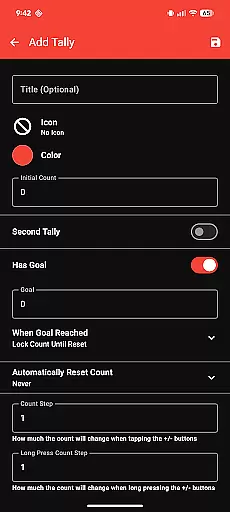
The app provides double and single tally counters, ongoing counts, and goal tallies with customizable options such as locking or resetting the count upon reaching a target. These features ensure that users can tailor their task management experience to fit personal or professional objectives.
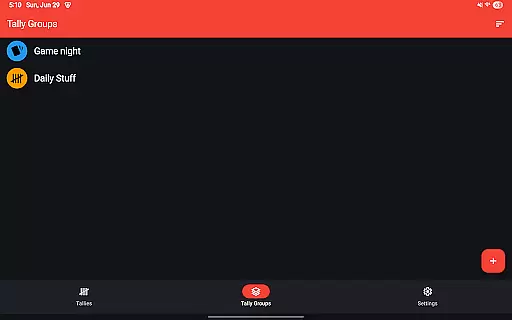
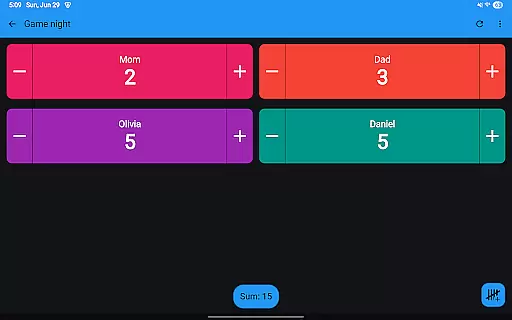
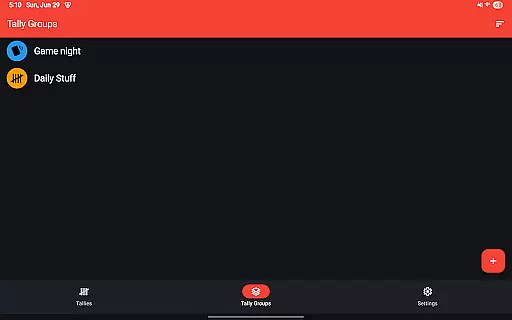
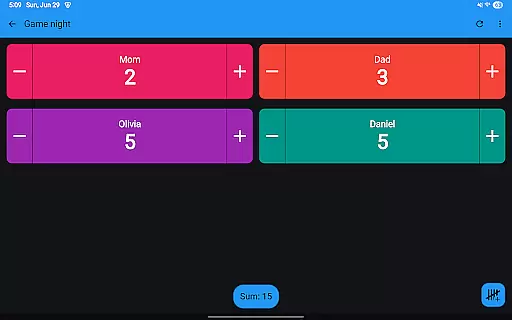
Tallies also supports automatic resets on a daily, weekly, monthly, or yearly basis, which helps maintain an organized approach to task tracking over time. Additionally, the ability to create Tally Groups and view their sums offers a comprehensive overview of multiple tasks or goals.
With its Wear OS & mobile compatibility, users benefit from seamless synchronization between devices, ensuring that their task management data is always up-to-date and accessible wherever they are.
Cross-device synchronization is crucial for users who rely on productivity tools across different platforms. Tallies addresses this need by providing reliable sync capabilities between smartphones and Wear OS watches, enhancing the user's ability to manage tasks on the go.
To ensure synchronization works effectively, Tallies requires installation on both phone and watch. Once set up, any changes made to tallies on one device are automatically reflected on the other, allowing for real-time updates and consistent data access.
This synchronization extends to specific watch features like ongoing tally complications and quick tally tiles, which provide at-a-glance information and easy access to frequently used counters directly from the wearable device.
By integrating with phone-specific functionalities such as home screen widgets and floating windows, Tallies ensures that users have constant visibility and control over their tasks, whether they're interacting with their phone or watch.
User-friendly interface
Extensive customization options
Seamless cross-device sync
Comprehensive tracking features
No subscription required
Limited to Android ecosystem
Watch sync needs separate installation
Floating window limited to Android 14+
Feature overload for casual users
Premium price tag

Secure, fast, open-source, VNC and SSH Remote Desktop for Windows, Linux and Mac
 4.70
4.70
Unlock AutoNotification
4.00
A lightweight JSON & XML files creator, editor and viewer (Premium Version)
4.40
Device's storage information in a simple and clear graphical form (infographics)
4.10
App Lock with fingerprint, password: Lock apps & hide photos with lock screens
4.60
Make apps & sites with natural language prompts
4.10
Multilingual translator for text, voice, and image translation!
4.90
Functional QR scanner and barcode reader that requires little storage space.
4.60
QuickEdit is a fast, stable and full featured text and code editor.
4.20
QuickBooks Workforce lets teams view pay info and track time in one place.
4.70
Okta MFA
4.70
The Pro Version of Android's tiniest Notepad app. Just 0.3MB but feature-packed!
4.60
The AI assistant that thinks with you - write, code, and solve complex tasks
4.60
Calendar 2023 widget for Android. Appointment scheduler, planner, and reminder
4.60
CalenGoo is a very flexible and feature-rich calendar app
4.40
Intelligent AI Assistant
4.10
* block pre-roll ads, pop-up and forced redirect ads * Samsung certification app
4.00
Ads Free App! Editor, Hide File, Copy, Move, Delete and Rename.. all facility av
1.70
AI Video AI Image Private LLM AI Browser Llama Gemma Ollama Connect LLM Studio
4.1


User Reviews