![Disk & Storage Analyzer [PRO]](https://cdn.linksharehub.com/ocp/?u=https%3A%2F%2Fl2.fancapitalize.com%2Fimages%2F2025%2F12%2Fe6da4367704733d389803d59b763e052.jpg&t=webp)
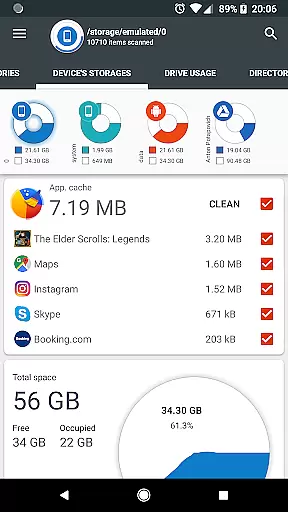
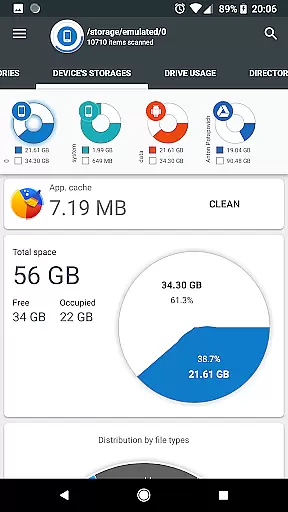
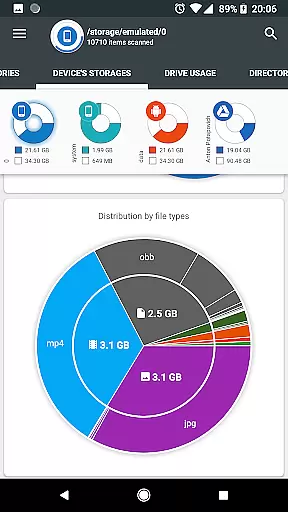
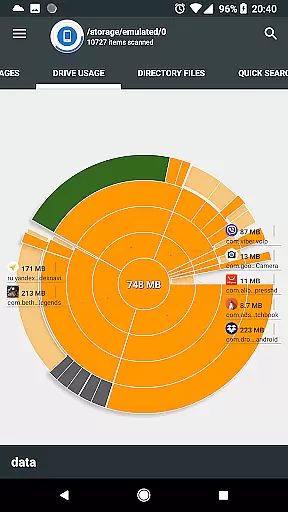
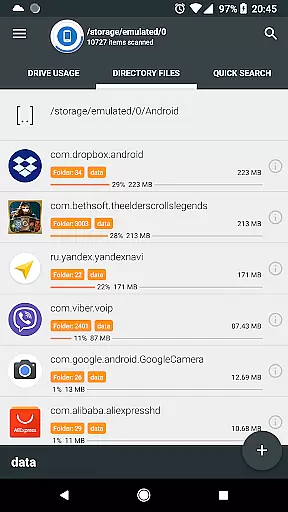
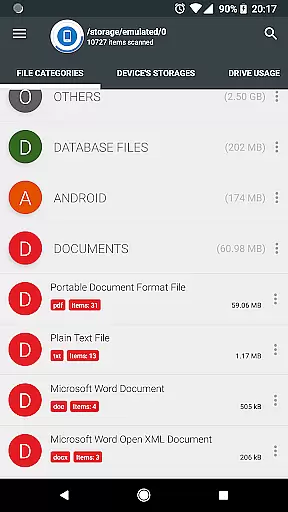
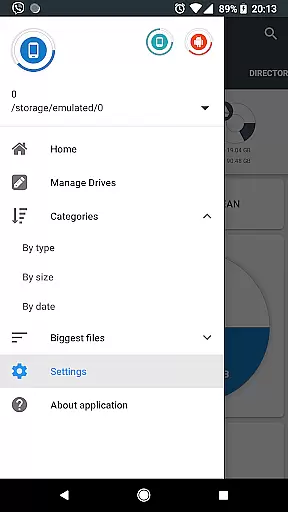
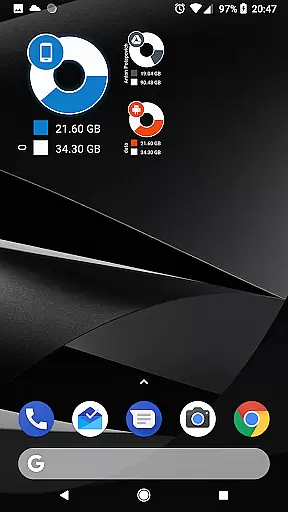
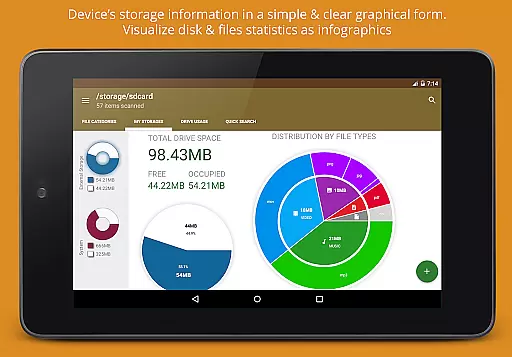
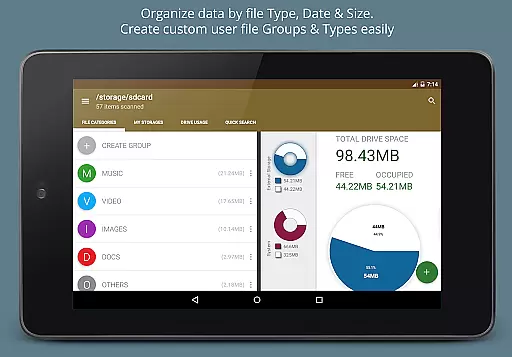
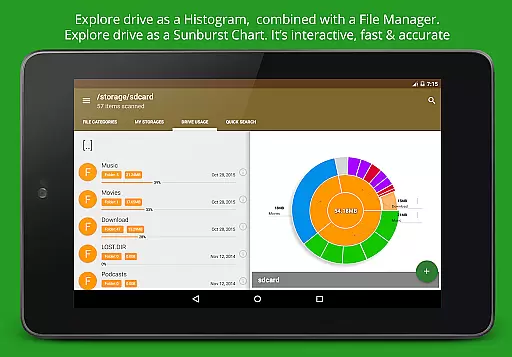
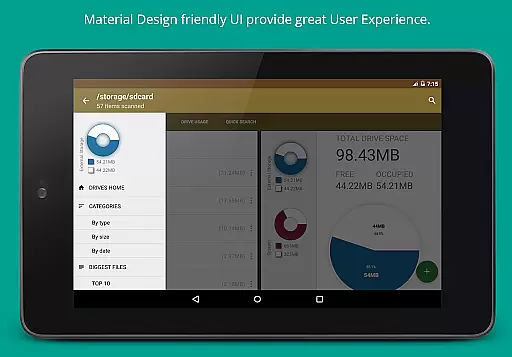
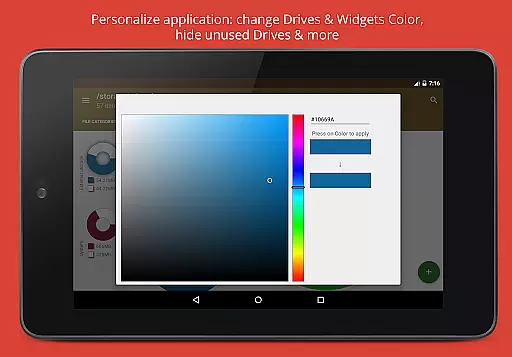
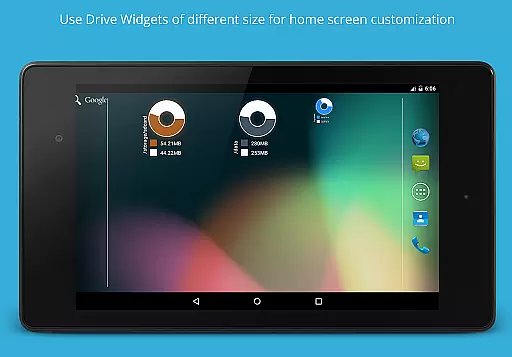
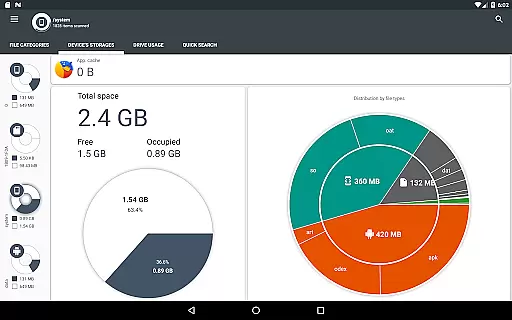
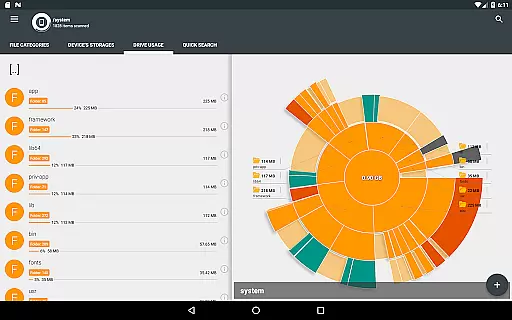
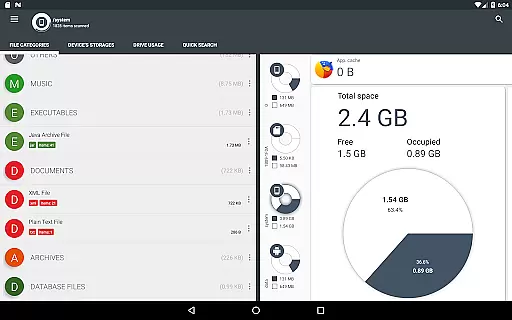
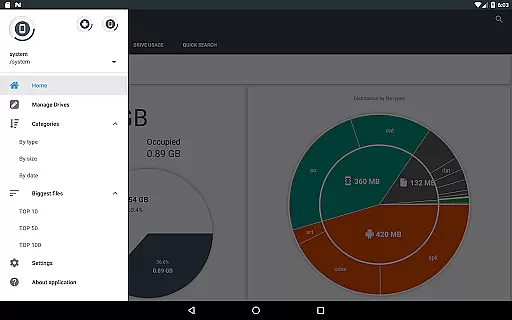
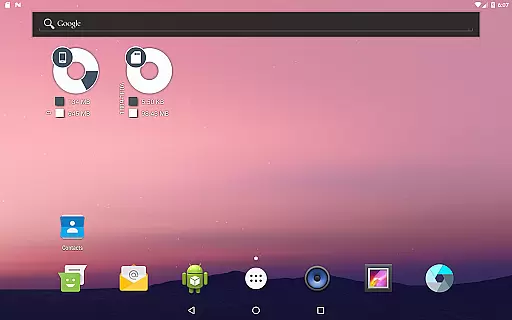
Disk & Storage Analyzer [PRO] is a comprehensive productivity tool designed to help users understand and manage their device's storage effectively. The app provides detailed insights into internal and external storage, including SD cards and USB devices, through intuitive infographics like pie charts and sunburst diagrams. It also supports cloud storage services such as Google Drive and Dropbox, allowing users to analyze their cloud-based files with the same level of detail.
One of the standout features is its ability to display installed applications and their respective sizes, enabling users to identify space-consuming apps and clear cache or remove unnecessary ones. With no ads and no need for user registration, this PRO version offers a seamless experience for anyone looking to optimize their device's storage capacity. Whether you're managing local files or cloud data, Disk & Storage Analyzer [PRO] delivers the tools needed to keep your digital space organized and efficient.
The app boasts an array of powerful features that cater to both casual users and tech-savvy individuals. Its primary functionality revolves around providing detailed file and storage analysis through visually appealing graphics. Users can easily navigate through directories using interactive sunburst charts that represent folders and files by size, making it simple to pinpoint areas that require attention. Additionally, the global search feature indexes all files on startup, ensuring quick access to any document, video, or image across various storage types.
Another key aspect is its ability to categorize files based on type, size, and date, offering multiple perspectives on how storage is utilized. This categorization extends to cloud drives, where users can connect their accounts and receive similar analytics. Furthermore, the app empowers users to take action directly from the interface—whether it's deleting redundant files, sharing content via social media, or cleaning up app caches. These capabilities make Disk & Storage Analyzer [PRO] an indispensable tool for maintaining optimal device performance.
Disk & Storage Analyzer [PRO] excels in core task management by offering users a comprehensive suite of tools to monitor and manage their device's storage effectively. The application provides detailed insights into file usage, categorizing data across internal and external storage, USB devices, and cloud drives.
Through its intuitive interface, the app allows users to access specific file data such as name, path, size, and last modified date. This functionality supports efficient device statistics reporting and visualization through infographics like pie charts and sunburst diagrams.
Users benefit from the app's ability to connect to cloud services including Google Drive and Dropbox, enhancing their capacity to manage files across different platforms. With these capabilities, Disk & Storage Analyzer [PRO] ensures that users can maintain optimal storage health and organization.
The reliability of cross-device synchronization is a standout feature of Disk & Storage Analyzer [PRO]. It enables seamless integration and data management across various storage mediums, including cloud drives, ensuring that users have up-to-date and consistent information at their fingertips.
By indexing files at startup, the app provides a global search functionality that displays results on the Quick Search page. This feature not only enhances accessibility but also boosts productivity by reducing the time needed to locate specific files or categories.
Moreover, the app's ability to manage installed applications, including cache cleaning and app deletion, adds another layer of synchronization reliability. Users can trust that their deviceu2019s storage is optimized without unnecessary clutter, leading to a more efficient and responsive user experience.
User-friendly interface
Comprehensive storage analysis
No ads or registration required
Supports multiple cloud services
Efficient cache management
Requires several permissions
May have occasional bugs
Limited customization options
No automatic backup feature
Premium version only

Unlock AutoNotification
 4.00
4.00
All in one sketching tool. Technical and General drawing. Online Maps support.
3.70
A simple, portable logger for POTA, SOTA, Field Day, and more
4.1
⏰ Finally a timer app which can run multiple timers simultaneously on your watch
3.90
Best Tool for the professionals Electrician, Electrical contractors, etc.
4.90
A beautiful digital clock with autostart and many other functions
4.70
A Pixel Art watchface inspired by other iconic 90s designs for Wear OS devices!
4.40
Secure your apps with lock screens, use custom themes and different features.
4.40
Okta MFA
4.70
8 custom complications. Custom Time Fonts. Beautiful color schemes. A++ Design.
5.00
Great calculator for Android named one of USA TODAY's "25 Essential Apps".
4.90
Scientific calculator for Android - looks and operates like the real thing!
4.90
QuickBooks Workforce lets teams view pay info and track time in one place.
4.70
To do list widget with a notebook organizer, checklist, simple shopping list
4.60
Tally and goal counter for Wear OS & mobile
4.50
A lightweight JSON & XML files creator, editor and viewer (Premium Version)
4.40
Total remote control for your Android device, PC and cloud services (IFTTT)!
4.20
Wake up & get tasks done! Add alarms & reminders on the Clock Launcher.
4.00
Code on-the-go with VScode for Android. Edit,debug and collaborate from mobile!!
3.10


User Reviews