

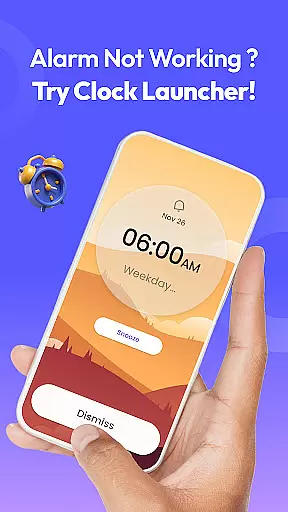
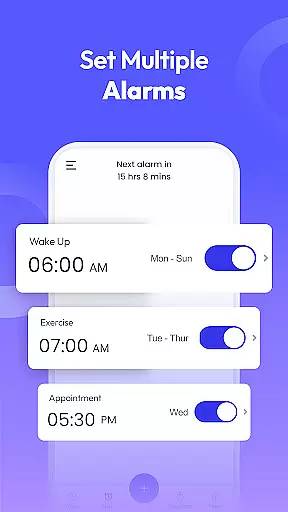
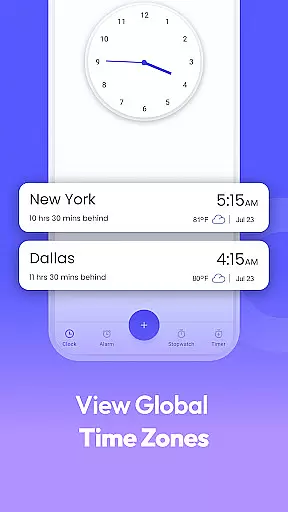
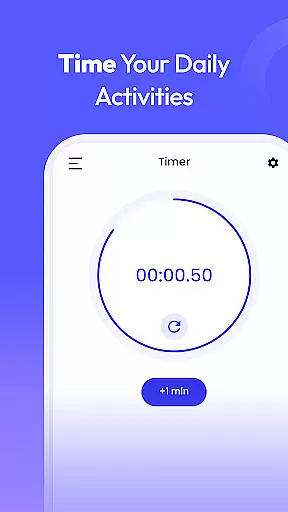
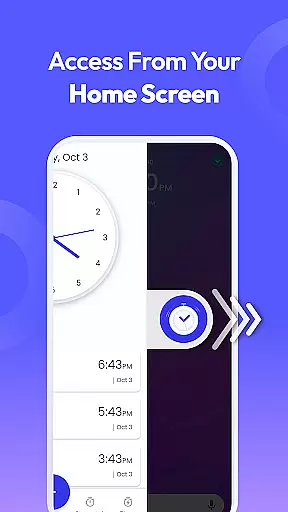
Clock Launcher is a productivity-focused app that combines an alarm clock with a launcher interface, offering users instant access to essential time management tools. The app allows you to check the time in any city, set alarms, reminders, and timers, and personalize your home screen with clock-themed wallpapers and widgets.
Designed for efficiency, Clock Launcher provides one-swipe access to its features, making it easy to stay organized throughout the day. Whether you need a reliable alarm clock, world clock, or timer functionality, this app ensures you manage your schedule effectively while enhancing your device's usability.
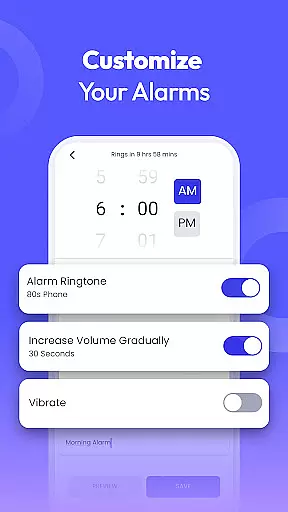
Clock Launcher stands out with its comprehensive suite of productivity tools. The app includes a customizable alarm clock with options for daily or weekly alarms, various tones, and snooze durations tailored to individual preferences. It also offers a world clock feature, perfect for travelers or professionals managing international meetings.
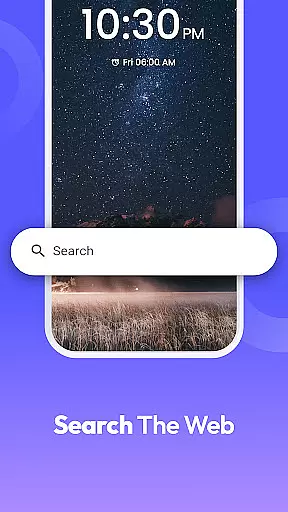
In addition to its core functionalities, Clock Launcher provides practical tools like reminders for appointments and events, a precise timer for cooking or workouts, and a stopwatch for tracking progress during fitness activities. Its multi-touchpoint search function allows users to quickly find installed apps or perform web searches powered by Yahoo, streamlining navigation on Android devices.
At the heart of Clock Launcher lies its robust core task management system, designed to streamline your daily routine. This feature allows users to effortlessly set alarms, reminders, and timers, ensuring they stay on top of their schedules without any hassle.
The app's intuitive interface makes it simple to organize your day by checking the time across different cities, which is particularly beneficial for those with international commitments. With just a swipe from the home screen, access essential time management tools that keep you punctual and prepared.
Users benefit from the seamless integration of a world clock, alarm clock, reminders, timer, and stopwatch, all within easy reach. These tools are not only practical but also customizable, catering to individual preferences and needs, thus enhancing productivity and time management.
Clock Launcher excels in providing reliable cross-device synchronization, ensuring that your alarms, reminders, and timers are consistently up-to-date across all your devices. This means whether you're at home or on the go, your schedule remains synchronized and accessible.
The app leverages advanced technology to maintain real-time updates, so any changes made on one device are immediately reflected on others. This level of synchronization is crucial for users who rely on multiple devices throughout their day, offering peace of mind and continuity.
By prioritizing synchronization reliability, Clock Launcher ensures that users never miss an important event or deadline. This feature underscores the app's commitment to enhancing productivity and organization, making it an indispensable tool for managing a busy lifestyle efficiently.
User-friendly interface
Comprehensive time tools
Customizable alarms
Efficient launcher design
Free to download
Home screen layout changes
Limited widget options
No advanced analytics
Basic visual themes
Dependent on Yahoo search

Native client for Forgejo and Gitea
 5.00
5.00
Total remote control for your Android device, PC and cloud services (IFTTT)!
4.20
Easily read and manage all your PDF files
4.10
A simple, portable logger for POTA, SOTA, Field Day, and more
4.3
We're working to become the best machining app on the market! www.cncdirt.com
4.80
Secure, fast, open-source, Remote Desktop Client for Windows and Linux with SSH
4.60
ID.me Authenticator is a simple and free Two Factor Authentication solution
3.50
This small app MUST BE INSTALLED after purchase, else license won't work
4.40
2026 USPS Alpha/Color coded calendar Sunday/Rotating day off schedules
4.2
Multilingual translator for text, voice, and image translation!
4.90
Protect and view your important info on your phone and tablet with eWallet®
4.80
Simple notepad & memo. Take notes, to-do list, shopping list with reminders.
4.80
The Pro Version of Android's tiniest Notepad app. Just 0.3MB but feature-packed!
4.60
Calendar 2023 widget for Android. Appointment scheduler, planner, and reminder
4.60
To do list widget with a notebook organizer, checklist, simple shopping list
4.60
Device's storage information in a simple and clear graphical form (infographics)
4.10
Unlock AutoNotification
4.00
Create study competitions, track your hours, and stay consistent with friends
4.0
A comprehensive suite of tools designed specifically for Lactation Consultants
4.3


User Reviews