
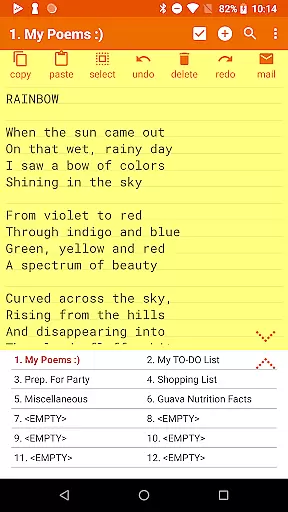

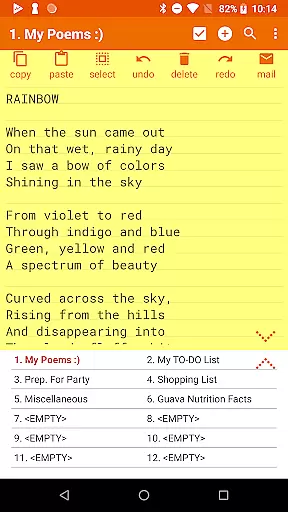


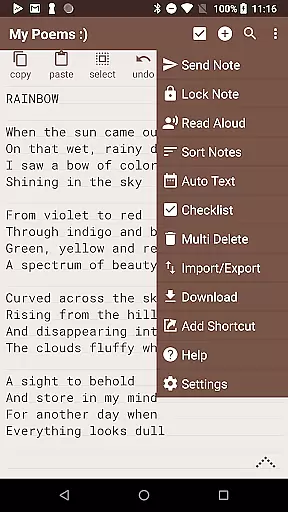
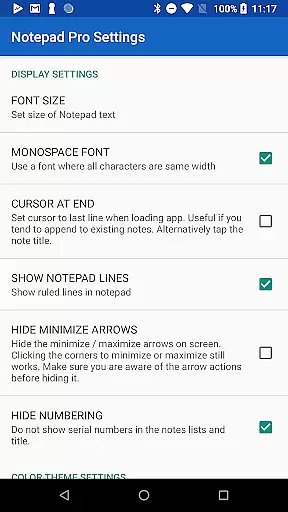
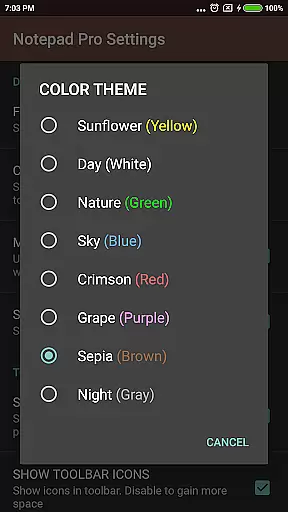
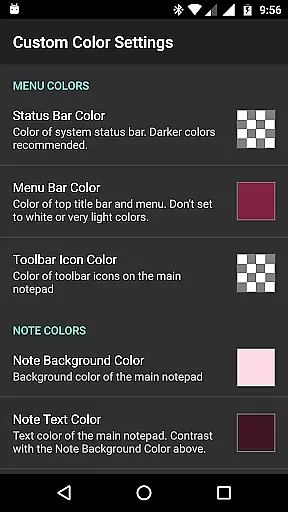
Notepad Pro represents the pinnacle of minimalist productivity tools, offering a robust solution for note-taking enthusiasts who value efficiency and versatility. This premium Android application provides an unlimited number of notepad slots, ensuring that users can document their thoughts without constraint. Its standout feature is the in-line checklist capability, which transforms simple notes into actionable tasks, making it ideal for both personal and professional use.
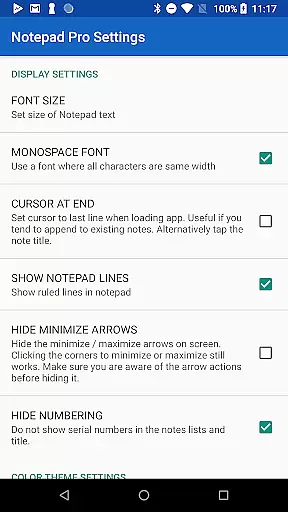
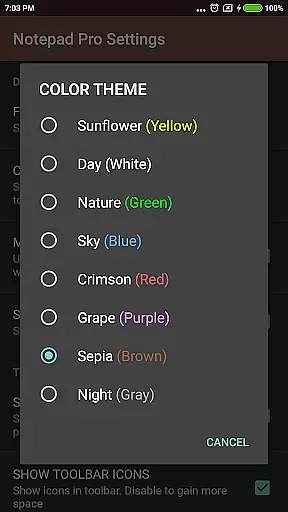
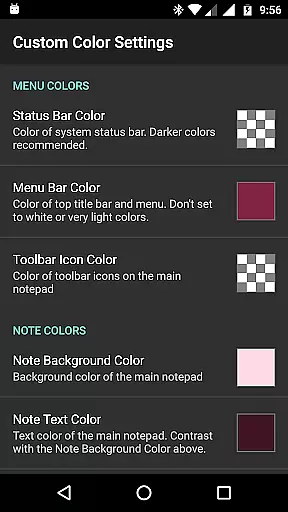
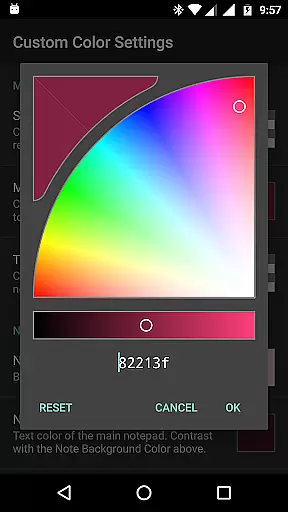
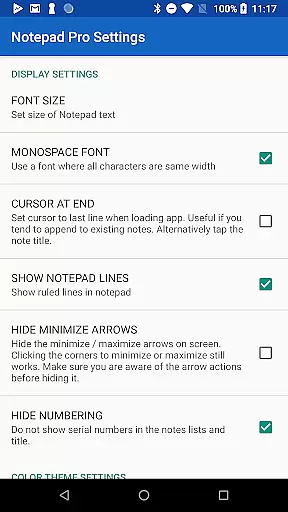
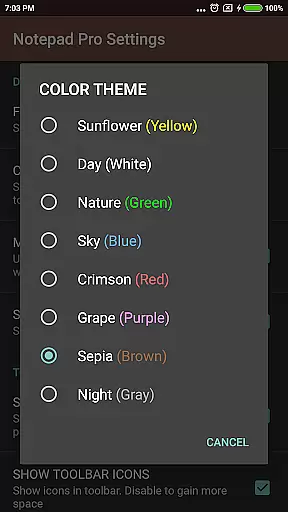
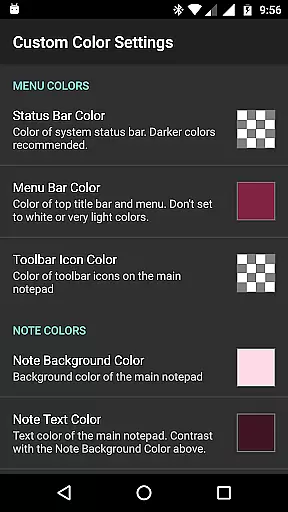
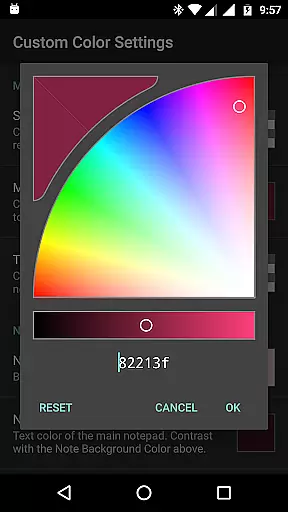
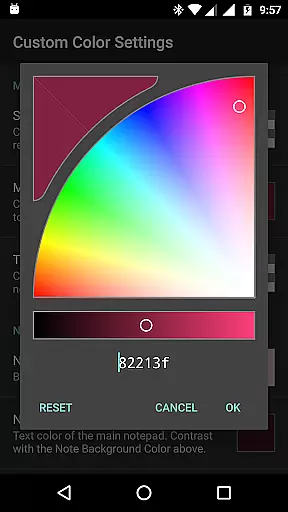
Beyond its core functionality, Notepad Pro excels in customization and accessibility. Users can personalize their experience with custom themes, full-screen views, and always-visible note titles. The app also supports desktop widgets and shortcuts, enabling quick access to frequently used notes. With its compact size of just 0.3 MB and no unnecessary permissions, this app delivers powerful functionality without compromising device performance or user privacy.
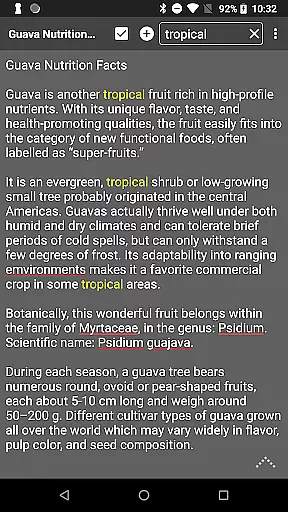
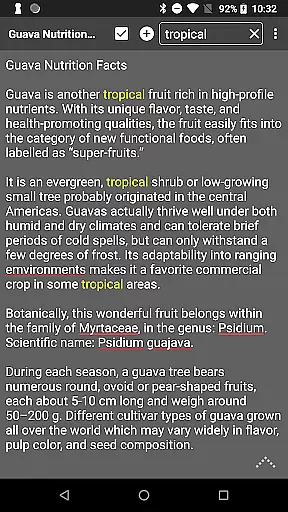
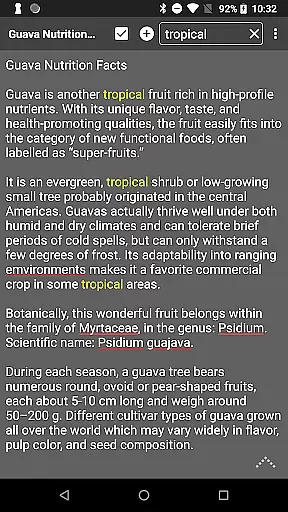
Notepad Pro distinguishes itself through a comprehensive suite of features designed to enhance productivity and organization. The app's auto-save functionality ensures that no thought is lost, while advanced search capabilities allow users to quickly locate specific information within individual notes or across their entire collection. The ability to categorize and bookmark notes adds another layer of organizational depth, making it easy to maintain a structured digital notebook.
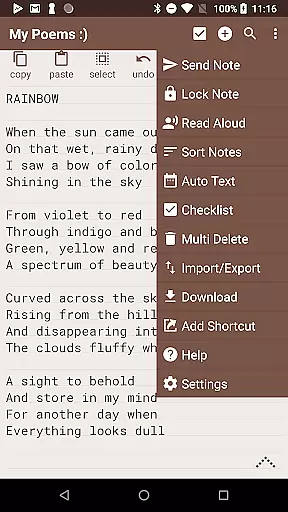
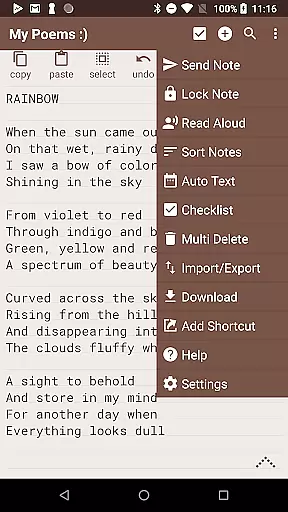
Safeguarding user data is paramount in Notepad Pro's design. The application offers multiple backup and restore options, including local downloads and selective import/export functionality. Users can set preferred backup frequencies and make notes read-only to prevent accidental modifications. Additional accessibility features include text-to-speech functionality and various shortcut options, while sharing capabilities enable seamless integration with external applications through file attachments and preferred email client specifications.
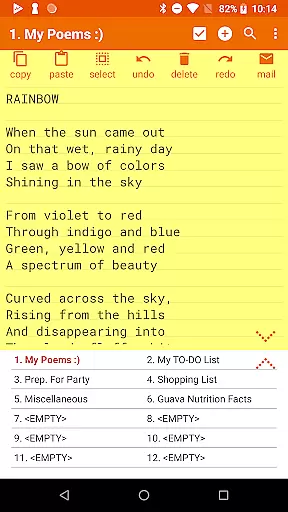
Notepad Pro excels in core task management by offering users a versatile Auto Save Notepad with unlimited notepad slots. This ensures that users can manage multiple tasks without worrying about running out of space or losing their work due to unexpected interruptions.
The app's in-line checklist capability allows users to create and manage checklists within their notes, making it easier to track progress on various tasks. Additionally, the search functionality within and across notes enables users to quickly find specific information, enhancing productivity and efficiency.
With its tiny size of just 0.3 MB and no unwanted permissions, Notepad Pro provides a lightweight yet powerful solution for task management. The desktop widget support further enhances accessibility, allowing users to view and interact with their notes directly from their home screen.
While Notepad Pro focuses primarily on standalone productivity, it offers reliable cross-device synchronization through its backup and restore features. Users can download notes and backups locally, ensuring that their data is accessible even when switching between devices.
The ability to specify backup frequency and selectively import/export notes adds another layer of reliability to the synchronization process. This feature set allows users to maintain consistency across devices while retaining control over which notes are shared or kept private.
Furthermore, the app's capability to make notes read-only prevents accidental edits during synchronization, preserving the integrity of important information. These features collectively ensure that users can seamlessly transition between devices without compromising their productivity or data security.
Unlimited note storage
Customizable interface
Automatic saving
Compact app size
Comprehensive backup options
Paid version only
Basic UI design
Limited collaboration
No cloud sync
Android exclusive

Secure, fast, open-source, VNC and SSH Remote Desktop for Windows, Linux and Mac
 4.70
4.70
Native client for Forgejo and Gitea
5.00
Secure, fast, open-source, Remote Desktop Client for Windows and Linux with SSH
4.60
Customizable calendar widget for seamless event sync, planning & scheduling.
4.00
Pwnagotchi companion app
4.20
aCalendar+ makes your day, week and month
4.70
Make apps & sites with natural language prompts
4.10
ID.me Authenticator is a simple and free Two Factor Authentication solution
3.50
Understand anything with a personalized AI research assistant
4.80
Mind Map and brainstorm, note taking and idea collection
4.80
Use powerful, industry-leading AI tools to generate visual charts from any data
4.80
App Lock with fingerprint, password: Lock apps & hide photos with lock screens
4.60
Experience Reading - Night Mode for Documents
4.40
CalenGoo is a very flexible and feature-rich calendar app
4.40
Wake up & get tasks done! Add alarms & reminders on the Clock Launcher.
4.00
The ultimate file manager for rooted devices. The original and still the best.
4.00
Access your phone's notifications, calls, apps, photos & texts on your PC
3.90
Smart PDF reader & editor to view, organize and manage PDF documents easily.
3.70
Remotely view listen control and record cameras.
3.70


User Reviews