
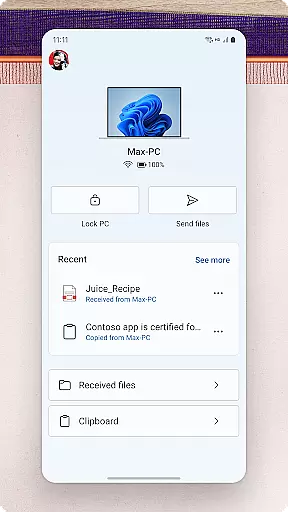
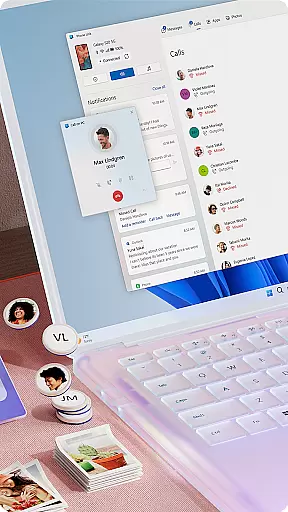
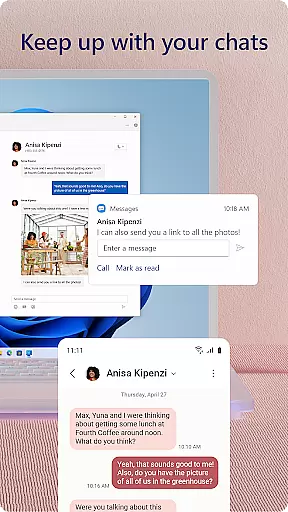
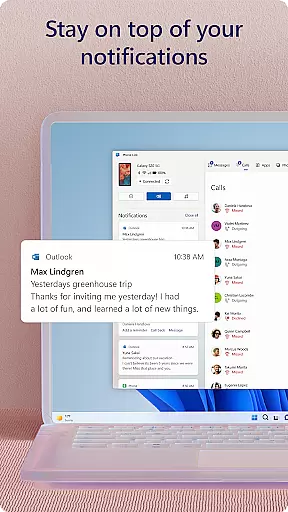
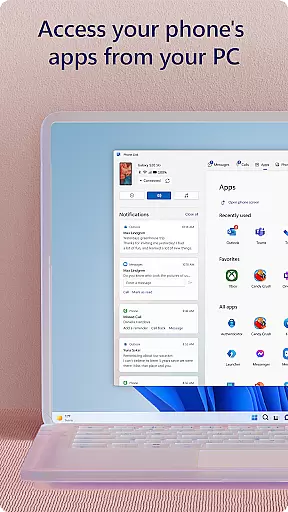
Link to Windows is a productivity-focused application that bridges the gap between your Android phone and Windows PC. This app allows users to seamlessly interact with their mobile devices directly from their computers. Key functionalities include making and receiving calls, managing notifications, accessing mobile apps, and replying to text messages right from the PC interface.
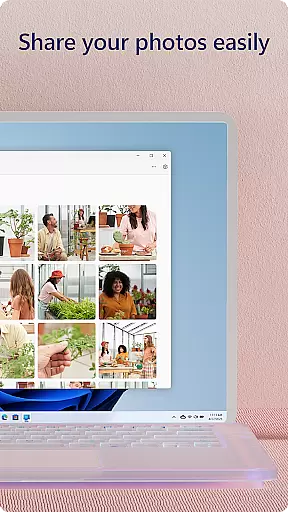
In addition to communication features, Link to Windows supports effortless file sharing, enabling users to drag and drop files and photos between devices. It also offers cross-device copy-paste functionality, enhancing workflow efficiency. Integrated with select Microsoft Duo, Samsung, and HONOR phones, this app provides an optimized experience for compatible devices. Whether you're looking to streamline your digital activities or enhance accessibility, Link to Windows delivers a comprehensive solution for integrating mobile and desktop environments.
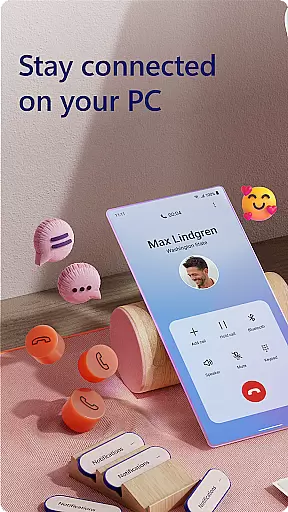
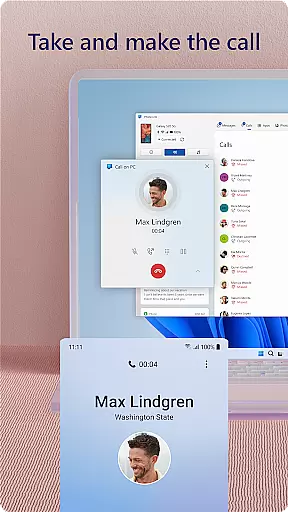
Link to Windows boasts a variety of features designed to boost productivity and streamline device management. One standout feature is the ability to make and receive calls directly from your PC, provided it has Bluetooth capability. This functionality not only centralizes communication but also enhances convenience for users who spend significant time on their computers.
Another notable feature is the app's integration with select Microsoft Duo, Samsung, and HONOR phones, offering exclusive capabilities such as cross-device copy-paste, Phone screen mirroring, and file drag-and-drop. These features are particularly beneficial for users with compatible devices, allowing them to enjoy a seamless transition between phone and PC tasks. Additionally, the app facilitates instant access to photos and mobile apps on the PC, further enriching the user experience by leveraging the larger screen, keyboard, mouse, and touch capabilities of the computer.
Task management is a cornerstone of productivity, and Link to Windows excels in this area by seamlessly integrating your Android phone with your Windows PC. This integration allows you to handle calls, messages, and notifications directly from your computer.
The app enables users to make and receive calls, manage notifications, and access mobile apps on their PC. This means no more juggling between devices; everything you need is accessible from one screen.
With features like drag-and-drop file sharing and the ability to copy-paste content across devices, Link to Windows streamlines workflows. These capabilities ensure that users can maintain focus on their tasks without interruption, thus enhancing overall productivity.
By centralizing these functions, Link to Windows not only simplifies task management but also saves time, allowing users to concentrate on what truly mattersu2014getting work done efficiently.
Cross-device synchronization is vital for maintaining workflow continuity, and Link to Windows offers reliable performance in this aspect. The app ensures that your phone and PC are always in sync, providing instant access to texts, calls, and notifications.
Link to Windows supports real-time interaction between devices, enabling users to share photos, files, and even clipboard content effortlessly. This seamless connectivity is particularly beneficial for those who rely on multiple devices throughout their day.
For select Microsoft Duo, Samsung, and HONOR phones, the experience is further enhanced with exclusive features such as cross-device copy-paste and app functionality. These advanced capabilities demonstrate the app's commitment to delivering a robust synchronized environment.
Ultimately, Link to Windows provides peace of mind by ensuring that all your critical data and communications are reliably mirrored across your devices, empowering you to stay productive regardless of which device you're using.
Seamless device integration
Efficient file sharing
Exclusive features for compatible phones
Enhanced accessibility options
Centralized communication tools
Limited to specific devices
Requires Windows 10 or later
Some features need Android 11.0
Bluetooth required for calls
May need high RAM for multiple apps

A customizable calendar for your Wear OS watch
 4.20
4.20
Create study competitions, track your hours, and stay consistent with friends
4.1
Easily read and manage all your PDF files
4.10
Customizable calendar widget for seamless event sync, planning & scheduling.
4.00
* block pre-roll ads, pop-up and forced redirect ads * Samsung certification app
4.00
The ultimate file manager for rooted devices. The original and still the best.
4.00
Intelligent AI Assistant
4.10
AI Chatbot and AI writing assistant powered by ChatGPT.
4.60
Seamlessly read, manage, and organize all your PDF files solution in one place
4.40
Understand anything with a personalized AI research assistant
4.80
App Lock with fingerprint, password: Lock apps & hide photos with lock screens
4.60
Secure, fast, open-source, Remote Desktop Client for Windows and Linux with SSH
4.60
Calendar 2023 widget for Android. Appointment scheduler, planner, and reminder
4.60
Pwnagotchi companion app
4.20
Unlock AutoNotification
4.00
All in one sketching tool. Technical and General drawing. Online Maps support.
3.70
Remotely view listen control and record cameras.
3.70
Find and delete junk files & block unwanted notifications & manage files
3.70
Make your handwriting beautiful, even more than pen on paper.
3.60


User Reviews