
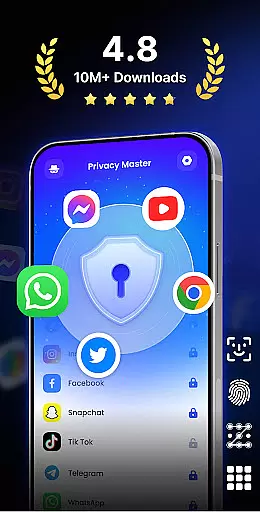
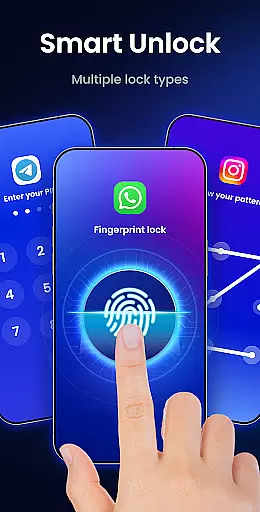
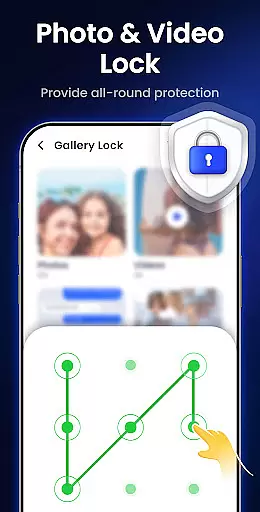
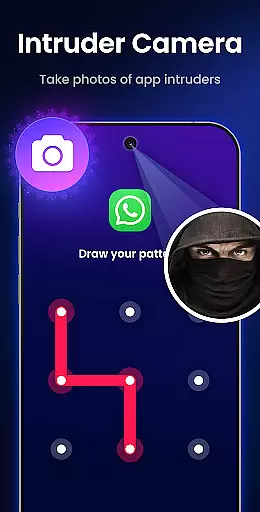
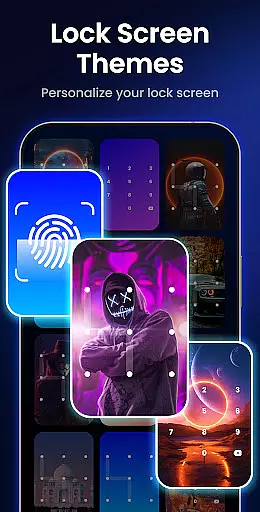
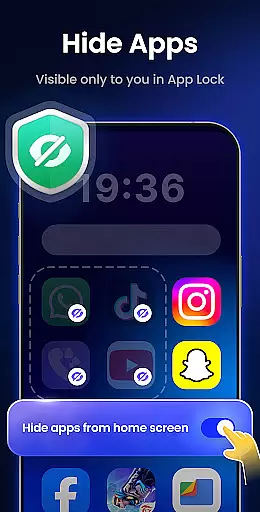
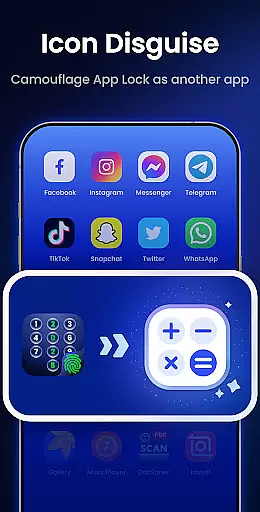
App Lock - Fingerprint Lock is a powerful productivity tool designed to secure your digital world. This app allows users to lock apps, hide photos, videos, and chats using password, pattern, or fingerprint authentication. With over 50 million users trusting its privacy protection features, it offers advanced functionalities like intruder selfies, icon disguise, and custom lock themes.
The application is particularly useful for individuals who need an extra layer of security on their mobile devices. Whether you want to protect sensitive conversations in messaging apps or keep personal media files private, App Lock provides comprehensive solutions. Its intuitive design ensures that even novice users can easily navigate and utilize its robust security features.
One of the standout features of App Lock - Fingerprint Lock is its ability to lock all your essential apps such as WhatsApp, Messenger, Facebook, Google Play, PayPal, and Settings. This ensures that private chats and data remain inaccessible to unauthorized users. Additionally, the intruder camera feature captures photos of anyone attempting to unlock the app with incorrect credentials, providing an added level of security.
Another notable feature is the ability to hide notifications from appearing on the screen. Users can view locked app notifications within the App Lock interface, ensuring complete privacy. The app also helps in removing junk files by cleaning app cache, ad junk, similar photos, large videos, and screenshots, thus optimizing device performance. Furthermore, options like auto re-lock, multiple lock types, icon disguise, and custom themes make this app versatile and user-friendly.
App Lock - Fingerprint Lock offers robust core task management features that ensure your digital world remains secure. The app allows you to lock all your essential applications such as WhatsApp, Messenger, and Facebook with a password, pattern, or fingerprint. This functionality is crucial for maintaining privacy and protecting sensitive information from unauthorized access.
The application goes beyond basic locking by providing smart features like intruder selfies, which capture photos of anyone attempting unauthorized access. It also supports auto re-lock timers, allowing users to set custom intervals for automatic locking, ensuring continuous protection without repetitive manual input.
With over 50 million users trusting App Lock for powerful privacy protection, the app stands out with its comprehensive approach to task management. Users can hide private files, block sensitive notifications, and even disguise the app's icon as a calculator or weather app, adding an extra layer of security.
Cross-device synchronization is a vital feature for users who operate multiple devices and need consistent security across all platforms. App Lock - Fingerprint Lock ensures reliable synchronization, enabling seamless protection whether you're using a smartphone, tablet, or any other compatible device.
The app provides cloud backup capabilities, which are currently noted as coming soon, to safeguard your settings and preferences. This means you won't have to reconfigure your security settings each time you switch devices, offering a smooth and reliable user experience.
In addition to cross-device reliability, App Lock includes features like uninstall protection and random keyboard patterns to prevent unauthorized access. These functionalities collectively enhance the app's ability to offer uninterrupted security, making it a dependable choice for managing your digital privacy across various devices.
Advanced Security
User-Friendly Interface
Intruder Detection
Customizable Themes
Comprehensive Privacy
Requires Permissions
May Slow Device
Occasional Bugs
Limited Free Features
Ads Present

Unlock AutoNotification
 4.00
4.00
Smart PDF reader & editor to view, organize and manage PDF documents easily.
3.70
The upgraded version of Name Wheel with AI and the power to add your own wheels.
4.1
IP Camera Viewer - Android TV : RTSP Surveillance camera viewer for Android TV
4.4
Find and delete junk files & block unwanted notifications & manage files
3.70
Translate text/voice/photos in 150+ languages. Offline & fast translator app.
4.50
Intelligent AI Assistant
4.10
QuickEdit is a fast, stable and full featured text and code editor.
4.20
Note taking, handwriting, record audio, PDF annotation, planner & journal
4.20
We're working to become the best machining app on the market! www.cncdirt.com
4.80
Use powerful, industry-leading AI tools to generate visual charts from any data
4.80
aCalendar+ makes your day, week and month
4.70
Okta MFA
4.70
Functional QR scanner and barcode reader that requires little storage space.
4.60
Lightweight PDF, Word, Excel reader.
4.60
Easily read and manage all your PDF files
4.10
The ultimate file manager for rooted devices. The original and still the best.
4.00
Take control of your clipboard with Clipper!
3.90
A simple, portable logger for POTA, SOTA, Field Day, and more
4.2


User Reviews