
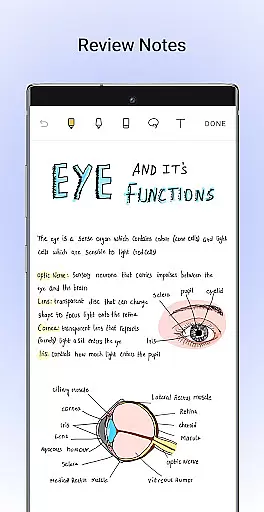
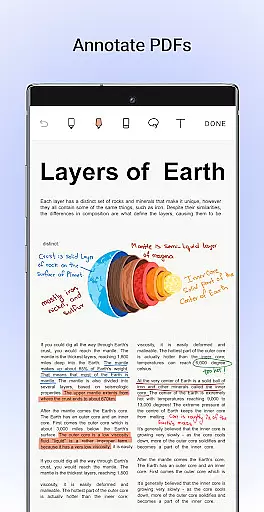
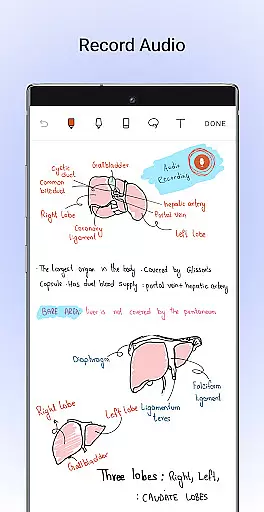
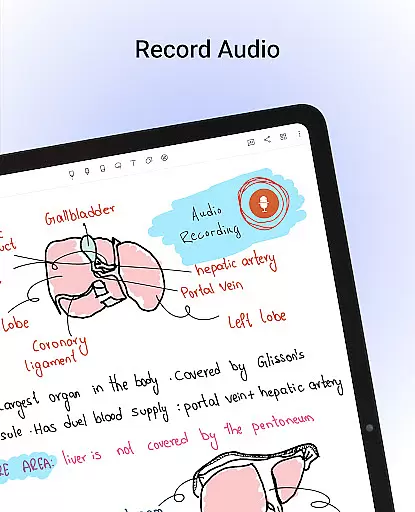
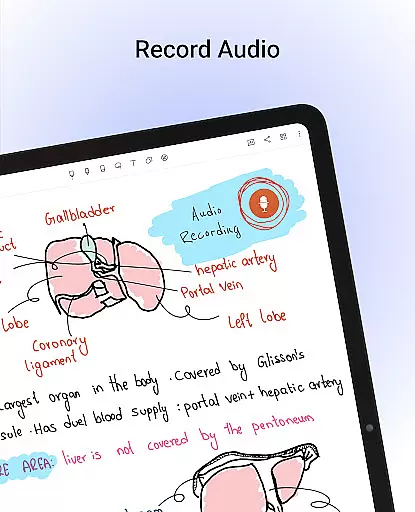
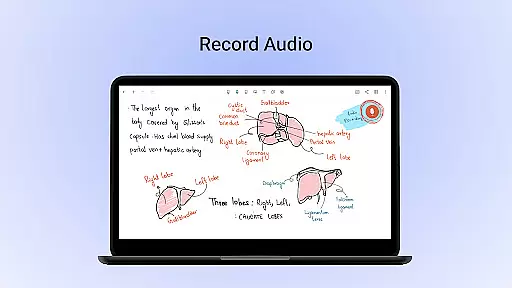
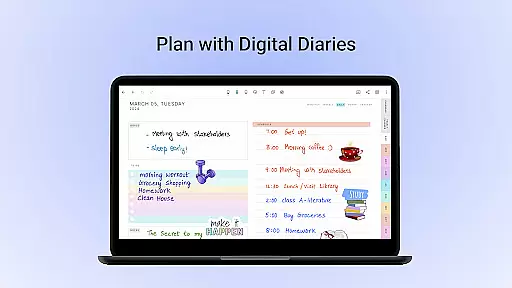
Noteshelf is a feature-rich note-taking app designed for students, teachers, and professionals. It allows users to take beautiful handwritten notes, annotate PDFs, record audio notes, and organize digital notes with ease. The app offers realistic pens and highlighters, supports various stylus options, and provides handwriting recognition in 65 languages. With its vast library of templates and Noteshelf AI, users can create personalized and intelligent notes.
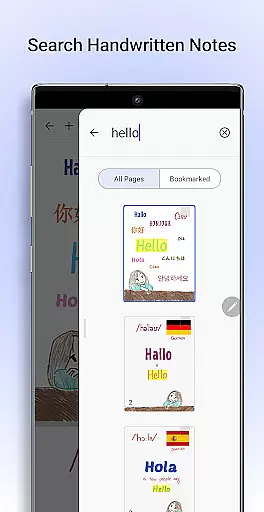
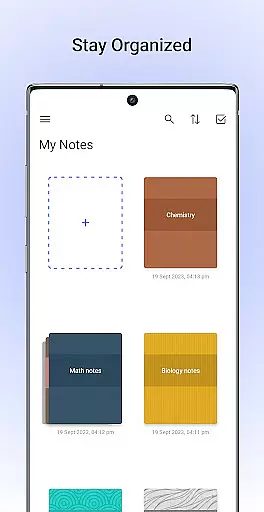
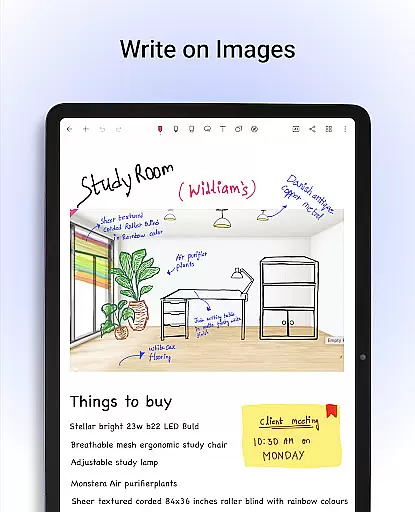
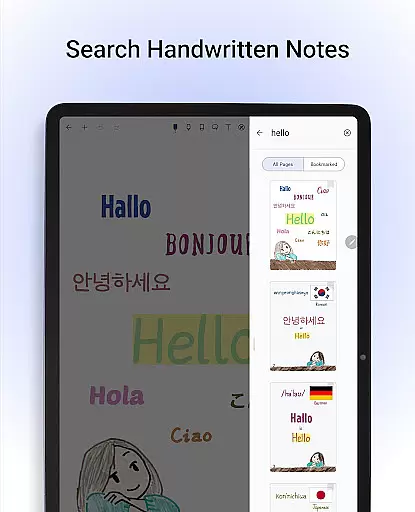
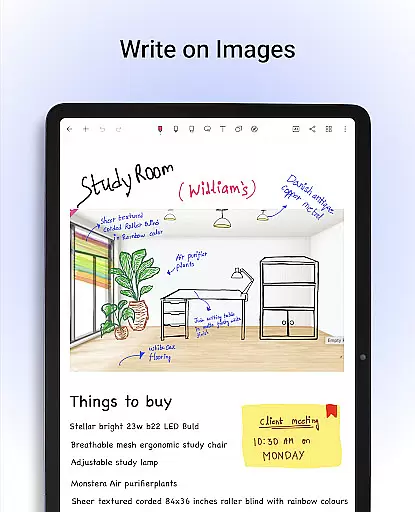
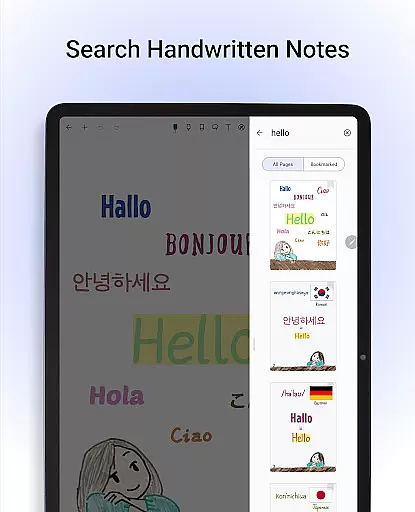
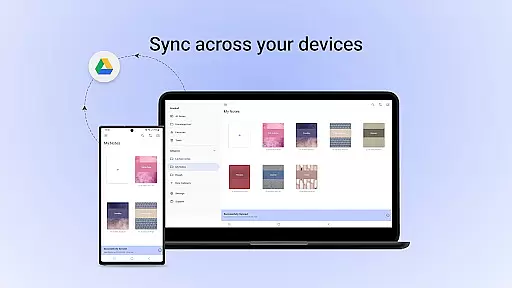
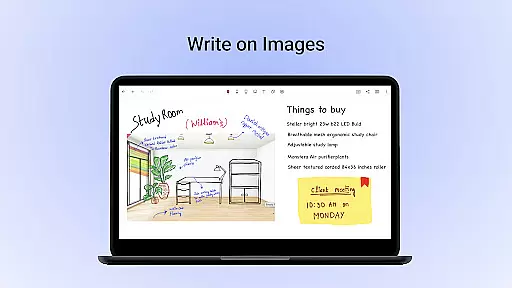
The app also enables users to convert handwritten notes to typed text, search through notes, and write on images. Noteshelf helps users stay organized by allowing them to separate personal and business notes, bookmark important pages, and sync notes via Google Drive. Auto-backup options to cloud services ensure notes are safe and accessible anytime, anywhere.
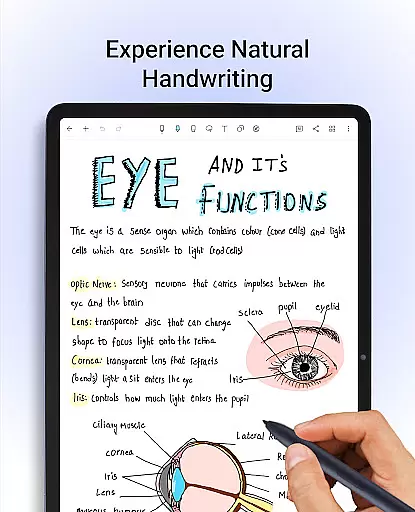
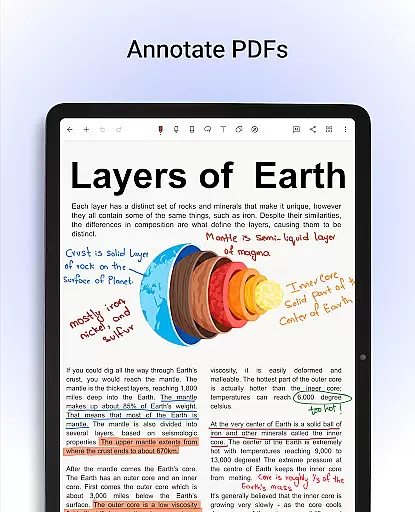
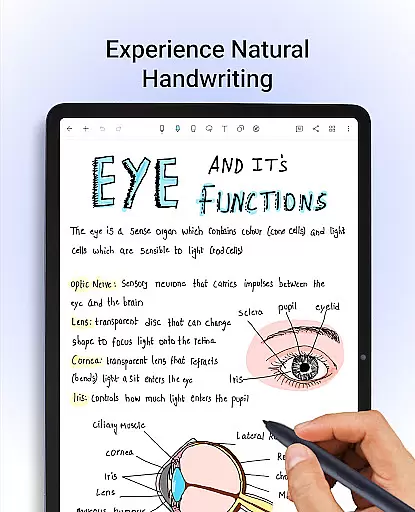
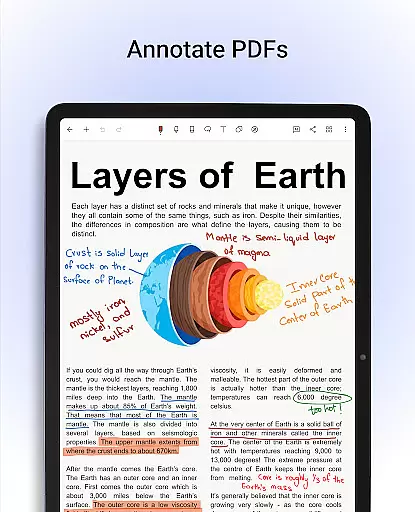
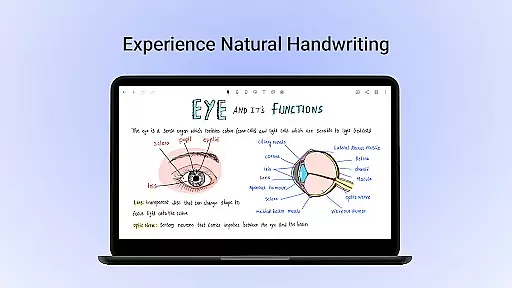
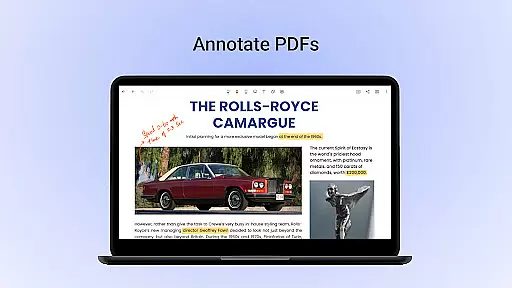
Noteshelf stands out with its natural handwriting experience, offering a range of pens, highlighters, and support for different stylus types. Users can enjoy creative freedom with colors, shapes, and images while taking notes. The app's ability to annotate PDFs and write on images makes it versatile for various professional and educational needs.
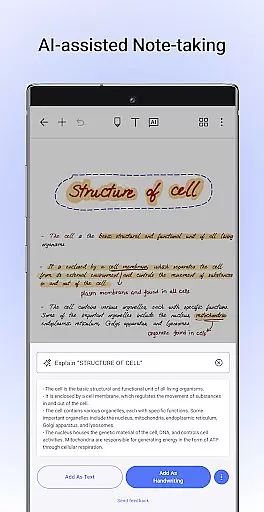
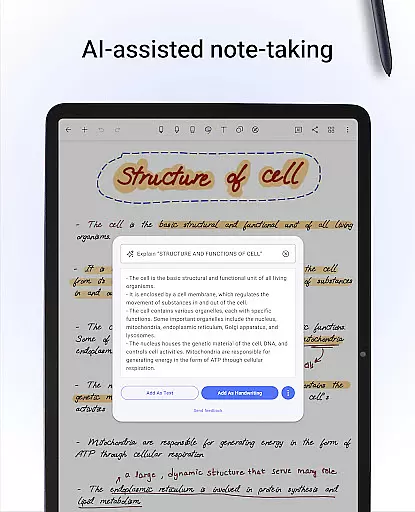
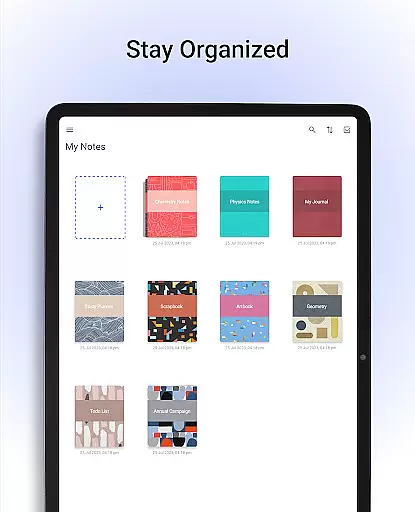
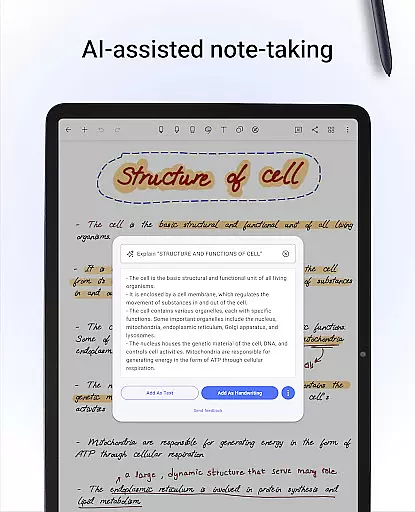
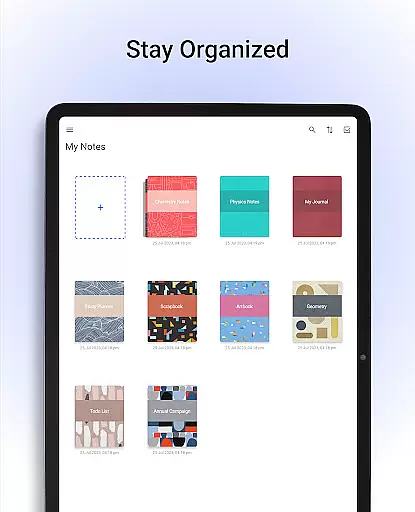
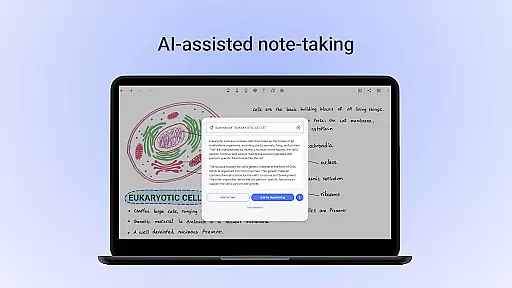
One of the key features is the Noteshelf AI, an intelligent assistant that understands handwriting and helps generate notes, summarize content, translate text, and explain complex terms. The app also includes a template library with over 200 options, customizable paper styles, and the ability to record audio during lectures or meetings. Staying organized is easy with drag-and-drop notebook organization and bookmarking capabilities.
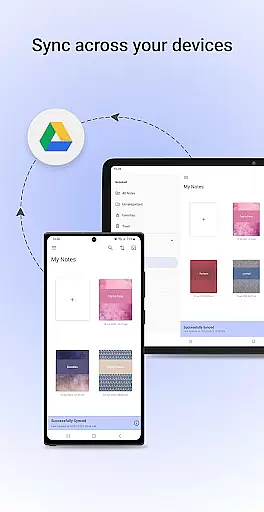
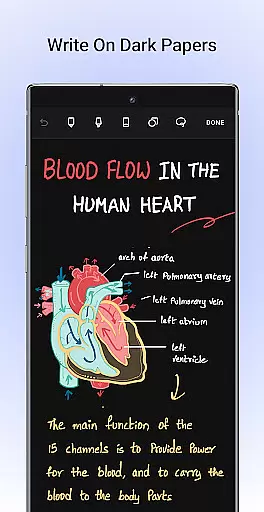
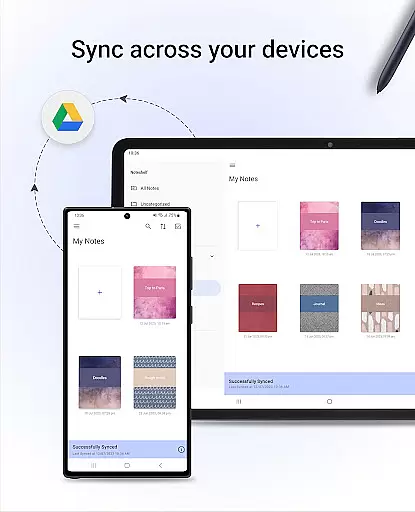
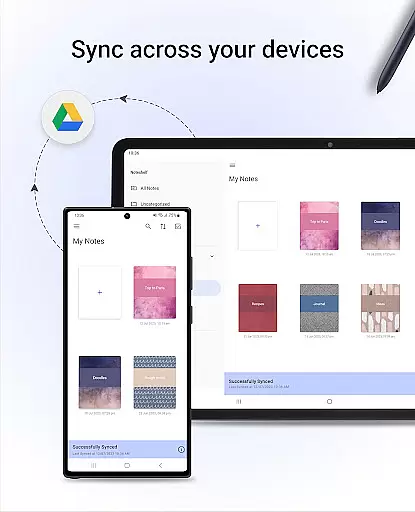
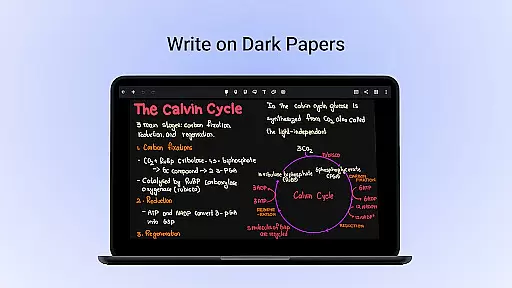
Additional features include syncing notes across devices via Google Drive, auto-backup to multiple cloud services, and publishing notes to Evernote. Users can share notes as images, add visuals from libraries like Unsplash and Pixabay, and enjoy a dark mode for eye-friendly use. Noteshelf continues to evolve, promising more exciting features in the future.
Noteshelf excels in core task management by offering a comprehensive suite of tools designed to enhance productivity. The app allows users to take beautiful handwritten notes, annotate PDFs, and record audio notes, catering to students, teachers, and professionals alike.
The natural handwriting feature provides an authentic pen-and-paper experience with realistic pens and highlighters. Users can also search and convert their handwritten notes into text across 65 languages, streamlining the note-taking process and ensuring that important information is easily accessible and organized.
With Noteshelf AI, users benefit from an intelligent assistant capable of understanding and processing handwritten notes. This feature supports creating study notes, summarizing content, translating text, and explaining complex terms, making it an invaluable tool for efficient task management.
Cross-device synchronization is a critical feature of Noteshelf, ensuring that users can access their notes anytime, anywhere. By syncing notes via Google Drive, the app enables seamless access across multiple Android devices, thus maintaining continuity in workflow.
Noteshelf offers auto-backup options to popular cloud services like Google Drive, OneDrive, Dropbox, or WebDAV. This ensures that users' valuable data is securely backed up and retrievable, providing peace of mind and safeguarding against data loss.
In addition to reliable synchronization, Noteshelf allows automatic publishing of notes to Evernote. This feature enhances accessibility, allowing users to retrieve their notes from any location, thereby supporting a flexible and dynamic work environment.
User-friendly interface
Versatile annotation tools
Handwriting recognition
Cloud integration
Regular updates
Limited free features
Occasional bugs
Learning curve
Premium cost
Heavy storage use

A Revolutionary All-in-One Artificial Intelligence Tools
 3.80
3.80
Native client for Forgejo and Gitea
5.00
A simple, portable logger for POTA, SOTA, Field Day, and more
4.5
IP Camera Viewer - Android TV : RTSP Surveillance camera viewer for Android TV
4.0
Easiest event planning, volunteer signups & parent teacher conference scheduling
2.20
Calendar 2023 widget for Android. Appointment scheduler, planner, and reminder
4.60
* block pre-roll ads, pop-up and forced redirect ads * Samsung certification app
4.00
The ultimate file manager for rooted devices. The original and still the best.
4.00
Intelligent AI Assistant
4.10
We're working to become the best machining app on the market! www.cncdirt.com
4.80
A beautiful digital clock with autostart and many other functions
4.70
The Pro Version of Android's tiniest Notepad app. Just 0.3MB but feature-packed!
4.60
Tally and goal counter for Wear OS & mobile
4.50
Experience real multitasking on your Android!
4.00
All in one sketching tool. Technical and General drawing. Online Maps support.
3.70
Smart PDF reader & editor to view, organize and manage PDF documents easily.
3.70
Code on-the-go with VScode for Android. Edit,debug and collaborate from mobile!!
3.10
AI Video AI Image Private LLM AI Browser Llama Gemma Ollama Connect LLM Studio
4.1
The upgraded version of Name Wheel with AI and the power to add your own wheels.
4.0


User Reviews