
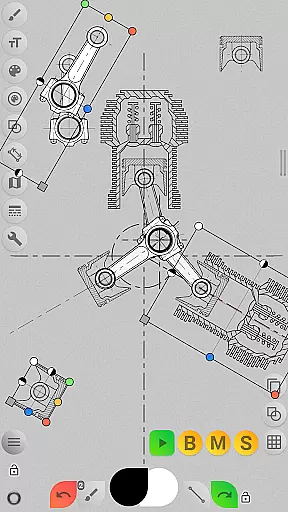
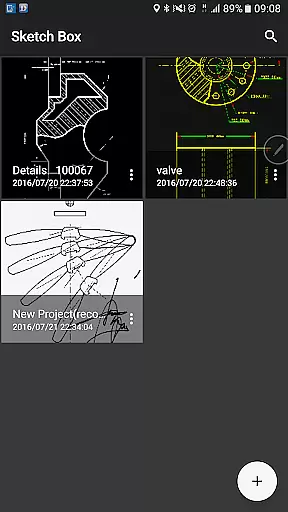
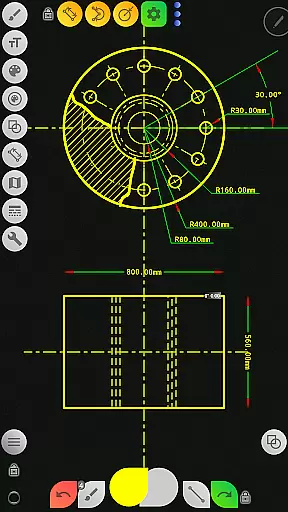
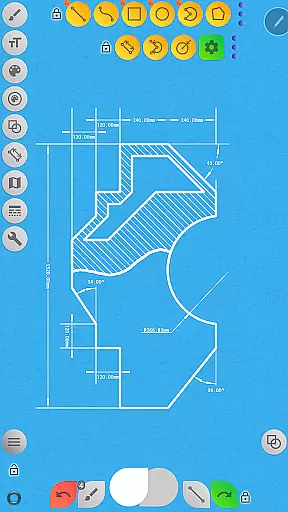
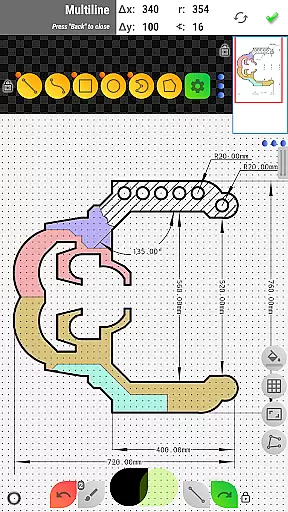


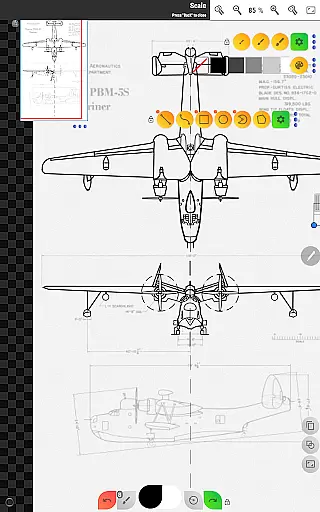
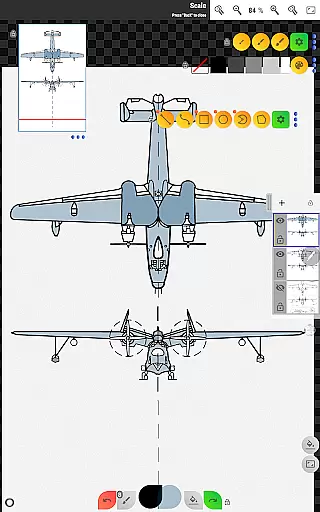
Sketch Box Pro is a versatile sketching and drawing tool designed for both technical drawings and general sketching needs. This application serves as an alternative to vector CAD systems while maintaining the simplicity of traditional drawing tools. With features like online map support and interactive map tools, it caters to a wide range of requirements, making it suitable for engineers and artists alike.
The app provides a smooth combination of traditional drawing applications and CAD system functionalities. Users can create projects from scratch, import snapshots from online maps, or use images from their device gallery. Sketch Box Pro supports layers, basic shapes, predefined brushes, grid tools, dimension tools, and more, ensuring precision and flexibility in every project.
Whether you need to capture instantaneous ideas or work on detailed technical sketches, Sketch Box Pro offers a reliable solution that fits in your pocket. Its intuitive interface and powerful features make it an ideal choice for anyone looking to enhance their productivity through efficient sketching and drawing.
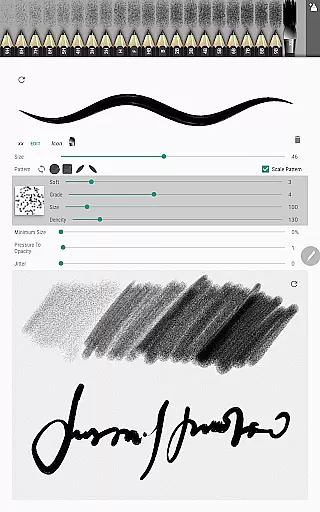
Sketch Box Pro stands out with its innovative features tailored for productivity. One notable feature is the Pencils Set, which allows users to customize pencils with different characteristics using the Pencil Redactor. This customization extends to input dimensions text and optimized multiline tools, enabling continuous line creation with manual point positioning.
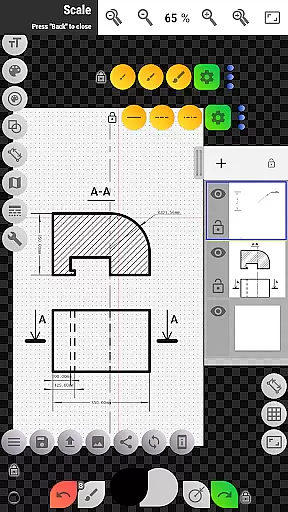
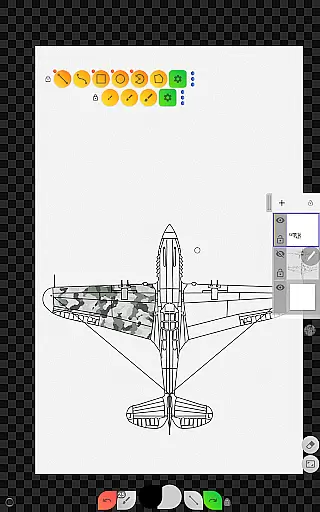
The application also includes advanced layer support, allowing up to six layers in the Pro version. Users can lock layers, control opacity, duplicate, clear, delete, merge downwards, or merge all layers. These capabilities ensure organized and efficient workflow management within complex projects.
Additional features include online map support, where users can utilize Google Maps as a background, share locations, and employ interactive compass tools. The inclusion of measurement tools for distances and areas further enhances its utility, providing a comprehensive suite for various sketching and drawing tasks.
Sketch Box Pro excels in core task management by offering a versatile platform for various drawing and sketching needs. The app supports technical drawings, general sketching, and even integrates with online maps to provide interactive tools.
With project-based functionality, users can initiate new projects from scratch, utilize predefined themes, or import snapshots from online maps and device galleries. This flexibility ensures that every task, whether it's drafting an engineering plan or sketching a creative idea, is managed efficiently within the app.
The layers support feature enhances task management by allowing users to work with up to six layers in the Pro version. Functions like locking layers, controlling opacity, duplicating, clearing, deleting, and merging layers provide comprehensive control over complex projects. These capabilities ensure that users can organize and manage their drawing tasks effectively.
Cross-device synchronization is a crucial feature of Sketch Box Pro, ensuring that users can rely on consistent access to their projects across multiple devices. By saving projects in the cloud or locally, users can duplicate and share their work effortlessly, maintaining continuity in their workflow.
The app's ability to export drawings to the gallery or share them directly enhances its synchronization reliability. Users can insert images from the device gallery, adjust properties like rotation and opacity, and assemble more complex sketches from different parts. This seamless integration between devices ensures that all elements of a project are synchronized and accessible.
Additionally, Sketch Box Pro's flexible workspace setup allows users to customize their interface according to their needs. With movable panels and pinning options, users can create a personalized workspace that remains consistent across devices. This reliable synchronization ensures that productivity is not hindered by device changes, providing a smooth and efficient drawing experience.
User-friendly interface
Customizable drawing tools
Advanced layer management
Comprehensive shape options
Interactive map integration
Limited free version features
Occasional performance lags
Steep learning curve
Subscription cost
Complex UI for beginners

The long-awaited modern gallery app for your Nextcloud server
 4.70
4.70
Auto-shutoff Alarm with Sunrise, Sunset & Fixed Options.
3.50
Protect and view your important info on your phone and tablet with eWallet®
4.80
Find and delete junk files & block unwanted notifications & manage files
3.70
Multilingual translator for text, voice, and image translation!
4.90
A simple Whisper AI keyboard for reliable speech transcription and rewording
4.60
Scientific calculator for Android - looks and operates like the real thing!
4.90
Ultimate Virtual AI Character for immersive Roleplay Chat. Perfect Companion
3.90
Scan paperwork into PDF/JPG, generate your own e-signature and send fax or email
4.70
Great calculator for Android named one of USA TODAY's "25 Essential Apps".
4.90
Use powerful, industry-leading AI tools to generate visual charts from any data
4.80
Okta MFA
4.70
Lightweight PDF, Word, Excel reader.
4.60
A customizable calendar for your Wear OS watch
4.20
Device's storage information in a simple and clear graphical form (infographics)
4.10
Activate Two Factor Authentication (2FA or Multi OTP), Password manager and more
4.10
Simple and reliable communication between inmates, friends and family
3.20
Code on-the-go with VScode for Android. Edit,debug and collaborate from mobile!!
3.10
IP Camera Viewer - Android TV : RTSP Surveillance camera viewer for Android TV
4.0


User Reviews