
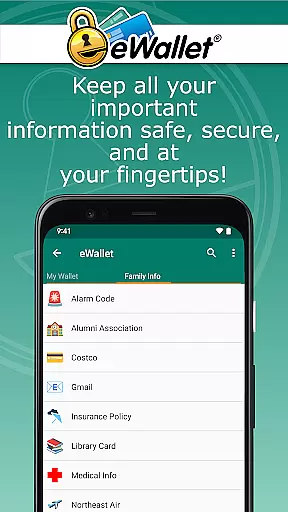
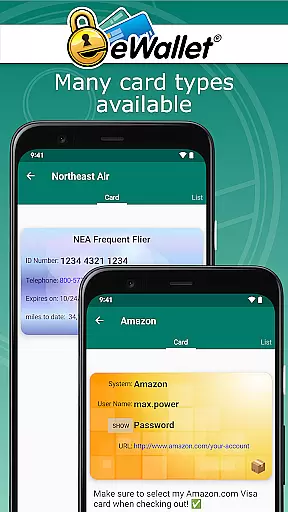
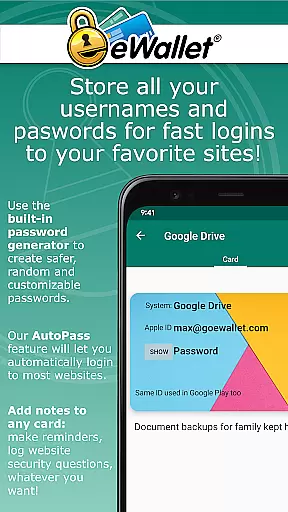
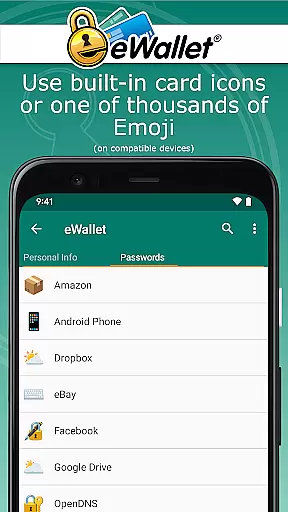
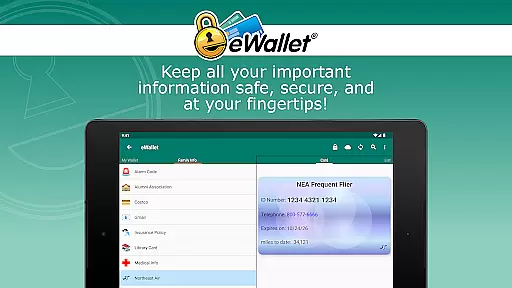
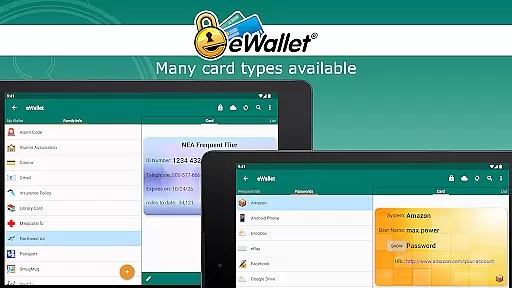
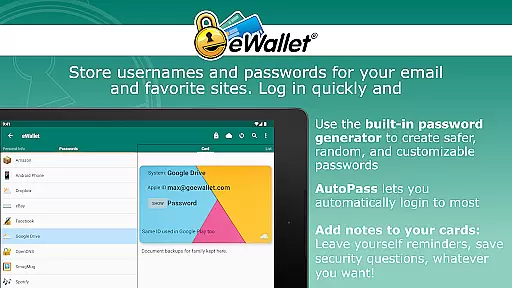
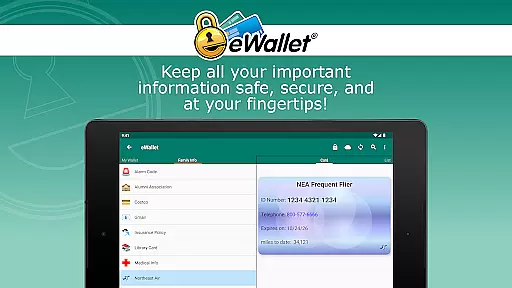
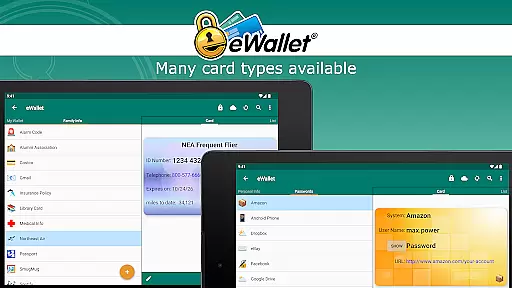
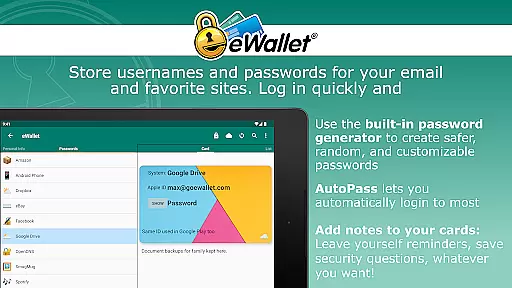
eWallet is a sophisticated password manager app designed for Android devices, offering military-grade encryption to secure sensitive information such as passwords, credit card details, and bank account numbers. The app ensures users can safely carry their crucial data wherever they go while maintaining easy access.
One of the standout features of eWallet is its support for updated Biometric authentication methods, including fingerprint, iris scan, and facial recognition, allowing users to conveniently unlock their wallets based on their device's capabilities. This combination of robust security and user-friendly access makes eWallet an essential tool for anyone looking to protect their digital life without sacrificing convenience.
Whether you're managing multiple online accounts or need to store personal identification details securely, eWallet provides a comprehensive solution that keeps your information safe and accessible only to you. Its seamless synchronization across devices ensures that your data is always up-to-date and available when needed most.
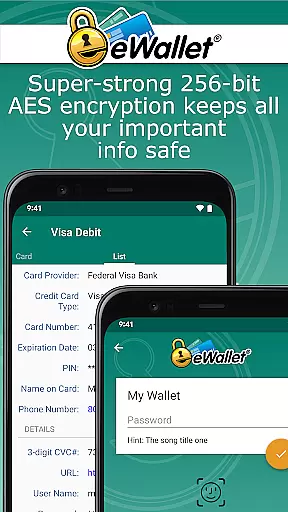
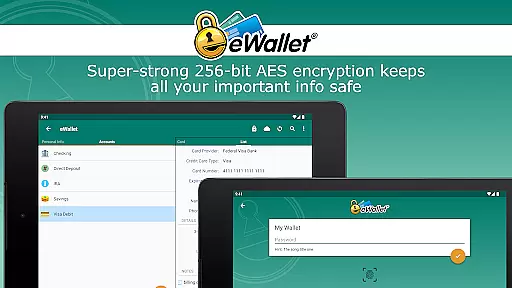
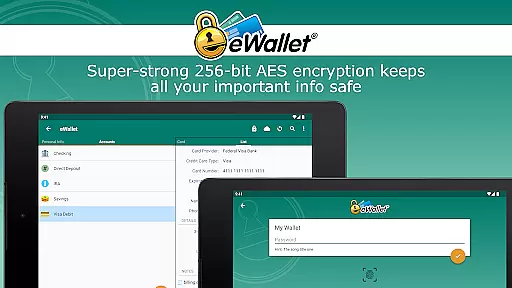
eWallet stands out with its powerful features tailored for secure password management and personal data protection. At its core, the app employs 256-bit military-grade AES encryption, ensuring that all stored information remains impenetrable to unauthorized access.
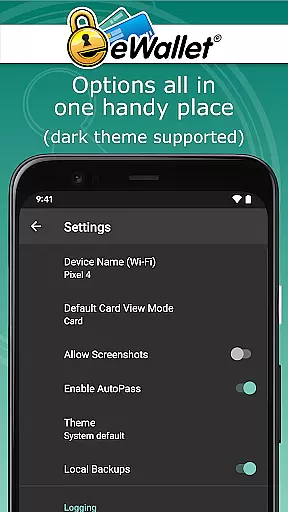
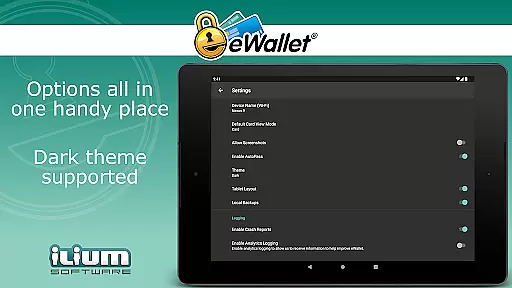
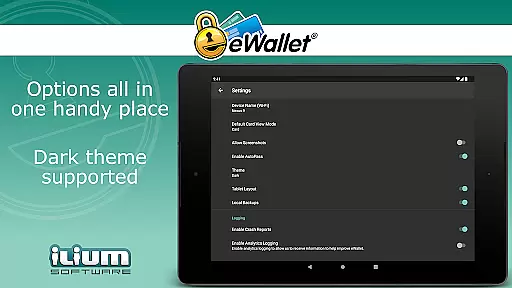
The inclusion of Biometric scanner support enhances both security and convenience, enabling users to unlock their wallets using fingerprints, facial recognition, or iris scans on compatible devices. Additionally, eWallet offers a Dark Theme for user comfort during nighttime use and includes a random password generator to create strong, unique passwords for various accounts.
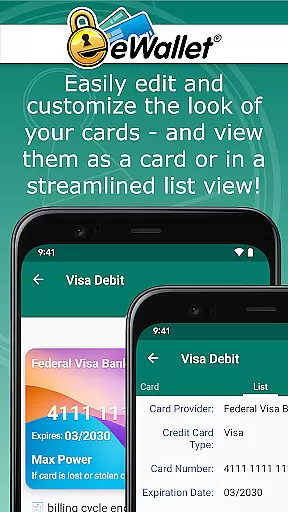
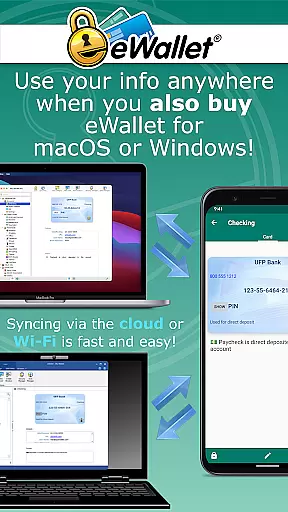
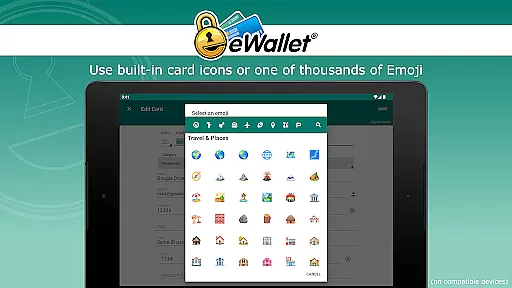
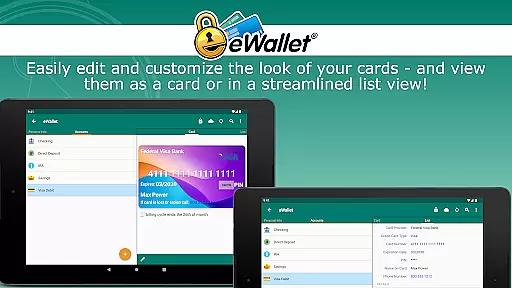
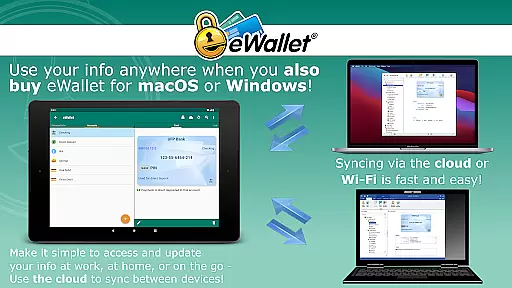
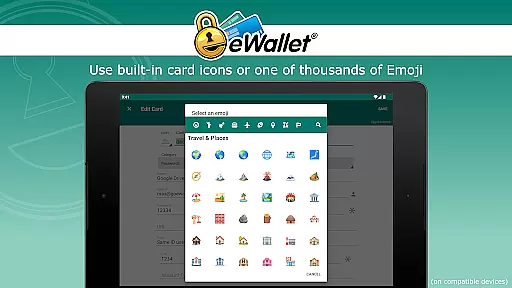
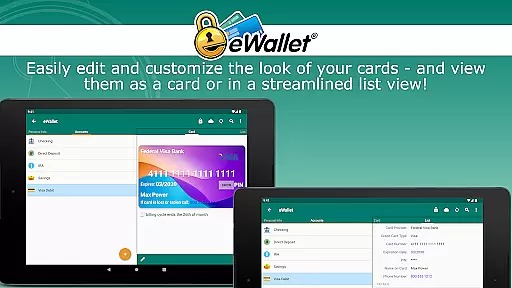
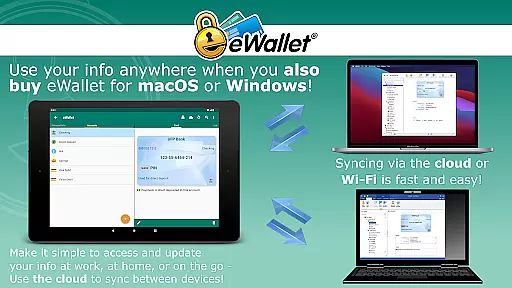
For those who value flexibility in data management, eWallet allows seamless synchronization over cloud services like Dropbox, Google Drive, or Microsoft OneDrive, as well as via Wi-Fi with its macOS or Windows counterparts (sold separately). Users can also customize their experience by creating visually appealing cards and organizing them into categories, making it easier than ever to manage personal information efficiently.
In the realm of productivity, core task management is pivotal for organizing and executing tasks efficiently. eWallet excels in this area by offering a comprehensive suite of features that cater to the secure management of personal information. This app allows users to store sensitive data such as passwords, credit card details, and personal identification numbers with military-grade encryption.
The functionality extends beyond mere storage; eWallet provides tools like a random password generator, ensuring that users can maintain strong, unique passwords for different accounts. The ability to auto-lock the app adds another layer of security, making certain that your data remains protected even if your device is temporarily out of your hands.
Furthermore, eWallet supports the creation and synchronization of multiple wallets across various devices, which means you can manage your digital life seamlessly, regardless of the platform you are using. This cross-device compatibility ensures that all your essential information is at your fingertips, whenever and wherever you need it.
By centralizing these critical aspects of digital management within an intuitive interface, eWallet empowers users to handle their personal and financial information with confidence and ease, significantly enhancing their overall productivity.
Cross-device synchronization is a cornerstone of modern productivity apps, enabling users to access their data from any device at any time. eWallet addresses this need by providing reliable synchronization options that ensure your 'wallets' are consistently up-to-date across all your Android devices and desktop computers.
Utilizing cloud services such as Dropbox, Google Drive, or Microsoft OneDrive, eWallet facilitates seamless data sync over the internet. Alternatively, users preferring not to use cloud services can opt for full Wi-Fi synchronization, allowing for secure data transfer directly between devices without third-party intervention.
This flexibility in choosing how to synchronize your data enhances both the security and convenience of managing personal information. Whether you're updating credit card details on your smartphone or accessing bank account numbers from your tablet, eWallet ensures that every piece of information is current and accessible.
With a legacy of trust and reliability, eWallet stands out as a dependable solution for anyone seeking to maintain a synchronized, secure, and easily manageable digital life across multiple platforms.
Strong encryption
Biometric login
Cloud sync
Customizable UI
Auto-lock feature
No iOS version
Paid desktop app
Limited free features
Complex setup
High system requirements

QuickBooks Workforce lets teams view pay info and track time in one place.
 4.70
4.70
Experience Reading - Night Mode for Documents
4.40
Take control of your clipboard with Clipper!
3.90
Total remote control for your Android device, PC and cloud services (IFTTT)!
4.20
Secure, fast, open-source, Remote Desktop Client for Windows and Linux with SSH
4.60
App Lock with fingerprint, password: Lock apps & hide photos with lock screens
4.60
PDF scanner & converter for files, photos, lottery, QR codes. One swipe away!
4.50
Calendar 2023 widget for Android. Appointment scheduler, planner, and reminder
4.60
A Pixel Art watchface inspired by other iconic 90s designs for Wear OS devices!
4.40
Understand anything with a personalized AI research assistant
4.80
aCalendar+ makes your day, week and month
4.70
Scan paperwork into PDF/JPG, generate your own e-signature and send fax or email
4.70
Tally and goal counter for Wear OS & mobile
4.50
When you Focus, so will your Bean in this cozy focus timer
4.30
All in One PDF Reader: Manage, Read and Edit your Documents
4.20
Device's storage information in a simple and clear graphical form (infographics)
4.10
Unlock AutoNotification
4.00
Make your handwriting beautiful, even more than pen on paper.
3.60
IP Camera Viewer - Android TV : RTSP Surveillance camera viewer for Android TV
4.3


User Reviews