

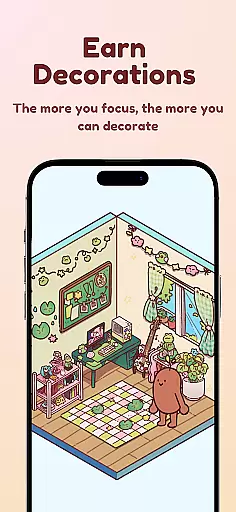
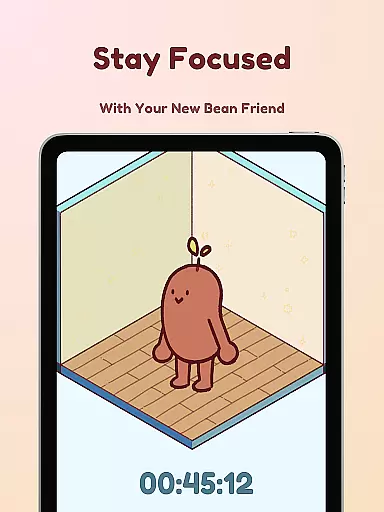
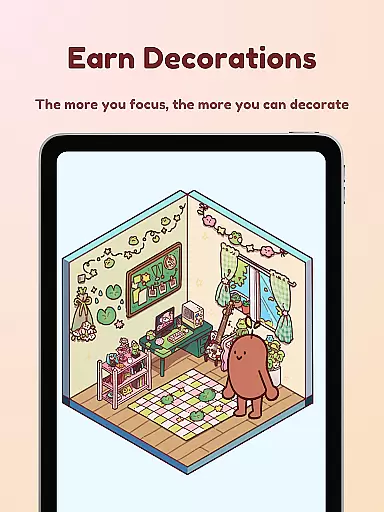
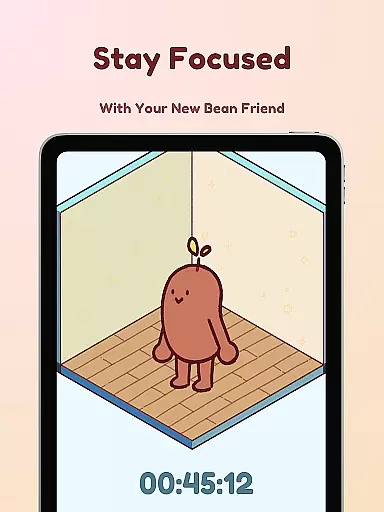
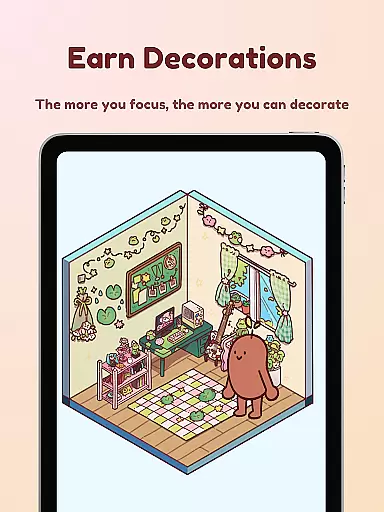
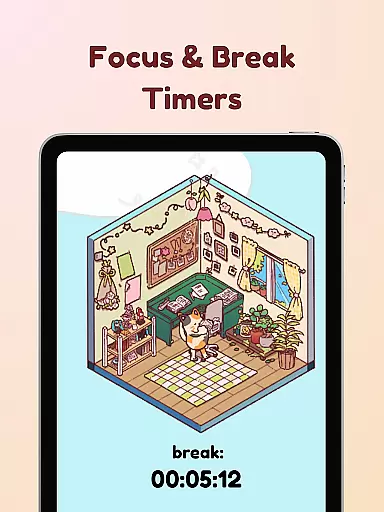
Focus Friend is a productivity app designed to help users maintain focus through gamification. Created by online educator Hank Green, this app features a unique timer system where users are motivated to complete focus sessions alongside their virtual Bean Friend. The core functionality revolves around maintaining concentration - if users interrupt the timer, their Bean becomes sad. Successful focus sessions reward users with in-app prizes that can be used to decorate the Bean's room.
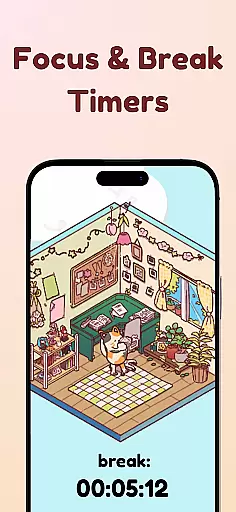
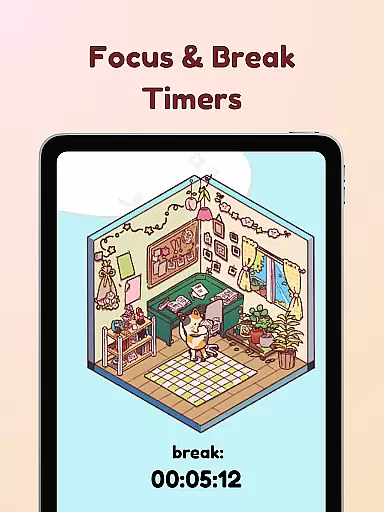
The app offers various productivity-enhancing features including Deep Focus Mode which locks distracting apps, break timers following the Pomodoro technique, and live activity tracking. With hundreds of decoration options and multiple Bean skins to choose from, Focus Friend creates an engaging environment for productivity. This makes it particularly valuable for students and professionals who struggle with maintaining long periods of concentration.
A key scenario where Focus Friend excels is during study sessions or work projects that require extended focus. The app's ability to lock distracting applications combined with its reward system helps users stay on track while making productivity fun. The presence of both practical features and entertaining elements demonstrates how technology can effectively support better work habits while maintaining user engagement.
Focus Friend stands out with its comprehensive set of productivity features. The app's most notable characteristic is its gamified approach to time management, where users interact with a virtual Bean character that responds to their focusing habits. This innovative method transforms traditional timers into an interactive experience that emotionally connects with users.
Among its technical capabilities, the app offers advanced functions like Deep Focus Mode which restricts access to distracting applications during work sessions. The implementation of Live Activity allows users to track their progress even when the phone is locked. Break timers are strategically integrated following the Pomodoro technique, encouraging healthy work-break cycles. These features work together to create an optimal environment for sustained productivity.
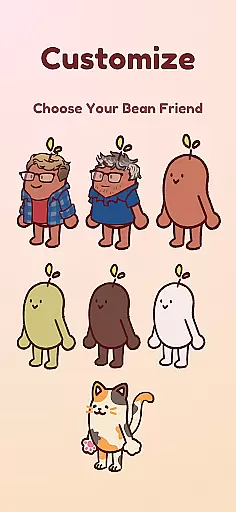
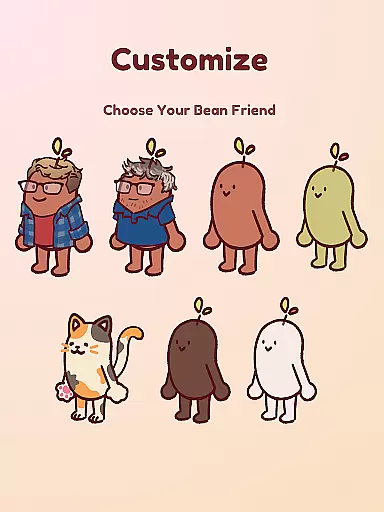
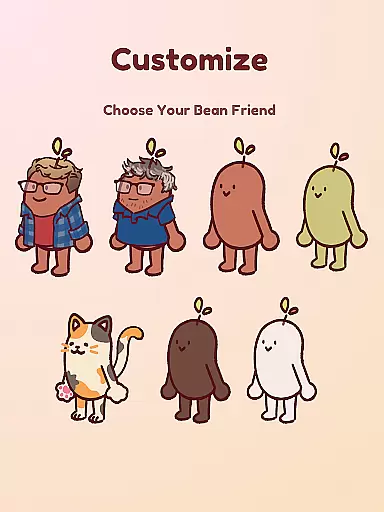
The customization options in Focus Friend add significant value to the user experience. With hundreds of room decorations available across different themes and multiple Bean skins to choose from (including unique options like Coffee Bean or even Hank and John Green representations), users can personalize their productivity space. This combination of practical productivity tools with engaging customization options demonstrates how Focus Friend successfully merges functionality with entertainment, setting it apart from conventional productivity apps.
At the heart of Focus Friend lies its robust core task management system, designed to help users structure their work and study sessions effectively. This productivity app leverages gamification to keep users engaged with their tasks.
The timer functionality is central to the app's task management offering. Users can set focus sessions that encourage uninterrupted work periods, integrating popular productivity techniques like Pomodoro. The inclusion of break timers ensures a healthy work-rest balance.
What sets Focus Friend apart is how it creates an emotional connection through the Bean Friend character. This unique approach not only tracks productivity but also provides positive reinforcement through rewards when tasks are completed successfully.
The app extends its utility beyond simple timing functions by incorporating features like Deep Focus Mode. This mode helps maintain user concentration by locking distracting applications during focus sessions, demonstrating a comprehensive understanding of modern productivity challenges.
While Focus Friend primarily operates as a single-device application, its reliability in maintaining user progress and data creates a seamless experience that feels synchronized across different usage contexts.
The app demonstrates exceptional local data management, ensuring that all user achievements, room decorations, and Bean customizations are safely stored and readily available. This creates a consistent experience whether users are working from home or on the go.
Although traditional cross-device synchronization isn't explicitly mentioned, the app's implementation of Live Activity shows forward-thinking in terms of session management. Users can track their focus sessions even when their phone is locked, indicating sophisticated state management.
The developers have created a reliable ecosystem where users' productivity data and personalization choices remain intact and accessible. This consistency builds trust and encourages regular use, knowing that valuable progress won't be lost.
User-friendly interface
Effective focus tracking
Engaging reward system
Customizable Bean options
Comprehensive feature set
Limited free content
Premium features costly
Occasional app crashes
Steep learning curve
Battery consumption high

Experience Reading - Night Mode for Documents
 4.40
4.40
Experience real multitasking on your Android!
4.00
Unlock AutoNotification
4.00
Wake up & get tasks done! Add alarms & reminders on the Clock Launcher.
4.00
Smart PDF reader & editor to view, organize and manage PDF documents easily.
3.70
Protect and view your important info on your phone and tablet with eWallet®
4.80
PDF scanner & converter for files, photos, lottery, QR codes. One swipe away!
4.50
Quickly and easily keep track of your work shifts
4.70
Daily processing of PDF documents.
4.40
Multilingual translator for text, voice, and image translation!
4.90
Best Tool for the professionals Electrician, Electrical contractors, etc.
4.90
Android Wallet Password Manager
4.80
Use powerful, industry-leading AI tools to generate visual charts from any data
4.80
Understand anything with a personalized AI research assistant
4.80
Scan paperwork into PDF/JPG, generate your own e-signature and send fax or email
4.70
Okta MFA
4.70
The AI assistant that thinks with you - write, code, and solve complex tasks
4.60
Create and edit presentations with Google Slides, part of Google Workspace.
4.00
Secure, open-source, SPICE and SSH Remote Desktop for QEMU KVM virtual machines
4.00


User Reviews