
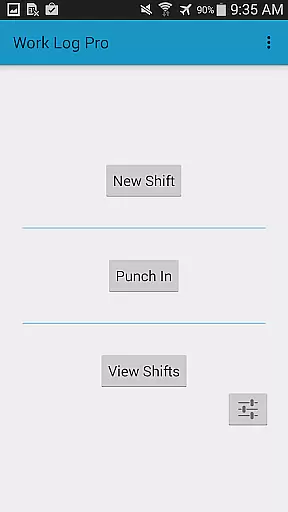
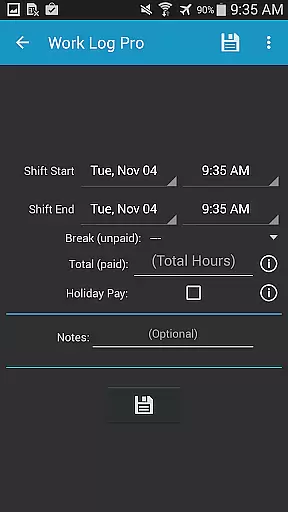
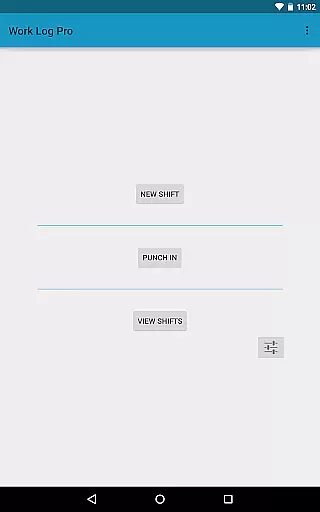
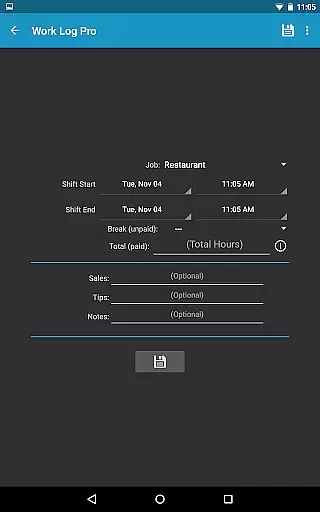
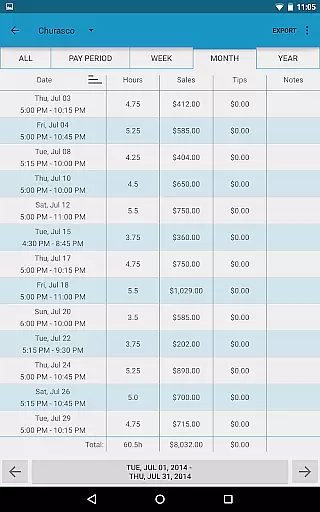
Work Log Pro is a comprehensive productivity tool designed for professionals who need to efficiently track their work hours and manage multiple jobs. The app offers an intuitive interface that allows users to punch in and out, manually enter shift hours, and automatically calculate wages based on customizable pay periods. With support for overtime tracking, automatic break deductions, and bonus/deduction calculations, it provides a complete solution for accurate timekeeping.
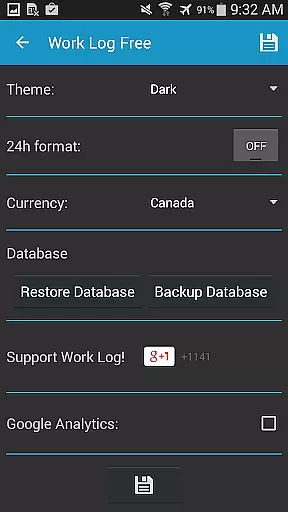
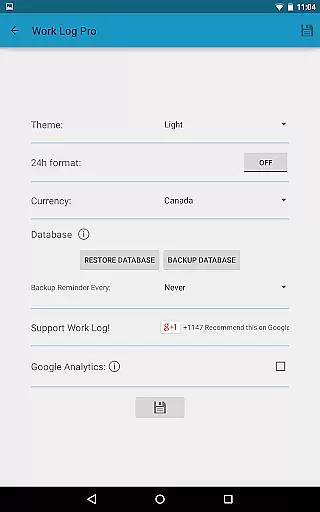
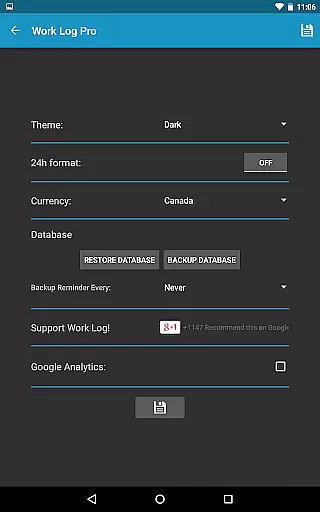
One of the standout features is its extensive customization options. Users can choose between light and dark themes, 24-hour time formats, and currency symbols from over 100 countries. The app also supports exporting data as spreadsheets or PDFs, making it easy to share work logs with employers or store them for record-keeping. Whether you're a server tracking tips or a freelancer managing multiple clients, Work Log Pro adapts to your specific needs while ensuring all data remains secure through regular backup options.
Work Log Pro stands out with its robust feature set tailored for both simplicity and depth in time tracking. The app allows users to track unlimited jobs, each with customizable settings such as pay rates, overtime rules, and automatic break deductions. For example, users can configure the system to deduct 30 minutes after a 5-hour shift or apply different overtime multipliers depending on hours worked. This flexibility ensures that every user's unique requirements are met without unnecessary complexity.
Beyond basic logging, the app includes advanced functionalities like exporting shifts into CSV files, setting reminders for backups, and calculating wages with tax deductions or bonuses applied automatically. Widgets provide quick access to punch in/out functions directly from the home screen, while the ability to import/export databases makes device transitions seamless. These features collectively make Work Log Pro not just a time tracker but a holistic productivity suite for anyone serious about managing their work schedule effectively.
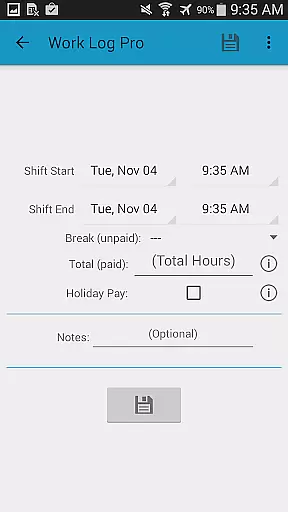
Effective task management is essential for productivity, and Work Log Pro excels in this area by offering a comprehensive suite of tools to track work hours with precision. The app allows users to punch in and out or manually enter shift hours, ensuring accurate time tracking tailored to individual preferences.
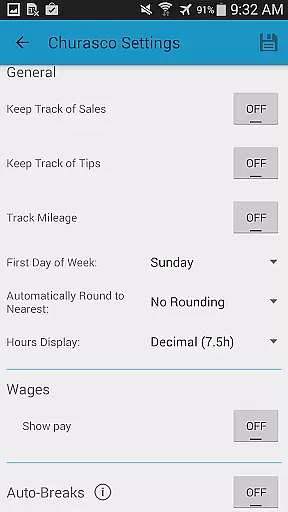
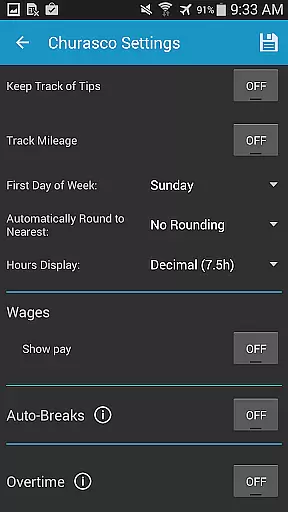
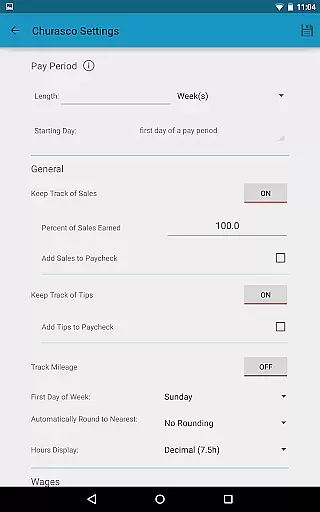
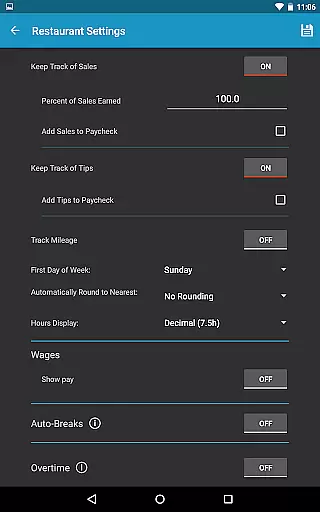
Work Log Pro supports multiple jobs, each with customizable settings such as pay period configurations, automatic break deductions, and overtime calculations. This flexibility enables users to manage various employment roles efficiently within a single platform.
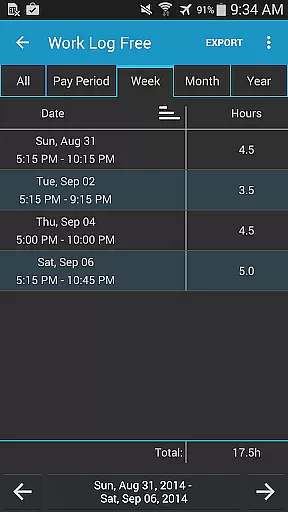
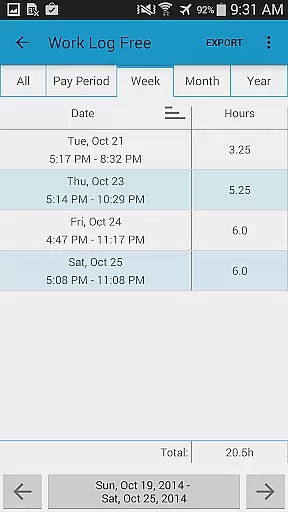
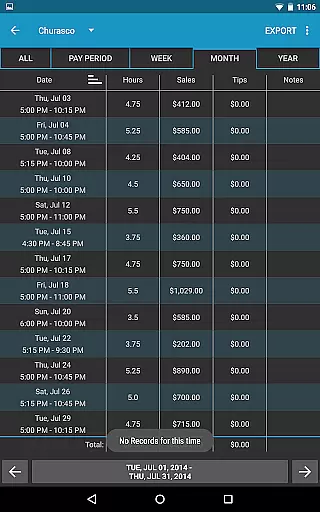
Additionally, the app provides extensive customization options, including 24-hour time formatting, selectable start-of-week settings, and diverse shift views. These features empower users to adapt the interface to their unique workflow requirements, enhancing overall usability and efficiency.
Cross-device synchronization is crucial for maintaining data consistency across multiple devices, and Work Log Pro addresses this need effectively. By enabling users to backup and transfer data via email through the Backup Database option, the app ensures that all recorded shifts are securely stored and easily accessible on different devices.
This reliable synchronization process allows seamless transitions between devices without losing any critical information. Users can open email attachments directly on their target device, simplifying the import process and ensuring continuity of data.
Moreover, the ability to export shifts as spreadsheets or PDFs further enhances data portability and accessibility. With these robust synchronization features, Work Log Pro guarantees that users can access their work logs from anywhere, at any time, thereby maximizing productivity and convenience.
Accurate time tracking
Customizable pay periods
Multiple job support
Export functionality
Ad-free experience
Requires free version
No cloud sync
Paid upgrade
Complex setup
Limited design

Experience Reading - Night Mode for Documents
 4.40
4.40
Unlock AutoNotification
4.00
Automates browsing any website and notifies you of important changes or events
4.30
Secure, fast, open-source, Remote Desktop Client for Windows and Linux with SSH
4.60
Secure, open-source, SPICE and SSH Remote Desktop for QEMU KVM virtual machines
4.00
A simple Whisper AI keyboard for reliable speech transcription and rewording
4.60
This small app MUST BE INSTALLED after purchase, else license won't work
4.40
Scan paperwork into PDF/JPG, generate your own e-signature and send fax or email
4.70
Browse and view your photos and videos from the phone with photo & video hide.
4.10
Best Tool for the professionals Electrician, Electrical contractors, etc.
4.90
Scientific calculator for Android - looks and operates like the real thing!
4.90
Android Wallet Password Manager
4.80
Use powerful, industry-leading AI tools to generate visual charts from any data
4.80
Secure, fast, open-source, VNC and SSH Remote Desktop for Windows, Linux and Mac
4.70
Direct Chat without saving contacts & Dual WA Account on Single Device
4.70
Tally and goal counter for Wear OS & mobile
4.50
Secure your apps with lock screens, use custom themes and different features.
4.40
A Revolutionary All-in-One Artificial Intelligence Tools
3.80
IP Camera Viewer - Android TV : RTSP Surveillance camera viewer for Android TV
4.3


User Reviews