
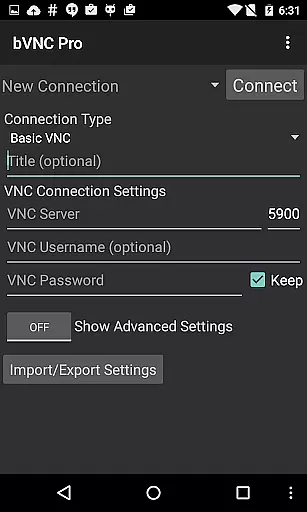
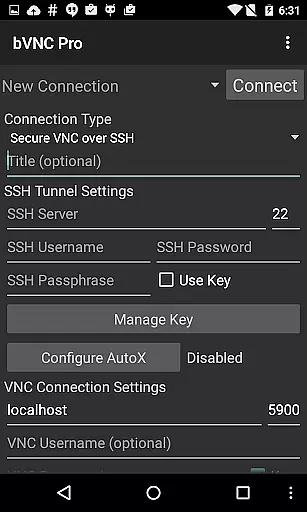
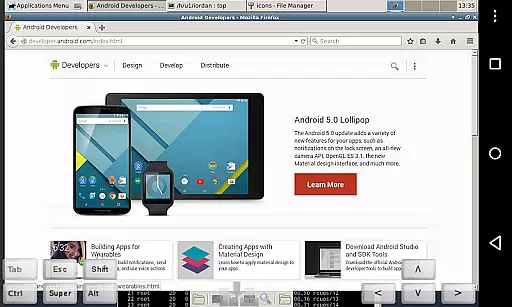
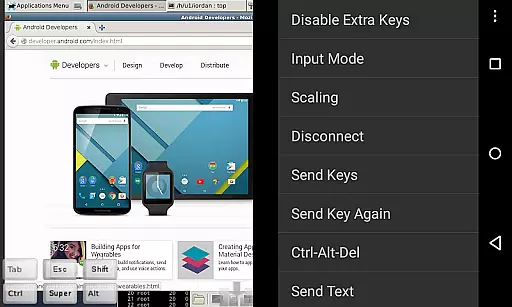
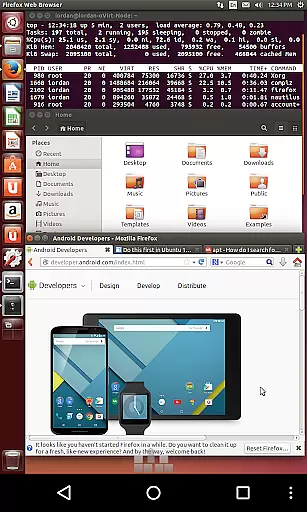
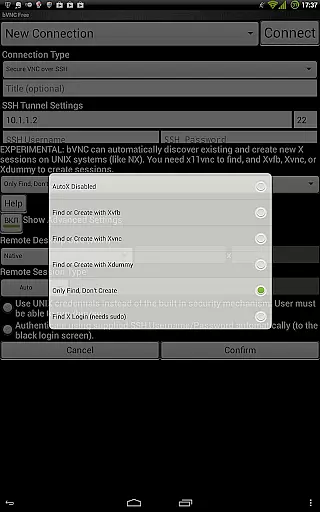
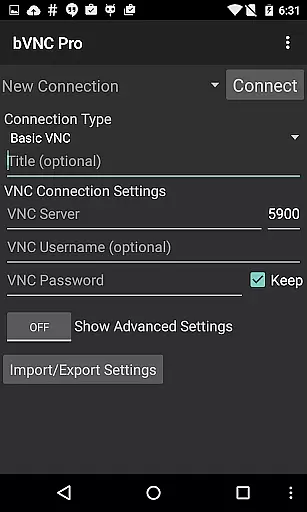
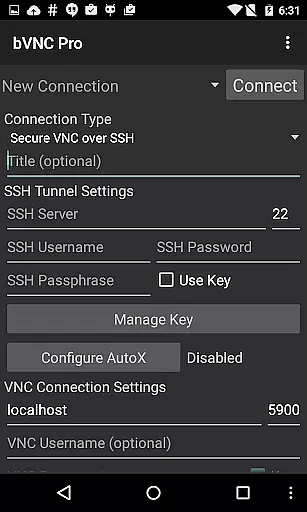
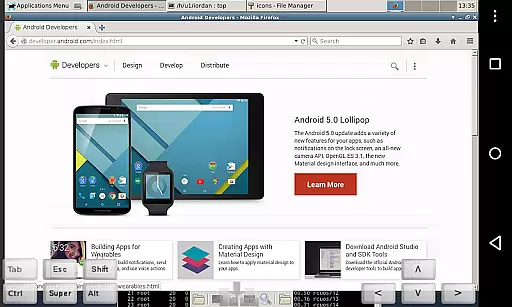
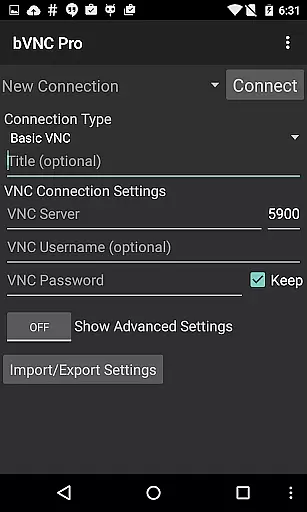
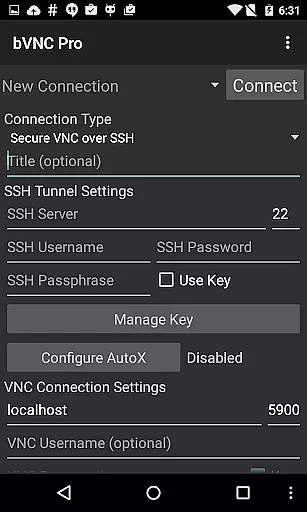
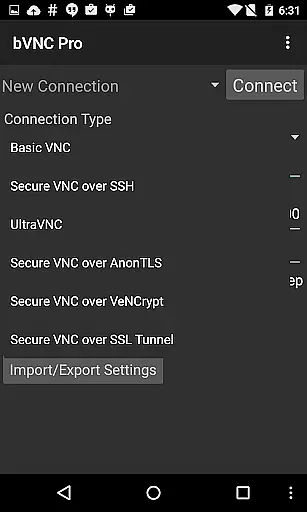
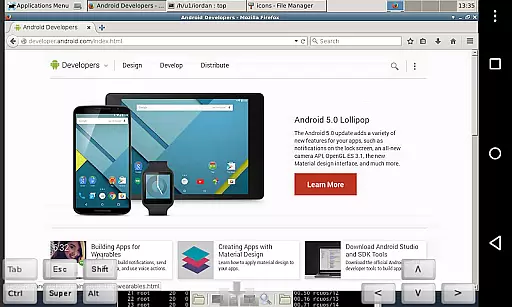
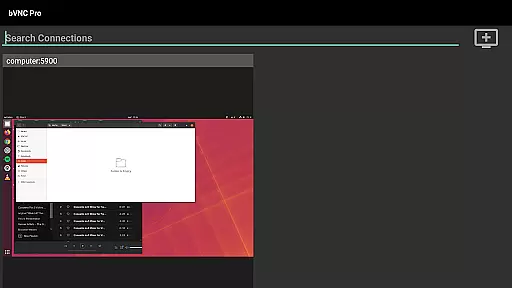
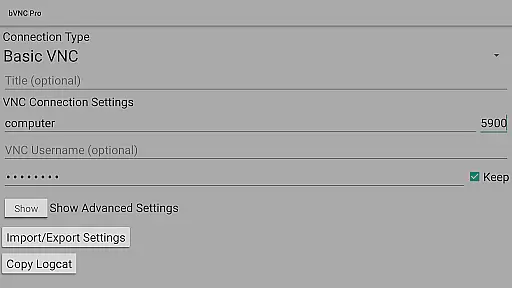
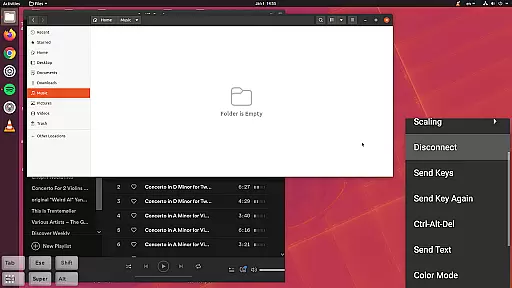
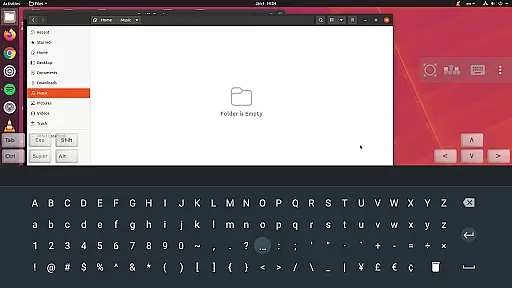
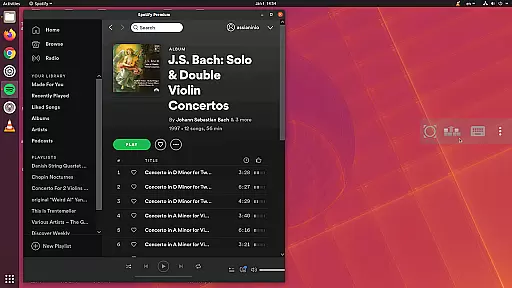
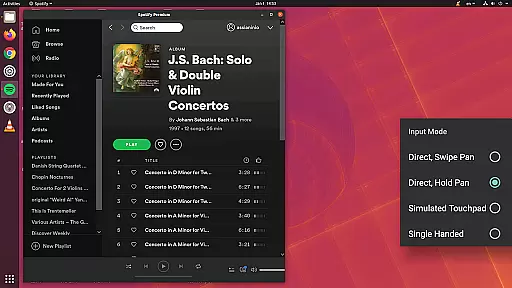
bVNC Pro is a secure, open-source VNC client designed for productivity-focused users who need reliable remote desktop access. It supports Windows, Mac, Linux, and other operating systems with VNC servers, offering advanced features like multi-touch control, pinch-zoom, and dynamic resolution changes.
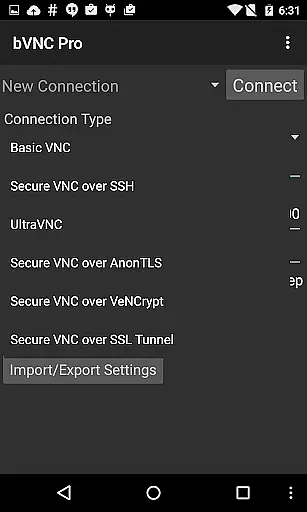
With its robust security measures, including SSH tunneling, AnonTLS, and VeNCrypt, bVNC ensures encrypted connections to prevent unauthorized access. The app also provides versatile input modes, multi-language support, and compatibility with various VNC servers, making it an ideal tool for managing virtual machines and remote desktops efficiently.
bVNC Pro stands out with its comprehensive feature set tailored for seamless remote desktop management. It includes multi-factor SSH authentication, master password support, and high-grade encryption using SSH and VeNCrypt, which surpasses RDP-level security.
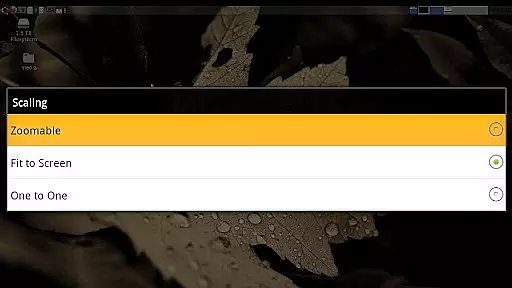
The app offers intuitive touch controls, such as multi-touch gestures, scrollable interfaces, and customizable scaling modes. Additionally, it supports Samsung DEX, Alt-Tab functionality, and SSH public/private key imports, ensuring a smooth experience across devices. Its compatibility with PiKVM and most VNC servers further enhances its versatility for professional use.
bVNC Pro is not just a remote desktop client but also an essential productivity tool for managing tasks across multiple operating systems. Its core functionality revolves around providing secure and efficient access to remote machines, enabling users to handle critical tasks without being physically present at the system.
The application supports various VNC servers on Windows, Mac, Linux, and other platforms, ensuring seamless connectivity. With features like dynamic resolution changes and full rotation, users can reconfigure their desktop environments while maintaining active connections, which is crucial for multitasking professionals who need to adapt their workspace on-the-fly.
Advanced functionalities such as multi-touch control, pinch-zoom, and scroll gestures enhance user interaction with the remote desktop, making it easier to manage files, applications, and system settings. These intuitive controls ensure that users can perform complex operations effortlessly, thus improving overall task efficiency.
Furthermore, bVNC Pro offers secure connection options through SSH tunneling, AnonTLS, and VeNCrypt, protecting sensitive data during remote sessions. This focus on security ensures that users can manage their tasks safely, whether they are IT administrators handling server maintenance or professionals accessing confidential documents from remote locations.
One of the standout features of bVNC Pro is its ability to provide reliable cross-device synchronization, allowing users to maintain consistent access to their remote desktops regardless of the device they are using. This reliability is crucial for professionals who switch between smartphones, tablets, and computers throughout their day.
The application supports high-grade encryption methods superior to RDP, utilizing SSH and VeNCrypt with x509 certificates and SSL protocols. This ensures that all data transmitted between devices remains secure from potential man-in-the-middle attacks, maintaining the integrity of synchronized information across different platforms.
With compatibility across various operating systems including Windows, Mac, Linux, and BSD, bVNC Pro guarantees that users can synchronize their work environments seamlessly. Whether connecting from an iOS device or a Windows PC, the application maintains consistent performance and feature availability, ensuring that no productivity is lost when switching devices.
Additionally, features like master password support in the Pro version and multi-factor SSH authentication enhance account security while maintaining synchronization reliability. These security measures ensure that users can trust their remote connections, knowing that their data remains protected and accessible only to authorized devices and users.
Secure connections
Multi-touch support
Versatile OS compatibility
Dynamic resolution adjustment
Advanced encryption options
No RealVNC encryption
Complex setup for beginners
Separate iOS version cost
Limited free features
Requires technical knowledge

Auto-shutoff Alarm with Sunrise, Sunset & Fixed Options.
 3.50
3.50
Ads Free App! Editor, Hide File, Copy, Move, Delete and Rename.. all facility av
1.70
Protect and view your important info on your phone and tablet with eWallet®
4.80
Subscribe to Webcal & .ics calendars and keep them up-to-date!
4.50
Great calculator for Android named one of USA TODAY's "25 Essential Apps".
4.90
A simple Whisper AI keyboard for reliable speech transcription and rewording
4.60
Experience and share your SolidWorks designs on your Android® phone and tablet.
2.50
Scientific calculator for Android - looks and operates like the real thing!
4.90
Seamlessly read, manage, and organize all your PDF files solution in one place
4.40
Native client for Forgejo and Gitea
5.00
Multilingual translator for text, voice, and image translation!
4.90
Best Tool for the professionals Electrician, Electrical contractors, etc.
4.90
Absolutely the best CNC machinist speed and feed calculator around. fswizard.com
4.60
To do list widget with a notebook organizer, checklist, simple shopping list
4.60
Font maker keyboard with your own handwriting
4.10
Experience real multitasking on your Android!
4.00
Access your phone's notifications, calls, apps, photos & texts on your PC
3.90
Easiest event planning, volunteer signups & parent teacher conference scheduling
2.20
A simple, portable logger for POTA, SOTA, Field Day, and more
4.3


User Reviews