
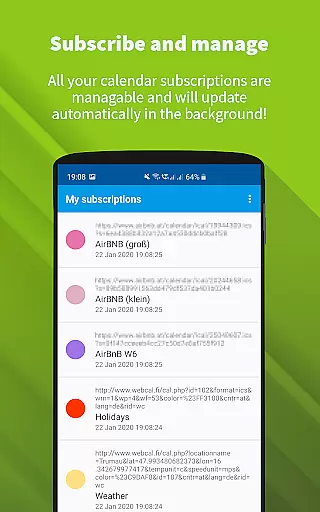
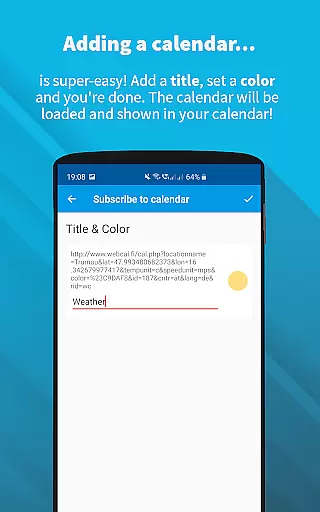
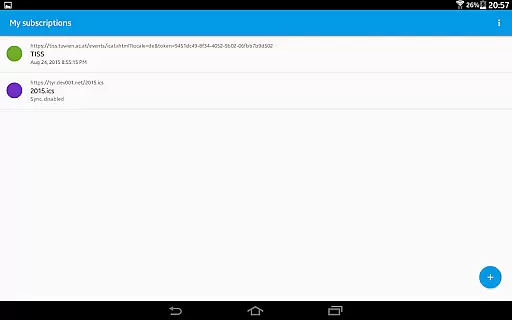
ICSx⁵ is a powerful productivity tool designed for managing external calendar files on Android devices. This app specializes in subscribing to and synchronizing Webcal iCalendar/.ics files, ensuring users always have the latest calendar events at their fingertips. With seamless integration into your device's existing calendar system, ICSx⁵ delivers a smooth user experience without compromising privacy or security.
The app supports one-way synchronization from various sources, including iCloud shared calendars and local .ics files. It offers advanced features like intelligent update checking, authentication support, and HTTPS connections. Whether you need to track holidays, sports events, or academic schedules, ICSx⁵ provides a reliable solution for integrating these schedules into your daily life.
Developed by open-source enthusiasts, ICSx⁵ emphasizes transparency and data protection. The app operates independently of Google services, making it an ideal choice for privacy-conscious users who want full control over their calendar data.
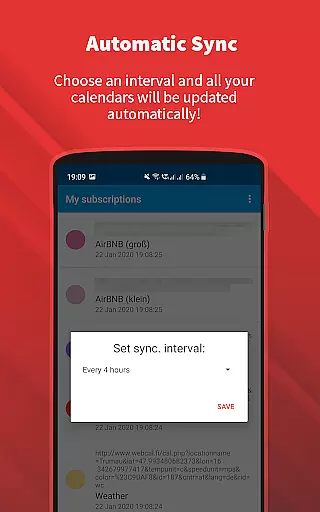
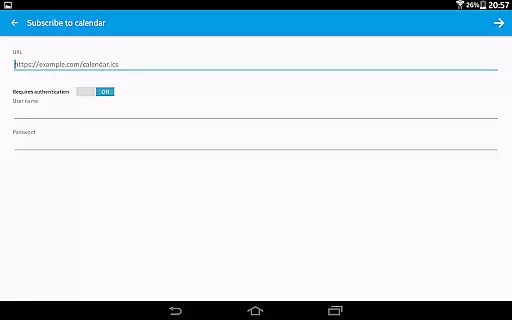
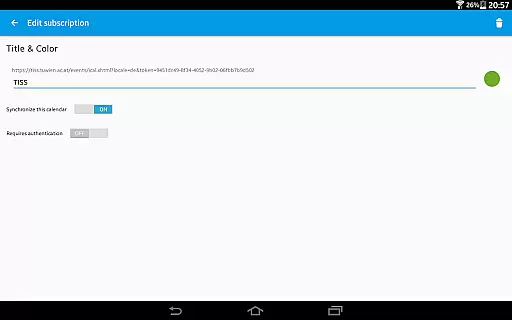
ICSx⁵ stands out with its comprehensive feature set tailored for efficient calendar management. One of its key strengths is the ability to subscribe to Webcal feeds, enabling automatic synchronization at regular intervals. This ensures that users receive timely updates for shared calendars, such as those from iCloud, without manual intervention.
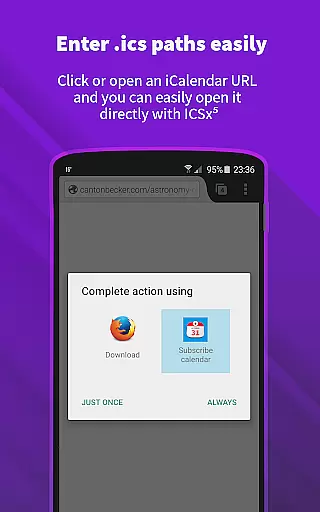
The app also supports importing .ics files directly from the device storage, expanding its versatility for different use cases. Its intelligent update checker optimizes bandwidth usage while maintaining synchronization accuracy. Additionally, ICSx⁵ allows opening webcal:// and webcals:// URLs directly from Android browsers, streamlining the subscription process.
Security and privacy are paramount in ICSx⁵'s design. The app operates completely offline unless users choose to connect to specific servers, and no personal data is transmitted elsewhere. This approach, combined with its open-source nature, makes ICSx⁵ a trustworthy solution for managing sensitive calendar information across multiple devices.
Effective task management is essential for productivity apps, serving as the backbone for organizing and executing tasks efficiently. ICSxu2075 excels in this area by allowing users to subscribe to Webcal feeds and manage iCalendar/.ics files seamlessly. This means you can add high days, holidays, sports events, or academic schedules directly to your calendar with minimal effort.
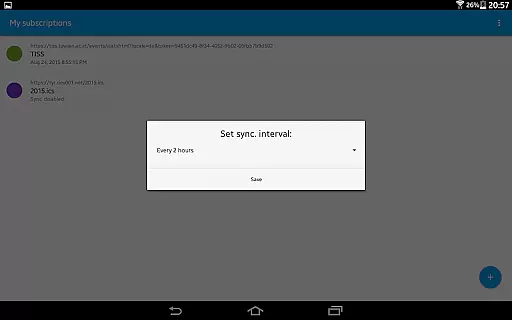
The app employs state-of-the-art synchronization technology, ensuring that your calendar data is always up-to-date. By setting a sync schedule, ICSxu2075 intelligently checks for updates, conserving bandwidth while maintaining current event information. This feature is particularly beneficial for those who rely on real-time calendar updates for their daily planning.
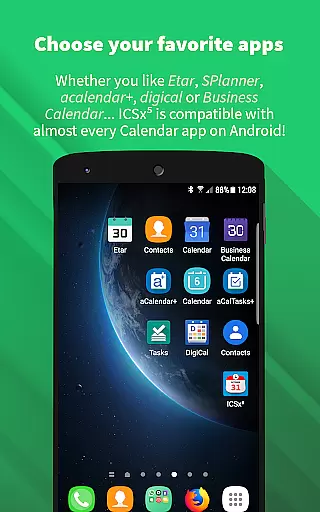
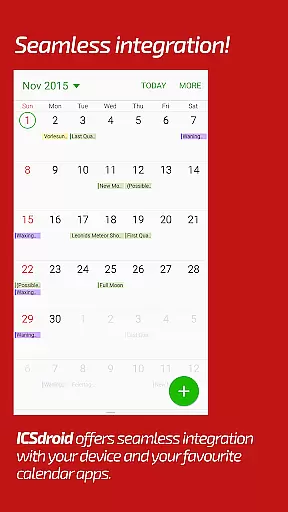
Users will appreciate the seamless integration with other calendar apps, making it easier to manage all events from one central location. The ability to authenticate and support HTTPS ensures secure handling of your data, providing peace of mind while managing important schedules.
Cross-device synchronization is crucial for users who need consistent access to their data across multiple devices. ICSxu2075 addresses this need by offering reliable synchronization capabilities for iCalendar/.ics files. Whether you're at home, in the office, or on the go, your calendar events remain synchronized and accessible.
One of the standout features of ICSxu2075 is its ability to subscribe to Webcal feeds, such as shared calendars from iCloud. This functionality allows for automatic updates at regular intervals, ensuring that any changes made to the calendar are reflected across all your devices promptly. Additionally, the app supports local .ics file imports, further enhancing its synchronization reliability.
Privacy and security are top priorities for ICSxu2075. As an open-source app, it guarantees that no data is transferred to unauthorized servers, safeguarding your personal information. This commitment to privacy ensures that your calendar data remains confidential and secure, regardless of the device you use.
User-friendly interface
Seamless calendar integration
Regular auto-updates
Strong privacy protection
Open-source transparency
No two-way sync
Limited UI customization
Advanced settings may confuse beginners
Requires manual setup for some features
Occasional sync delays

Secure, fast, open-source, VNC and SSH Remote Desktop for Windows, Linux and Mac
 4.70
4.70
Client for Nextcloud Deck
4.60
Device's storage information in a simple and clear graphical form (infographics)
4.10
Make your handwriting beautiful, even more than pen on paper.
3.60
Functional QR scanner and barcode reader that requires little storage space.
4.60
Calendar 2023 widget for Android. Appointment scheduler, planner, and reminder
4.60
Great calculator for Android named one of USA TODAY's "25 Essential Apps".
4.90
Share files & memories safely. Keep your photos and videos secure.
4.40
Lightweight PDF, Word, Excel reader.
4.60
Seamlessly integrate data and reports to build your presentation to impress
4.80
A beautiful digital clock with autostart and many other functions
4.70
App Lock with fingerprint, password: Lock apps & hide photos with lock screens
4.60
Stay on top of your to-dos with Google Tasks, part of Google Workspace.
4.60
PDF scanner & converter for files, photos, lottery, QR codes. One swipe away!
4.50
Font maker keyboard with your own handwriting
4.10
Activate Two Factor Authentication (2FA or Multi OTP), Password manager and more
4.10
A Revolutionary All-in-One Artificial Intelligence Tools
3.80
Mega cloud explorer plugin for Solid Explorer
3.80
Easiest event planning, volunteer signups & parent teacher conference scheduling
2.20


User Reviews