
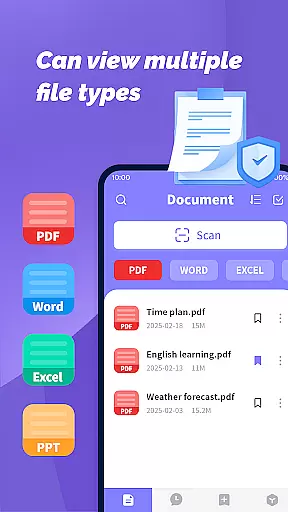
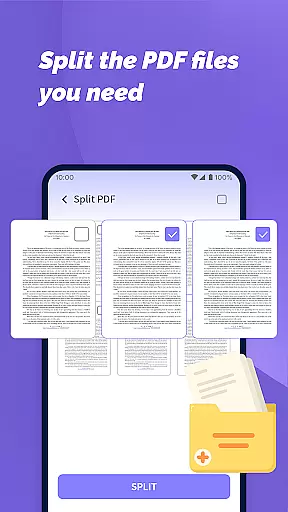
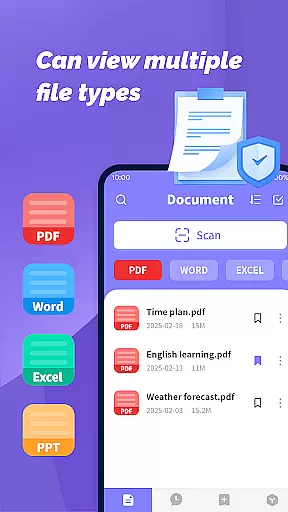
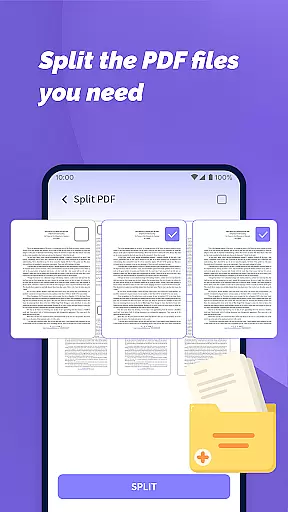
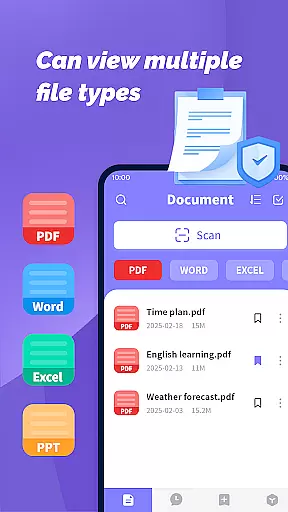
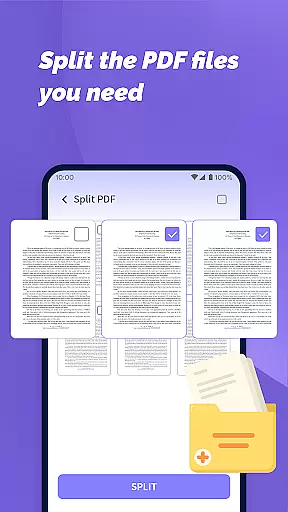
PDF File Plus is a comprehensive productivity tool designed specifically for managing and reading PDF documents on Android devices. The app allows users to not only view PDF files but also annotate them with features like underlining and strikethroughs, making document review more efficient.
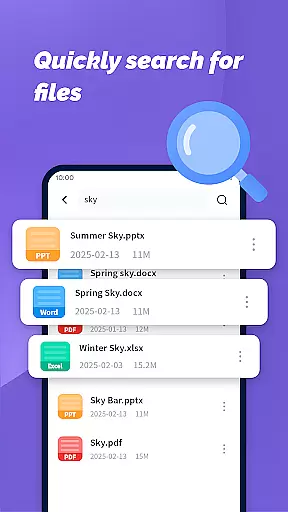
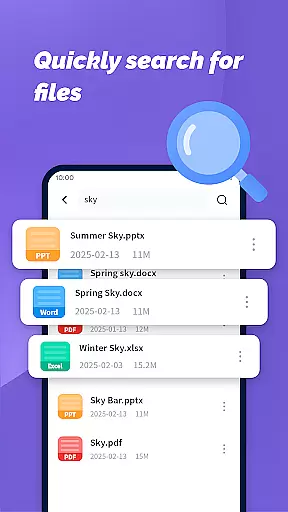
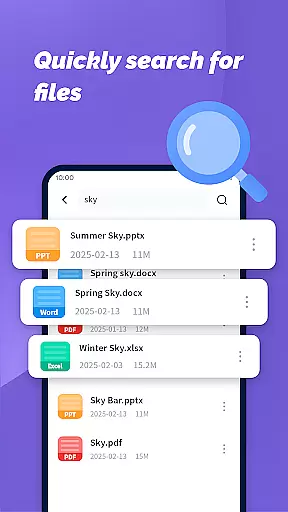
In addition to handling PDFs, the app supports multiple file formats including Word, PPT, and Excel, enabling seamless sharing and collection of various document types directly from your phone. Its powerful search functionality helps users quickly locate specific files based on their daily needs.
Whether you're commuting or away from your computer, PDF File Plus ensures you can manage and access your important documents anytime, anywhere, significantly boosting mobile productivity.
PDF File Plus stands out with its diverse feature set tailored for document management professionals. One of its key strengths is the ability to annotate PDFs directly - users can add underlines, strikethroughs, and other markups without needing additional software.
The app's multi-format support extends beyond PDFs to include Word, PowerPoint, and Excel files, allowing for versatile document handling. Its integrated file sharing system makes collaboration effortless, while the document collection feature helps users organize important files systematically.
Another notable feature is the app's powerful search capability that enables users to quickly find specific documents among numerous files. This combination of annotation tools, multi-format support, and efficient search functionality makes PDF File Plus an indispensable tool for mobile document management.
PDF File Plus offers a comprehensive solution for managing PDF documents efficiently on Android devices. This functionality is crucial for users who need to organize, edit, and share files while on the go.
The app allows you to underline and strikethrough text directly in PDFs, making it easy to highlight important information or mark sections for review. Additionally, it supports seamless sharing and collection of various file formats including Word, PPT, and Excel.
With its powerful search feature, users can quickly locate specific documents based on their daily needs. This ensures that important files are always at your fingertips, whether you're working from home or traveling.
By enabling efficient document management even when away from your computer, PDF File Plus empowers users to stay productive and organized regardless of location.
Cross-device synchronization is essential for maintaining consistency across multiple platforms. PDF File Plus excels in this area by ensuring reliable syncing between your mobile device and other systems.
Users can easily access and manage their documents on-the-go without worrying about version control issues. The app's robust system guarantees that changes made on one device will reflect accurately on others.
This reliability extends to file sharing as well; documents can be shared effortlessly with colleagues or friends via different formats such as PDF, Word, PPT, and Excel. This versatility enhances collaboration opportunities.
Ultimately, PDF File Plus provides peace of mind knowing that your files are securely stored and consistently updated across all devices, allowing for uninterrupted productivity.
User-friendly interface
Multi-format support
Powerful search function
Annotation capabilities
Seamless file sharing
Limited iOS support
Occasional lag
Premium features locked
Ads in free version
Large file size

A customizable calendar for your Wear OS watch
 4.20
4.20
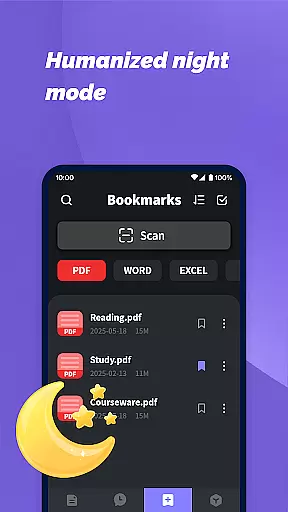
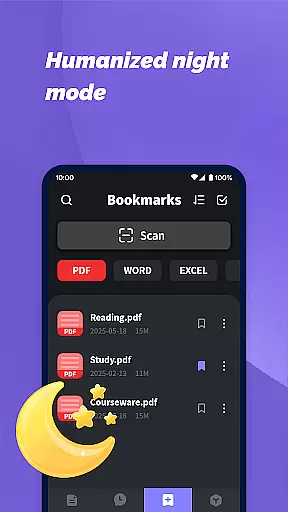
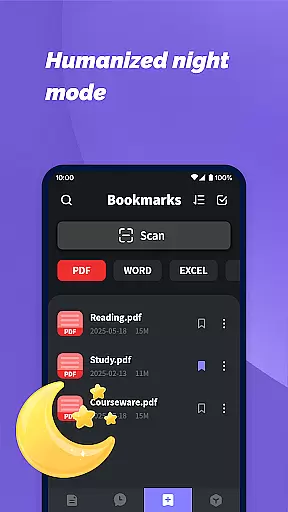
Experience Reading - Night Mode for Documents
4.40
Seamlessly integrate data and reports to build your presentation to impress
4.80
Device's storage information in a simple and clear graphical form (infographics)
4.10
Remotely view listen control and record cameras.
3.70
Customizable calendar widget for seamless event sync, planning & scheduling.
4.00
Docker, Kubernetes management over Portainer Mobile
4.40
Access your phone's notifications, calls, apps, photos & texts on your PC
3.90
Intelligent AI Assistant
4.10
Multilingual translator for text, voice, and image translation!
4.90
aCalendar+ makes your day, week and month
4.70
App lock - lock apps with fingerprint, password, pin or pattern, protect privacy
4.70
Scan paperwork into PDF/JPG, generate your own e-signature and send fax or email
4.70
The AI assistant that thinks with you - write, code, and solve complex tasks
4.60
Automates browsing any website and notifies you of important changes or events
4.30
Todo reminder
4.10
Make your handwriting beautiful, even more than pen on paper.
3.60
The upgraded version of Name Wheel with AI and the power to add your own wheels.
4.4
A comprehensive suite of tools designed specifically for Lactation Consultants
4.0


User Reviews