
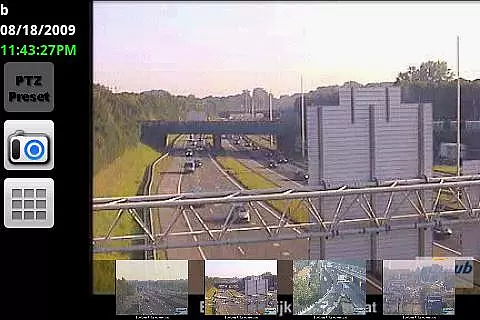
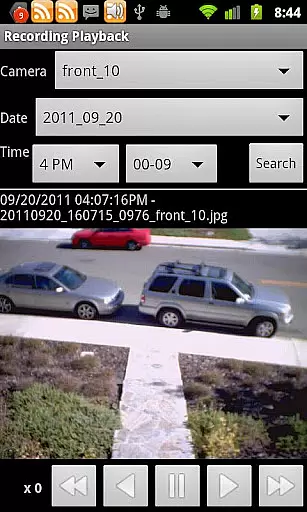
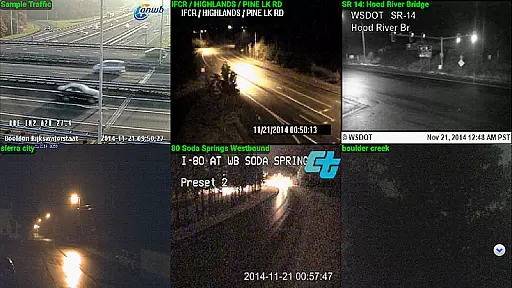
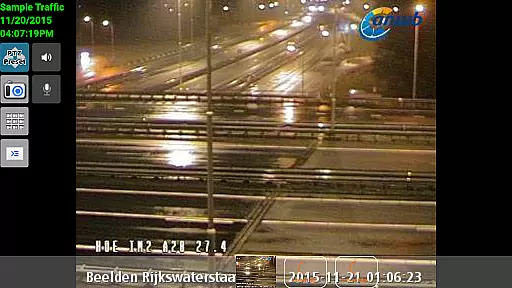
IP Cam Viewer Pro is a leading productivity tool designed for remote video monitoring. This award-winning app, recognized as the Best Software in the Utilities category for 2011, allows users to access various video devices such as cameras, DVRs, and webcams from their mobile devices. Supporting over 1600 devices, it offers an extensive compatibility range, ensuring that users can connect to almost any video source they own.
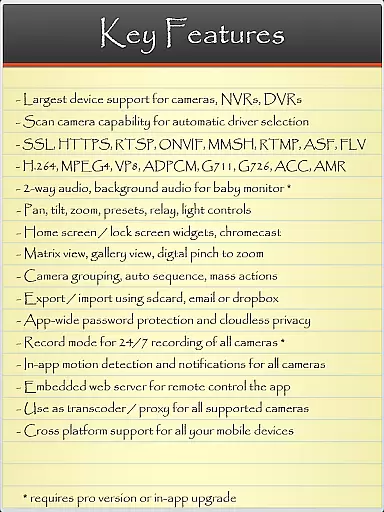
The app's standout feature is its ability to automatically detect compatible drivers using the Scan Camera function, streamlining setup and connectivity. With support for advanced protocols like HTTPS, RTSP, and ONVIF, IP Cam Viewer Pro ensures secure and reliable video streaming. Whether you need to monitor your home or manage security for a business, this app provides a comprehensive solution with features like pan-tilt-zoom control, motion detection, and customizable home screen widgets.
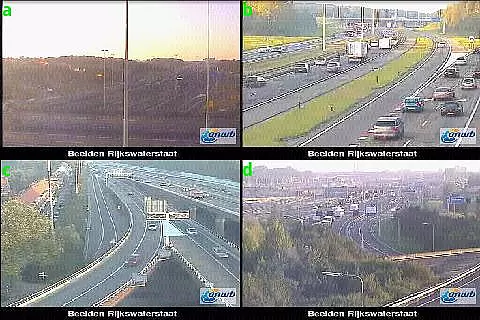
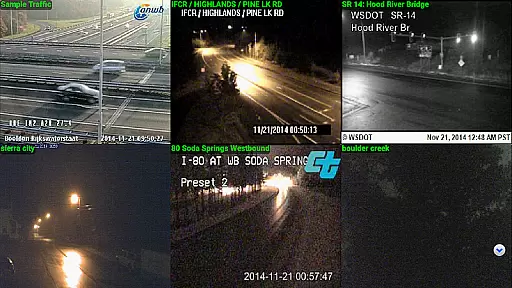
IP Cam Viewer Pro stands out with its robust feature set tailored for both casual and professional use. The app supports a wide array of protocols including HTTPS, RTSP, and ONVIF, making it versatile for different types of video streams. Its matrix view functionality allows users to monitor multiple camera feeds simultaneously, providing a comprehensive overview of all surveillance points.
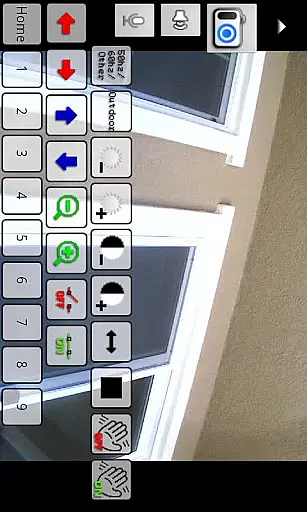
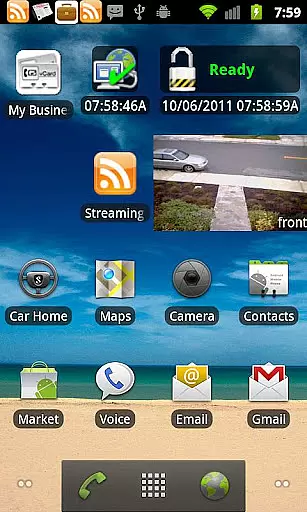
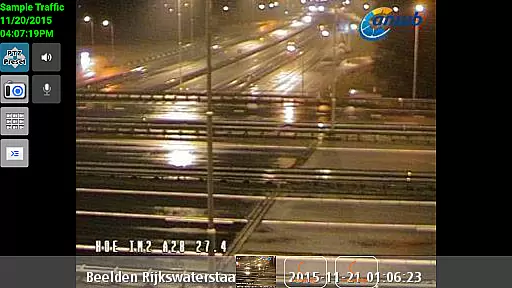
Advanced functionalities such as pan-tilt-zoom control offer users precise management over their camera angles and focus, enhancing the monitoring experience. The app also includes innovative features like home and lock screen widgets, enabling quick access to camera views without needing to open the app fully. Additionally, the inclusion of encryption and in-app motion detection ensures that users not only have ease of access but also top-notch security for their surveillance needs.
IP Cam Viewer Pro excels in core task management by providing users with a comprehensive suite of tools to manage their video surveillance tasks efficiently.
The app supports over 1600 devices, ensuring wide compatibility and seamless integration with various camera systems. With features like matrix view and pan-tilt-zoom, users can effectively monitor multiple camera feeds simultaneously.
Additionally, the inclusion of home and lock screen widgets allows for quick access and control, enhancing productivity by keeping essential functions at the user's fingertips.
Cross-device synchronization is a critical feature of IP Cam Viewer Pro, allowing users to maintain consistent access to their surveillance systems across different devices.
With support for protocols such as HTTPS, RTSP, and ONVIF, the app ensures secure and reliable data transmission between devices. This guarantees that users can remotely access their video feeds without worrying about data integrity or security breaches.
Furthermore, the app's grouping functionality and encryption capabilities contribute to a dependable cross-device experience, enabling users to organize their cameras and protect sensitive information effortlessly.
User-friendly interface
Wide device compatibility
Advanced security protocols
Comprehensive motion detection
Efficient multi-camera monitoring
Premium version cost
Complex setup for beginners
Limited free features
Occasional connection issues
Heavy on system resources

QuickBooks Workforce lets teams view pay info and track time in one place.
 4.70
4.70
Ads Free App! Editor, Hide File, Copy, Move, Delete and Rename.. all facility av
1.70
Smart PDF reader & editor to view, organize and manage PDF documents easily.
3.70
Make your handwriting beautiful, even more than pen on paper.
3.60
aCalendar+ makes your day, week and month
4.70
A comprehensive suite of tools designed specifically for Lactation Consultants
4.2
Best Tool for the professionals Electrician, Electrical contractors, etc.
4.90
Understand anything with a personalized AI research assistant
4.80
Scan paperwork into PDF/JPG, generate your own e-signature and send fax or email
4.70
App lock - lock apps with fingerprint, password, pin or pattern, protect privacy
4.70
Absolutely the best CNC machinist speed and feed calculator around. fswizard.com
4.60
App Lock with fingerprint, password: Lock apps & hide photos with lock screens
4.60
Stay on top of your to-dos with Google Tasks, part of Google Workspace.
4.60
A Pixel Art watchface inspired by other iconic 90s designs for Wear OS devices!
4.40
This small app MUST BE INSTALLED after purchase, else license won't work
4.40
Easily read and manage all your PDF files
4.10
Experience real multitasking on your Android!
4.00
Secure, open-source, SPICE and SSH Remote Desktop for QEMU KVM virtual machines
4.00
Access your phone's notifications, calls, apps, photos & texts on your PC
3.90


User Reviews