
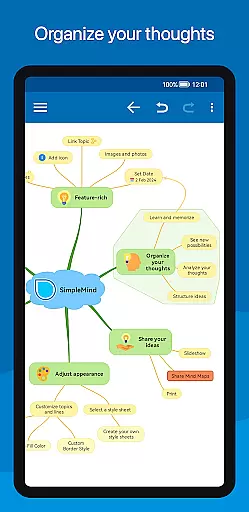
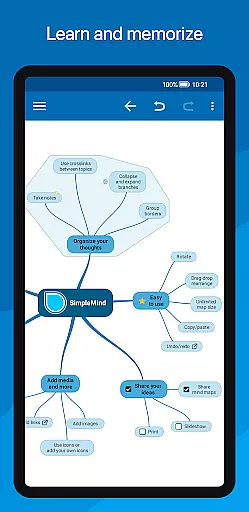
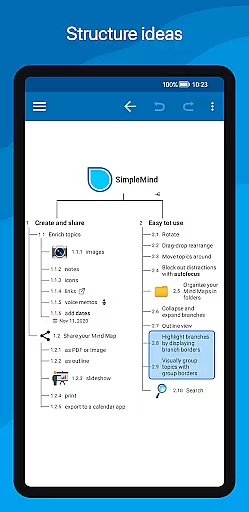
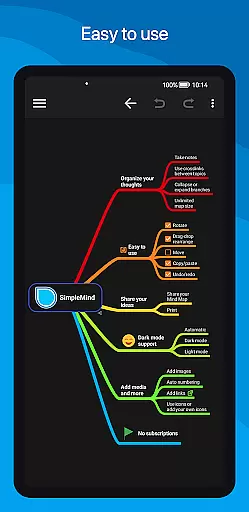
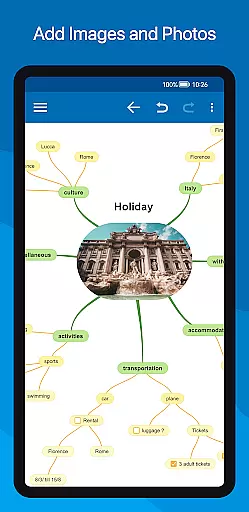
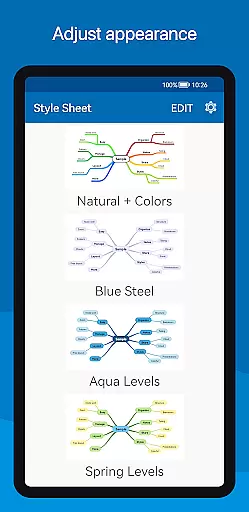
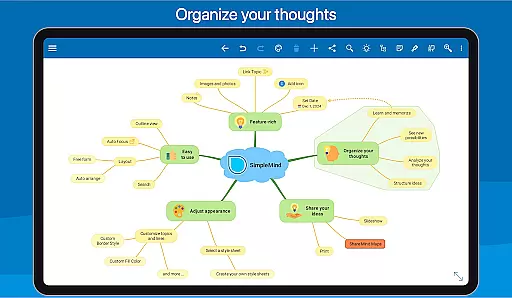
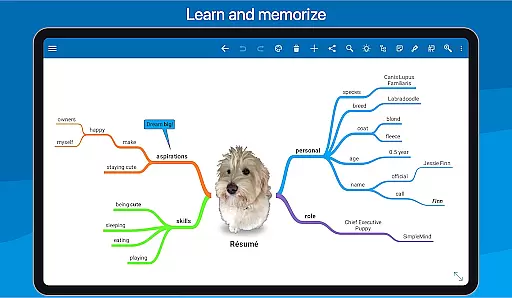
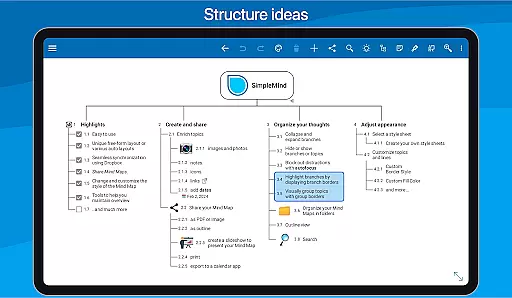
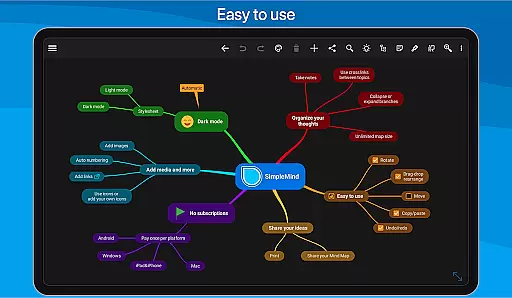
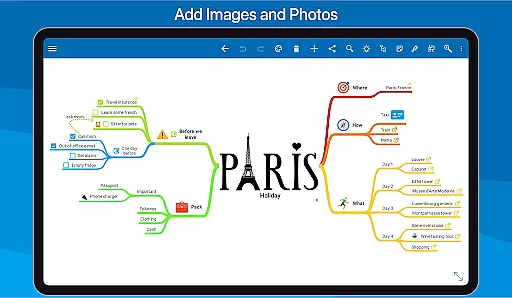
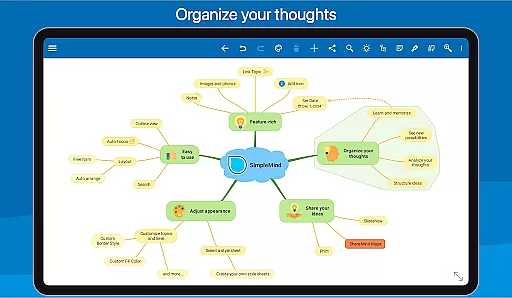
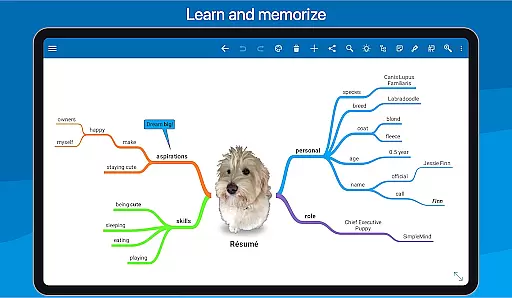
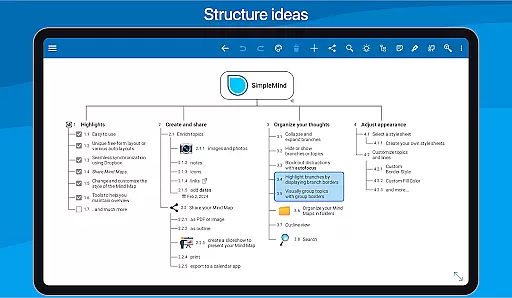
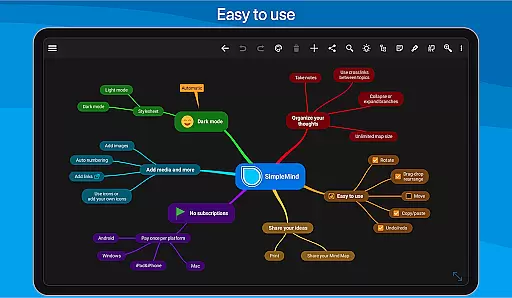
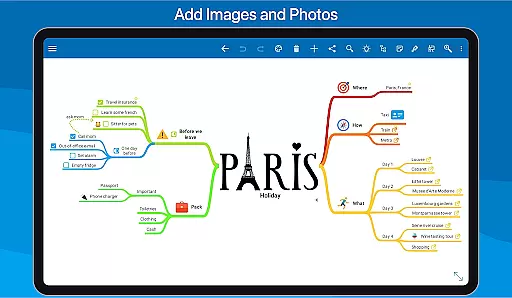
SimpleMind Pro is a premier mind mapping application designed to help users organize thoughts, retain information, and spark new ideas. The app offers an intuitive interface that allows for effortless creation of mind maps on-the-go, making it suitable for use anytime and anywhere. Its standout feature is the ability to synchronize your mind maps across multiple platforms, including Windows and Mac (available as a separate purchase), ensuring seamless access and continuity.
The app supports both free-form and auto layout options, enabling users to place topics anywhere or utilize auto layouts for brainstorming sessions. With tools for adding media, documents, and styling options, SimpleMind Pro caters to a wide array of applications from business to education. Additionally, its trustworthy and reliable nature is backed by over 10 years of consistent updates and improvements, making it a dependable choice for professionals and students alike.
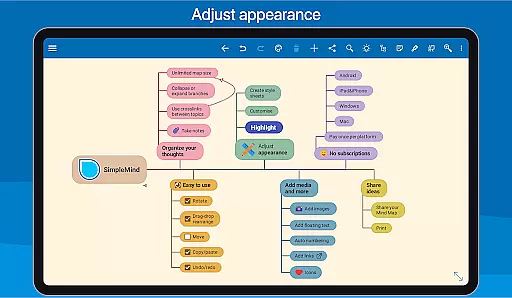
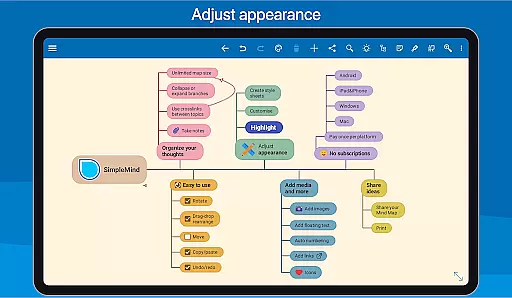
SimpleMind Pro boasts a comprehensive set of features tailored to enhance productivity and creativity. One of its key strengths is the versatile layout options, allowing users to freely position topics or employ various auto layout styles perfect for brainstorming. The app also includes robust organizational tools such as checkboxes, progress bars, and crosslinks between topics, facilitating structured and interconnected thinking.
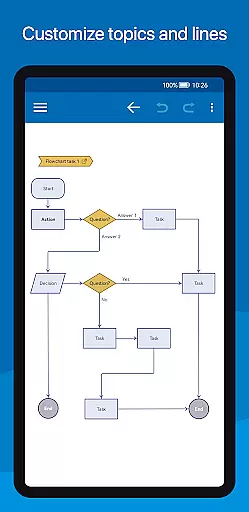
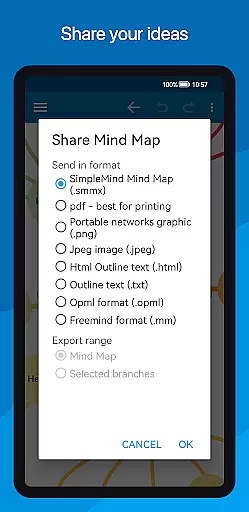
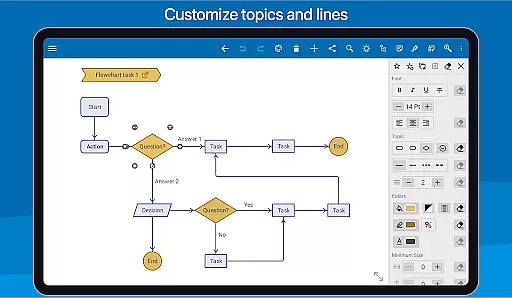
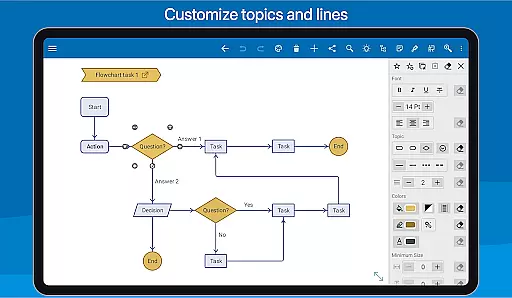
Media integration is another highlight, with support for images, notes, icons, voice memos, and videos. This multimedia capability enriches mind maps, making them more informative and engaging. Furthermore, seamless synchronization via cloud services like Dropbox ensures that all devices are updated in real time. Sharing options abound, with the ability to export mind maps as PDFs, images, or outlines, while advanced styling tools offer extensive customization possibilities to tailor the appearance of each mind map precisely to user preferences.
SimpleMind Pro excels in core task management by offering a versatile mind mapping experience that helps users organize thoughts and generate ideas effectively. The app provides both free-form and auto layout options, allowing for flexible brainstorming sessions. Users can place topics anywhere on the virtually unlimited canvas or utilize auto layout features perfect for structured thinking.
The application supports various organizational tools such as checkboxes, progress bars, and auto-numbering to keep track of task completion. With the ability to connect any two topics using crosslinks and label relations, users can establish complex relationships between tasks, enhancing project management capabilities.
Moreover, SimpleMind Pro ensures that your work remains clear and manageable with features like collapse and expand branches, hide or show specific sections, and an outline view. These functionalities help maintain an overview of large projects while enabling focus on individual parts when needed, making it an indispensable tool for productivity enthusiasts.
Cross-device synchronization is a critical feature of SimpleMind Pro, ensuring reliable access to mind maps across multiple platforms. By leveraging cloud services such as Dropbox, the app allows seamless syncing of mind maps between Android devices and even with desktop versions available on Windows or Mac (as a separate purchase).
This synchronization capability means you can start a mind map on your phone during a commute and continue working on it from your tablet or computer at home without missing a beat. It supports not only text but also multimedia elements like images, videos, and voice memos, all of which are synced in real-time.
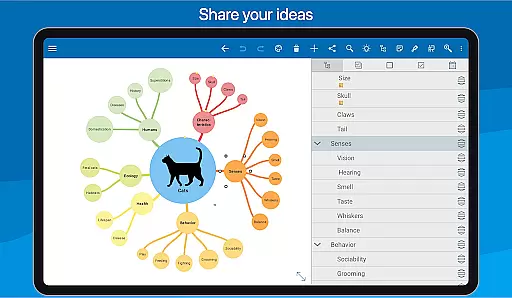
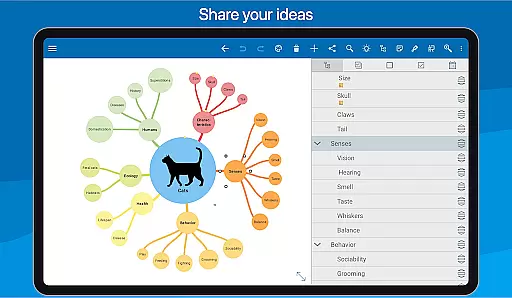
Furthermore, sharing options enable collaboration by exporting mind maps as PDFs, images, or outlines that can be imported into word processors. This flexibility ensures that teams can collaborate efficiently regardless of their device preferences, providing peace of mind that everyone is working with the most up-to-date information. Such robust synchronization makes SimpleMind Pro a reliable choice for those who value uninterrupted productivity flow.
User-friendly interface
Extensive customization options
Reliable synchronization across devices
Wide range of applications
Regular updates and improvements
Premium version comes at a cost
Steeper learning curve for beginners
Limited free version features
Occasional sync issues reported
Separate purchases for desktop versions

Mega cloud explorer plugin for Solid Explorer
 3.80
3.80
Easily read and manage all your PDF files
4.10
Automates browsing any website and notifies you of important changes or events
4.30
The upgraded version of Name Wheel with AI and the power to add your own wheels.
4.0
The Pro Version of Android's tiniest Notepad app. Just 0.3MB but feature-packed!
4.60
A lightweight JSON & XML files creator, editor and viewer (Premium Version)
4.40
We're working to become the best machining app on the market! www.cncdirt.com
4.80
Simple and reliable communication between inmates, friends and family
3.20
A beautiful digital clock with autostart and many other functions
4.70
Use powerful, industry-leading AI tools to generate visual charts from any data
4.80
Scan paperwork into PDF/JPG, generate your own e-signature and send fax or email
4.70
PDF scanner & converter for files, photos, lottery, QR codes. One swipe away!
4.50
Translate text/voice/photos in 150+ languages. Offline & fast translator app.
4.50
Send files, sync SMS, notifications & clipboard across devices via local network
4.40
This small app MUST BE INSTALLED after purchase, else license won't work
4.40
Create and edit presentations with Google Slides, part of Google Workspace.
4.00
Code on-the-go with VScode for Android. Edit,debug and collaborate from mobile!!
3.10
Experience and share your SolidWorks designs on your Android® phone and tablet.
2.50
Ads Free App! Editor, Hide File, Copy, Move, Delete and Rename.. all facility av
1.70


User Reviews