
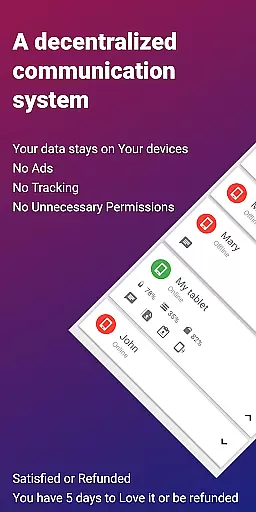
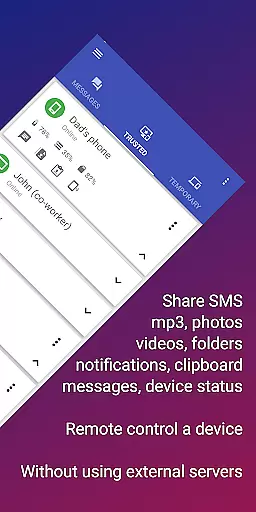
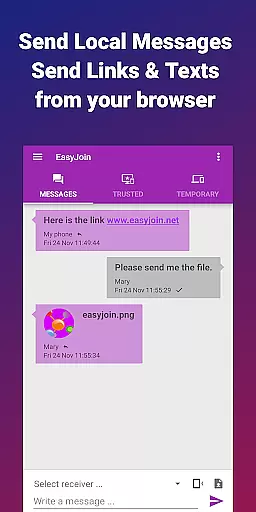

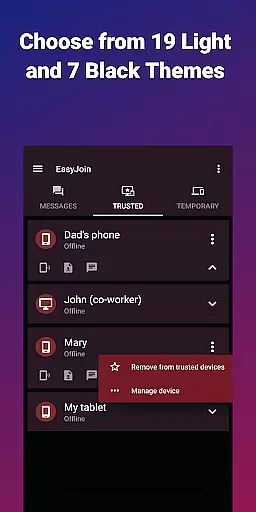
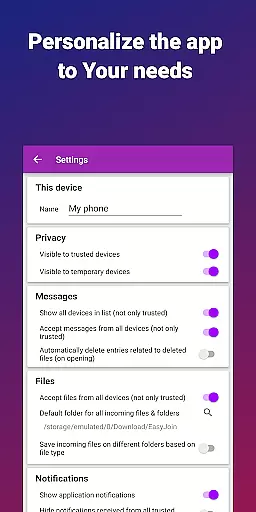
EasyJoin is a productivity-focused application designed to seamlessly connect your devices and transfer files instantly without relying on cloud services, advertisements, or tracking. The app enables users to send files, sync clipboard content, manage SMS, read notifications, and control devices using only their local network. With end-to-end encryption, all data remains private and secure within the user's devices.
Key features include fast file transfer between devices like phones, PCs, and tablets, clipboard synchronization across multiple platforms such as Android, Windows, macOS, iPhone, iPad, and Linux, and remote notification management. Additionally, EasyJoin supports local network messaging, remote device control, and cross-platform compatibility with desktop apps available for major operating systems. Its privacy-first approach ensures no accounts, cloud storage, ads, or trackers are involved, making it ideal for personal and team use.
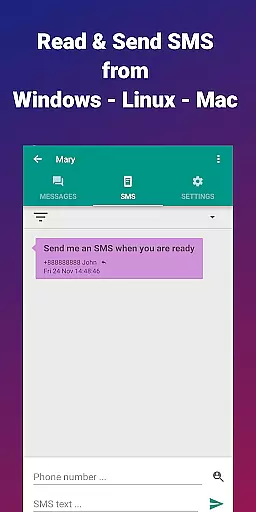
This app is perfect for reading and sending SMS from your computer, transferring files between phone and computer, copying-pasting text across devices, offline file sharing, and replacing ad-based services with a secure, local alternative.
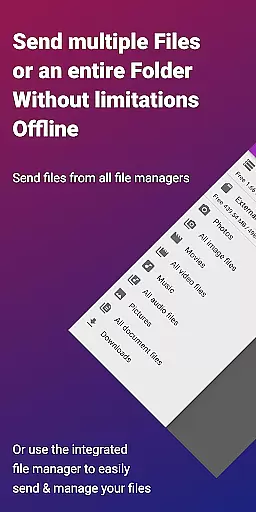
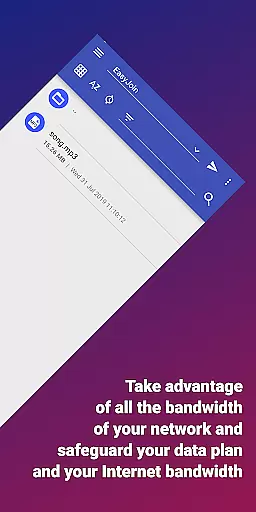
EasyJoin offers a comprehensive suite of features that enhance productivity by enabling seamless interaction between multiple devices. One standout feature is its fast file transfer capability, which allows users to instantly send photos, videos, documents, and folders between devices without requiring an internet connection, cloud storage, or external servers. This makes it particularly useful in environments where privacy and speed are critical.
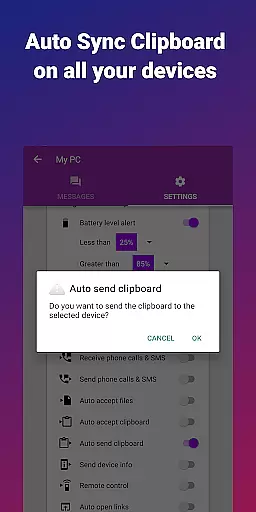
Another key feature is clipboard synchronization, which lets users copy content on one device and paste it on another, regardless of platform. Whether you're working on Android, Windows, macOS, iPhone, iPad, or Linux, this functionality streamlines workflows and boosts efficiency. Additionally, the app provides peer-to-peer encrypted sharing, ensuring that all data stays within the local network and remains protected through end-to-end encryption.
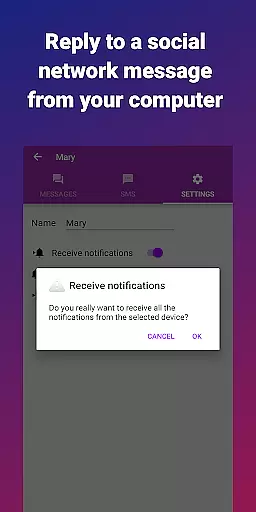
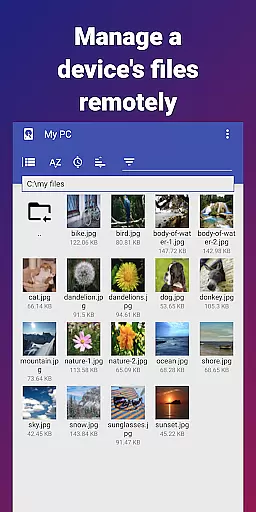
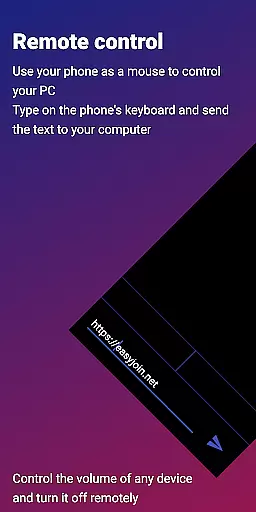
Remote notification and SMS management allow users to read and respond to messages directly from their computers, while remote control features enable using a phone as a keyboard or mouse for a PC. Local network messaging facilitates secure communication between linked devices without external services. Cross-platform support extends these capabilities to desktop apps for Windows, macOS, and Linux, along with browser extensions, making EasyJoin a versatile tool for enhancing productivity in any setting.
Efficient task management is essential for productivity applications, and EasyJoin excels in this area by offering a suite of features that streamline device connectivity and file sharing.
The app enables users to transfer files between devices instantly without relying on cloud services or external servers. This functionality not only enhances speed but also ensures privacy as data never leaves the local network.
Additionally, EasyJoin supports clipboard synchronization across multiple platforms including Android, Windows, macOS, iPhone, iPad, and Linux. This cross-platform capability allows seamless copy-paste operations, making it easier for users to manage tasks that involve different types of devices.
By integrating remote notifications and SMS capabilities, EasyJoin further enriches its task management offerings. Users can read and respond to messages directly from their computers, thus centralizing communication channels and improving overall efficiency.
Cross-device synchronization is a critical feature for modern productivity tools, and EasyJoin provides reliable performance through its innovative use of local networks.
All data shared via EasyJoin remains within the user's local network, utilizing end-to-end encryption to ensure security. This approach eliminates concerns about cloud storage vulnerabilities while maintaining high-speed transfers between connected devices.
EasyJoinu2019s ability to sync notifications and SMS messages across devices adds another layer of convenience. Whether you're working on a PC or using a mobile device, you can stay updated with real-time alerts and communications without switching contexts.
Moreover, the app offers remote control functionalities, allowing users to operate one device from another. This feature is particularly useful for presentations or when managing multiple devices simultaneously, ensuring consistent and dependable synchronization regardless of the situation.
Fast file transfer
Clipboard sync
P2P encryption
Cross-platform
No subscriptions
Limited UI design
Wi-Fi dependency
One-time cost
No cloud backup
Complex setup

The long-awaited modern gallery app for your Nextcloud server
 4.70
4.70
Easily read and manage all your PDF files
4.10
⏰ Finally a timer app which can run multiple timers simultaneously on your watch
3.90
Cloud storage, automatic phone backup, and more.
4.10
Translate text/voice/photos in 150+ languages. Offline & fast translator app.
4.50
Secure, open-source, SPICE and SSH Remote Desktop for QEMU KVM virtual machines
4.00
A beautiful digital clock with autostart and many other functions
4.70
Seamlessly read, manage, and organize all your PDF files solution in one place
4.40
2026 USPS Alpha/Color coded calendar Sunday/Rotating day off schedules
4.1
Protect and view your important info on your phone and tablet with eWallet®
4.80
Understand anything with a personalized AI research assistant
4.80
QuickBooks Workforce lets teams view pay info and track time in one place.
4.70
Quickly and easily keep track of your work shifts
4.70
Stay on top of your to-dos with Google Tasks, part of Google Workspace.
4.60
Tally and goal counter for Wear OS & mobile
4.50
Access, manage and transfer files on Android, PC, Mac, NAS and cloud storages.
4.30
All in One PDF Reader: Manage, Read and Edit your Documents
4.20
Ultimate Virtual AI Character for immersive Roleplay Chat. Perfect Companion
3.90
Mega cloud explorer plugin for Solid Explorer
3.80


User Reviews