
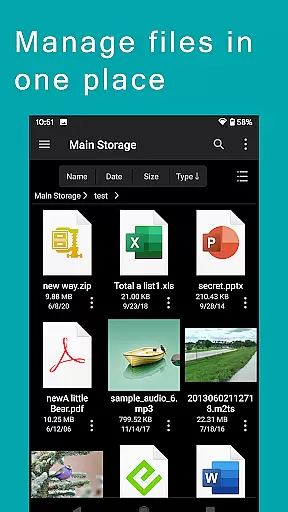
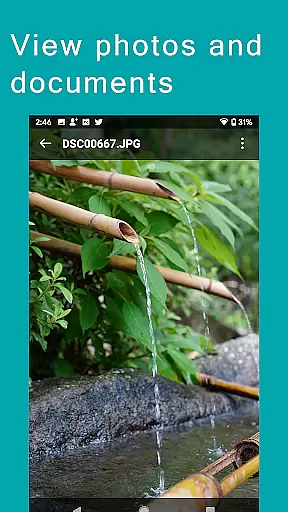
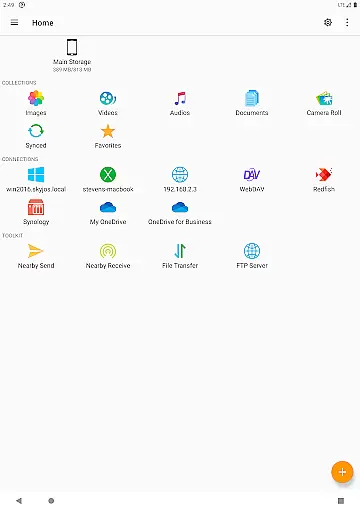
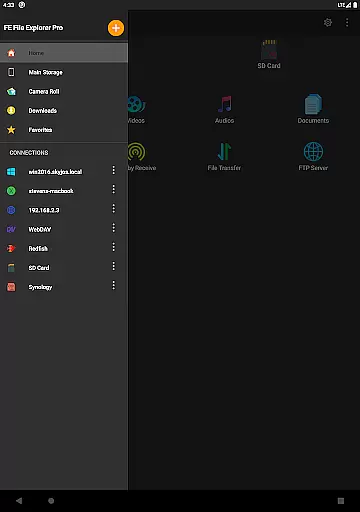
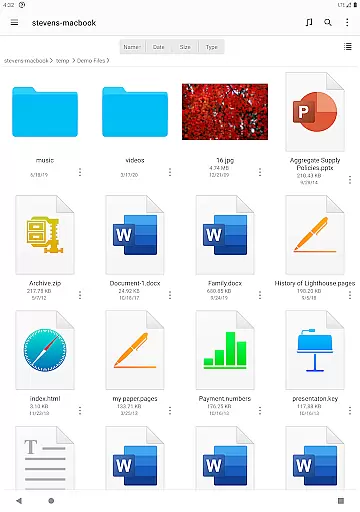
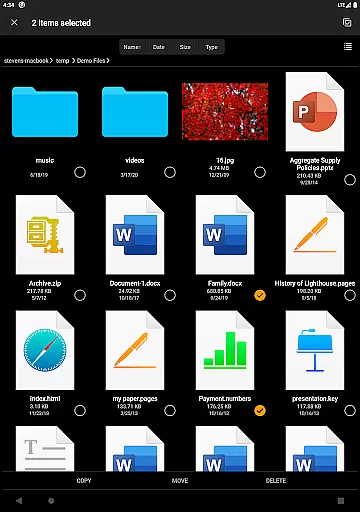
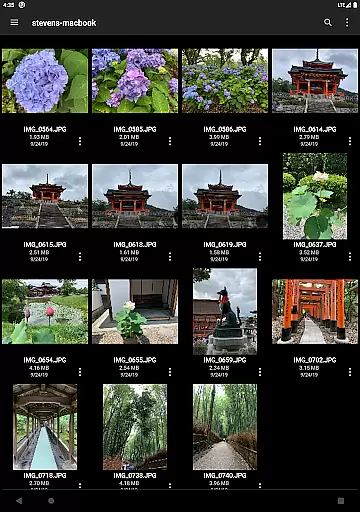

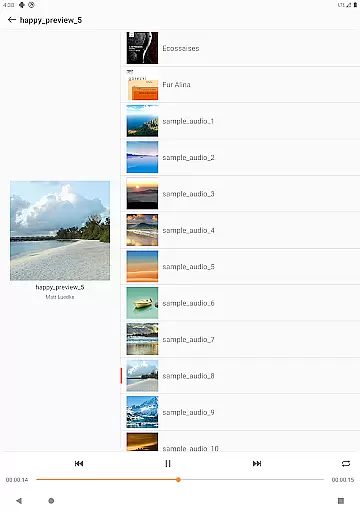
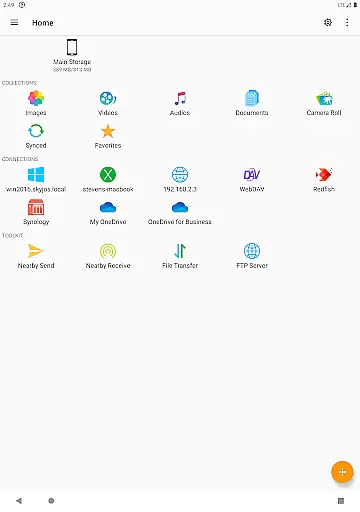
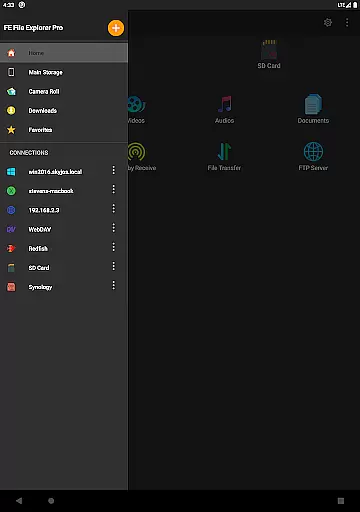
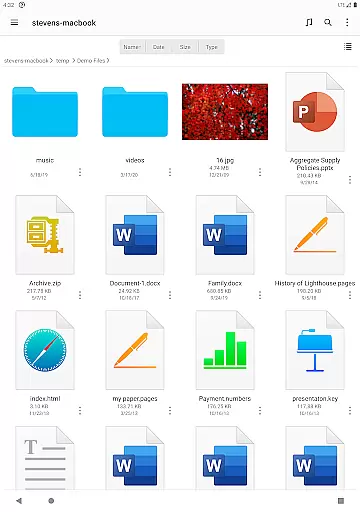
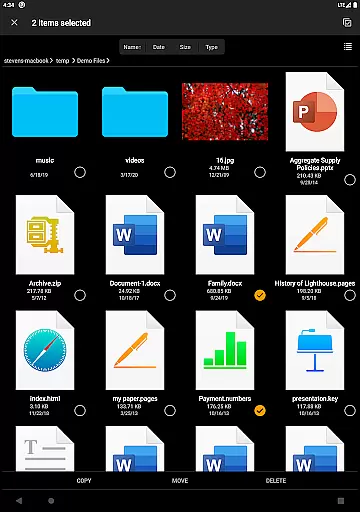
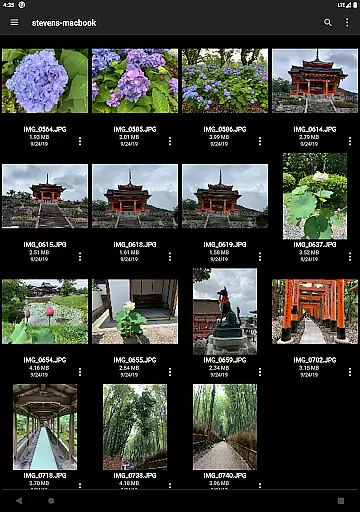

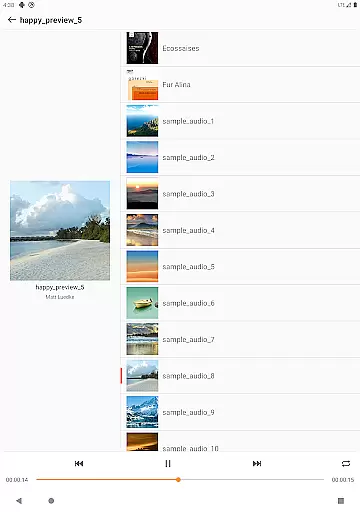
FE File Explorer Pro is a versatile file management application designed for both Android and iOS users. This app allows you to access not only local files but also those stored on your computer, NAS, and various cloud storage services. With the ability to transfer files between any locations, stream multimedia content, and directly manage documents without downloading, it offers a comprehensive solution for all your file management needs.
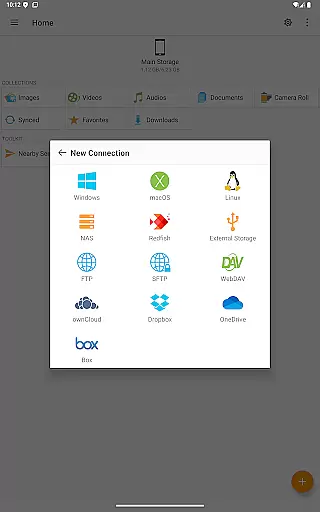
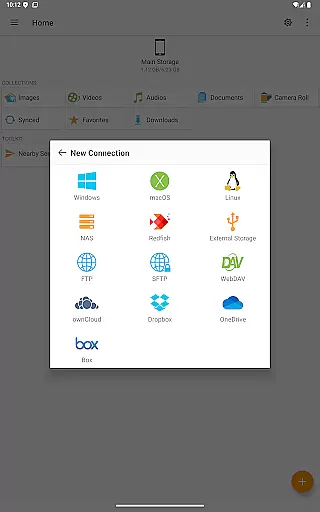
The app supports multiple protocols including SMB/CIFS, WebDAV, FTP, and SFTP, enabling seamless connectivity with macOS, Windows, Linux, and NAS devices. Additionally, it integrates with popular cloud services like OwnCloud, Dropbox, OneDrive, and more. Whether you're managing documents, photos, or multimedia files, FE File Explorer Pro provides an intuitive interface and powerful tools to enhance productivity.
Perfect for professionals who need remote access to their files, this app ensures that you can efficiently handle your data from anywhere, making it an indispensable tool for modern work environments.
FE File Explorer Pro stands out with its extensive feature set tailored for efficient file management. The app provides access to network shares on macOS, Windows, Linux, and NAS via SMB/CIFS protocol, as well as WebDAV, FTP, and SFTP servers. It also connects seamlessly with cloud storage solutions such as OwnCloud, Dropbox, and OneDrive, ensuring that all your files are within reach.
One of the key highlights is its ability to automatically discover computers and NAS when setting up new connections, supporting Windows Domain, Active Directory, and DFS. Users can perform essential file operations like copy, move, rename, and delete directly on Android. The app also supports viewing documents, browsing images, and playing multimedia files, with an Edit-in-Place feature that allows editing documents located on remote storage.
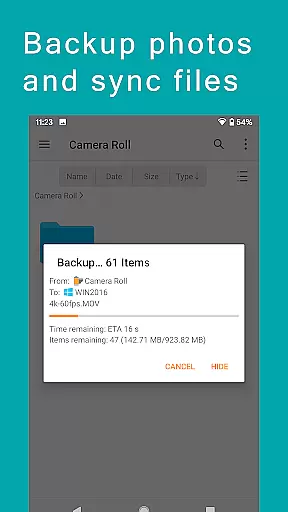
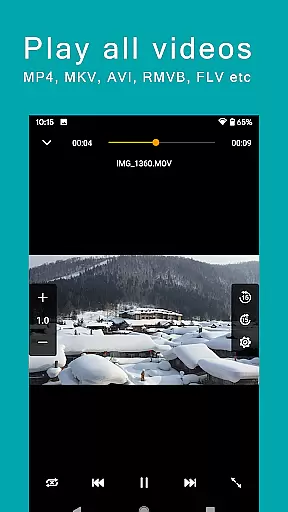
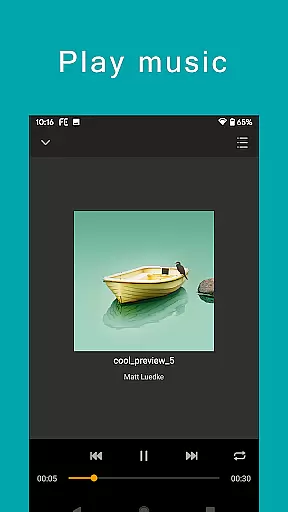
Additional features include archive and unarchive capabilities for ZIP, RAR, and 7zip files, file search functionality, and the ability to stream movies and music from remote storages. With options for file transfer between storages, syncing files, backing up camera photos, and nearby file transfer between Android and iOS devices, FE File Explorer Pro delivers a robust and flexible file management experience.
FE File Explorer Pro excels in core task management by providing users with a comprehensive suite of tools to handle files across multiple environments. The app supports access to network shares on various operating systems and NAS via SMB/CIFS protocol, as well as WebDAV, FTP, and SFTP servers.
In addition to local Android storage, SD Cards, and USB OTG, it connects seamlessly with cloud services like OwnCloud, Dropbox, and OneDrive. This versatility allows users to copy, move, rename, and delete files directly from their Android devices, streamlining file management tasks.
The ability to automatically discover computers and NAS when setting up new connections simplifies the user experience. Support for Windows Domain, Active Directory, and DFS further enhances its robustness, making FE File Explorer Pro an indispensable tool for efficient and secure file handling.
Cross-device synchronization is a standout feature of FE File Explorer Pro, ensuring reliable and consistent access to files regardless of their location. Users can effortlessly transfer files between different storage locations, including remote servers and local storage options such as Android internal storage, SD Cards, and USB OTG.
The app provides powerful sync capabilities between remote storage solutions and Android devices, facilitating automatic backup of camera photos to remote storage. This ensures that valuable data is always preserved and accessible from any device.
Moreover, the Nearby file transfer feature enables easy sharing of files between Android and iOS devices, enhancing collaboration and convenience. With these advanced synchronization features, FE File Explorer Pro delivers a dependable solution for managing digital content across various platforms.
Comprehensive protocol support
Seamless cloud integration
Efficient file operations
Multimedia streaming capability
User-friendly interface
Complex for beginners
Occasional sync issues
Limited free features
High resource usage
Requires stable internet

Seamlessly integrate data and reports to build your presentation to impress
 4.80
4.80
Mega cloud explorer plugin for Solid Explorer
3.80
Send files, sync SMS, notifications & clipboard across devices via local network
4.40
Automates browsing any website and notifies you of important changes or events
4.30
The AI assistant that thinks with you - write, code, and solve complex tasks
4.60
Create and edit presentations with Google Slides, part of Google Workspace.
4.00
Code on-the-go with VScode for Android. Edit,debug and collaborate from mobile!!
3.10
This small app MUST BE INSTALLED after purchase, else license won't work
4.40
Ultimate Virtual AI Character for immersive Roleplay Chat. Perfect Companion
3.90
The long-awaited modern gallery app for your Nextcloud server
4.70
Client for Nextcloud Deck
4.60
Stay on top of your to-dos with Google Tasks, part of Google Workspace.
4.60
Calendar 2023 widget for Android. Appointment scheduler, planner, and reminder
4.60
A simple Whisper AI keyboard for reliable speech transcription and rewording
4.60
Lightweight PDF, Word, Excel reader.
4.60
Secure your apps with lock screens, use custom themes and different features.
4.40
Pwnagotchi companion app
4.20
Easily read and manage all your PDF files
4.10
Easiest event planning, volunteer signups & parent teacher conference scheduling
2.20


User Reviews