
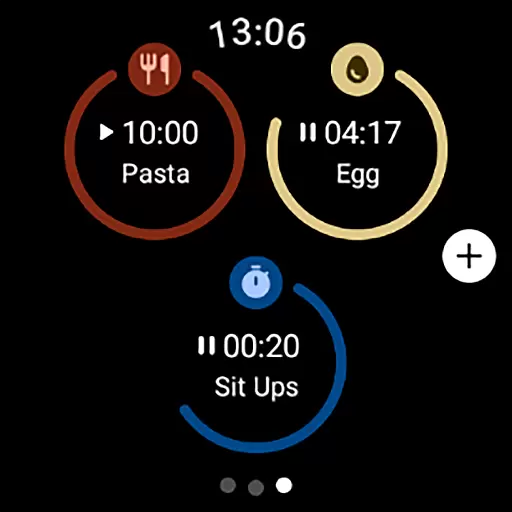
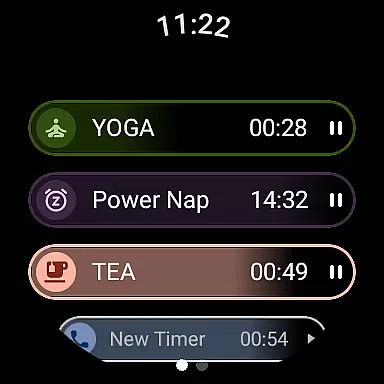
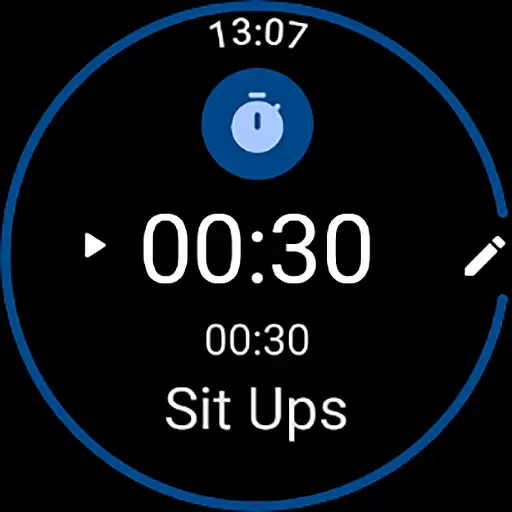
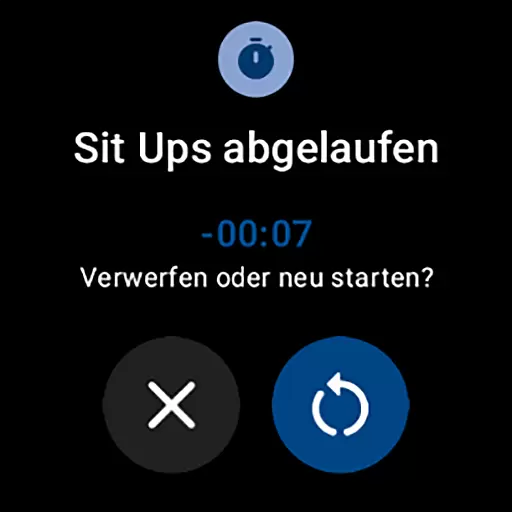
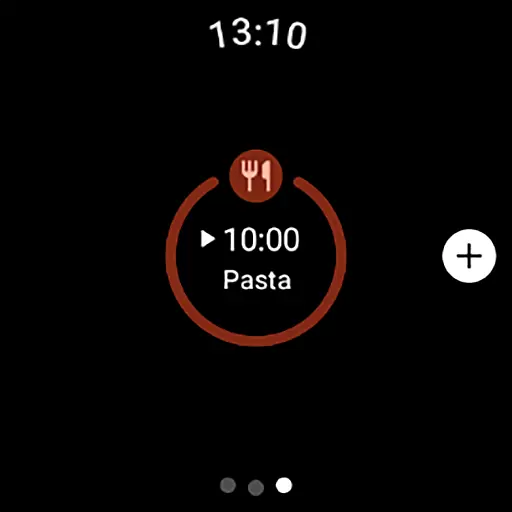
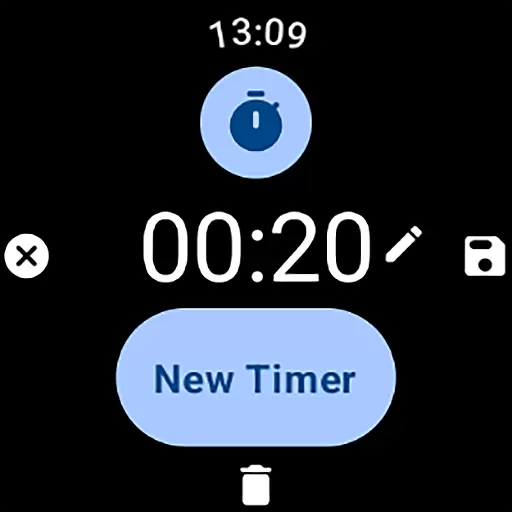
MultiTimerPro for Wear OS is a powerful productivity tool designed to help users manage their time with precision. This app allows you to run multiple timers simultaneously, making it perfect for multitasking scenarios like cooking, exercising, or work sprints.
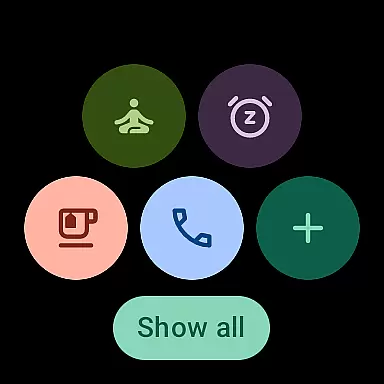
With an intuitive interface and customization options such as naming timers, setting durations, and choosing icons and colors, MultiTimerPro ensures each timer fits your specific needs. The newly added Tile feature enhances accessibility by letting you quickly access favorite timers.
Whether you're managing complex schedules or simple daily tasks, this app transforms how you handle time management on your smartwatch, offering efficiency and convenience right at your wrist.
MultiTimerPro stands out with its multi-timer functionality, allowing users to track various activities simultaneously without losing focus. This feature is particularly beneficial for those who need to monitor different tasks at once.
The app's intuitive interface makes creating, editing, and managing timers straightforward. Users can easily navigate through the app and adjust settings as needed. Additionally, customization options enable personalization of each timer with unique names, durations, icons, and colors.
Another notable feature is sound notifications, ensuring you never miss a timer alert. These innovative capabilities make MultiTimerPro an essential tool for anyone looking to enhance their productivity using Wear OS devices.
Effective task management is essential for productivity, and MultiTimerPro excels in this area by offering users the ability to handle multiple tasks simultaneously. This Wear OS app allows you to set and manage various timers at once, which is perfect for coordinating different activities throughout your day.
The app's multi-timer functionality stands out by letting you keep track of several time-sensitive tasks without losing focus. Whether it's timing your cooking sessions, monitoring workout intervals, or managing work sprints, MultiTimerPro ensures that you stay on top of every timeline.
With an intuitive interface designed for easy navigation, users can effortlessly create, edit, and manage their timers. Each timer is customizable with unique names, durations, icons, and colors, allowing for clear differentiation and organization of tasks. This level of personalization helps streamline your workflow and enhances efficiency.
Cross-device synchronization is a pivotal feature for those who use multiple devices throughout their day. MultiTimerPro addresses this need by ensuring reliable syncing across your Wear OS smartwatch and other connected devices. This means you can access your timers from anywhere, at any time, without missing a single notification.
By upgrading to MultiTimerPro, you benefit from sound notifications that alert you even when you're not directly interacting with your watch. The addition of sound ensures you never overlook an important timer, making your timekeeping experience more robust and dependable.
Moreover, the app's recent integration with Tile technology allows direct access to favorite timers, streamlining the way you interact with your most-used features. With these capabilities, MultiTimerPro redefines how you manage your day by providing consistent and reliable timer access across all your devices.
Multiple timers
Customizable options
User-friendly interface
Sound notifications
Quick access via Tile
Premium version cost
Wear OS only
Limited stock features
No web sync
Device compatibility

A customizable calendar for your Wear OS watch
 4.20
4.20
Seamlessly integrate data and reports to build your presentation to impress
4.80
Planet Free VPN - The best Fast Unlimited and Secure VPN Without Logs
4.50
Protect and view your important info on your phone and tablet with eWallet®
4.80
Absolutely the best CNC machinist speed and feed calculator around. fswizard.com
4.60
Pwnagotchi companion app
4.20
Multilingual translator for text, voice, and image translation!
4.90
Code on-the-go with VScode for Android. Edit,debug and collaborate from mobile!!
3.10
Browse and view your photos and videos from the phone with photo & video hide.
4.10
QuickBooks Workforce lets teams view pay info and track time in one place.
4.70
Stay on top of your to-dos with Google Tasks, part of Google Workspace.
4.60
All document reader, all in one file viewer read PDF, DOCX, XLS, PPT, TXT files.
4.60
To do list widget with a notebook organizer, checklist, simple shopping list
4.60
This small app MUST BE INSTALLED after purchase, else license won't work
4.40
Professional calendar app for Google Calendar, MS Outlook & Exchange
4.20
Easily read and manage all your PDF files
4.10
Remotely view listen control and record cameras.
3.70
ID.me Authenticator is a simple and free Two Factor Authentication solution
3.50
A comprehensive suite of tools designed specifically for Lactation Consultants
4.5


User Reviews