
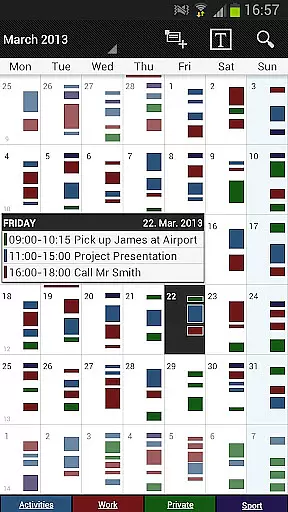
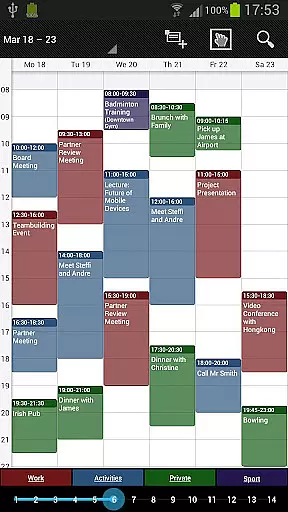
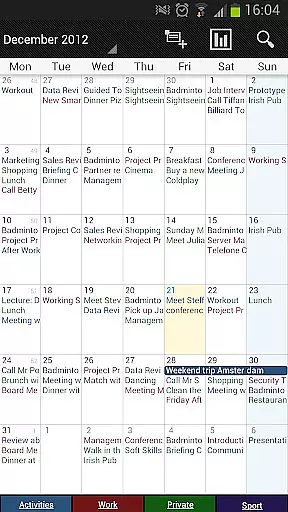
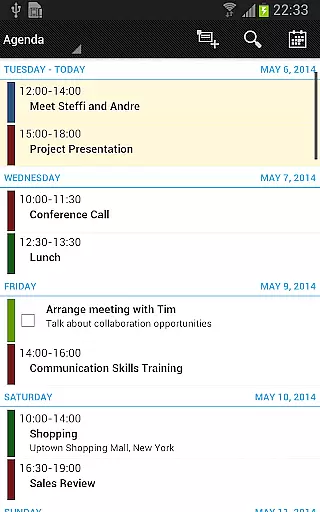
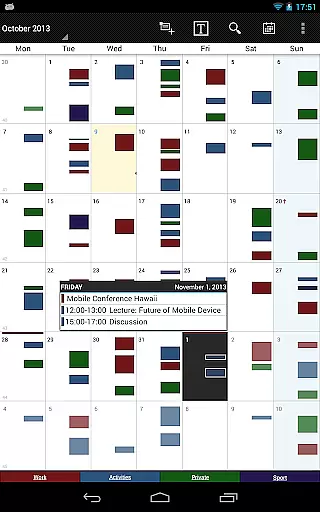
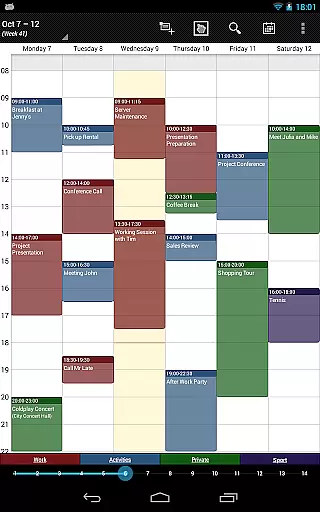
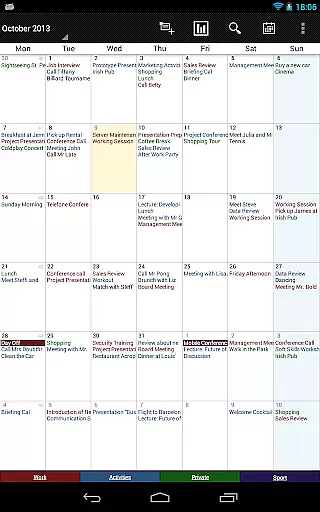
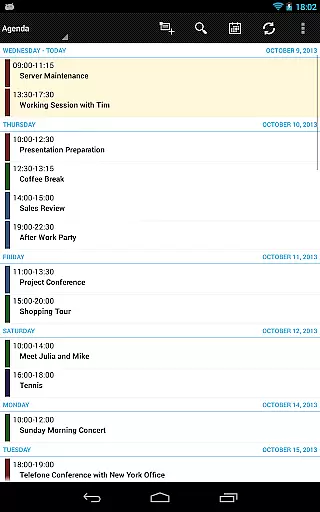
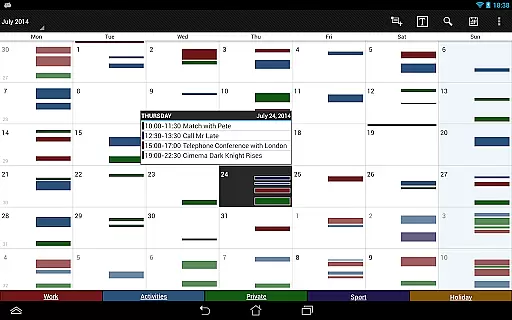
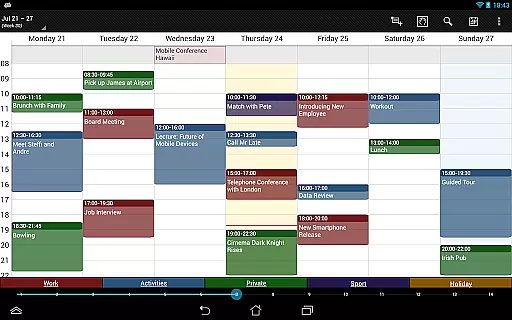
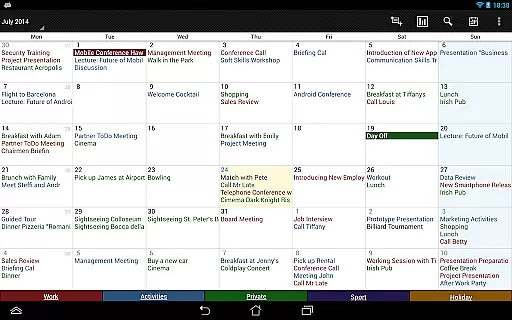

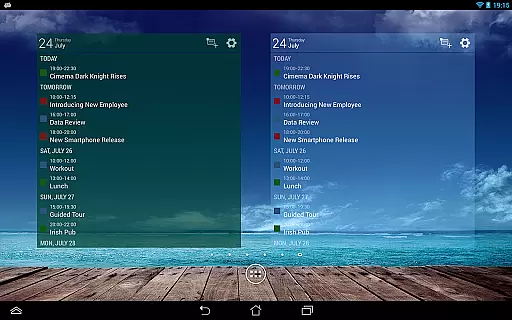
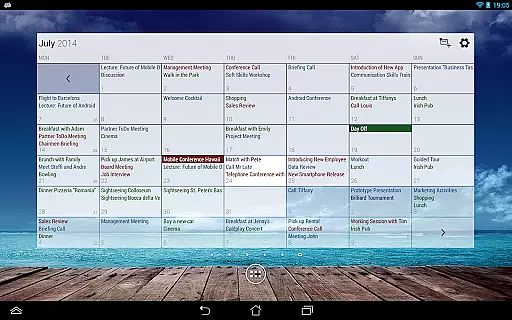
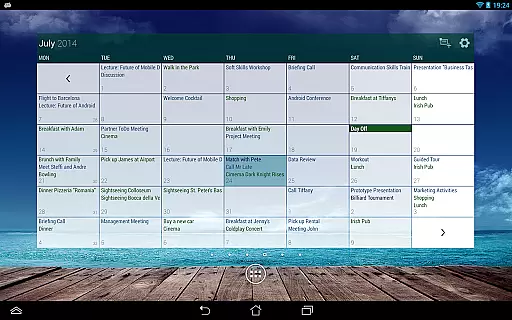
Business Calendar Pro is a comprehensive productivity tool designed for professionals who need an efficient way to manage their schedules. The app offers an intuitive interface that provides excellent visibility of daily appointments while allowing users to easily create and manipulate events. With its powerful customization options, users can tailor every aspect of the calendar to suit their preferences.
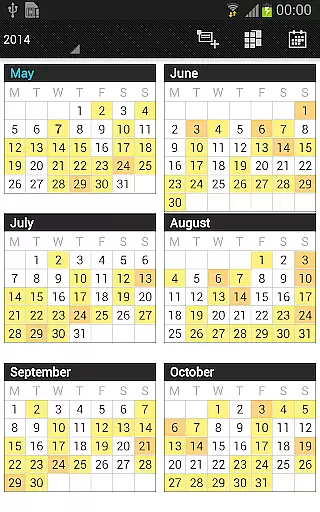
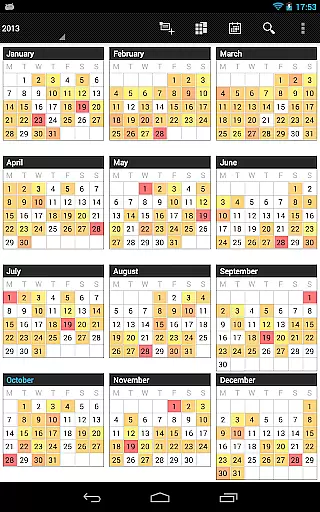
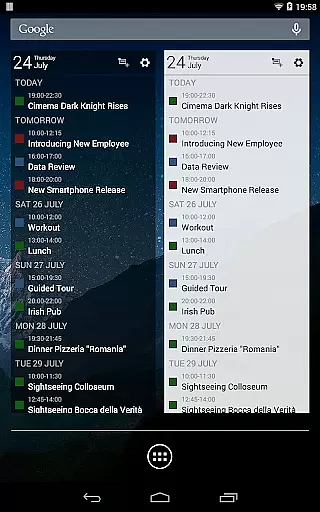
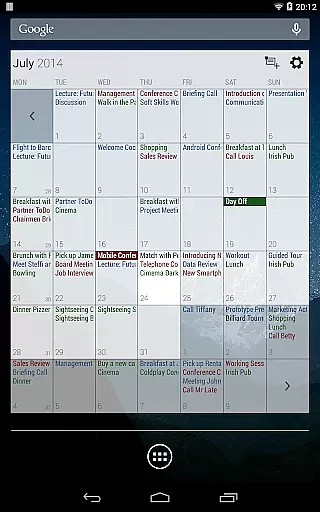
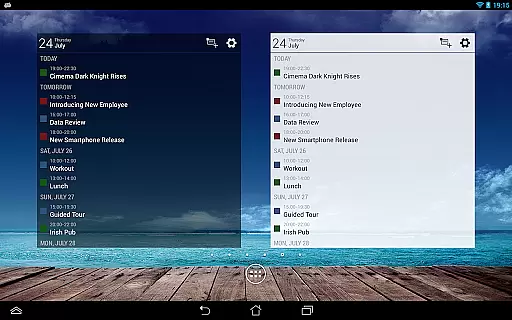
Apart from basic calendar views, the app includes advanced features such as color-coded year view, scrollable multi-day views, and professional widgets. It also supports synchronization with Google Calendar, Microsoft Outlook, and Exchange, ensuring seamless integration into existing workflows. Whether you're scheduling meetings or personal tasks, Business Calendar Pro equips you with all necessary tools to stay organized and productive.
Business Calendar Pro stands out with its extensive feature set tailored for power users. One notable feature is the Quick Day View, which allows users to swiftly review all events scheduled for the day. Additionally, the Favorite Bar provides instant access to all calendars, streamlining navigation within the app.
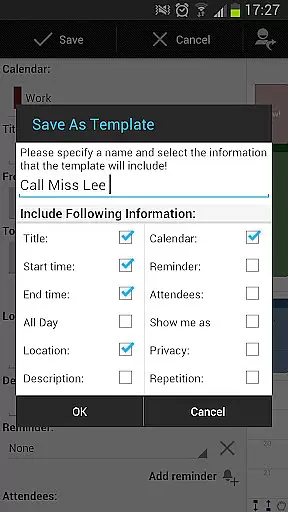
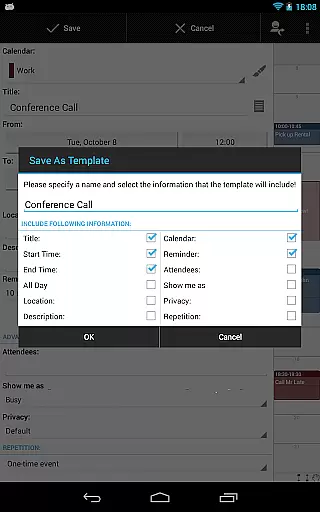
The app excels in customization, letting users adapt views and widgets down to the smallest detail. Individual reminders can be set with specific vibration patterns, sounds, repetitions, and intervals. Moreover, the app offers advanced functionalities like managing contacts linked to events, customizable event templates, and drag-and-drop support for moving events across different days. These robust features ensure users have complete control over their scheduling needs.
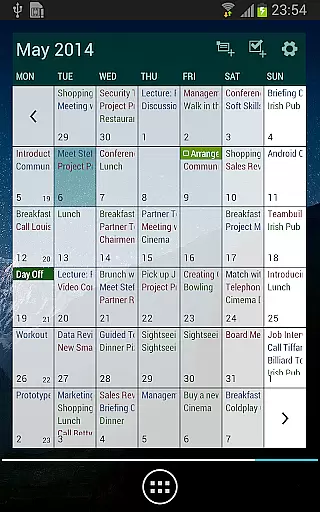
Business Calendar Pro excels in core task management by offering a comprehensive suite of tools designed to streamline your scheduling and event management. The app provides multiple views including month, week, day, agenda, and event views, ensuring you have a detailed overview of your tasks.
One standout feature is the Quick Day View, which allows users to swiftly see all events scheduled for the day. This functionality is complemented by smooth scroll and zoom capabilities, making navigation intuitive and efficient. Additionally, the app supports advanced recurrence options, enabling users to set up complex recurring events with ease.
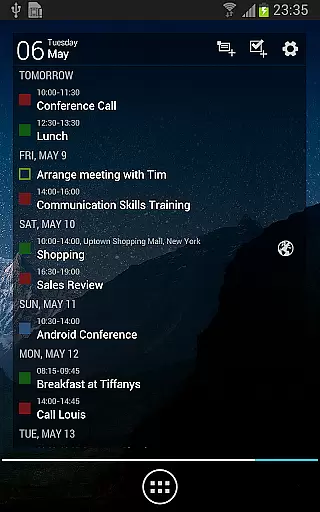
The ability to sync with external calendars like Google Calendar, Microsoft Outlook, and Exchange enhances its utility, ensuring that all your appointments are up-to-date across devices. With professional widgets available for various views, users can customize their home screens to display the most relevant information at a glance.
Cross-device synchronization is a critical feature of Business Calendar Pro, ensuring that your calendar data remains consistent and reliable across all your devices. By leveraging Android's native calendar synchronization, the app seamlessly integrates with services like Google Calendar, Microsoft Outlook, and Exchange.
This synchronization ensures that any changes made on one device are immediately reflected on others, providing real-time updates and peace of mind. Whether you're editing an event on your phone or adding a new appointment from your tablet, the app guarantees that your calendar stays current and accurate.
Moreover, the app offers extensive customization options for its widgets, allowing users to tailor their experience to fit their specific needs. With adjustable font sizes, color settings, and individual calendar displays, Business Calendar Pro ensures that your cross-device experience is both personalized and efficient.
User-friendly interface
Highly customizable
Syncs with multiple services
Advanced widget options
Comprehensive task management
Paid version only
Complex for beginners
Limited free trial
No built-in email client
Occasional sync issues

A Revolutionary All-in-One Artificial Intelligence Tools
 3.80
3.80
The long-awaited modern gallery app for your Nextcloud server
4.70
All in one sketching tool. Technical and General drawing. Online Maps support.
3.70
Planet Free VPN - The best Fast Unlimited and Secure VPN Without Logs
4.50
The upgraded version of Name Wheel with AI and the power to add your own wheels.
4.2
A simple, portable logger for POTA, SOTA, Field Day, and more
4.0
Easiest event planning, volunteer signups & parent teacher conference scheduling
2.20
All document reader, all in one file viewer read PDF, DOCX, XLS, PPT, TXT files.
4.60
Understand anything with a personalized AI research assistant
4.80
Simple notepad & memo. Take notes, to-do list, shopping list with reminders.
4.80
A beautiful digital clock with autostart and many other functions
4.70
Quickly and easily keep track of your work shifts
4.70
Scan paperwork into PDF/JPG, generate your own e-signature and send fax or email
4.70
Absolutely the best CNC machinist speed and feed calculator around. fswizard.com
4.60
Total remote control for your Android device, PC and cloud services (IFTTT)!
4.20
Make your handwriting beautiful, even more than pen on paper.
3.60
Auto-shutoff Alarm with Sunrise, Sunset & Fixed Options.
3.50
ID.me Authenticator is a simple and free Two Factor Authentication solution
3.50
Create study competitions, track your hours, and stay consistent with friends
4.4


User Reviews