
Notein - Notepad, Notes, Lists is a versatile productivity app designed to streamline note-taking and task management. This free notepad app offers multiple note-taking modes including text and checklist formats, automatic saving, and an intuitive interface for creating quick notes, to-do lists, and reminders.
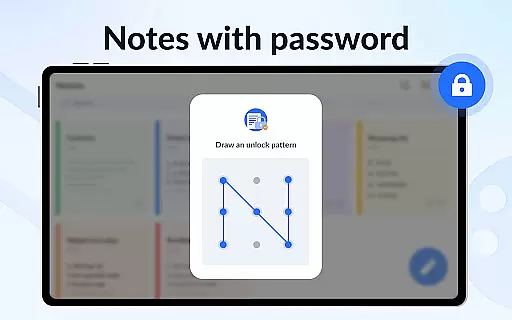
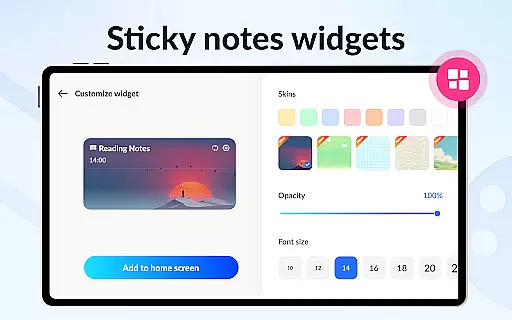
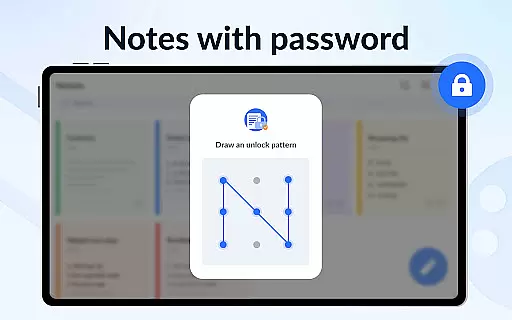
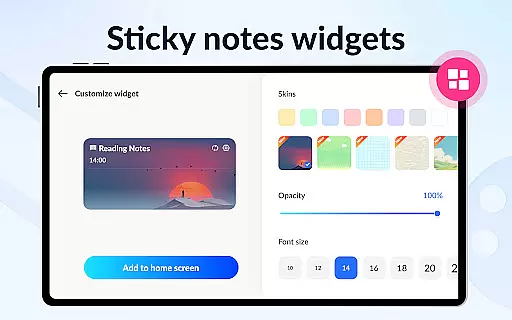
With features like calendar integration, color-coded organization, password protection, and sticky notes widgets, the app ensures users can efficiently manage their schedules while keeping important information secure and easily accessible. Whether for personal or professional use, Notein enhances productivity by providing a comprehensive digital notebook experience.
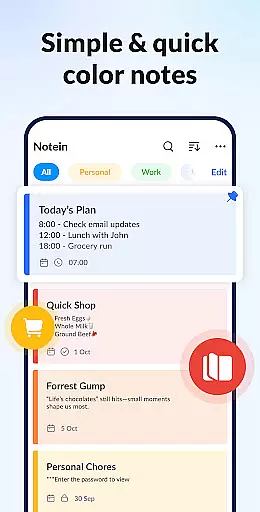
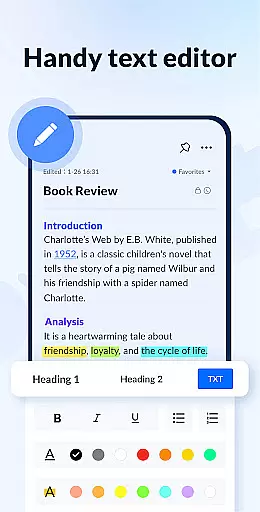
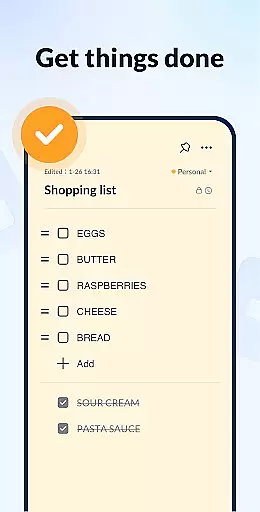
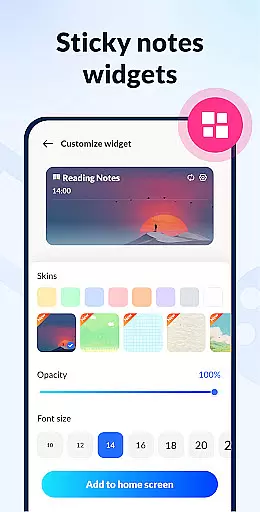
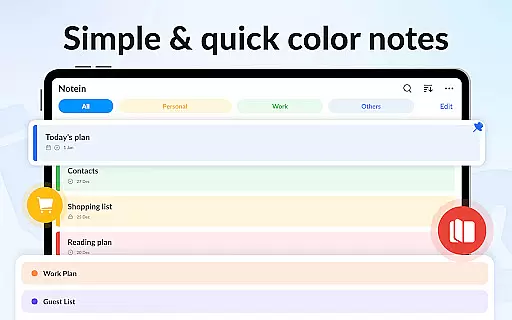
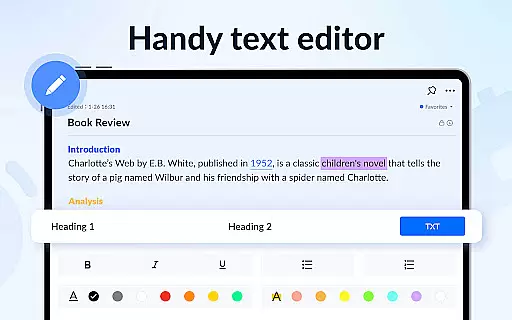
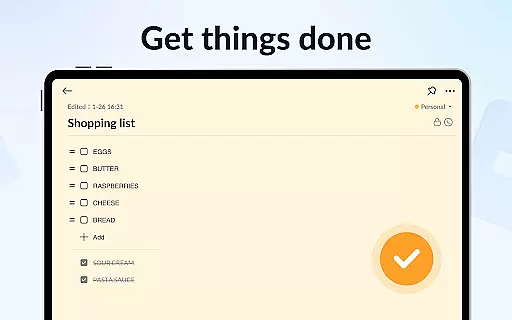
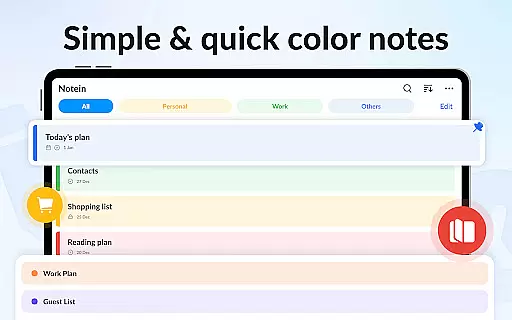
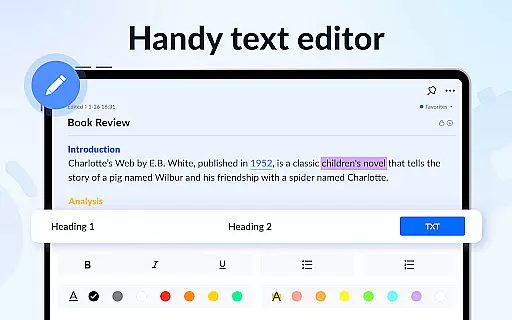
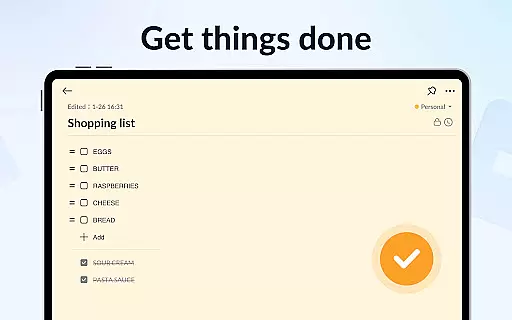
Notein stands out with its rich feature set tailored for efficient note management. The app provides colorful sticky notes widgets that allow quick access and visualization of tasks directly on the home screen. Its dual note-taking mode supports both text-based notes and checklist creation, catering to various user preferences.
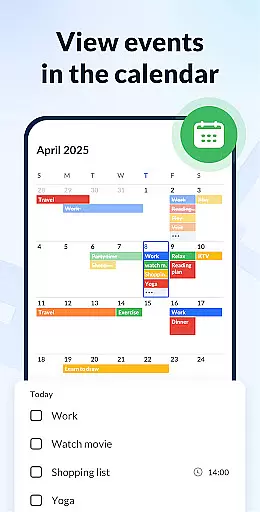
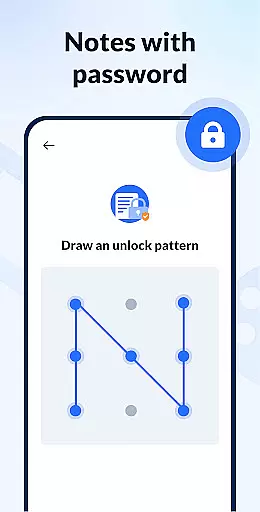
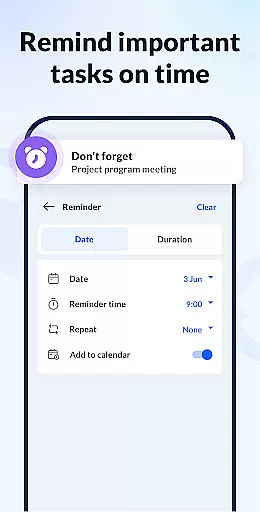
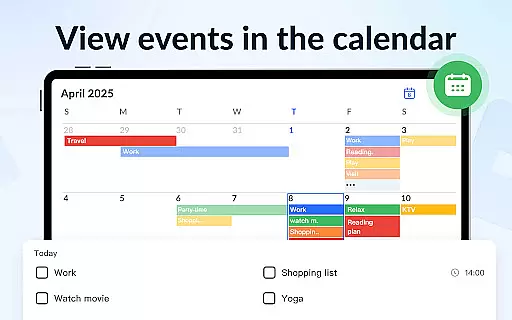
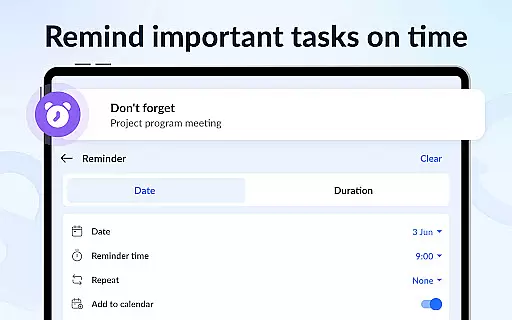
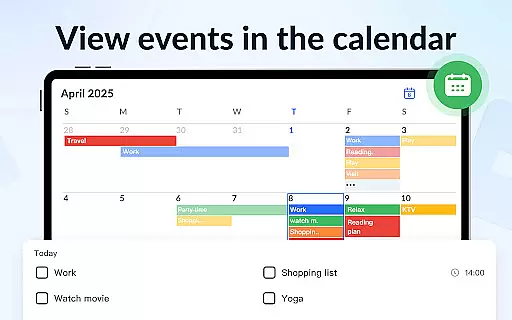
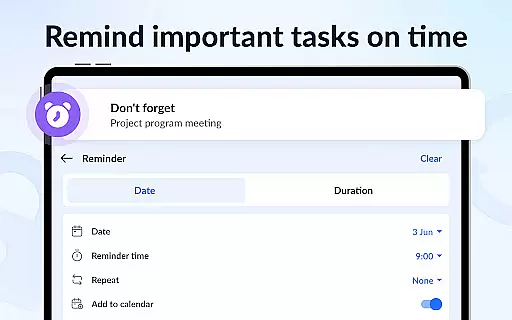
Advanced functionalities include calendar integration for scheduling, reminder notifications to keep track of deadlines, and cloud backup to prevent data loss. Users can also personalize their notes with different colors, lock sensitive information with passwords, and share notes across multiple platforms, making it a complete solution for organizing daily activities and important information.
Effective task management is essential for productivity applications, serving as the backbone for organizing and tracking responsibilities. Notein - Notepad, Notes, Lists excels in this area by offering versatile note-taking modes that include text and checklist formats, ensuring users can capture and manage tasks efficiently.
The app automatically saves notes as they are typed, providing a seamless experience for users who need to quickly jot down school notes, meeting notes, or create to-do lists. This feature eliminates the risk of losing important information due to unexpected interruptions, enhancing reliability.
With functionalities such as setting reminders, pinning crucial notes, and calendar integration, Notein empowers users to prioritize tasks and manage their schedules effectively. These tools collectively contribute to a comprehensive task management system that adapts to various user needs.
Furthermore, the ability to sort and filter notes by time and color aids in quickly locating specific entries, streamlining workflow and boosting overall productivity. Such organization features ensure that users can maintain clarity and focus amidst busy schedules.
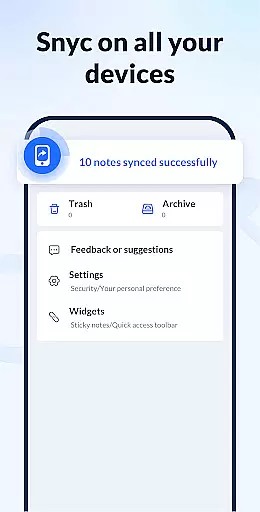
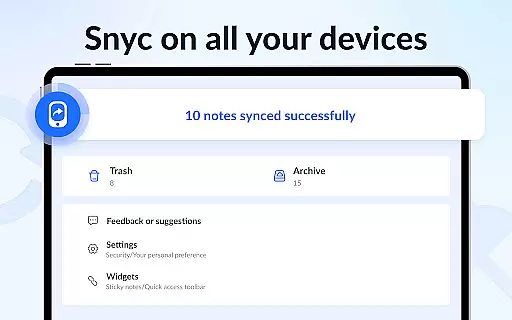
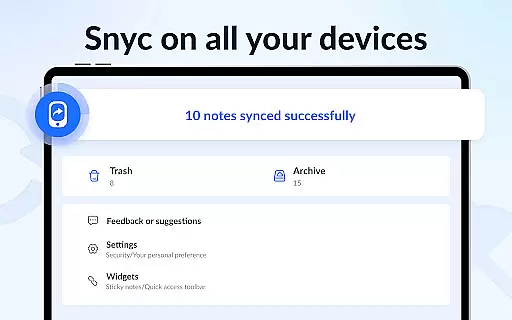
In today's interconnected world, reliable cross-device synchronization is vital for maintaining continuity across different platforms. Notein addresses this necessity by supporting cloud backups, allowing users to safeguard their notes and lists against data loss while ensuring accessibility from multiple devices.
This notepad app provides peace of mind with its backup and restore functionality, which guarantees that all critical information is preserved and can be retrieved whenever needed. Users can thus switch between devices without worrying about missing out on recent updates or changes made to their notes.
While direct mention of real-time syncing isn't highlighted in the description, the robust backup solution implies a stable environment where users can trust that their data remains consistent and up-to-date across sessions. This reliability fosters confidence in using Notein as a primary tool for personal and professional organization.
Additionally, features like sharing notes via various channels (Twitter, SMS, Email) enhance collaboration possibilities, making it easier to communicate ideas and tasks with others regardless of location or device preferences.
User-friendly interface
Automatic note saving
Color-coded organization
Secure password protection
Cloud backup support
Limited collaboration tools
No real-time syncing
Basic drawing tools
Occasional bugs reported
Ads in free version

Secure, fast, open-source, VNC and SSH Remote Desktop for Windows, Linux and Mac
 4.70
4.70
Experience Reading - Night Mode for Documents
4.40
Professional calendar app for Google Calendar, MS Outlook & Exchange
4.20
Planet Free VPN - The best Fast Unlimited and Secure VPN Without Logs
4.50
The Pro Version of Android's tiniest Notepad app. Just 0.3MB but feature-packed!
4.60
The AI assistant that thinks with you - write, code, and solve complex tasks
4.60
Ultimate Virtual AI Character for immersive Roleplay Chat. Perfect Companion
3.90
Seamlessly read, manage, and organize all your PDF files solution in one place
4.40
Put a lock on your cloud: Take the security of your data into your own hands
3.70
aCalendar+ makes your day, week and month
4.70
Total remote control for your Android device, PC and cloud services (IFTTT)!
4.20
All in One PDF Reader: Manage, Read and Edit your Documents
4.20
Activate Two Factor Authentication (2FA or Multi OTP), Password manager and more
4.10
Unlock AutoNotification
4.00
Secure, open-source, SPICE and SSH Remote Desktop for QEMU KVM virtual machines
4.00
Access your phone's notifications, calls, apps, photos & texts on your PC
3.90
Code on-the-go with VScode for Android. Edit,debug and collaborate from mobile!!
3.10
AI Video AI Image Private LLM AI Browser Llama Gemma Ollama Connect LLM Studio
4.3
A comprehensive suite of tools designed specifically for Lactation Consultants
4.3


User Reviews