
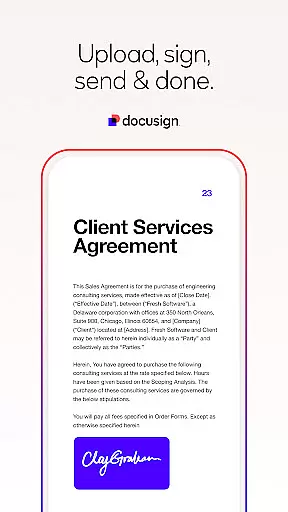


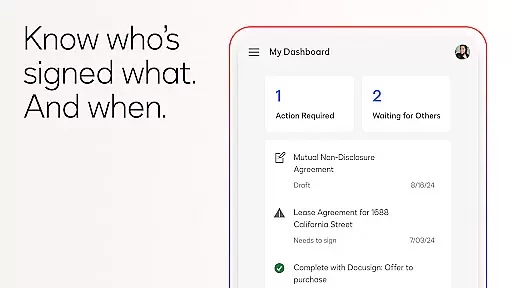
Docusign is the leading Intelligent Agreement Management solution that revolutionizes how businesses and individuals handle agreements. As the world's #1 eSignature platform, it allows users to securely send, sign, and manage documents from virtually anywhere, at any time, using almost any device. Trusted by millions globally, Docusign simplifies the entire agreement process while maintaining top-tier security and legal compliance.
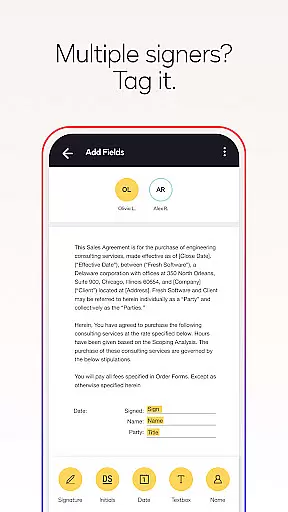
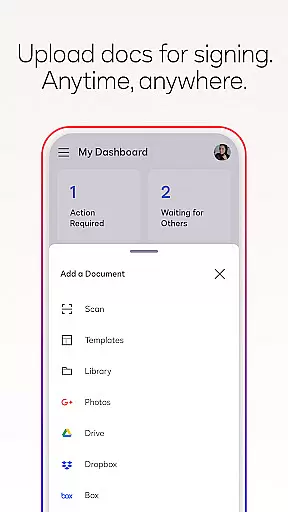
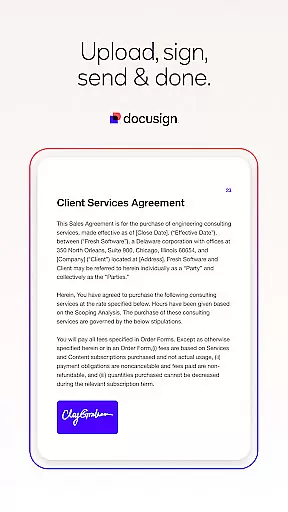
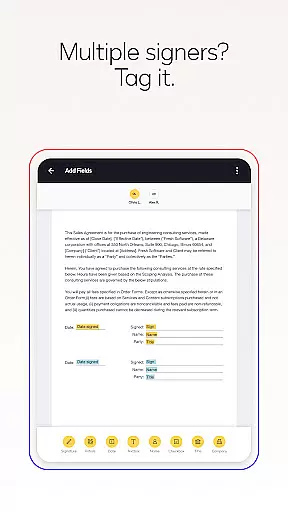
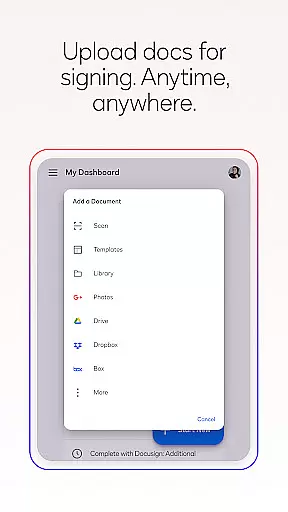
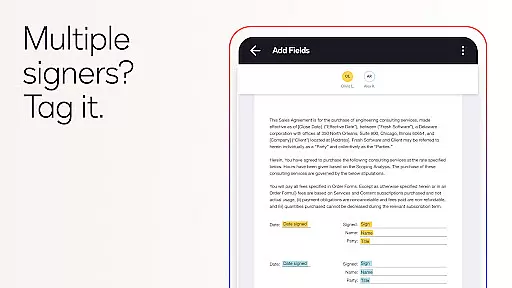
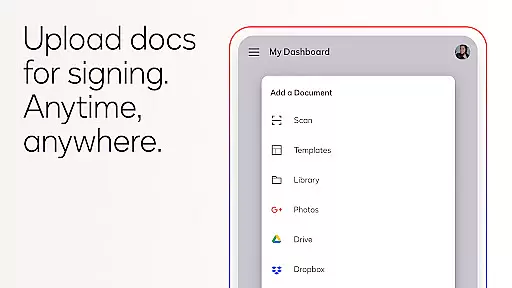
The app offers a streamlined experience for managing agreements on the go. Users can upload files via multiple sources, prepare documents with intuitive 'Sign Here' tags, and set customized workflows for multiple signers. With real-time notifications, responsive mobile signing, and ISO 27001 compliance, Docusign ensures both convenience and document integrity. Whether you're handling NDAs, sales contracts, or lease agreements, this app provides a complete digital solution for all your agreement needs.
Docusign stands out with its robust feature set designed to simplify agreement management. The app supports unlimited free signing for all parties and handles multiple document formats including PDFs, Word, Excel, and images. Its powerful functionality includes creating customized digital signatures directly on your device and uploading documents through various platforms like Google Drive, Dropbox, and Salesforce.
One of the key highlights is its ability to streamline document workflows. Users can prepare documents with precise 'Sign Here' tags, set signing orders for multiple recipients, and enable both in-person and remote signing. Advanced features include reusable templates, push notifications for completed signatures, and the ability to remind or void documents with a single tap. For professionals in real estate or those needing advanced document fields, premium plans offer additional capabilities such as zipForm Plus integration and web branding.
All transactions are legally binding under the eSign Act, ensuring documents are encrypted and secure. With responsive signing functionality that adapts to any device, Docusign delivers a seamless user experience while maintaining enterprise-grade security standards.
In the realm of productivity, core task management is pivotal for organizing and executing work efficiently. DocuSign revolutionizes this aspect by streamlining the agreement process.
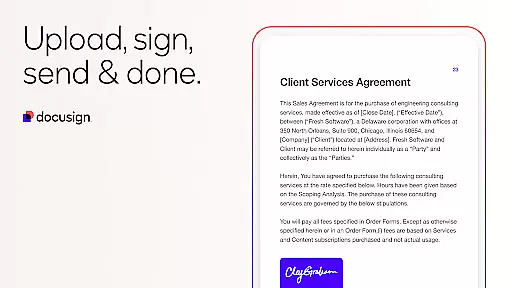
DocuSign's application allows users to create, send, and manage documents for e-signature with remarkable ease. The app supports a variety of document types including PDFs, Word documents, and more, ensuring that all your agreement needs are covered.
With features such as 'Sign Here' tags, users can specify exactly where signatures are needed, set signing orders, and establish workflows for multiple signers. This simplifies complex tasks and saves valuable time.
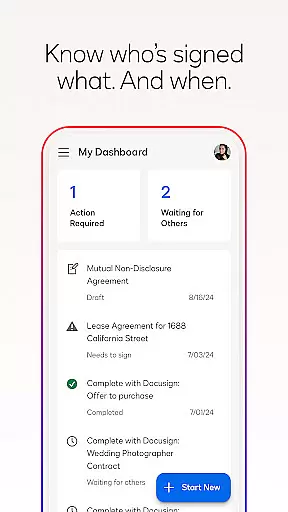
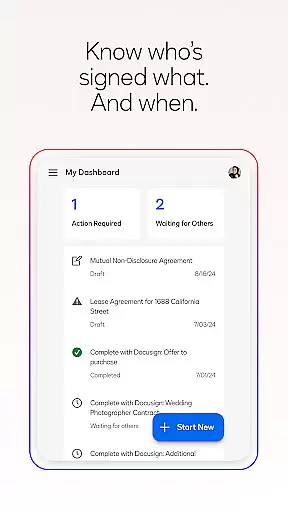
The real-time push notifications further enhance task management by keeping users informed about the status of their documents, making sure no critical deadlines are missed.
Cross-device synchronization is essential for maintaining workflow continuity in today's mobile-centric world. DocuSign excels in providing reliable synchronization across various devices.
Users can upload documents via email, cloud services like Google Drive and Dropbox, or even photo scanning, ensuring that files are accessible wherever you are. This flexibility guarantees that you're not tied down to a single device.
DocuSign's responsive signing functionality automatically adapts documents for optimal viewing on any device, whether it's a smartphone or tablet. This ensures a seamless user experience regardless of screen size or orientation.
Moreover, with unlimited free signing and trusted by millions worldwide, DocuSign offers peace of mind when managing important agreements across different platforms.
Easy-to-use interface
Legally binding signatures
Unlimited free signing
Multi-format support
Real-time notifications
Premium features costly
Limited offline access
Occasional glitches
Subscription required
Learning curve

A customizable calendar for your Wear OS watch
 4.20
4.20
Android Wallet Password Manager
4.80
A lightweight JSON & XML files creator, editor and viewer (Premium Version)
4.40
Customizable calendar widget for seamless event sync, planning & scheduling.
4.00
Pwnagotchi companion app
4.20
App lock - lock apps with fingerprint, password, pin or pattern, protect privacy
4.70
Calendar 2023 widget for Android. Appointment scheduler, planner, and reminder
4.60
Great calculator for Android named one of USA TODAY's "25 Essential Apps".
4.90
A Pixel Art watchface inspired by other iconic 90s designs for Wear OS devices!
4.40
Protect and view your important info on your phone and tablet with eWallet®
4.80
Secure, fast, open-source, Remote Desktop Client for Windows and Linux with SSH
4.60
All document reader, all in one file viewer read PDF, DOCX, XLS, PPT, TXT files.
4.60
Planet Free VPN - The best Fast Unlimited and Secure VPN Without Logs
4.50
This small app MUST BE INSTALLED after purchase, else license won't work
4.40
Share files & memories safely. Keep your photos and videos secure.
4.40
Unlock AutoNotification
4.00
Wake up & get tasks done! Add alarms & reminders on the Clock Launcher.
4.00
Remotely view listen control and record cameras.
3.70
Ads Free App! Editor, Hide File, Copy, Move, Delete and Rename.. all facility av
1.70


User Reviews