
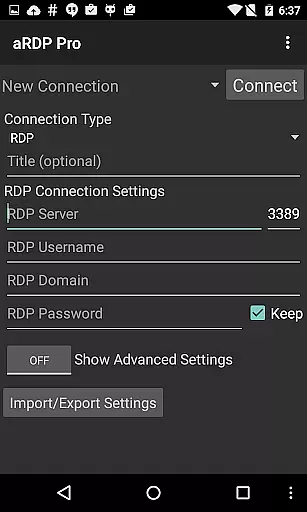
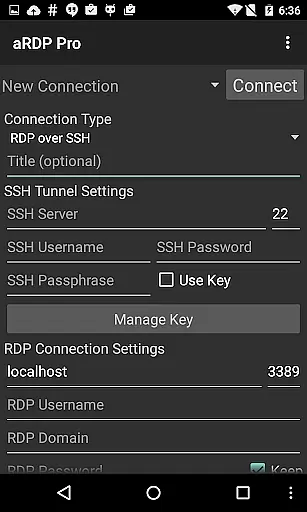
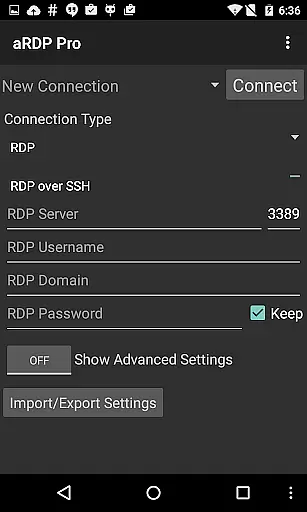
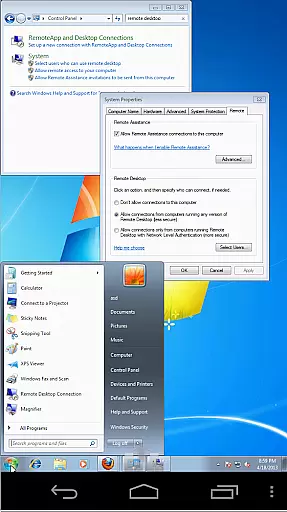
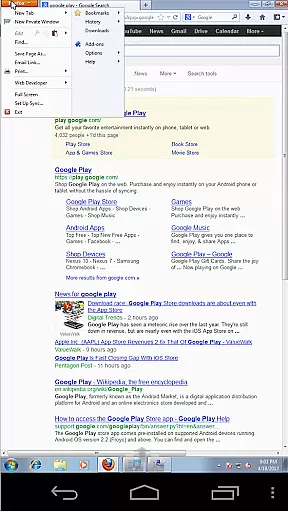
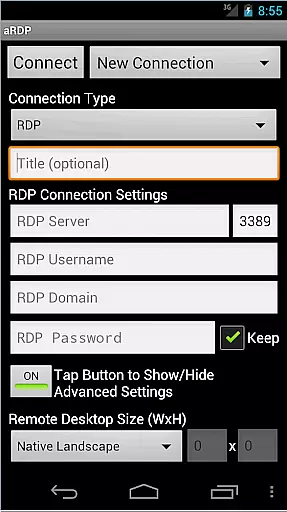
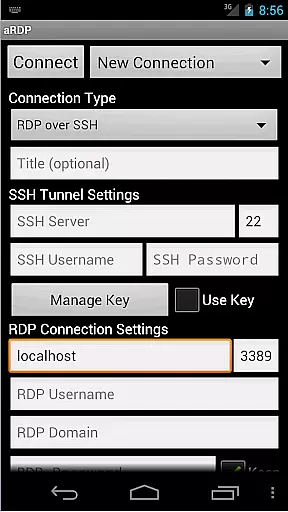
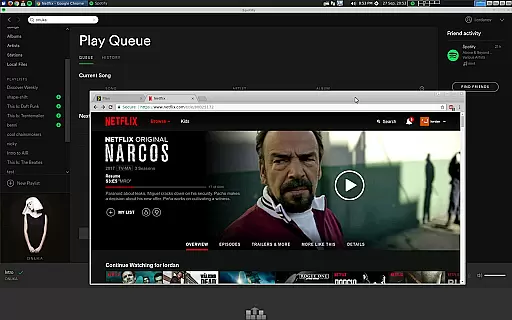
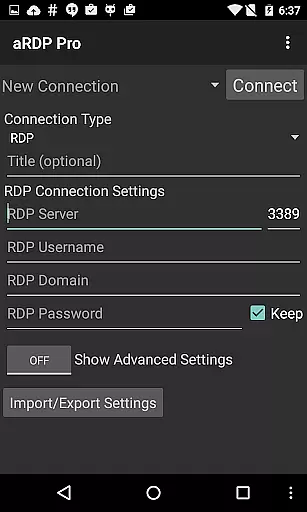
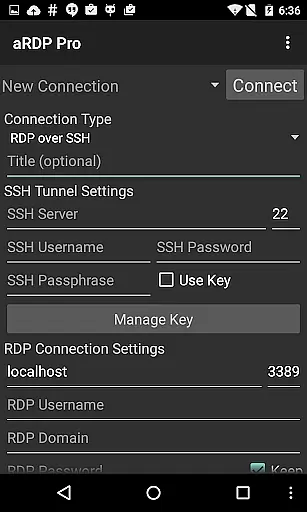
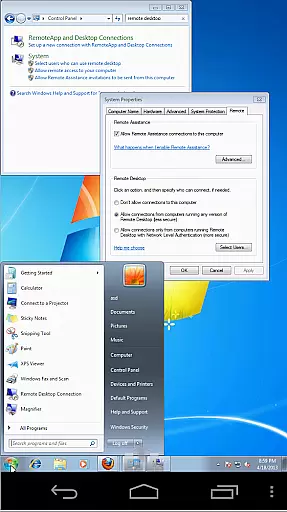
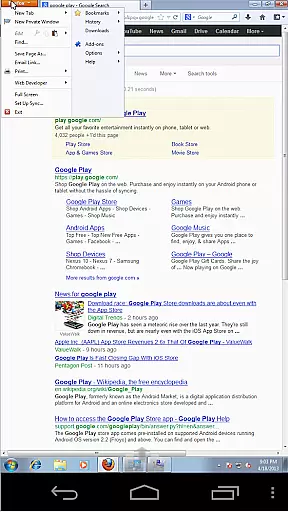
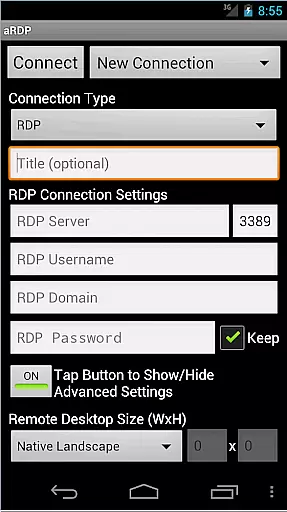
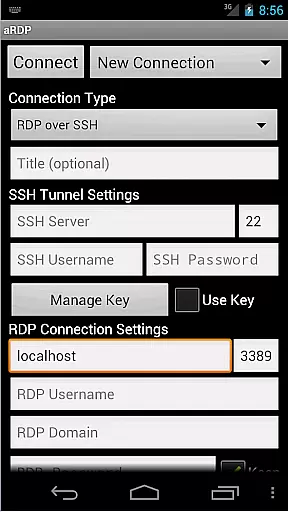
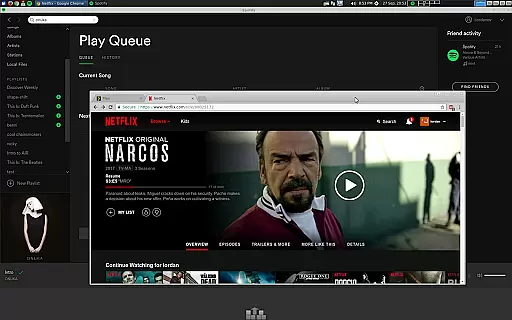
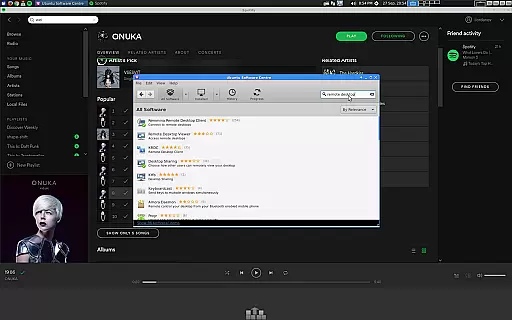
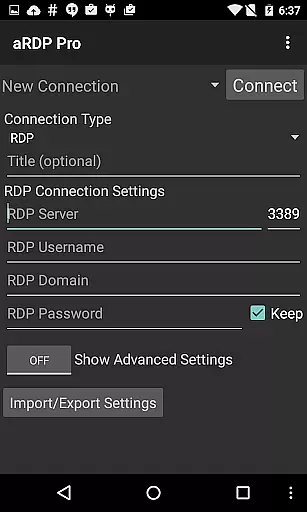
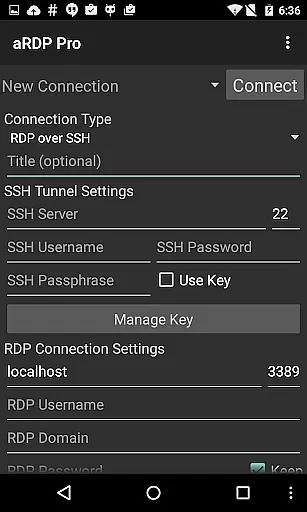
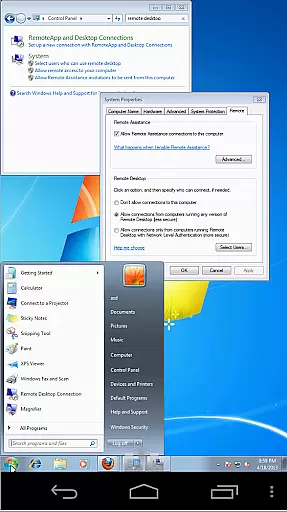
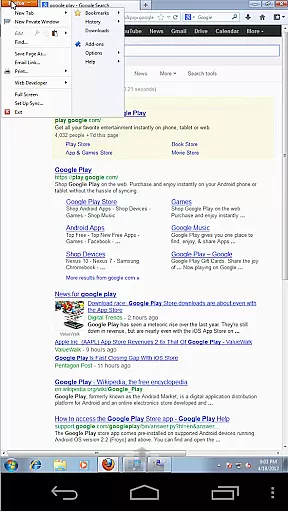
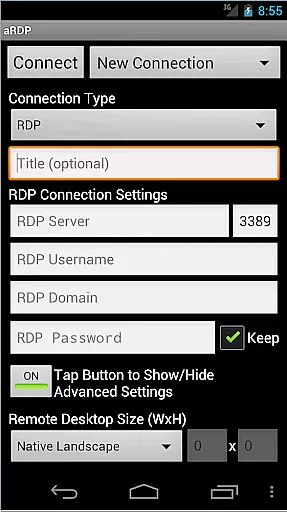
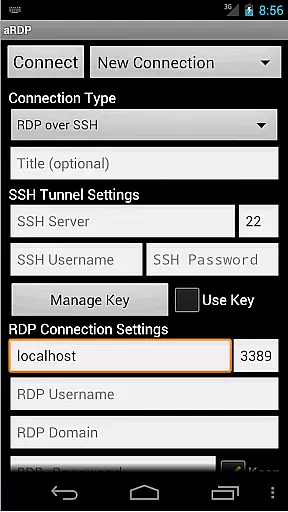
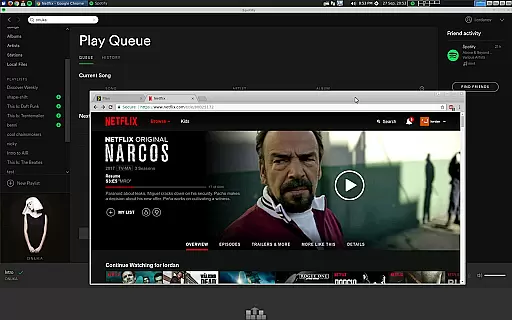
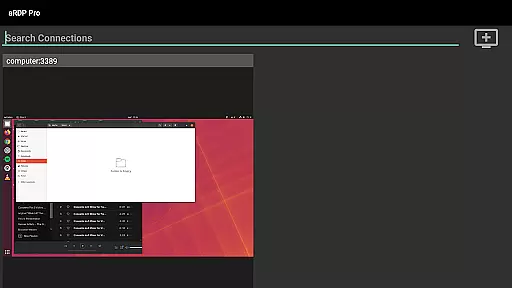
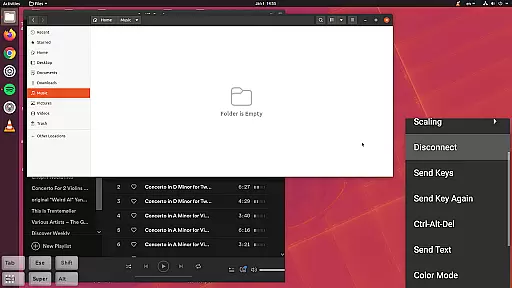
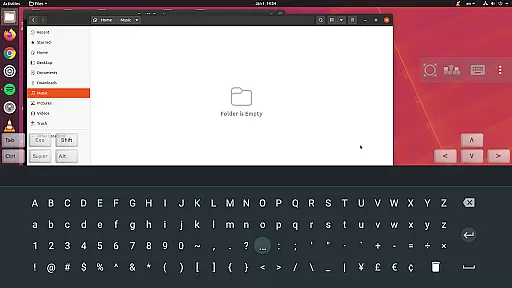
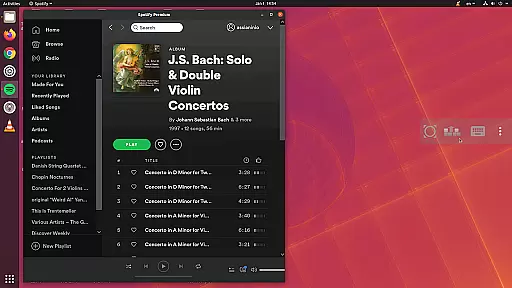
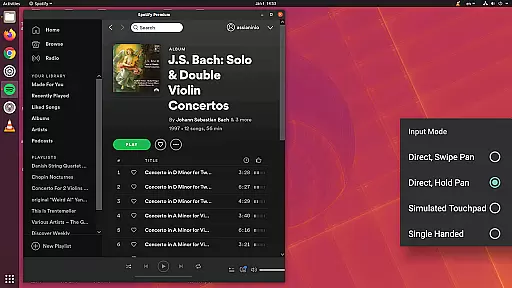
aRDP Pro is a premier open-source Remote Desktop Protocol (RDP) client designed for productivity enthusiasts. This application enables users to remotely control computers running various versions of Windows and Linux systems with xrdp installed. With its robust feature set, including SSH tunneling, sound redirection, and multi-touch controls, aRDP Pro ensures secure and efficient remote desktop access.
One of the standout features of aRDP Pro is its support for RDP files and comprehensive session management options like master password and MFA/2FA SSH authentication. The app also offers dynamic resolution changes and full rotation support, making it versatile for different devices and orientations. Whether you're managing virtual machines or need console access, aRDP Pro provides the tools necessary for seamless remote operations.
For users who require advanced functionality, aRDP Pro supports SD card redirection, SSH public/private key authentication, and clipboard integration. These capabilities ensure that users can maintain productivity without compromising on security or usability. Ideal for IT professionals and remote workers, aRDP Pro transforms how you interact with remote systems, offering an unparalleled user experience.
aRDP Pro stands out with its extensive array of features tailored for productive remote desktop management. One of the core functionalities includes support for multiple input modes such as Direct Touch, Simulated Touchpad, and Single-handed Input Mode. These modes provide flexibility in how users interact with remote systems, ensuring comfort and efficiency during prolonged use.
The application also excels in providing advanced security measures. With SSH tunneling, MFA/2FA authentication, and the ability to import encrypted RSA keys, aRDP Pro safeguards your connections against unauthorized access. Additionally, features like sound redirection, RDP Gateway Support, and clipboard integration enhance the overall user experience by allowing seamless interaction with remote environments.
Usability is further enhanced through options like automatic connection saving, zoomable scaling modes, and stowable on-screen keys. These features allow users to customize their workspace according to their preferences, whether they are using a smartphone or a tablet. By combining powerful security features with intuitive controls, aRDP Pro delivers a comprehensive solution for all your remote desktop needs.
In the realm of remote desktop applications, aRDP Pro excels in core task management by offering users comprehensive control over their remote sessions. This is achieved through an array of features that cater to both basic and advanced user needs.
Firstly, the application provides dynamic resolution changes, allowing users to reconfigure their desktop environments on-the-fly. This ensures that whether you're managing virtual machines or performing BIOS-level configurations, your tasks are handled with precision.
Additionally, aRDP Pro supports multi-touch gestures for mouse control, including pinch-zooming, scrolling with two-finger drag, and distinct tap actions for left, right, and middle clicks. These intuitive controls enhance productivity by streamlining interaction with remote systems.
Finally, the availability of SSH tunneling adds a layer of security while enabling access to machines behind firewalls, ensuring that all core task management activities are both secure and unrestricted.
Cross-device synchronization is a critical feature for power users who operate across multiple platforms, and aRDP Pro delivers reliable performance in this area. By maintaining consistent settings and session states, it ensures seamless transitions between different devices.
The app facilitates automatic connection session saving, which means users can pick up exactly where they left off, regardless of the device they switch to. This function is particularly beneficial for those managing complex computing environments from both mobile and desktop interfaces.
Moreover, aRDP Pro's support for various input methodsu2014including FlexT9, hardware keyboards, and Samsung DEXu2014ensures that no matter what device you're using, your preferred method of interaction is preserved and functional. This consistency significantly boosts cross-device workflow efficiency.
Lastly, the ability to export and import settings further enhances synchronization reliability, allowing users to replicate their customized aRDP Pro setup effortlessly across all their devices, thus maintaining a uniform remote desktop experience.
Secure SSH connections
Multi-touch controls
Dynamic resolution
Clipboard integration
Comprehensive help
No iOS version
Complex setup
Limited OS support
Occasional bugs
Advanced features

Mega cloud explorer plugin for Solid Explorer
 3.80
3.80
Wake up & get tasks done! Add alarms & reminders on the Clock Launcher.
4.00
The upgraded version of Name Wheel with AI and the power to add your own wheels.
4.1
A lightweight JSON & XML files creator, editor and viewer (Premium Version)
4.40
IP Camera Viewer - Android TV : RTSP Surveillance camera viewer for Android TV
4.4
aCalendar+ makes your day, week and month
4.70
A simple Whisper AI keyboard for reliable speech transcription and rewording
4.60
Share files & memories safely. Keep your photos and videos secure.
4.40
Seamlessly read, manage, and organize all your PDF files solution in one place
4.40
Android Wallet Password Manager
4.80
App lock - lock apps with fingerprint, password, pin or pattern, protect privacy
4.70
Subscribe to Webcal & .ics calendars and keep them up-to-date!
4.50
A Pixel Art watchface inspired by other iconic 90s designs for Wear OS devices!
4.40
Enjoy classic gameplay with customizable features and retro-style graphics.
4.30
All in One PDF Reader: Manage, Read and Edit your Documents
4.20
Device's storage information in a simple and clear graphical form (infographics)
4.10
Secure, open-source, SPICE and SSH Remote Desktop for QEMU KVM virtual machines
4.00
* block pre-roll ads, pop-up and forced redirect ads * Samsung certification app
4.00
A Revolutionary All-in-One Artificial Intelligence Tools
3.80


User Reviews